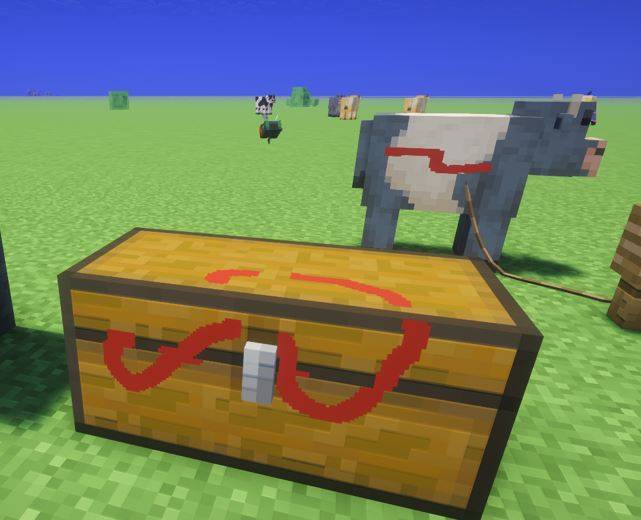
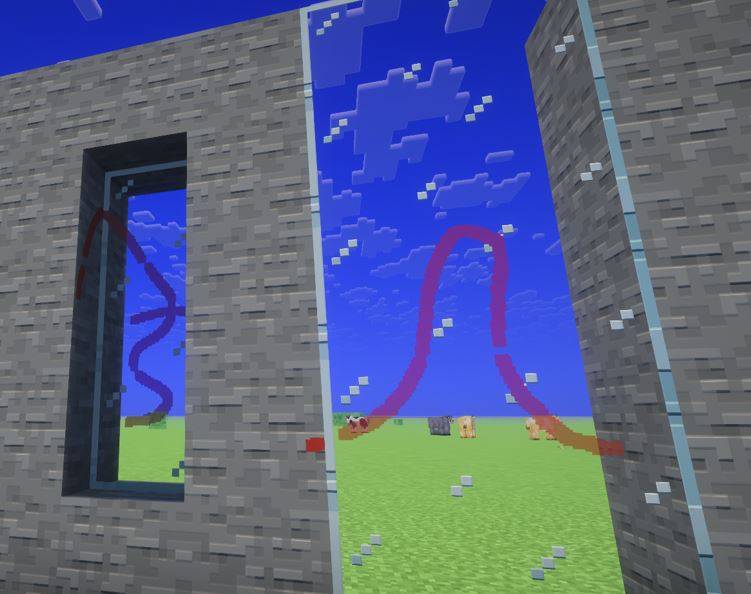
I've always enjoyed creating art within minecraft. I really like Joy of Painting but always felt that i wanted to be able to paint on other surfaces. And other objects (like doors and chest). And entities (like boats and mobs).
Unfortunately, i have zero modding experience. Luckily, i have access to Codex so I asked it to build this mod. Which it has done a pretty good job of doing. The majority of this mod was completed in an afternoon. The painting on entities was not really thought of till my wife recommended it. That took a bit of time but eventually it got most of it down pretty good. THIS IS STILL BETA SO USE AT YOUR OWN RISK!
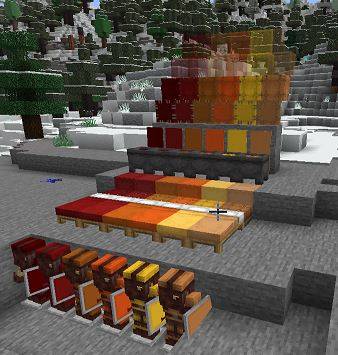
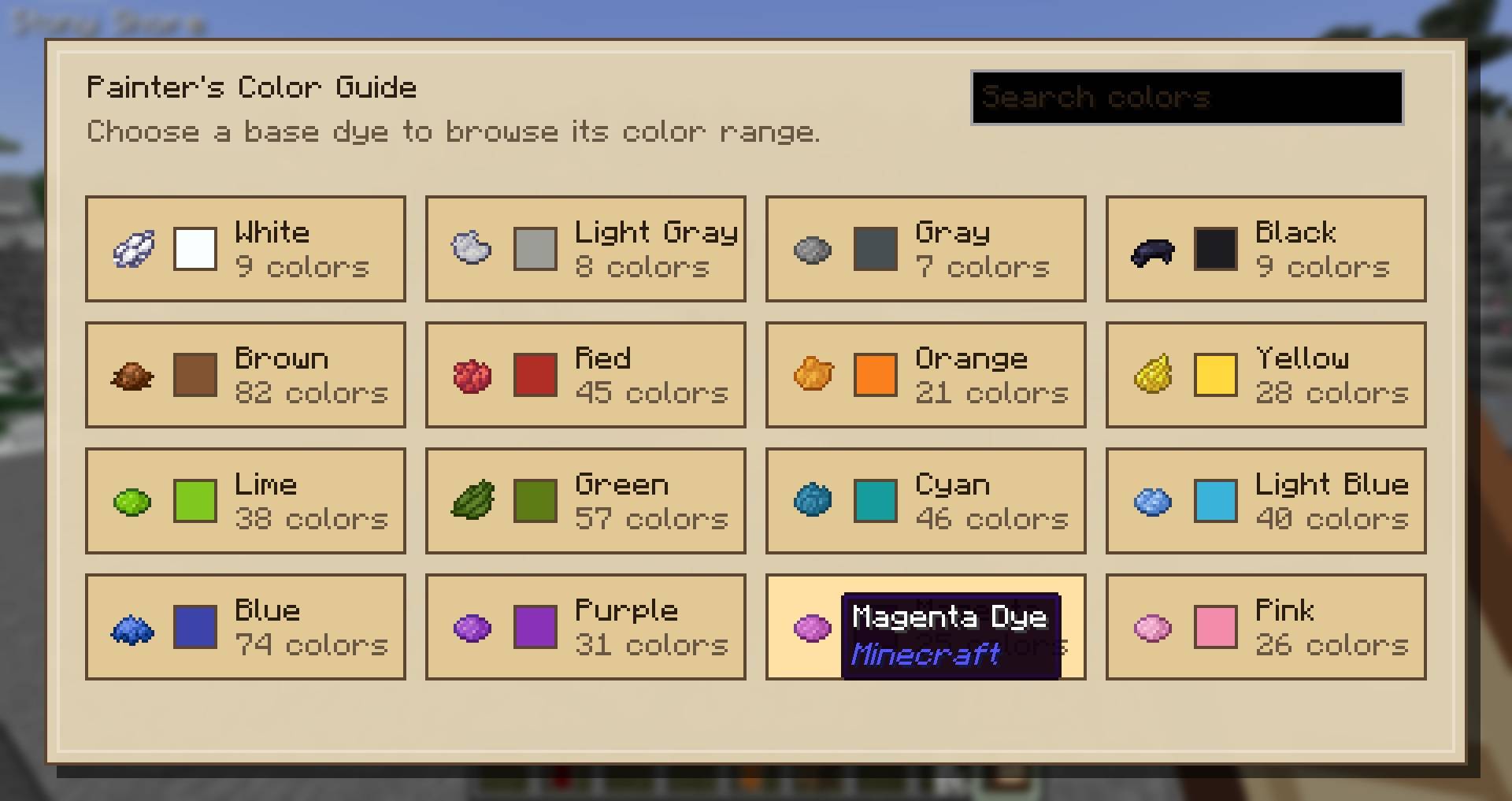
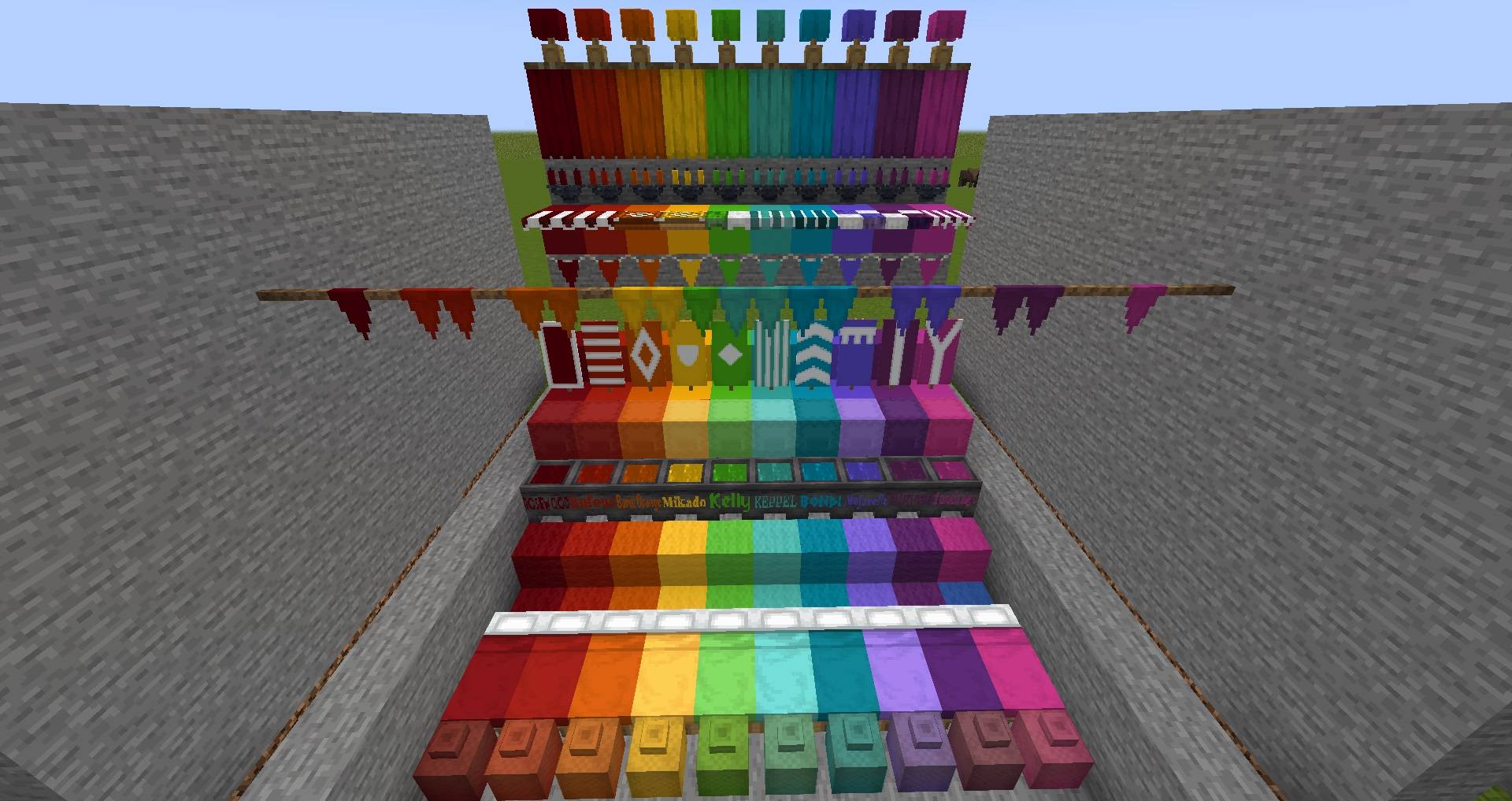
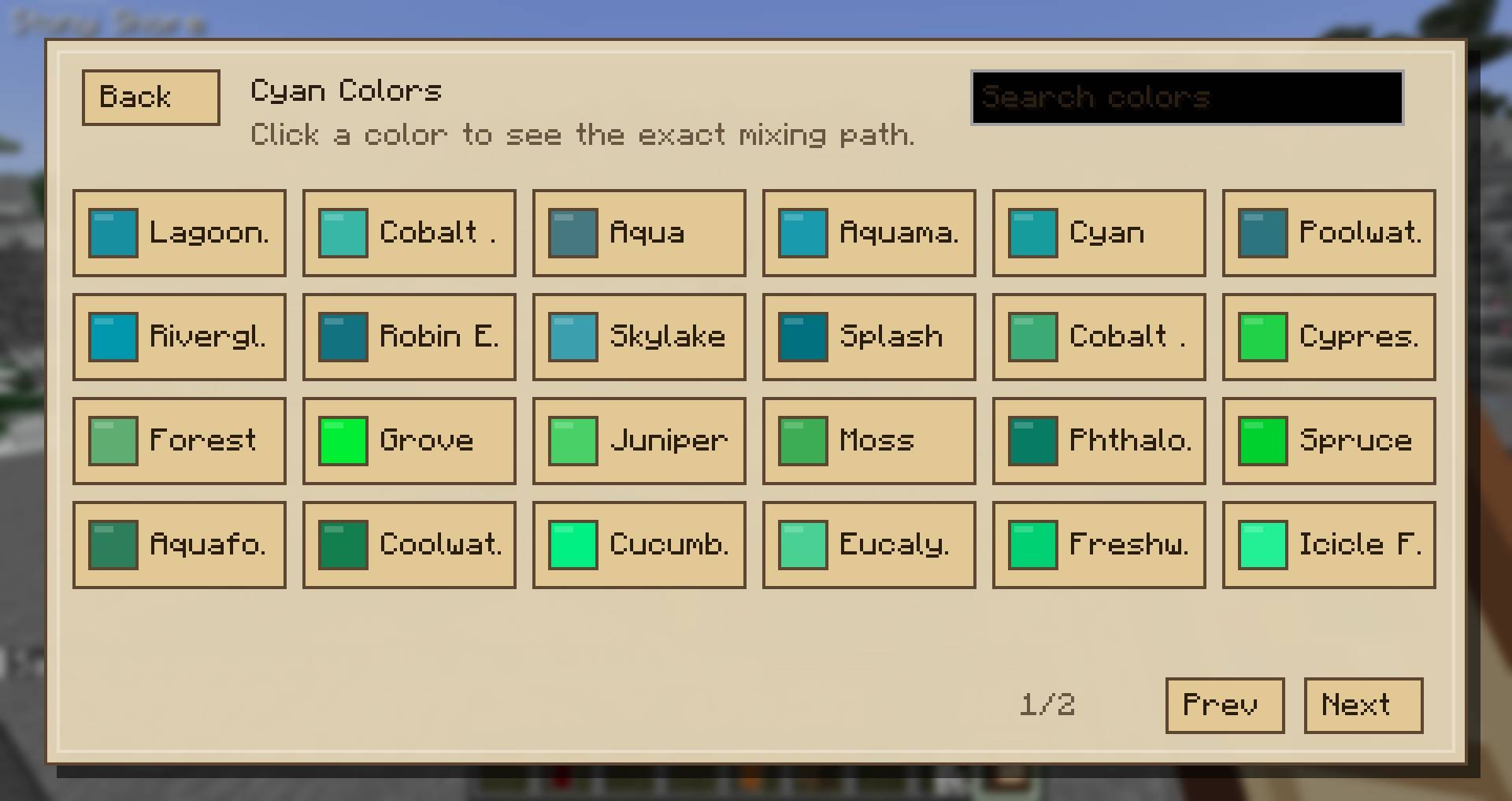
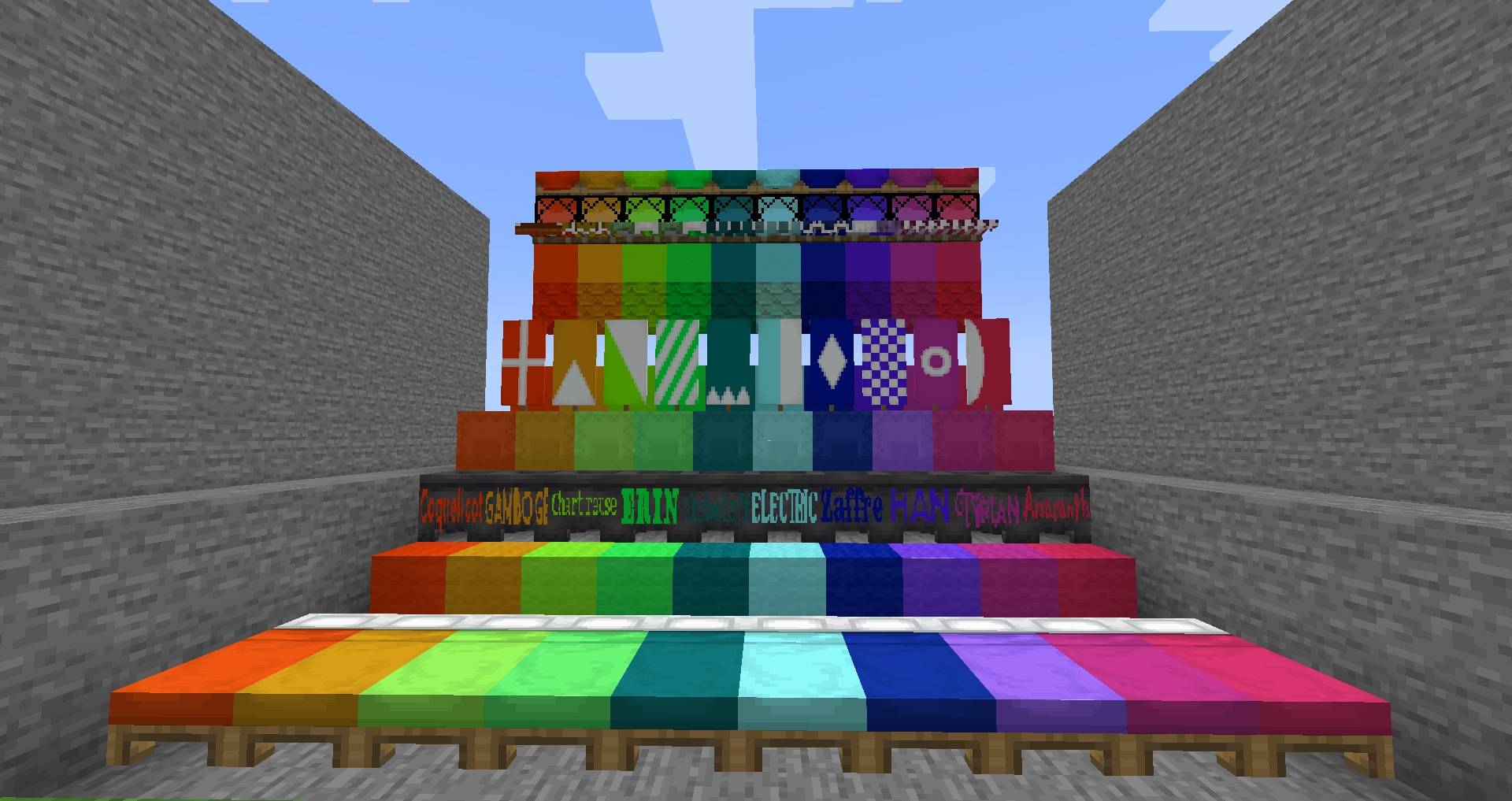
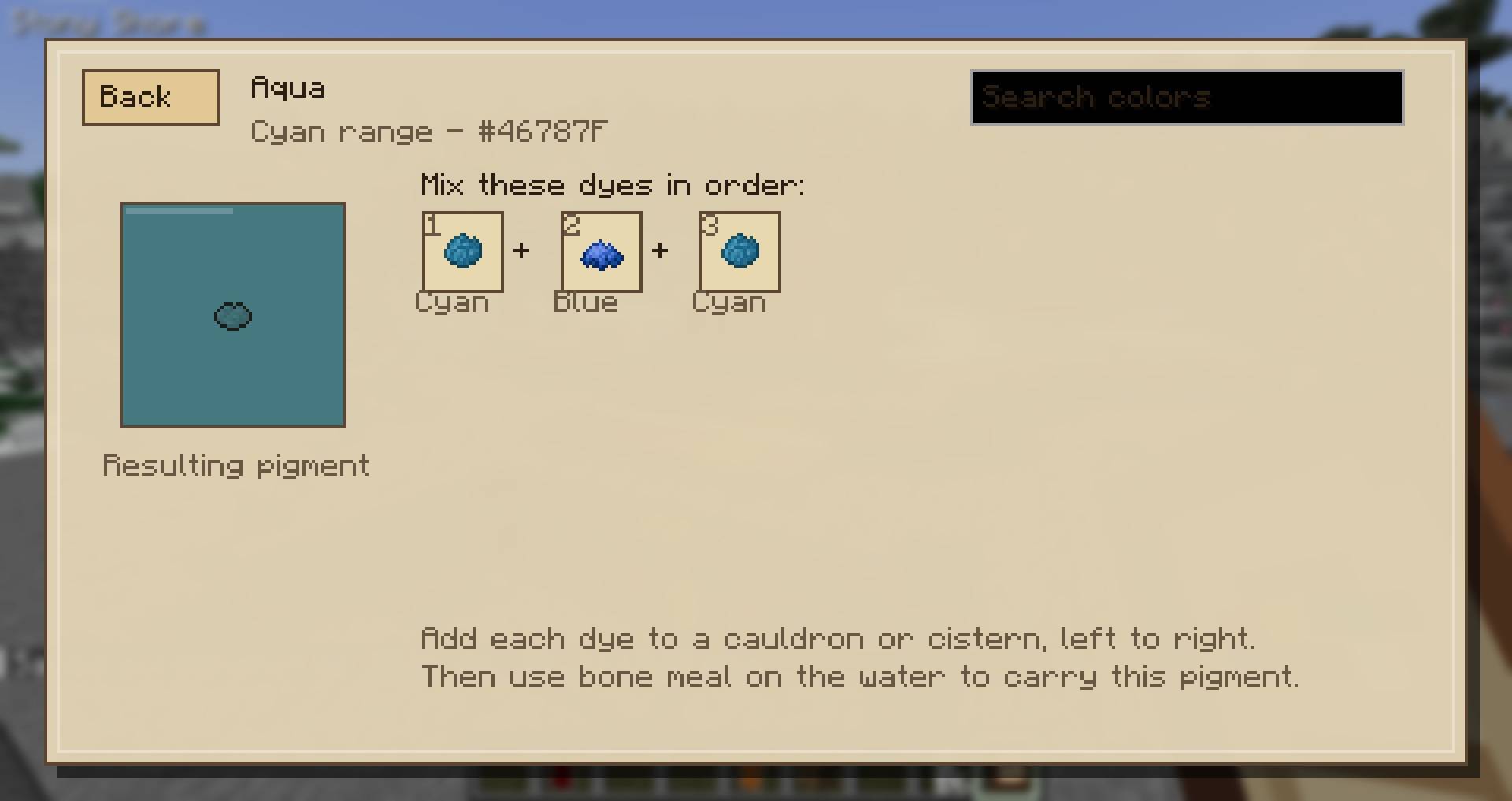
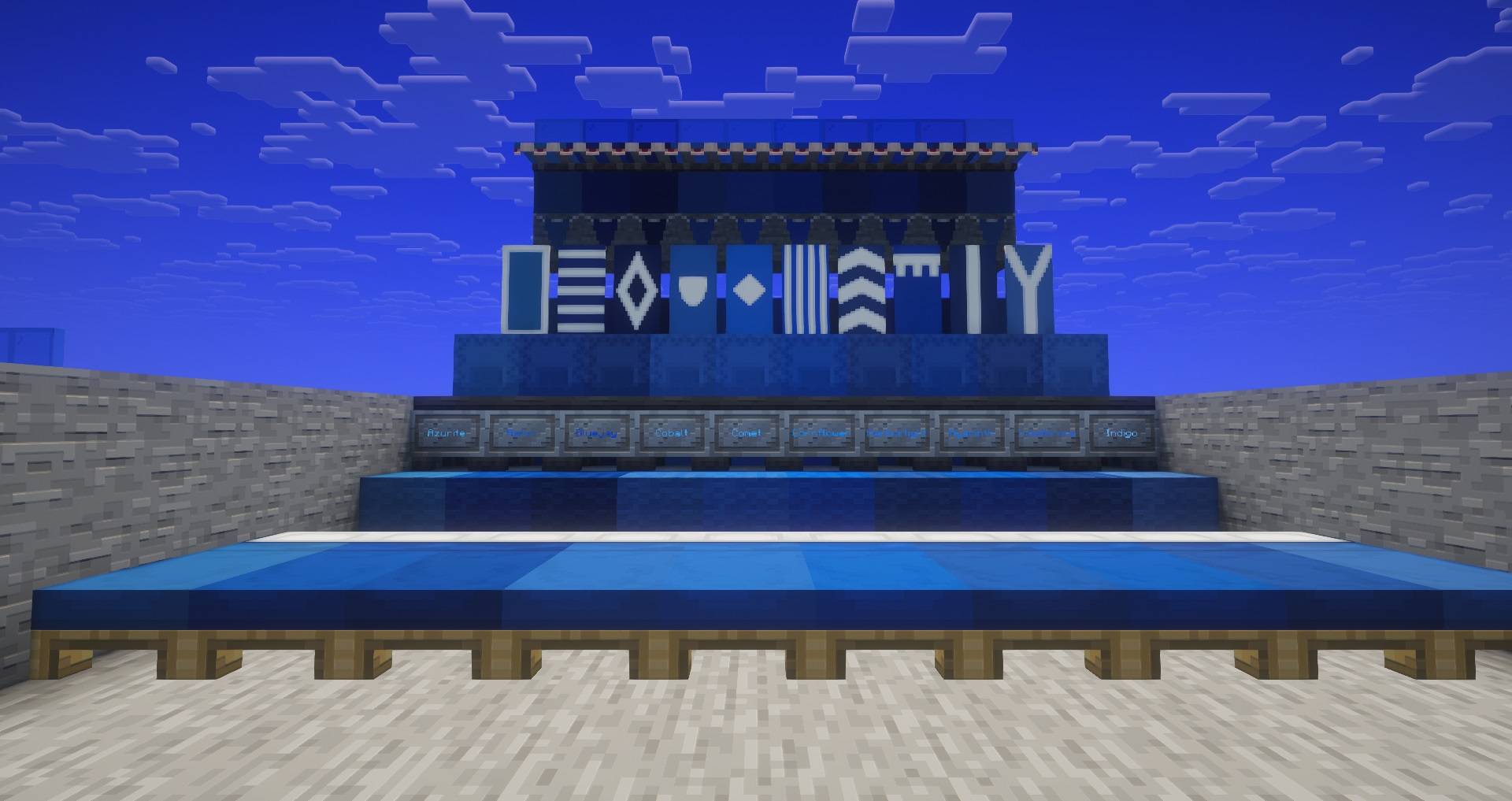
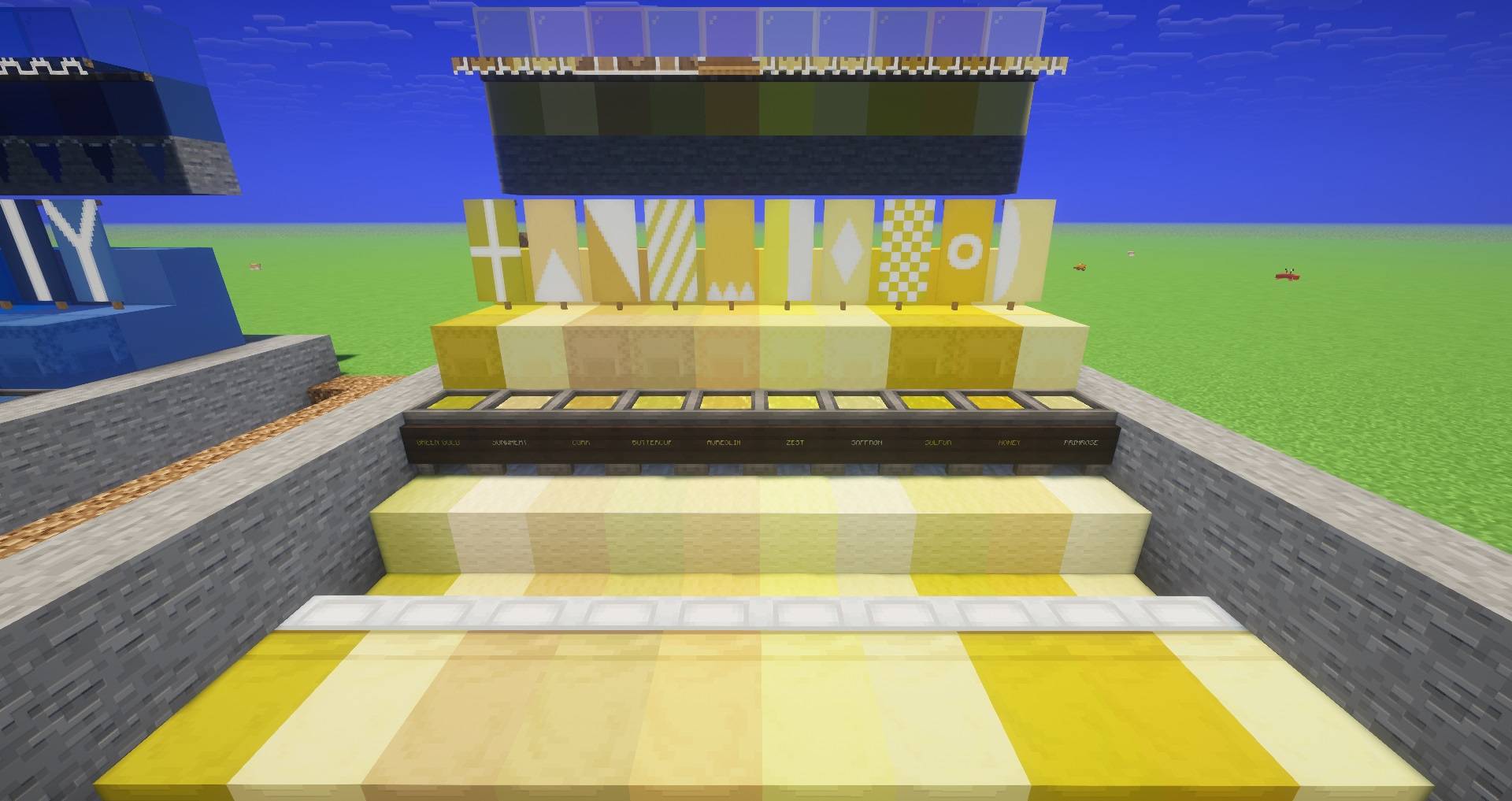
Pixel Painter 2.0 is a painting, dyeing, and color expansion mod that lets you bring hundreds of custom named colors into Minecraft. Mix pigments, store exact paint colors, dye supported blocks and items, and physically paint directly onto objects in the world.
Features include:
How Painting Works
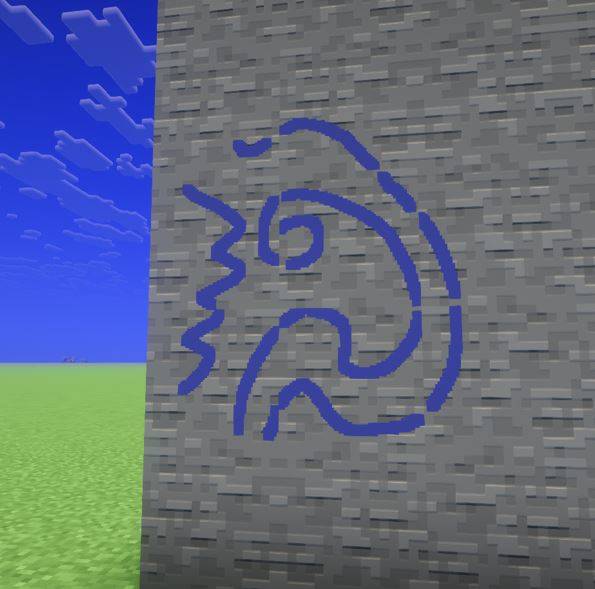
Hold a Pixel Painter brush in one hand and a dye in your other hand. Aim at a surface and paint directly onto it. The preview pixel shows where the paint will land before you click.
You can use:
Paint size can be changed with the Pixel Painter keybind, allowing small detail work or larger strokes.
Gold Leaf
Gold leaf no longer requires a special dedicated item. Just hold a gold ingot in your other hand while using a brush, and the paint will render as shiny gold leaf.
This is useful for trim, icons, decorative markings, and fancy highlights on blocks, chests, armor, signs, and canvases.
Persistent Painted Blocks
Painted blocks keep their paint when broken and placed again. The paint also keeps the correct orientation, so if you rotate the block when placing it, the painted sides rotate with it instead of staying locked to world directions.
This applies to many supported painted objects, including:
Moving Parts
Pixel Painter is designed so paint follows the thing it was painted on.
Paint can follow:
This means markings stay attached to the correct part of the model instead of floating in space.
Signs And Hanging Signs
Signs can be painted like other surfaces, and the paint stays on the sign when it is broken and replaced. Hanging signs are also supported, including swinging signs from compatible mods, so the paint moves with the sign instead of lagging behind or floating.
Canvas And Easel
Pixel Painter includes canvases and easels for more traditional artwork.
Canvas recipe:
Easel recipe:
You can place a canvas on a wall or work on it from an easel. Sneak-click with an empty hand to lift canvas artwork back up. Canvas artwork keeps its painted image, making it useful for signs, decorations, maps, labels, or portable art.
Stencil Tool
The stencil lets you copy painted pixels from one surface and paste them somewhere else.
Use it to:
Right-click painted pixels to copy. Right-click another face to paste. Sneak-right-click can overwrite the copied stencil.
Primitive Painting
Some basic materials can be used for rough primitive painting, such as coal, charcoal, and bone. Primitive painting is done by hand and leaves a dirty hand effect on the player.
Primitive paint is less permanent than normal brush paint. It can wash away when exposed to rain or water.
Thrown Ink Sacs
Ink sacs can be thrown like projectiles. They use an egg-like arc, so if you throw one upward, it comes back down. When an ink sac hits a surface or mob, it leaves an ink splat.
Ink splats:
This makes ink sacs useful for messy markings, pranks, quick warnings, or temporary decoration.
Painting Mobs And Armor
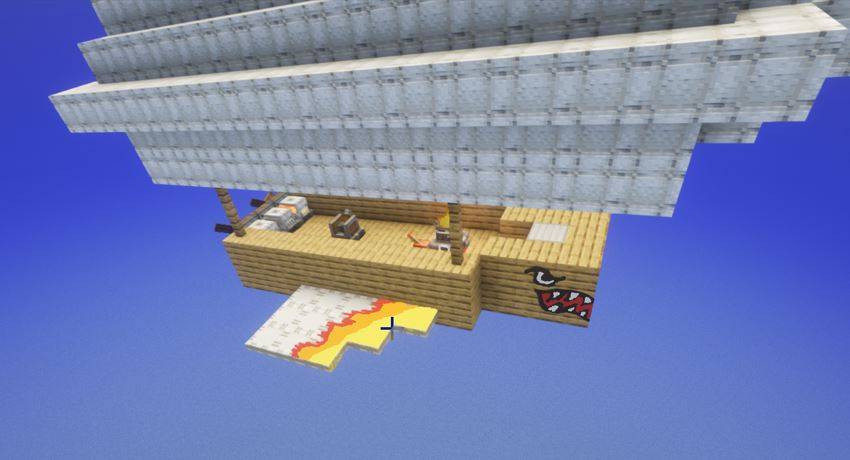
Pixel Painter can paint living entities and armor. Armor can be painted while worn or while placed on an armor stand, and the paint stays on the armor item when removed.
Armor paint is slightly transparent, so the original armor texture still shows underneath instead of being completely covered. This allows custom markings, team colors, scratches, stains, symbols, and decorative patterns while keeping the armor recognizable.
The system is designed to work with vanilla and modded armor models where possible.
Multiplayer And Server Support
Pixel Painter works in multiplayer and is designed for dedicated servers. Paint data is saved server-side and synced to nearby players.
For multiplayer worlds, the mod should be installed on both the server and clients so everyone can see and interact with painted surfaces correctly.
Pixel Painter’s goal is simple: if it looks like something you should be able to mark, decorate, stain, label, or paint, the mod tries to make that possible.