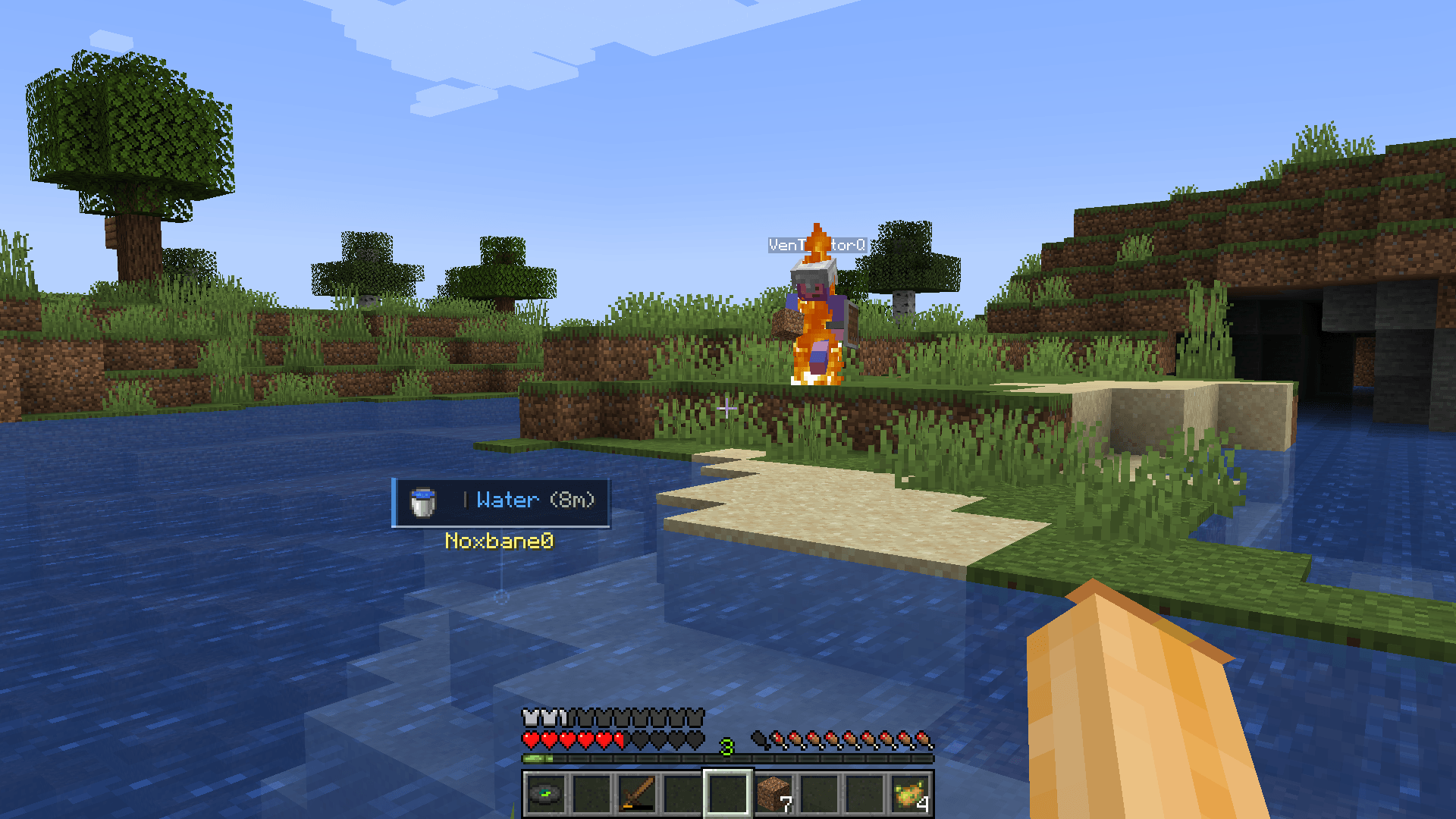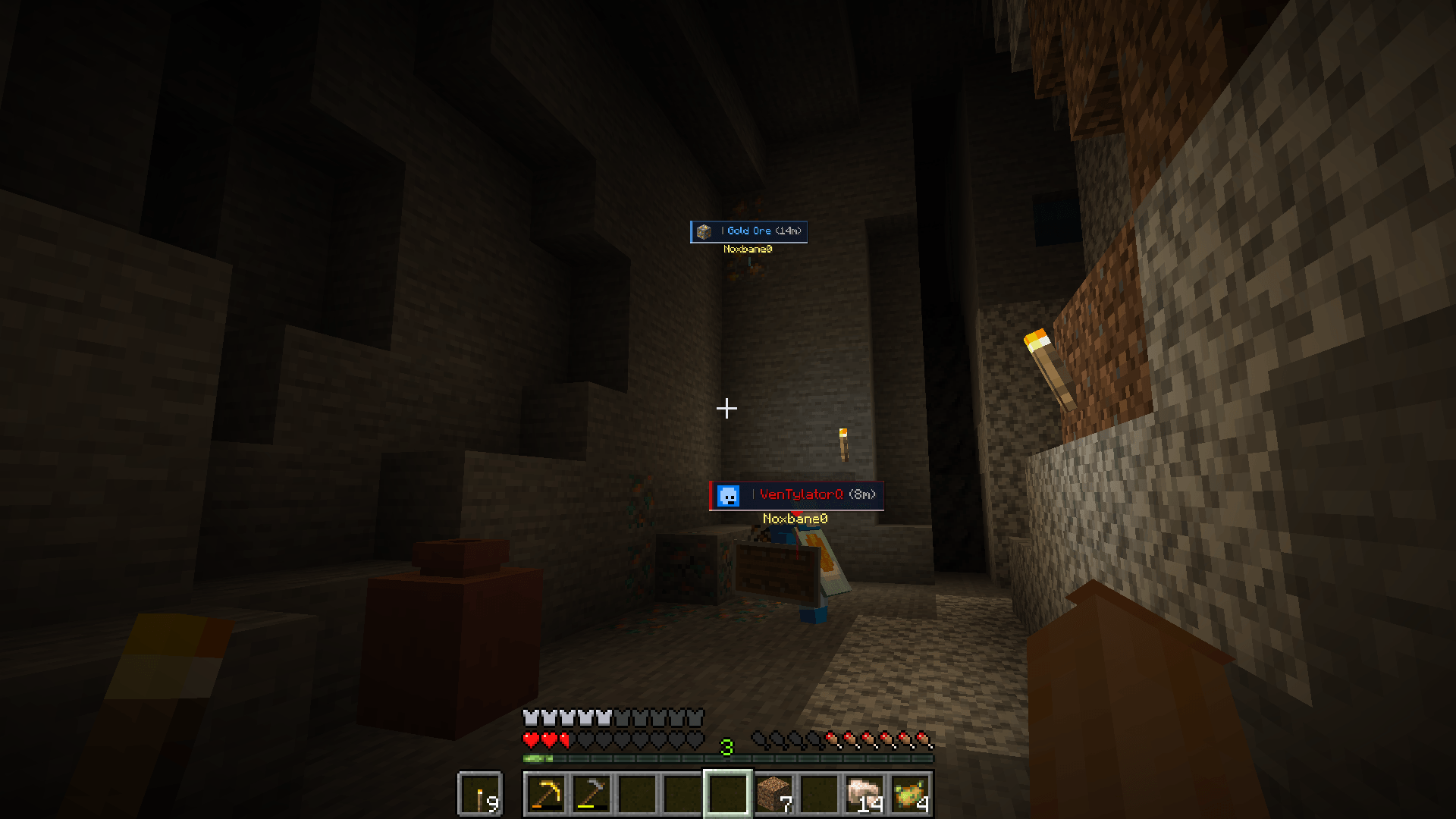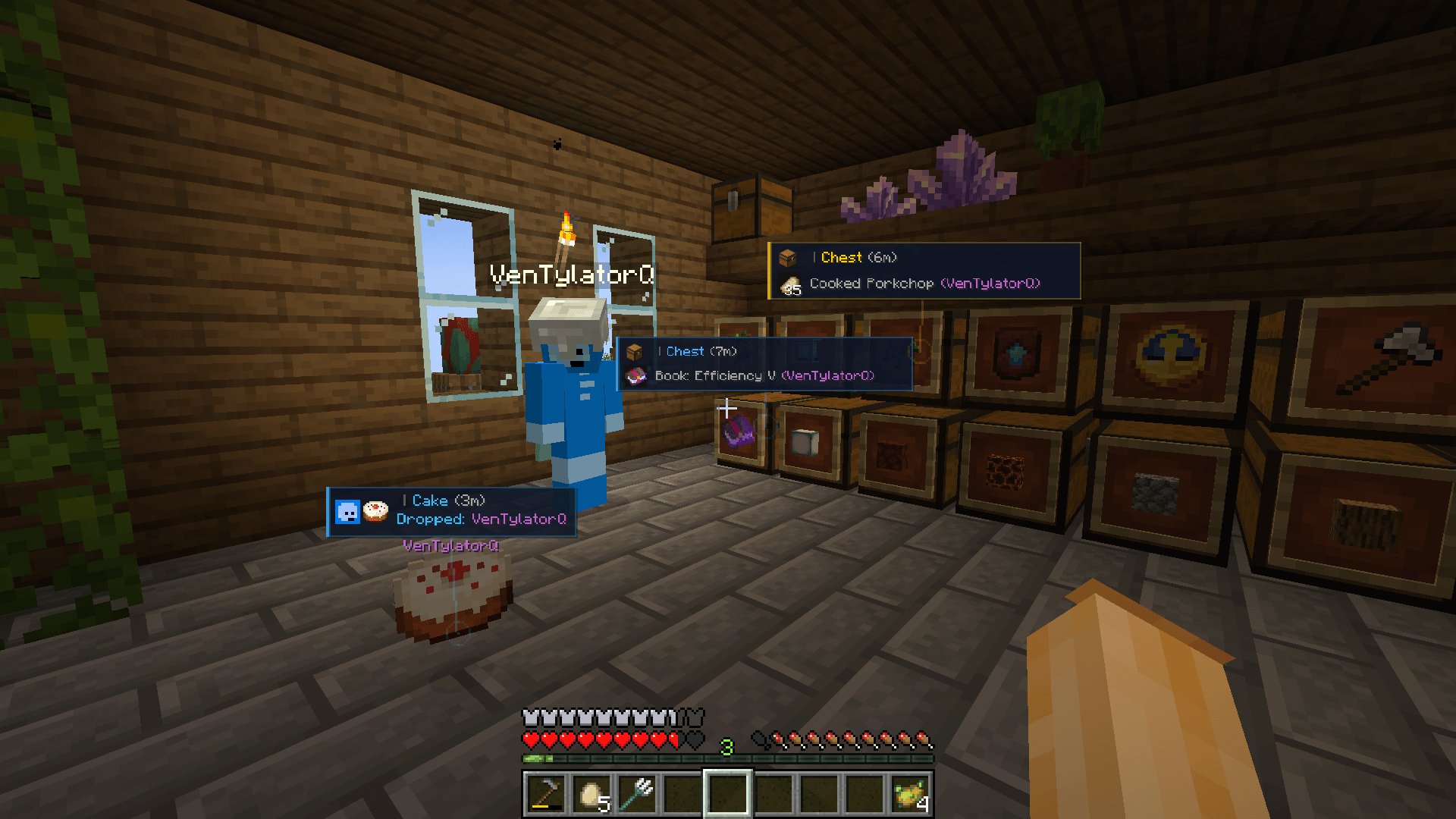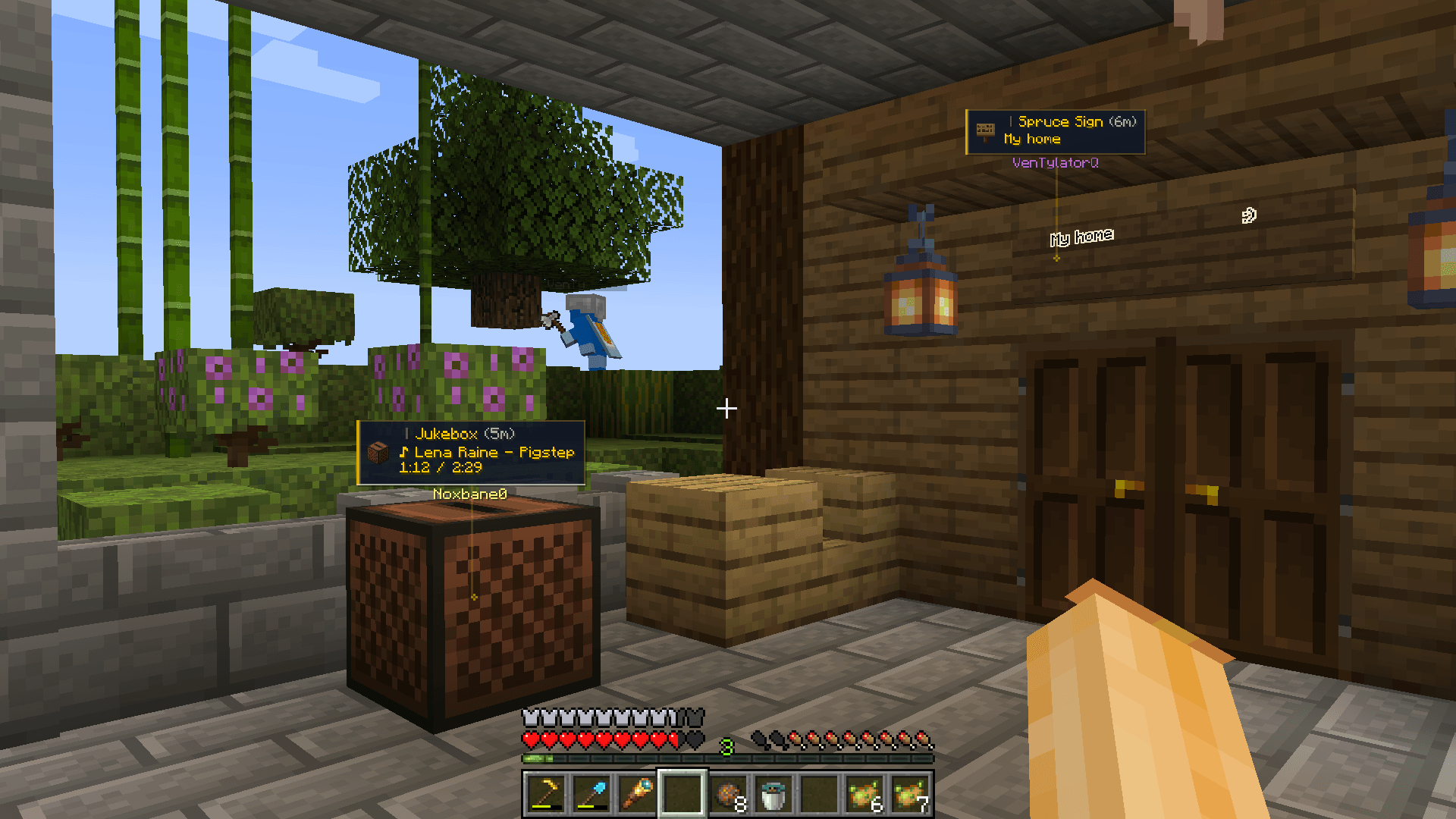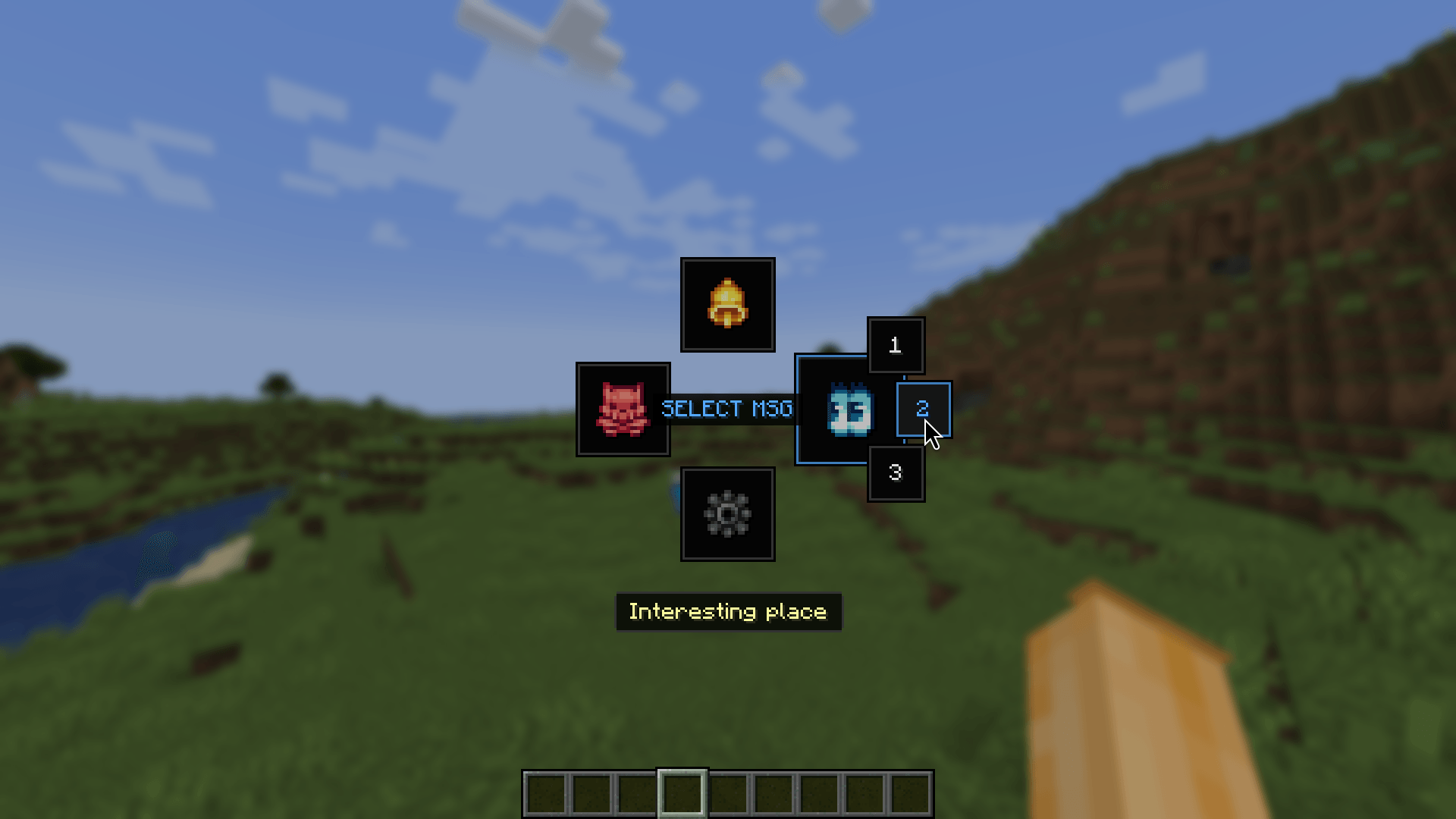
Ping It! is a utility mod that introduces a convenient pinging and marking system to Minecraft. It allows players on a server to easily point out locations, blocks, containers, items, and entities to each other without using chat or voice communication.
Quick World Pings: Place markers on block coordinates, ores, mobs, and dropped items instantly by pressing the hotkey (default: V). Hostile mobs are highlighted as danger, and blocks like signs have their text displayed on the ping card. Pinging fluids is also supported.
Interactive Radial Menu: Hold down the hotkey (default: V) to open a wheel selection where you can select the ping type (Look, Alert, Danger) or choose from a customizable pool of quick chat phrases.
Container Inventory Pings: Press the hotkey (default: V) while hovering over slot items inside chests, hoppers, or your player inventory to cycle between different alert types (Look, Alert, Danger) and share the item details.
Smart Raycasting: Raycasts automatically ignore grass, flowers, and vines. You can configure the mod to ignore glass, torches, and barrier blocks.
Waypoint Routes (in beta): Connect multiple coordinates into a custom route to guide your team through cave systems or build areas. Press the route key (default: B) to start and publish routes.
Creative Teleportation: Creative and spectator mode players can middle-click an active ping on their screen to teleport safely to its location.
Top Compass HUD(our flagman feature): A horizontal compass bar showing direction headings and nearby ping markers…
Off-screen Indicators: Arrow, sonar, and distance indicators at screen edges for pings outside your field of view.
And Much More!
Almost every aspect of the mod is fully customizable to suit your gameplay preferences. The mod features a fully translated, comprehensive configuration screen, with presets, UI styles (including Vanilla-style (20/80) HUD), color adjustments, block outlines, fading options, and distance-based sound volume falloff.
This mod works fully client-side when playing on vanilla servers (only you will see your pings), but will synchronize with other players if installed on the server.
Testers