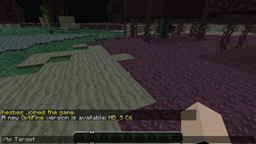
Password Protected Warps allows you to set a warp with a password. To use the warp, edit the warp or delete the warp; you must use the password that you set. Simply set the warp with the command "/setwarp" and define the name and password of the warp. It's optional to have the password. To use the warp, type the command "/warp" and the warps name and password. Access will be denied if you don't have permission or the password is incorrect. Password Protected Warps also allows the removal of warps by simply use the "/deletewarp" command and by defining the name and password of the warp. For more information, read below.
Creating a warp
Deleting a warp
Teleporting to a warp
If anyone is interested in creating a showcase demonstration/tutorial we would greatly appreciate it! Send us the link somehow (either Bukkit messages, plugin comments etc.) and we'll add it to this part of the page.
Nothing to do! Reply below.
Buy me a drink! I would greatly appreciate it! My PayPal: [email protected]