NoScreenShake
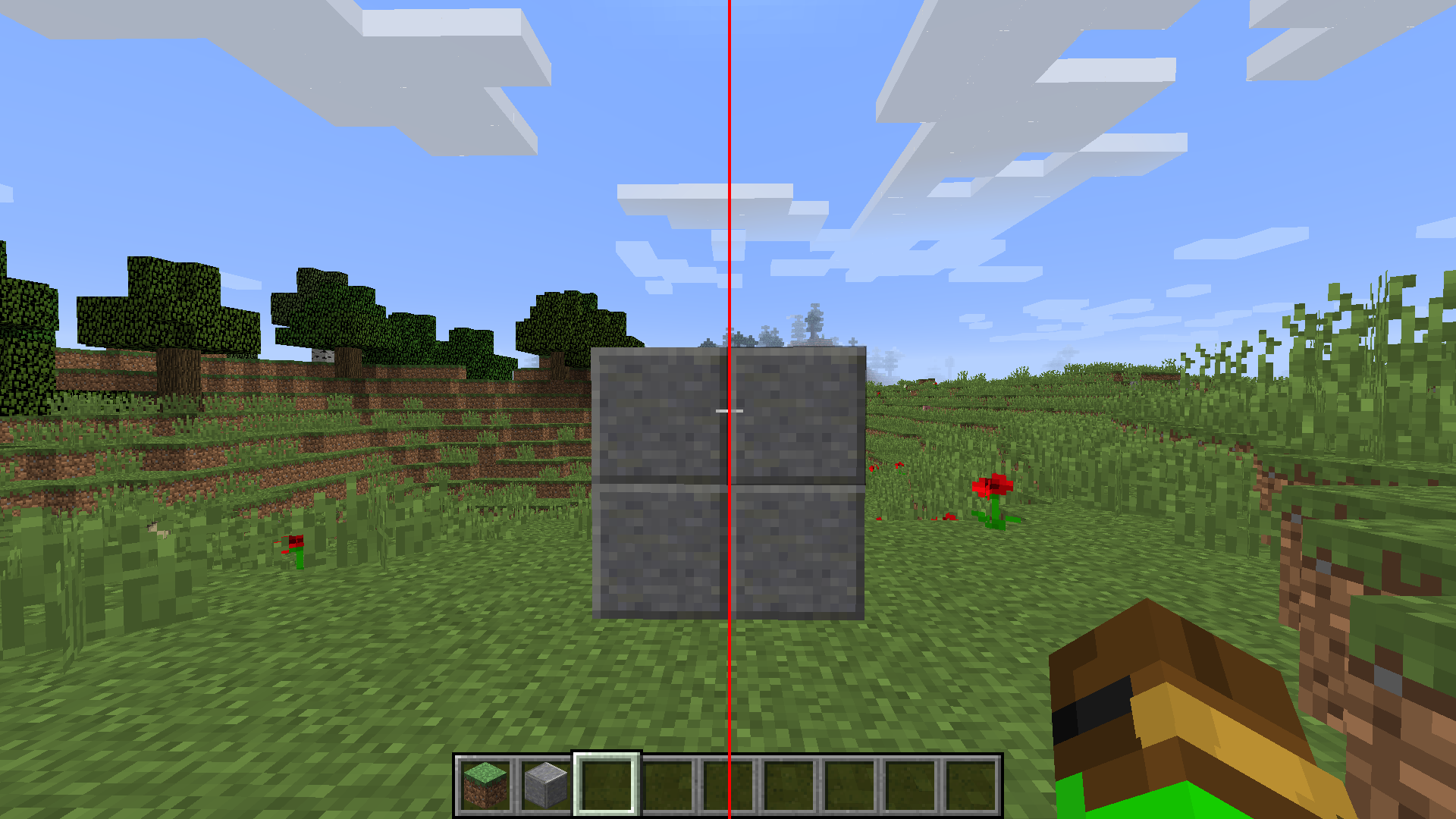
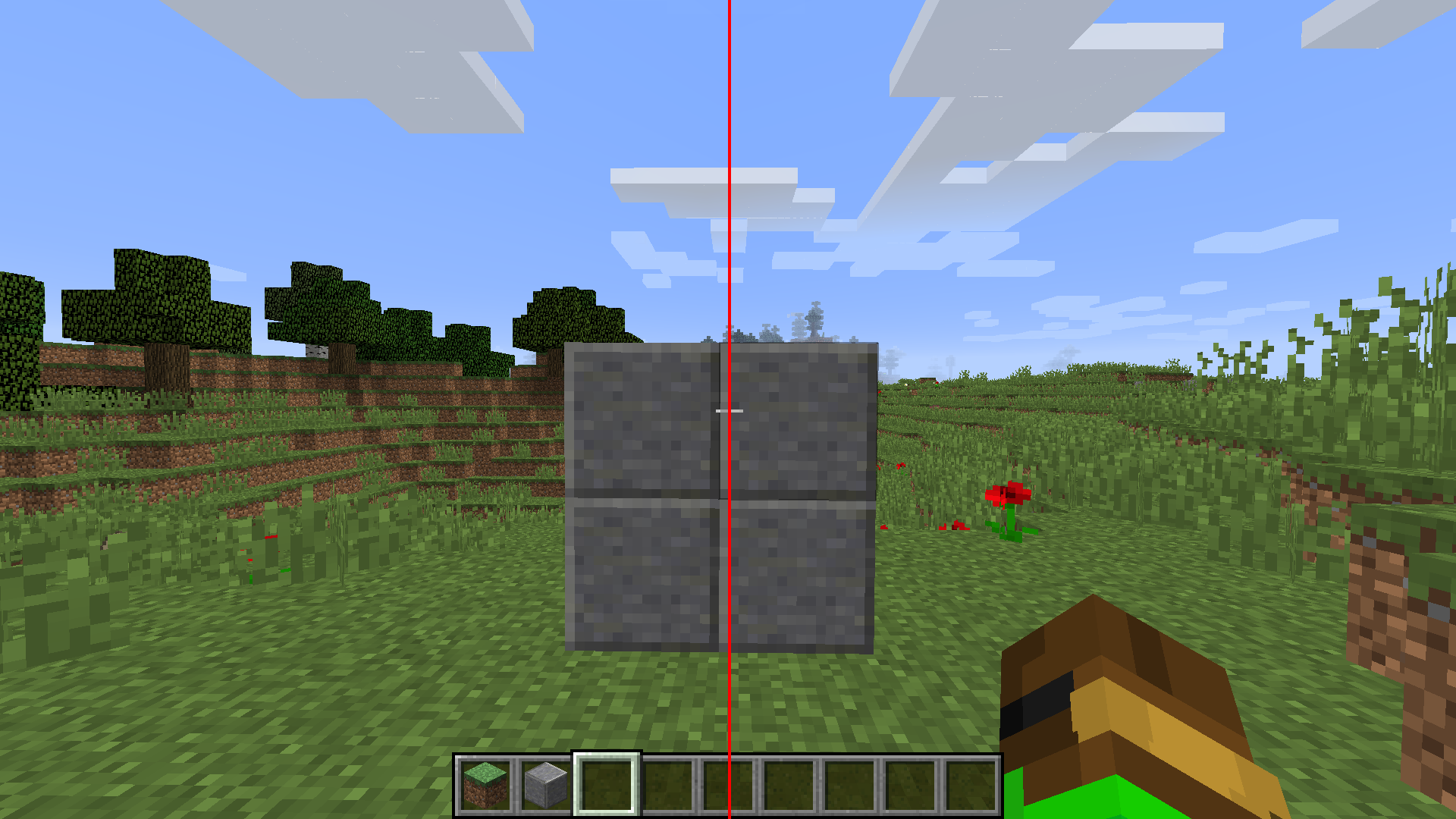
A small utility mod for Minecraft 1.8.9 Forge that disables camera shake effects during view bobbing.
There are many mods that aim to disable viewbobbing screen shake, sadly most of those are either for newer versions or are bundled with many other features.
This mod aims to fix that, it's a lightweight mod that only includes a small, but very useful feature.
Features
- Disabled the screen and crosshair shaking with viewbobbing to make aiming easier.
- Configurable via a simple in-game toggle with OneConfig.
- Lightweight.
Installation
- Make sure you have Minecraft 1.8.9 with Forge installed.
- Place
NoScreenShake-1.8.9-forge-1.0.0.jar in your mods folder.
- Launch Minecraft.
Configuration
- Open the in-game config GUI to enable or disable the mod on the fly.
- The toggle controls whether the mod logic is active.
Credits
- Nickotato - Author
- Polyfrost OneConfig - Configuration framework used for in-game settings
- Polyfrost Example Mod - The Example Mod this Mod is built on top of.
- Forge - Minecraft modding platform
License
This project is licensed under the MIT License. See LICENSE for details.
NoScreenShake
A small utility mod for Minecraft 1.8.9 Forge that disables camera shake effects during view bobbing.
There are many mods that aim to disable viewbobbing screen shake, sadly most of those are either for newer versions or are bundled with many other features.
This mod aims to fix that, it's a lightweight mod that only includes a small, but very useful feature.
Features
- Disabled the screen and crosshair shaking with viewbobbing to make aiming easier.
- Configurable via a simple in-game toggle with OneConfig.
- Lightweight.
Installation
- Make sure you have Minecraft 1.8.9 with Forge installed.
- Place
NoScreenShake-1.8.9-forge-1.0.0.jar in your mods folder.
- Launch Minecraft.
Configuration
- Open the in-game config GUI to enable or disable the mod on the fly.
- The toggle controls whether the mod logic is active.
Credits
- Nickotato - Author
- Polyfrost Example Mod - The Example Mod this Mod is built on top of.
- Forge - Minecraft modding platform
License
This project is licensed under the MIT License. See LICENSE for details.