ModularUI
What is ModularUI?
ModularUI is a library for Minecraft aiming to make GUI's much easier.
Why ModularUI?
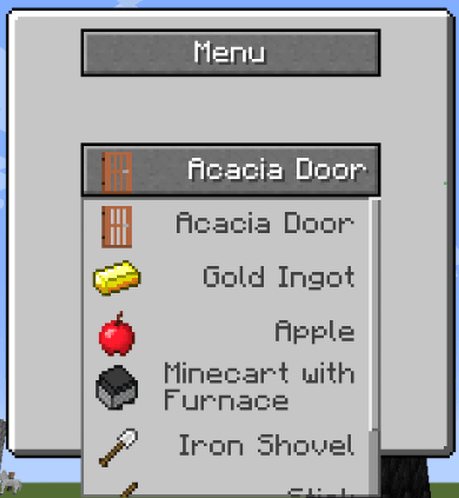
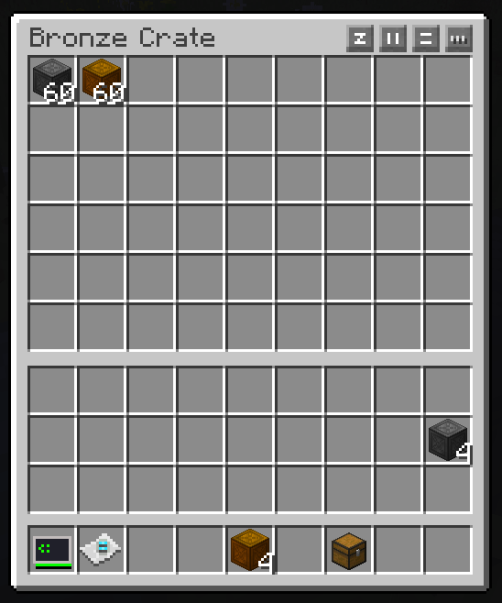
Minecrafts (and Forges) gui code is not very good and the code gets really messy really fast. With ModularUI you can build GUIs fast by adding Widgets to panels with layout widgets, so you don't have to calculate positions and sizes yourself. ModularUI is very dynamic and allows for very complicated client only or even client-server synced GUIs. A good example is fluid slots in GUIs. Minecraft and Forge don't offer anything to add fluid slots or tanks to a GUI. With ModularUI you simply call .child(new FluidSlot().syncHandler(new FluidTank(16000))) (along with some setters).

Key features
- panel system similar to windows
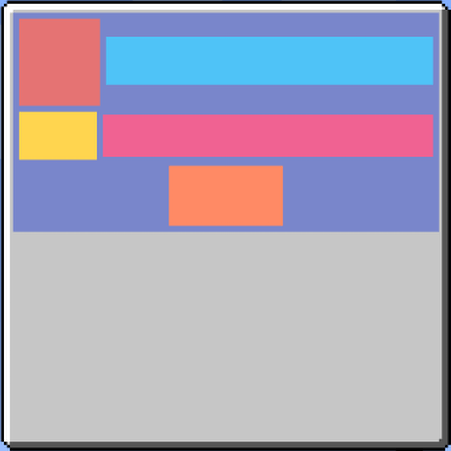
- widgets are placed in a tree like structure
- widget rendering and interactions are automatically handled
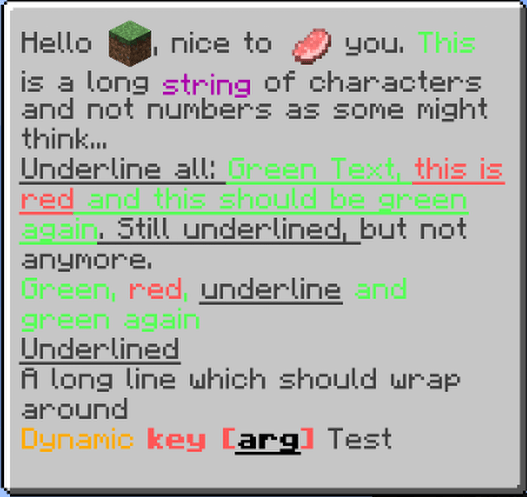
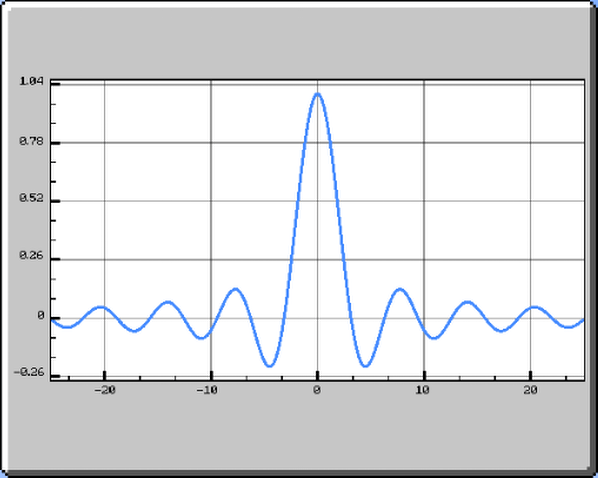
- no need to create GUI texture sheets, each widget is rendered dynamically
- easy and dynamic widget sizing and positioning
- build in APIs for various UI things like color, stencil (fancy scissor) and animations
- easy syncing between client and server without
- good for client only GUIs and client-server synced GUIs
- GUI themes are loaded via JSON and can be added and modified by resourcepacks
- recipe viewer compat for things like exclusion zones and ghost ingredients
History
- First appearance of ModularUI in GTCE by Archengius
- on 30th December 2021 GTCEu released with some improvements to its GUI library
- on 16th January 2022 Rongmario created the ModularUI repository in the CleanroomMC organization with the intention to rewrite it
- on 19th February I (brachy) started working on ModularUI
- on 21st May 2022 ModularUI version 1.0.0 was released on Curseforge
- miozune decided to port ModularUI to 1.7.10 for GTNH
- after 3 month of updates I decided to rewrite some parts of the library
- the rewrite turned very large and thus ModularUI 2 was born
- on 21st March 2023 I uploaded version 2.0.0 to Curseforge
- since then ModularUI is constantly receiving updates
I need help
1.12.2
The 1.12.2 version is part of CleanroomMC. It's discord is here.
Any version
You can contact me on Discord (Username: 'brachy.'). Do not ask to ask a question. Just ask your question. If you just say 'Hi' I will ignore you.
If you are a developer i can give you access to a discord sever which is meant for developers only.