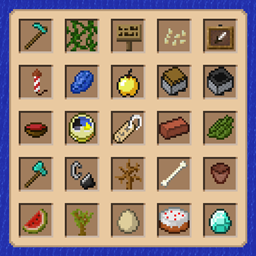
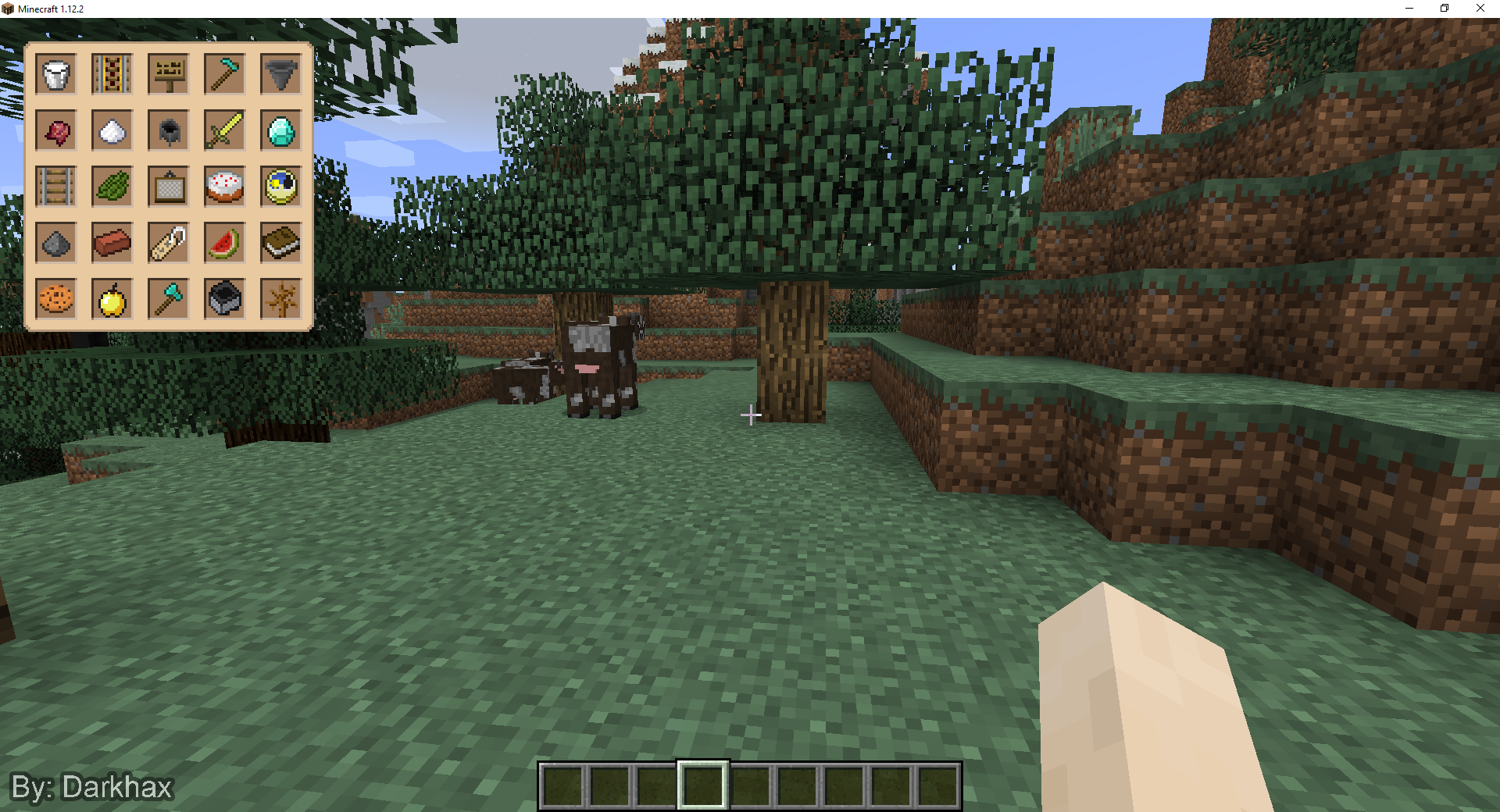
Modded Bingo is a scavenger hunt minigame. The goal of this game is to collect items on the bingo card. The game is won by collecting 5 items in a vertical, horizontal, or diagonal line. This game also supports multiplayer, and customization! Please join our Discord server if you have any questions or requests.

Want to play Modded Bingo with your friends? This project is sponsored by Nodecraft. You can use code Darkhax for 30% off your first month of service!
To play Modded Bingo you have to run a few commands. These commands require cheats to be enabled on your world, or for you to have OP status if you are playing on a dedicated server. The following steps will walk you through the process of creating and starting a game.
If you want to further customize your game, the create command has some additional optional values that you can use to further customize your game. The full command with optional values is "/bingo create [gamemode] [groupTeams] [seed]".
This mod uses data files to specify the game modes, effects, and the possible items that can show up as bingo goals. The data loader allows for mods, modpacks, and servers to add their own content to this mod. This mod has two types of data, "game modes" and "goal tables". A game mode defines the basic rules and effects of a bingo game. A goal table defines all of the items that can show up as bingo goals for a specific game mode.
To add new data files that can be loaded by this mod, simply place these files in the "data/yourmodid/bingo/goaltable" and "data/yourmodid/bingo/gamemode" folders of your mod. These files will be loaded during the init phase of the bingo mod.
To add new data files with configurations, simply place your new files in "~/config/bingo/additions/goaltable" or "~/config/bingo/additions/gamemode" folders. These files will be loaded by the mod and be made available. If you want to override a file do the same, but replace "~/config/bingo/additions/" with "~/config/bingo/overrides/modid/"
Addons allow you to create and share custom content very easily. Addons are .zip files and they are placed in the "~/addons/bingo" folder. Creating new addons is very easy, simply create a zip with a gamemode and goaltable folder. All files within those folders will be loaded by the mod.
Q: Can I use this mod in a video, stream, or demonstration?
A: Yes, you are free to use this mod as part of a video, stream, or demonstration. If you do, please include information about how people can find and download this mod for themselves.
Q: Does this relate to Lorgon111's Survival Bingo Map?
A: This mod was directly inspired by the vanilla Survival Bingo Map by Lorgon111. The "bingo:classic" game mode was also modeled after the items used by Lorgon111's map. This mod is not officially supported or endorsed by Lorgon111, or anyone else involved with the Survival Bingo Map.
Q: How long does a game take?
A: A typical game of Modded Bingo can take between 20 and 35 minutes to play. There are many aspects such as the starting biome and worldgen which can make games shorter or longer. Other gamemodes of higher difficulty may also take longer to complete.
Q: Does this work with multiplayer? How many players does it support?
A: This mod has been designed and tested with multiplayer in mind. The mod currently supports up to four teams. Each team can have as many players on it as you want.
Q: Can I use this mod in my Modpack?
A: You are allowed to use this mod as part of a Modpack that is distributed on CurseForge. You may also use this mod in small Modpacks that are for private and personal use only.
Q: Can I share and publish addons that I make for this mod?
A: Yes, feel free to publish and share your own addons however you want.
Q: Can you add support for version "your version here"?
A: It takes a decent amount of effort to add support for other versions. I always plan to update this mod to newer versions of Minecraft when Forge has a stable version available. Backports to older versions may be done if I have the time. Please do not ask for a version to be supported.
Q: Why do falling blocks and other entities sometimes act a little weirdly?
A: Sometimes blocks may look a little weird when the fall, and entities may spawn inside of walls. This is caused by a very well known bug in Vanilla minecraft. This bug causes the positions of entities to behave weirdly the further away from 0, 0 that you are. To allow multiple games to take place on the same map, the mod will randomize spawning positions within the world. These random positions can sometimes be far enough away for these issues to be noticed. These issues do not negatively impact the game.