Every player has had the feeling of frustration as they try to figure out a shop plugin. Often these plugins come with extensive configuration or so many features that you can't figure out the basics. MIGS, or Minecraft Interactive GUI Shops, fixes this problem. With no commands necessary, only wood level tools needed, EXACT item display and purchase, out-of-the-box configuration, and Multiverse support, this is a great plugin for inter-player trade.
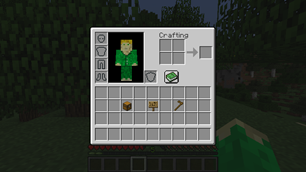
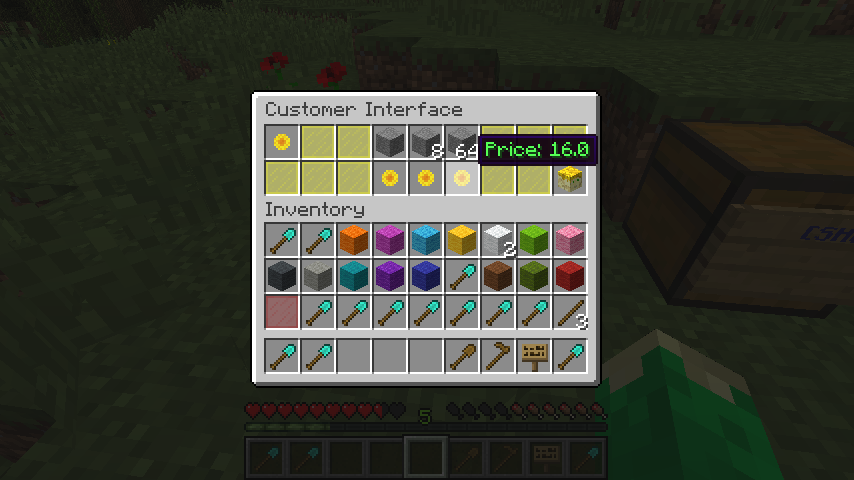
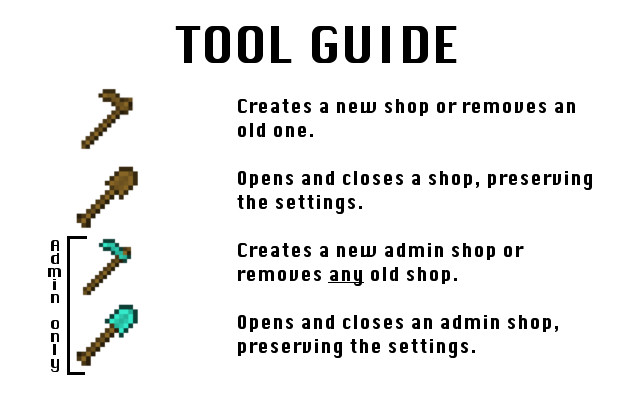
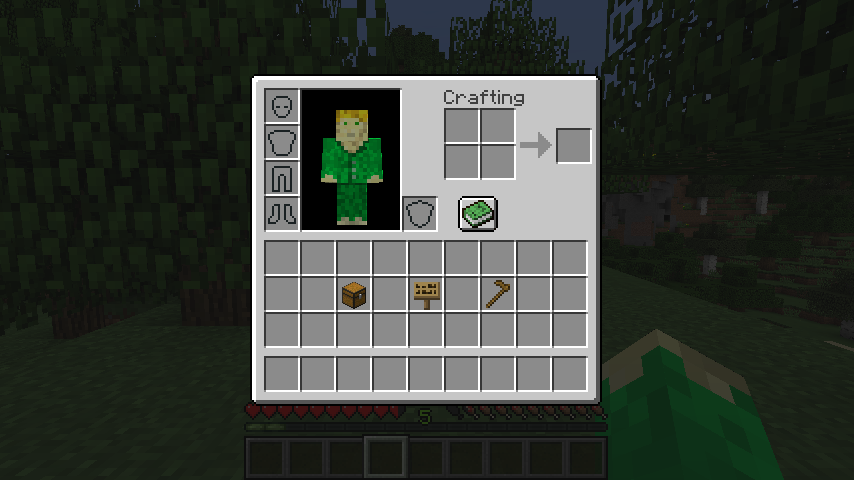
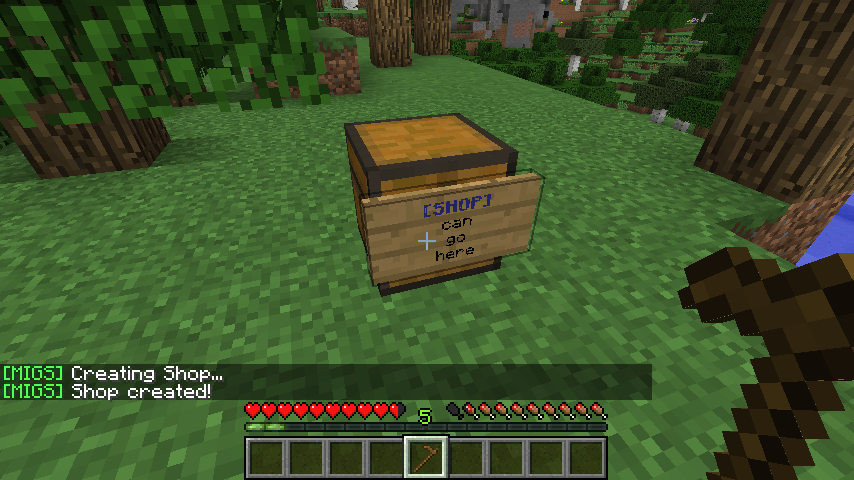
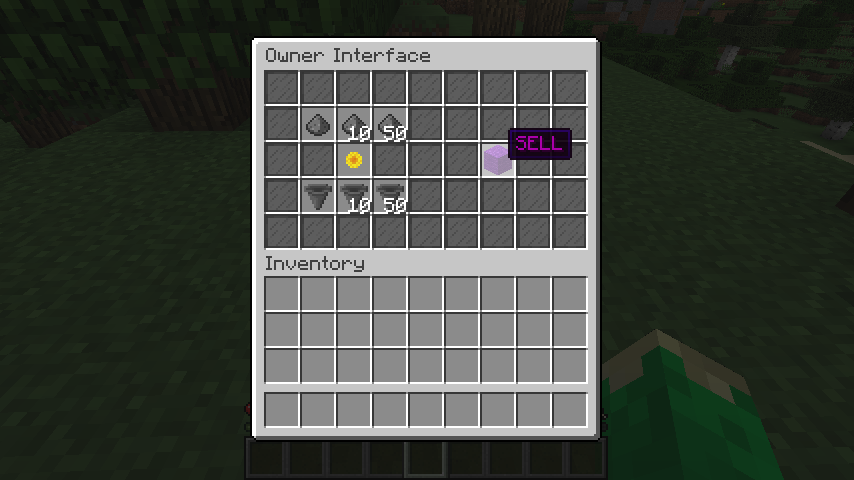
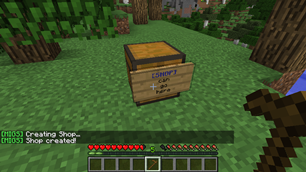
To create a shop, simple place a sign on the side of a chest and right-click it with a wooden hoe. You can adjust the price by right-clicking the sign and using the arrows in the GUI. To adjust dollar amounts, left-click. To adjust cent amounts, right-click. The first item in the chest will be sold for the specified amount. You can use a wooden shovel to temporally open and close your shop.
You can preview your shop at any time by sneak-clicking it.
To install, download the desired version of MIGS and the corresponding version of Vault. A economy plugin is recommended to get the most out of this plugin. Place the downloaded plugins in your server's plugins folder. Run the server to finish setup.
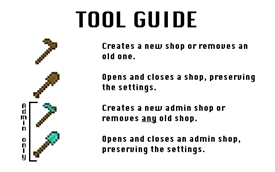
-Admin shops Added in 1.5
-Better permissions support Added in 1.7
-In-GUI help Added in 1.8
-Error messages Added in 1.7
Suggest more in the comments!