Control Spotify from Minecraft, keep your music on the device you already use, and see what is playing without leaving your world.
MeloSync is a client-side Fabric mod for Spotify control and browsing. It uses Spotify Connect: audio still plays through Spotify on your desktop, phone, browser, console, or other active device. MeloSync gives you the controls and a clean now-playing HUD inside Minecraft.
Spotify Premium is required for Spotify playback controls. MeloSync does not include, play, or redistribute music files.
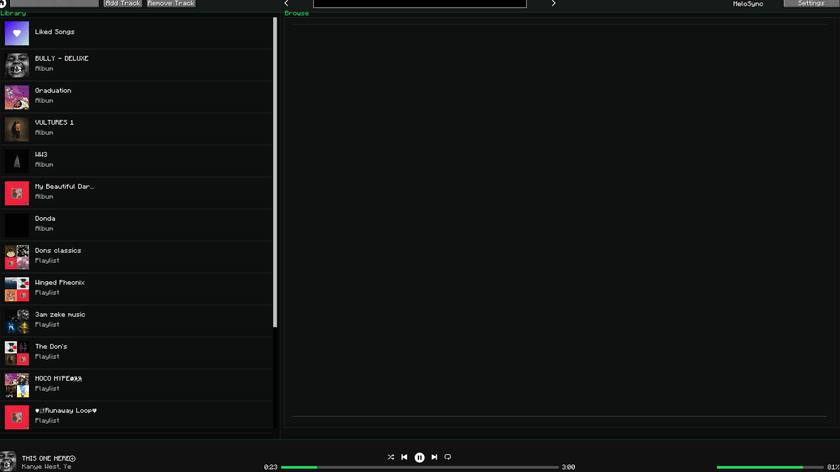
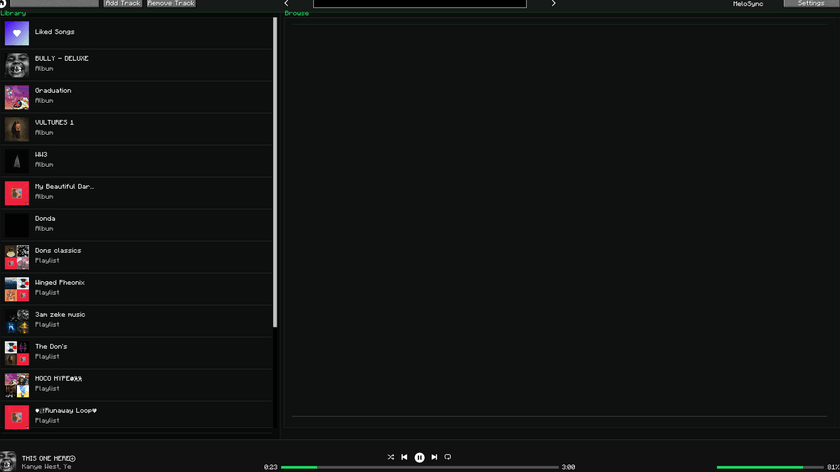
Your library stays on the left while the browse and search area stays on the right. The player bar at the bottom gives you quick playback, progress, and volume control without obscuring the rest of the menu.
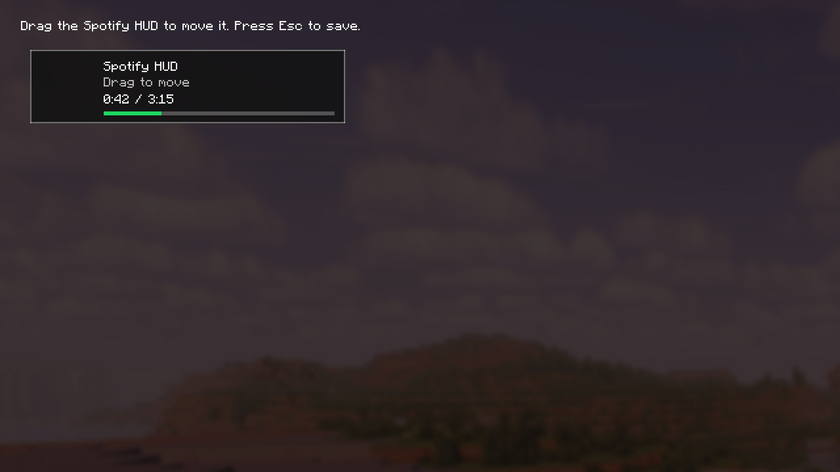
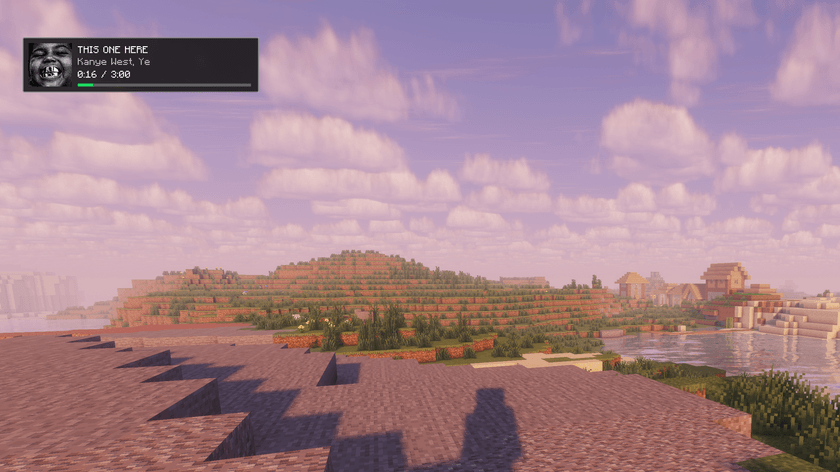
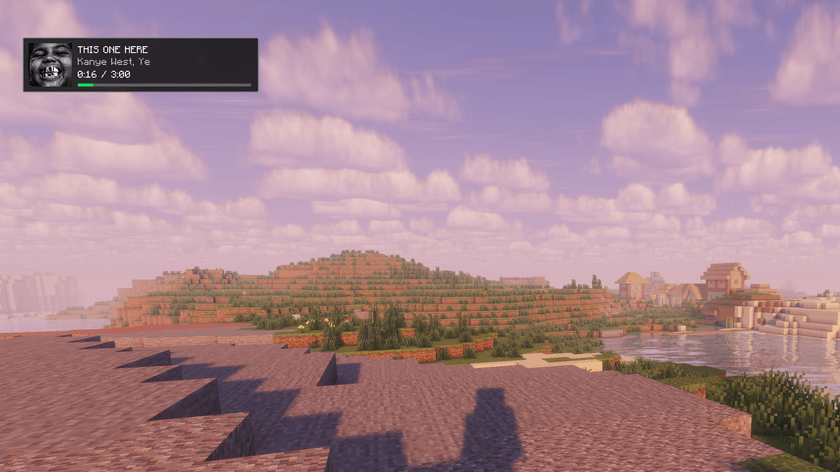
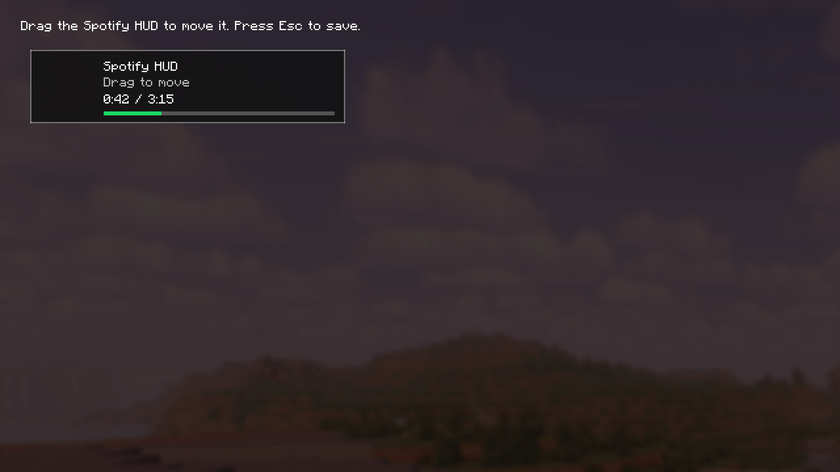
The HUD is intentionally small and see-through: it keeps the current track visible while leaving your game unobstructed. Press O, drag it where you want it, then press Esc to save its position.
| You need | Details |
|---|---|
| Minecraft | 26.1.2 or 26.2 |
| Mod loader | Fabric Loader 0.19.3 or newer |
| Dependency | Fabric API |
| Java | Java 25 or newer |
| Spotify | Spotify Premium and your own Spotify Developer app Client ID |
Version support: Minecraft 26.1.2 and 26.2 are the primary releases. Earlier Minecraft versions are experimental ports and may receive fixes more slowly.
Open Your CurseForge instance folder/config/melosync/spotify_app.json.
For example, the folder structure is: C:\Users\YourName\curseforge\minecraft\Instances\YourPack\config\melosync\spotify_app.json
Use the Client ID only. Do not paste your Client Secret.
| Default key | Action |
|---|---|
| P | Open MeloSync |
| O | Open the HUD editor |
| Esc | Save HUD position and close the editor |
Both keybinds can be changed in Minecraft's Controls menu under MeloSync.
Nothing happens when I use playback controls
Open Spotify on a device and start a song once. Spotify requires an active playback device before remote controls can work.
client_id: Invalid
Use the 32-character Client ID from the Spotify Developer Dashboard, not the Client Secret.
The browser reports a redirect URI mismatch
The Redirect URI in your Spotify Developer Dashboard and spotify_app.json must both be exactly: http://127.0.0.1:12589/callback
Playback stopped working after a permissions change
Delete Your CurseForge instance folder/config/melosync/spotify_tokens.json, then open MeloSync with P and sign in again.
MeloSync is not affiliated with Spotify. Spotify is responsible for account access, playback, and Premium eligibility.