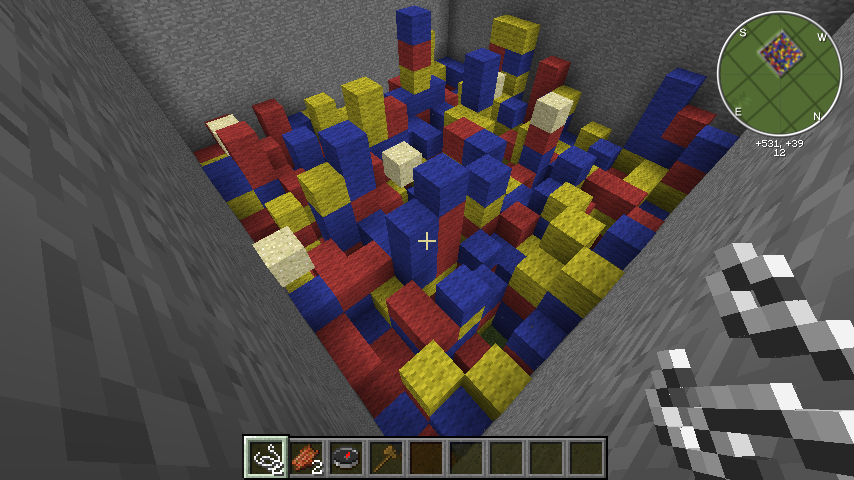
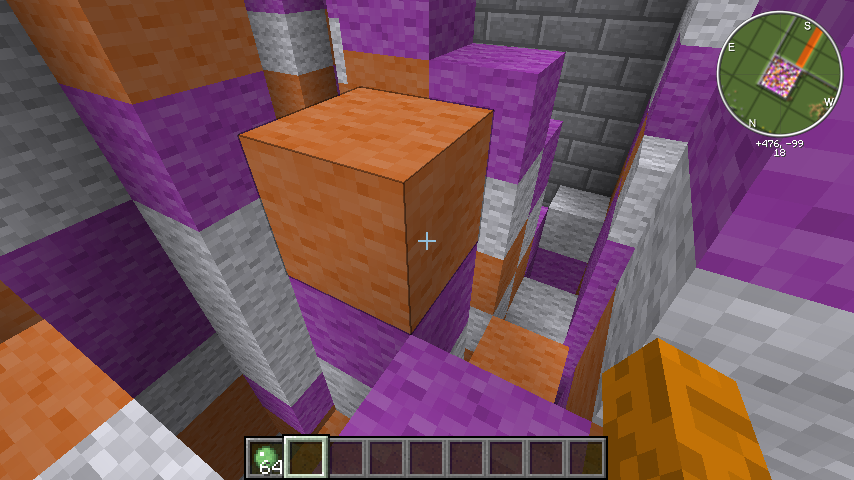
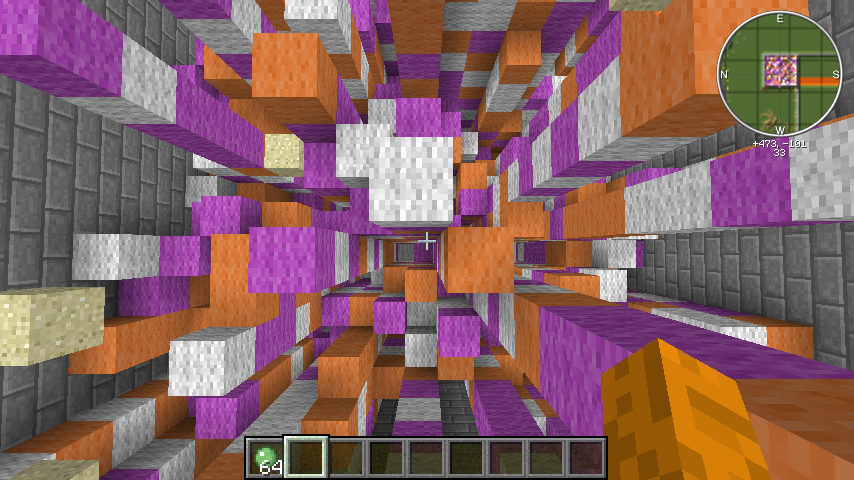
Do you like parkour in Minecraft, but you're getting tired of doing the same routes over and over? Well just like Mio we changed that, we gave the popular sport a twist and a few drops! Like the name suggests this is a game where a maze drops, but not how you think. The game is very simple to understand and even easier to play! The main objective is to be the first one to the top, but how you get there isn't as easy as it sounds. New blocks are constantly dropping in random places.You not only have to be good at parkour, but you also have to be fast! If you fall there might not always be a way back up, and if you take too long to make that jump...well you might go from first to not even finishing! This game is very easy, fun, and fast paced just try it for yourself.
O and don't worry there's some trolls for the beasts out there like falling sand, fake block drops, and tower sitting prevention!
Commands
These commands can be called from the server console or chat console.
/md start <name> - Starts the specified game.
/md stop <name> - Stops the specified game.
/md delete game - Deletes only the game file so you can restart setup
/md delete Deletes everything the game file and the arena
These commands can only be used from the chat console.
/md create <name> - Creates a new game with the given name.
/md pos 1 <name> - Sets the minimum position for the game floor.
/md pos 2 <name> - Sets the maximum position for the game floor.
/md generate tower|hole - Generates a structure for the game.
/md setspawn <name> - Saves current position as spawn point.
/md setlobby <name> - Saves current position as lobby spawn point.
/md setleave <name> - Saves current position as leave point. (Leave unset to just use players last position)
/md signs <name> - Sets up the signs using three signs you're looking at.
/md join <name> - Joins the specified game.
/md spectate <name> - Joins the specified games lobby, but does not add you to the player list.
/md invite <user> - Invites the specified user to your current game.
/md leave [name] - Leaves your current game.
To use the signs command you must put three signs on a wall together, on the first one put only "[MazeDrop]". Leave the rest blank. Look at the first one and type /md signs YourGameName. Note: you have to have the cursor on the sign with [MazeDrop] and type the command, not on the blank ones.
Permissions
mazedrop.join - Allows a user to join a game.
mazedrop.leave - Allows a user to leave a game.
mazedrop.spectate - Allows a user to spectate a game.
mazedrop.start - Allows a user to start a game.
mazedrop.stop - Allows a user to stop a game.
mazedrop.create - Allows a user to create a game.
mazedrop.modify - Allows a user to change the spawn points.
Setup
For English:
Or for Portuguese:
Credits: absintoj
Please not that everything is automated, it tells you the next step:
Do /md create YourGameName
Go to the first corner of your floor recommended the NW corner
Do /md pos 1 YourGameName
Go to the second corner of your floor recommended the SE corner
Do /md pos 2 YourGameName
Do /md generate tower YourGameName or /md generate hole YourGameName
Go to where you want the spawn to be (somewhere on the floor)
Do /md setspawn YourGameName
Go to where you want the lobby to be (recommend a glass box 40 blocks above your floor, so spectators can actually watch the game)
Do /md setlobby YourGameName
Go to where you want to force players to go after they leave the game (Leave unset to use players last position)
Do /md setleave YourGameName
Your game is ready to play!
Game Play
Players join lobby
Admin starts game (or player with permission)
Game countsdown
Blocks start dropping
Players start jumping
First one to top wins!
Plans
hmm...
Changelog
Version 1.8
added signs
automated the game
Version 1.7
removed MetricsLite
added backup when generating structures
added invite command
added signs command
added set command
fixed: winCommand
made game configurations per game instead of global