LT-BetterPVP - Minecraft Mod
📌 Description
LT-BetterPVP is a mod dedicated to PvP gameplay that enhances your experience with custom animations, improved aiming, and additional informational features. The mod introduces, among other things:
- Custom Sword Animation – Unique sword animations in various styles that make your swings look impressive.
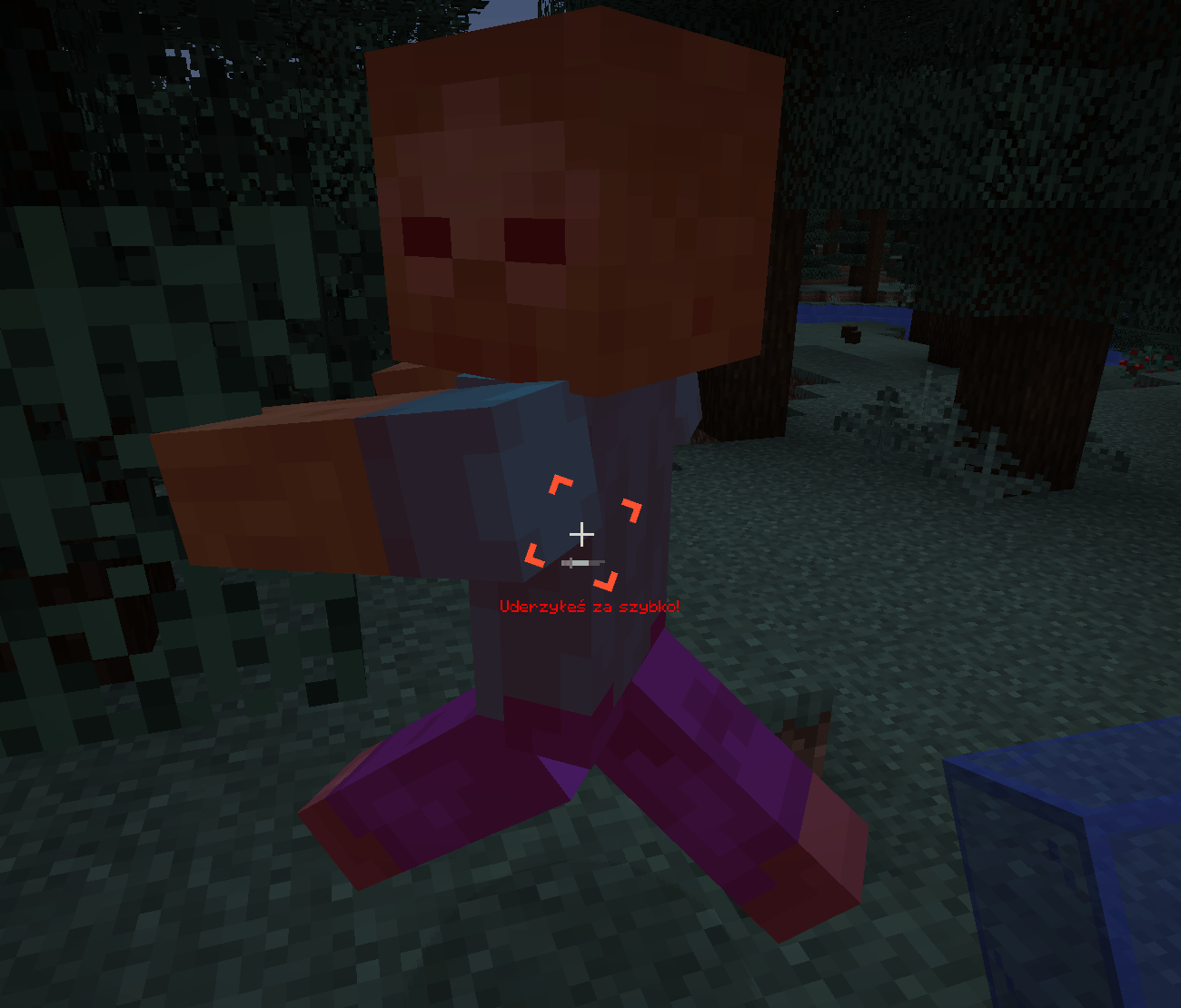
- Attack Delay Tutor – A system that warns you when an attack is executed too quickly (before the attack is fully charged). The warning is displayed under the crosshair as text (with the option to disable it) and a sound is played (also optionally).
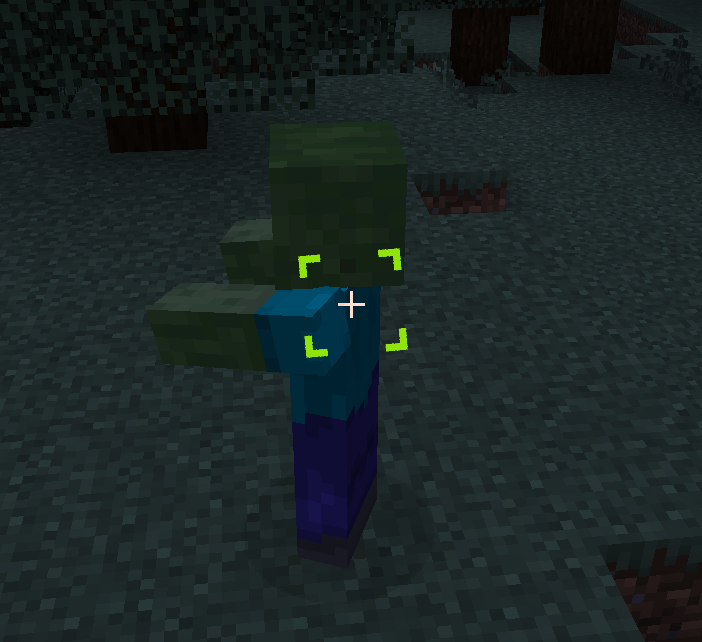
- Cursor ESP – Additional visual options to aid in aiming.
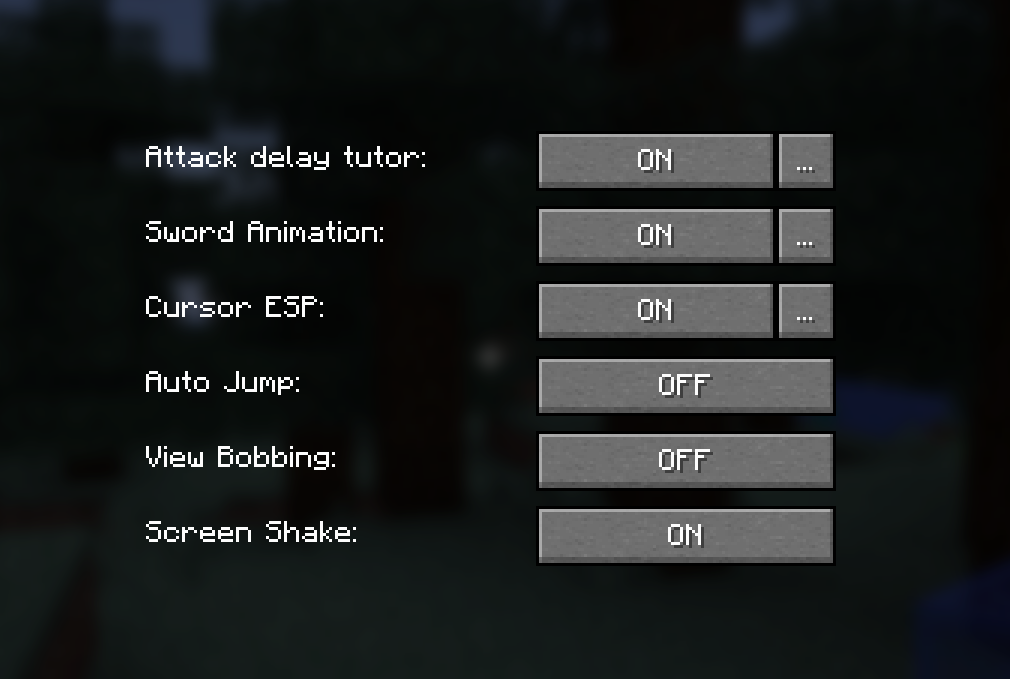
- Other Game Settings – Including Auto Jump, View Bobbing, Screen Shake, and Full Bright.
The mod automatically saves your settings to a configuration file, ensuring that your preferences persist between game sessions.
✨ Features
- Custom Sword Animation – Choose the animation style (BASIC_SWING, BASIC_CLAP, SWIPE_IN, SWIPE_OUT, NO_SWING).
- Attack Delay Tutor – Informs the player about attacking too quickly:
- Text: Displayed under the crosshair (can be enabled/disabled).
- Sound: Played when the attack is too fast (can be enabled/disabled).
- Cursor ESP – Visual options to improve aiming.
- Settings GUI – An intuitive graphical interface for editing all options.
- Command Support – Quick access to mod information and configuration through client-side commands.
- Automatic Saving – All changes are saved to a configuration file.
📜 Commands
| Command |
Description |
/ltb |
Displays mod information and current settings |
/ltb settings |
Opens the mod settings GUI |
/ltb pomoc |
Displays a list of available commands |
/ltb config save |
Saves the current configuration |
/ltb config reload |
Loads the configuration from the file |
🔧 Installation
- Download the latest version of the mod from GitHub.
- Place the
.jar file in the mods folder in your Minecraft directory.
- Launch the game and configure the mod according to your preferences!
🛠 Configuration
After the first launch, the mod generates a configuration file:
.minecraft/config/LT-Mods/LT-BetterPVP/ltbetterpvp-config.json
This file stores all the settings, including:
- Custom Sword Animation (style and offsets)
- Attack Delay Tutor (enabled/disabled, text and sound options)
- Cursor ESP
- Other game settings (Auto Jump, View Bobbing, Screen Shake, Full Bright)
🎉 Thank you for using LT-BetterPVP!
"Bierzcie i korzystajcie z tego wszyscy - to jest bowiem praca moja, która dla was została wykonana"
~LordTricker