Loading...
Beta Modpages Unclaimed

LDLib

A libarary for rendering, gui, basic stuff, etc

0 Likes
427224 Downloads
Created by KilaBash

Description

Introduction

LDLib2 is a complete rewrite of the original LDLib, redesigned from the ground up to support modern versions of Minecraft. It provides advanced, high-level solutions across many areas of mod development, significantly reducing development complexity and long-term maintenance cost.

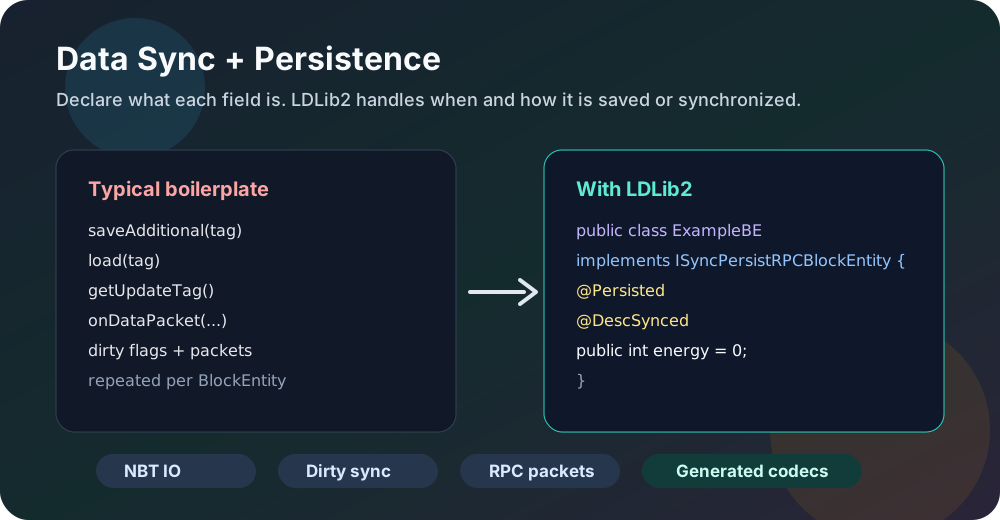
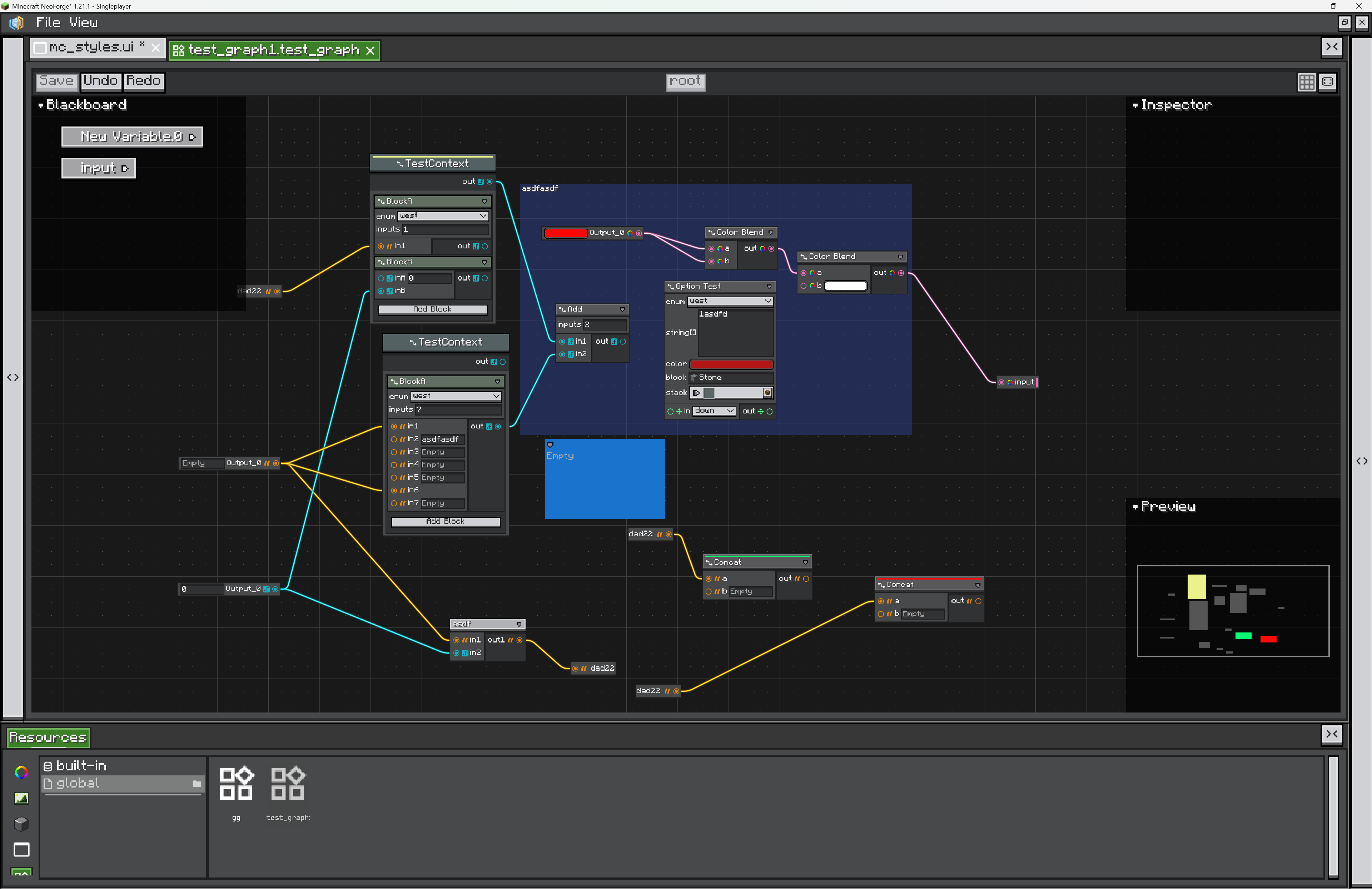
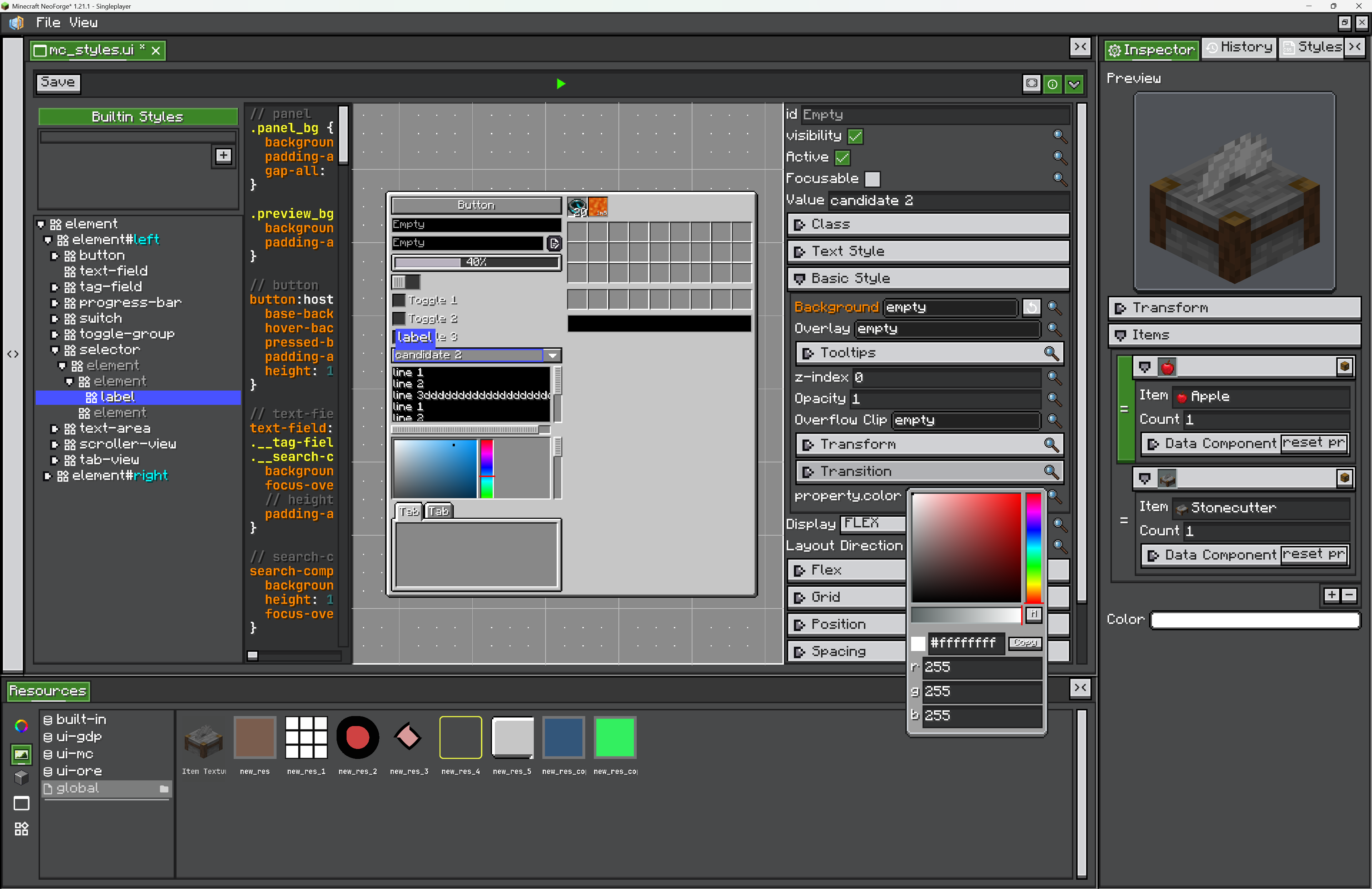
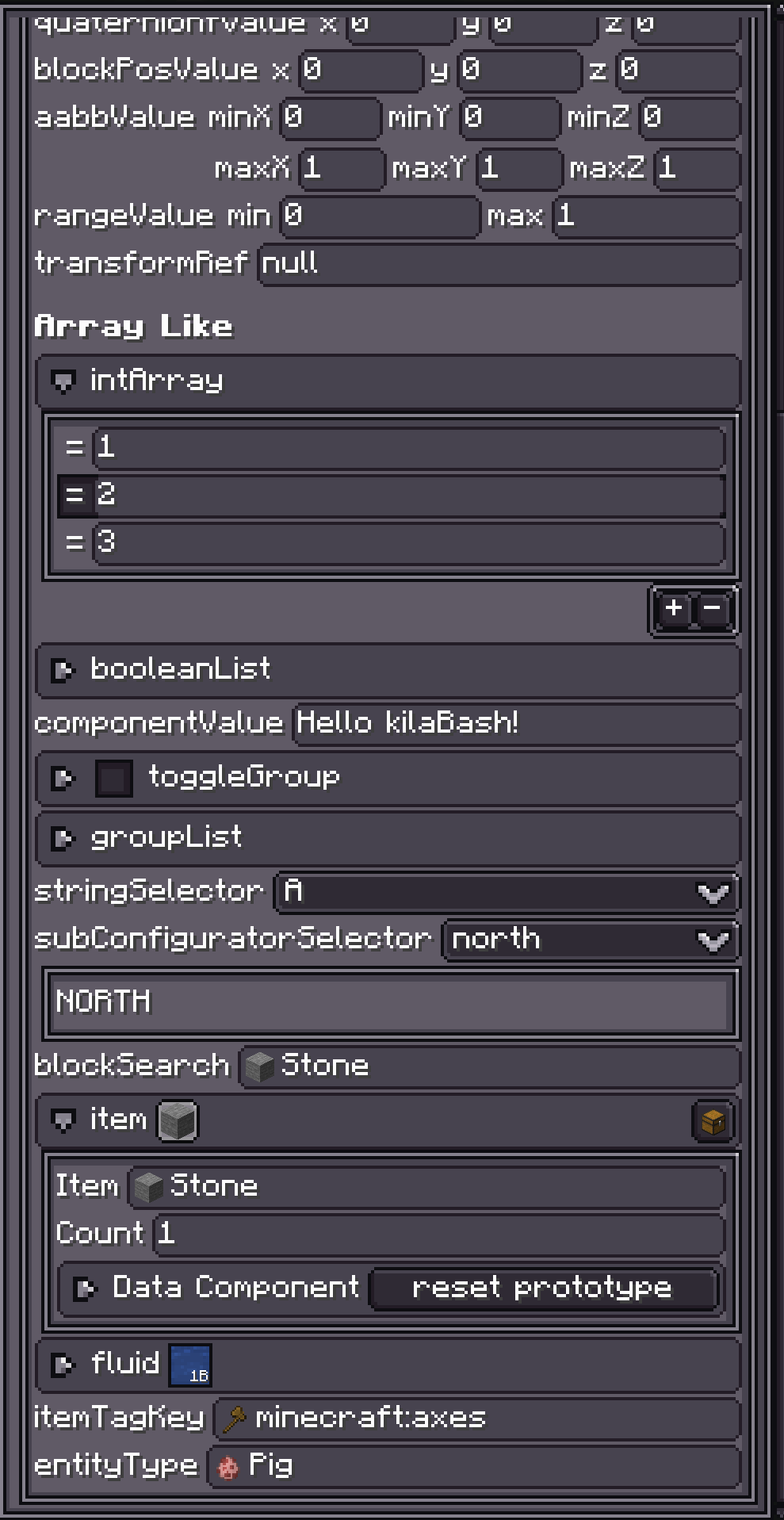
LDLib2 features a large, well-structured codebase that offers robust infrastructure for UI systems, shader, model rendering, data synchronization and persistence, and in-game visual editors, enabling developers to build complex systems more efficiently.

Join our Discord

LDLib2 Repository


💡 Key Differences from LDLib

  • Fully redesigned architecture All core systems have been rewritten to align with the internal structure of modern Minecraft versions, resulting in cleaner and more reliable code.
  • Comprehensive documentation LDLib2 includes detailed documentation, comments, and example code, addressing LDLib’s long-standing issues of unclear and difficult-to-read implementations.
  • Removal of legacy systems Many outdated or unused frameworks have been removed, making LDLib2 more lightweight and easier to maintain.
  • Improved mod compatibility Provides more stable and stable integration for mainstream mods such as JEI, KubeJS, and EMI, etc.

Core Modules

  • Data Synchronization and Persistence
  • LDLib2 UI
  • Shaders
  • Model Rendering
  • In-game Editor


AD Become Premium to remove Ads!

What means Verified?

  • Compatibility: The mod should be compatible with the latest version of Minecraft and be clearly labeled with its supported versions.
  • Functionality: The mod should work as advertised and not cause any game-breaking bugs or crashes.
  • Security: The mod should not contain any malicious code or attempts to steal personal information.
  • Performance: The mod should not cause a significant decrease in the game's performance, such as by causing lag or reducing frame rates.
  • Originality: The mod should be original and not a copy of someone else's work.
  • Up-to-date: The mod should be regularly updated to fix bugs, improve performance, and maintain compatibility with the latest version of Minecraft.
  • Support: The mod should have an active developer who provides support and troubleshooting assistance to users.
  • License: The mod should be released under a clear and open source license that allows others to use, modify, and redistribute the code.
  • Documentation: The mod should come with clear and detailed documentation on how to install and use it.

AD Become Premium to remove Ads!

How to Install

1

Download Forge & Java

Download Forge from the offical Site or here. If you dont have Java installed then install it now from here. After Downloading Forge you can run the file with Java.

2

Prepare

Lounch Minecraft and select your Forge istallation as Version this will create a Folder called Mods.

3

Add Mods

Type Win+R and type %appdata% and open the .minecraft Folder. There will you find your Folder called Mods. Place all Mods you want to play in this Folder

4

Enjoy

You are now Ready. Re-start your Game and start Playing.

More Mods like this

Mantle

Shared code for Forge mods

AutoRegLib

A library to ease menial tasks in mod development.

CraftTweaker

CraftTweaker allows modpacks and servers to customize the game. With CraftTweaker you can change recipes, script events, add new commands and even change item properties!

CoFH Core

Contains Core Functionality for all Team CoFH mods. Also does some really cool stuff on its own!

Patchouli

Accessible, Data-Driven, Dependency-Free Documentation for Minecraft Modders and Pack Makers

Baubles

An addon module and API for Thaumcraft