Version: 1.2.2
What is it?
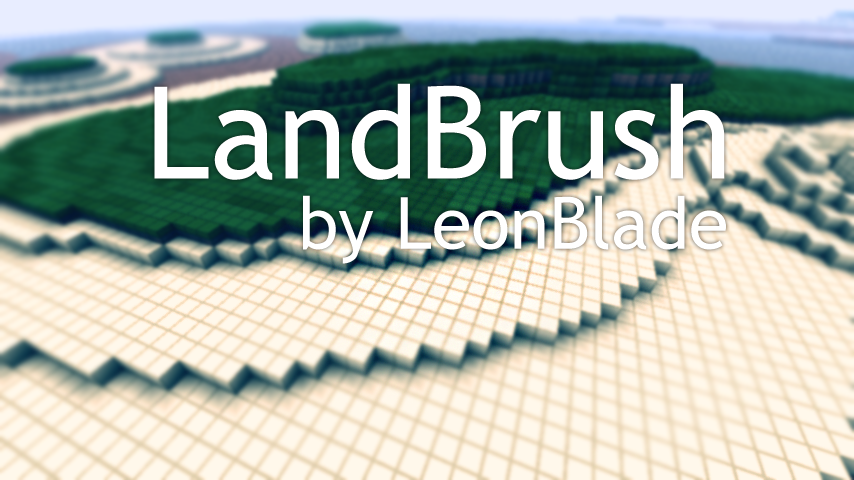
LandBrush was created to make creating new land structures quick and easy. By mimicking how the Minecraft World Generator forms land sides you can easily create a base level structure for new contents or islands that you can use other tools such as VoxelSniper and WorldEdit to give it more depth.
How does it work?
Really simple actually, you first start off by picking your "base height" which is used to form the land at that position. Then you simple "paint" on your land that simple using the LandBrush tool. There are a few different arguments that can also be passed in to alter how the brush "paints" your land.
Commands:
LandBrush has a few commands that can be used, all commands can be accessed with either /landbrush or /lb.
/landbrush help - Displays help text for commands.
/landbrush [on/off] - Turns on and off the plugin locally.
/landbrush default - Sets all settings to default.
/landbrush size 5 - Sets brush radius in blocks.
/landbrush base [me/64] - Sets the base height.
/landbrush spread 3 - Sets the spread of the layer span.
/landbrush material [sand grass/12 3] - Sets the materials from bottom to top.
/landbrush tool [wood_spade/270] - Sets or Gets the tool.
/landbrush undo [all/steps] - Will undo your last action, best to bind if you can.
An alias can be set in the bukkit.yml file like so, lb being the alias in this instance:
aliases:
    lb:
    - landbrush
Permissions:
Changelog:
Version 1.2.2:
Version 1.2.1:
Version 1.2:
Version 1.1:
Version 1.0:
Todo:
Links:
 https://github.com/LeonBlade/LandBrush
 https://github.com/downloads/LeonBlade/LandBrush/LandBrush.jar
Let me know what features you'd like to be added/changed/removed and things like that.
Thank you.