KeyboardAPI is a tool for developers to use to create and utilize keyboards in-game through inventory GUIs.
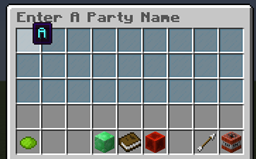
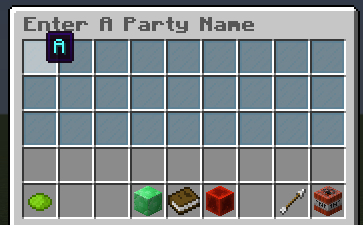
The keyboard is shown below. Also, the letters are changed based on whether or not caps lock is on. I realize that this is not very efficient, since you cannot see what letter is what without hovering over it.
This plugin does nothing on it's own. It is simply a tool for developers to utilize. As far as using the keyboard, simply click on a stained glass to use that letter, (or add a space, as in the space bar). Simply hover over the book to see what you've typed. The utilities include a caps lock button, backspace, clear text, confirm, and cancel.
I've made this as simple to use as possible: to open a new keyboard for a player, simply replace title with the title you want the keyboard inventory to have, and capsLockOn whether or not caps lock will start on.
player.openInventory(Keyboard.getNewKeyboard(title, capsLockOn));
Once you have done that, listen to 'KeyboardClickEvent'. This is called just like InventoryClickEvents, but with more options, like
event.getKeyboardAction();
which will return what action was used. This includes ADD_LETTER, ADD_SPACE, BACKSPACE, CANCEL, CLEAR_TEXT, CONFIRM, and TOGGLE_CAPS_LOCK
Please keep in mind, KeyboardAPI does everything as far as entering text, toggling caps lock, backspacing, and clearing the text.