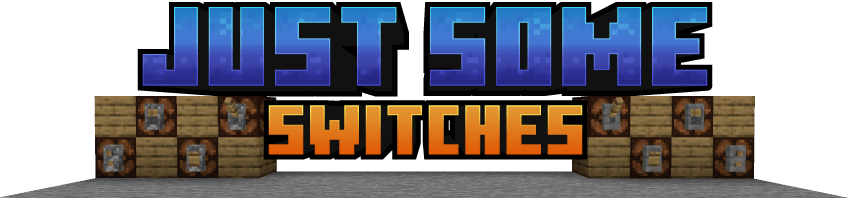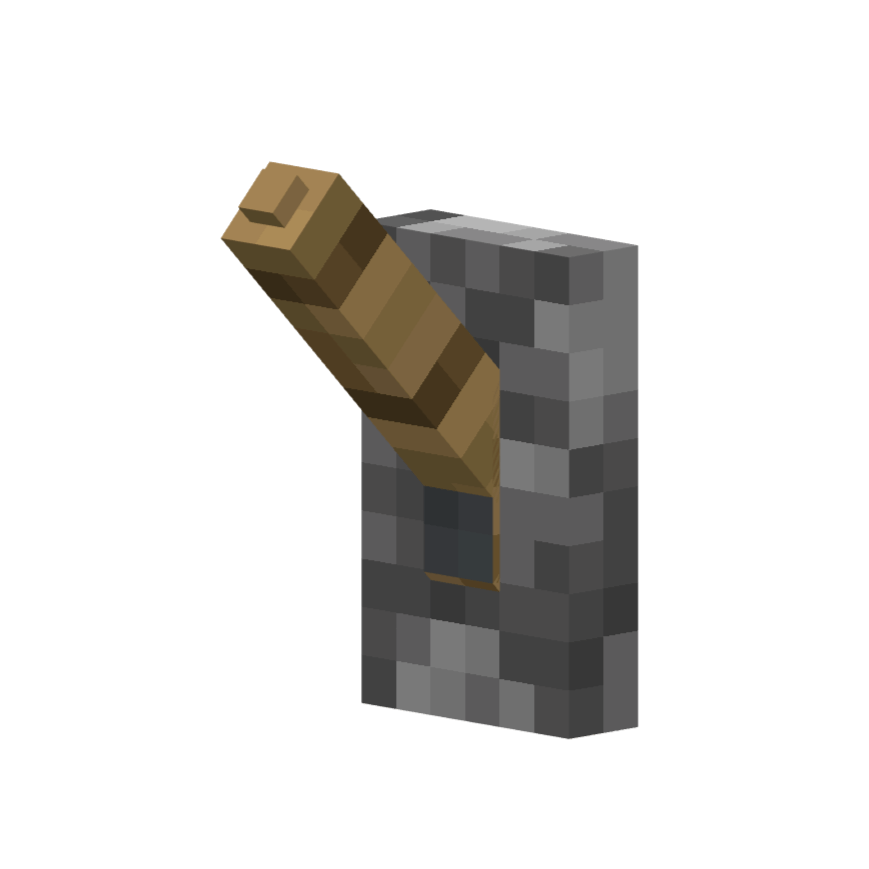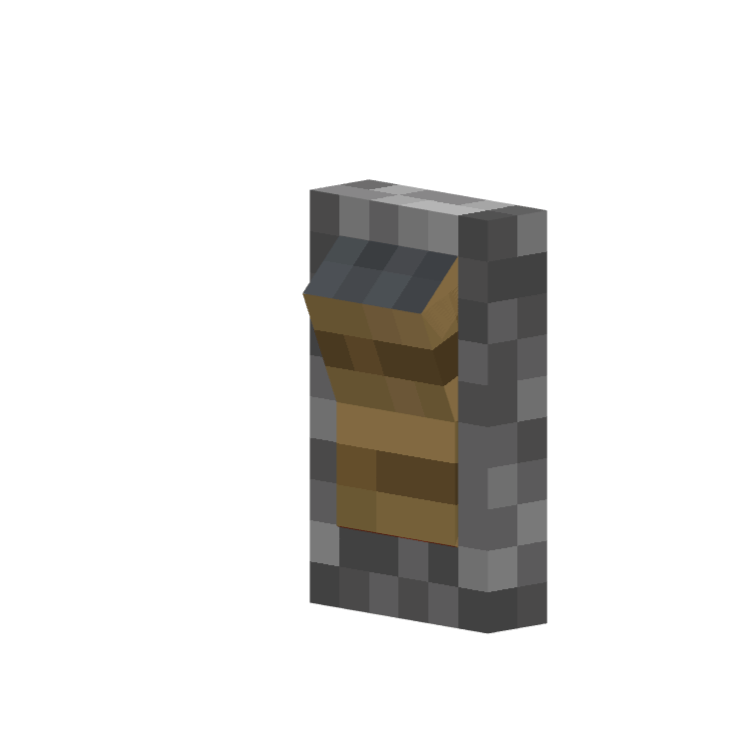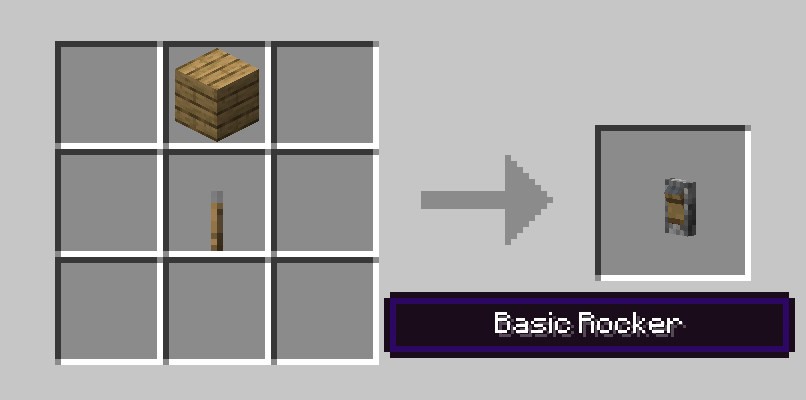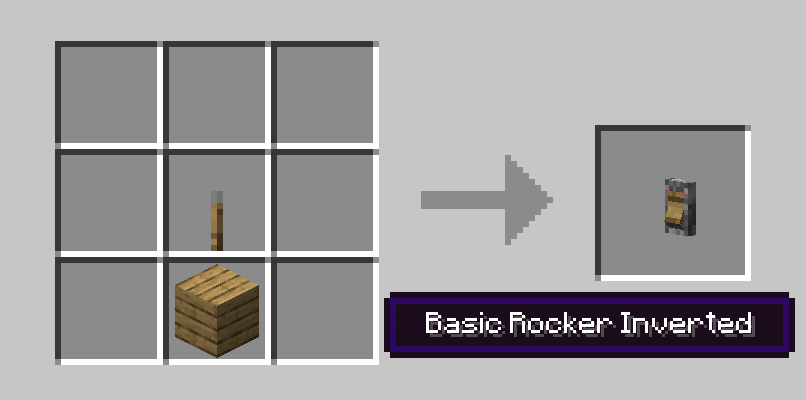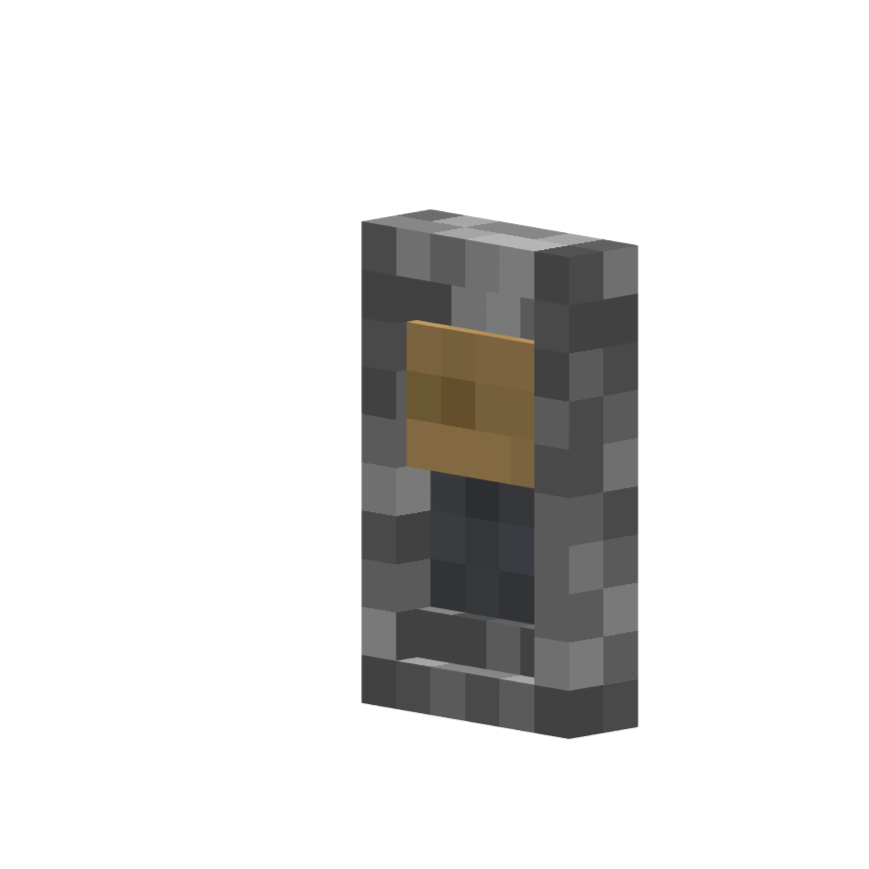
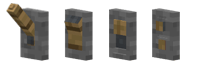
Just Some Switches adds 4 new switch models to Minecraft that function just like the vanilla redstone lever, in two tiers: Basic (fixed appearance) and Switches (fully customizable textures). Unpowered and powered indicators are built into the model - no particles.
New Model Styles
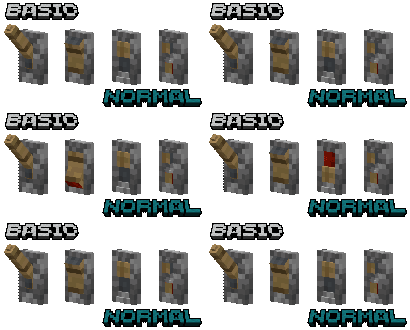
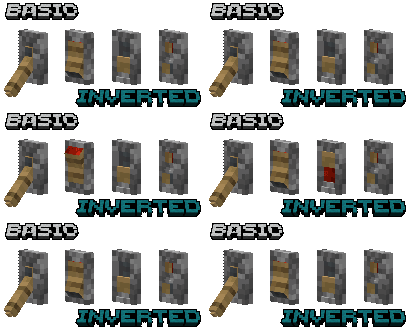
- Lever - Classic light switch/lever style
- Rocker - Rocker switch style
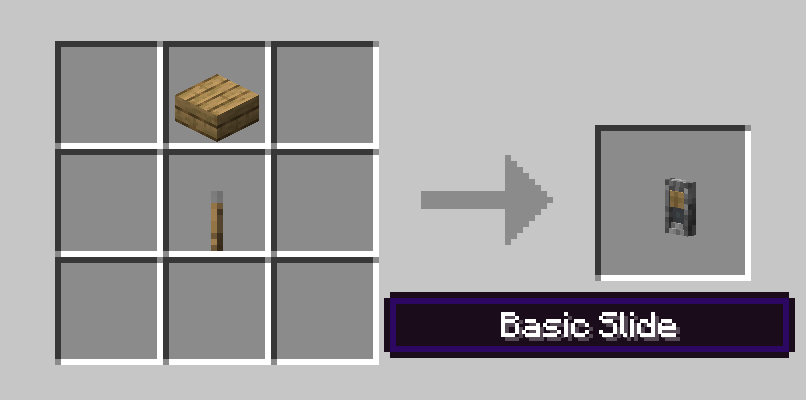
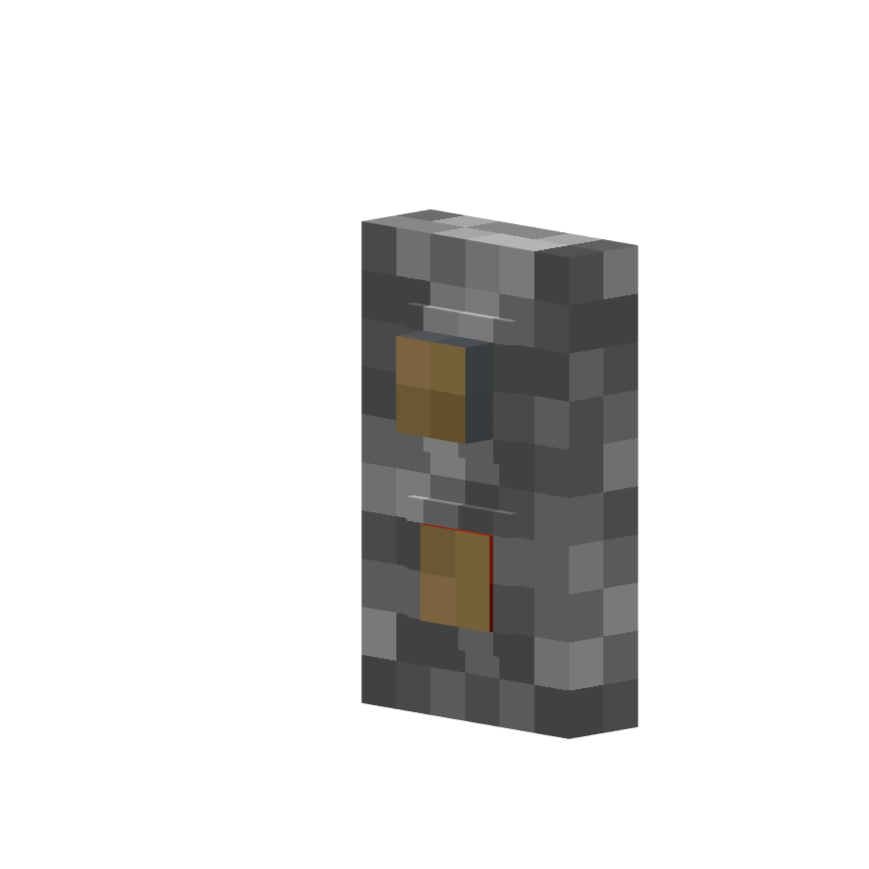
- Slide - Slide switch style with indicator blending modes
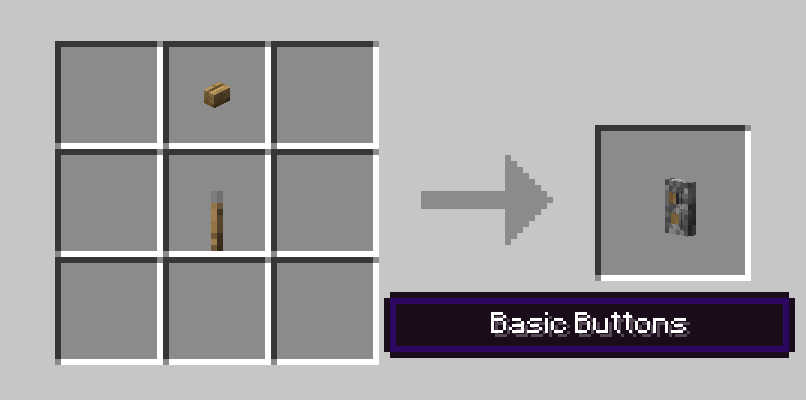
- Buttons - Two button switch style (toggles on/off like a lever, does not auto-depress like a vanilla button)
Basic Blocks
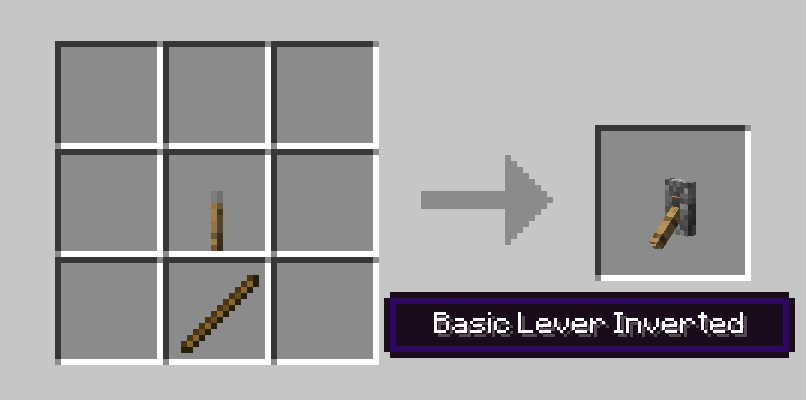
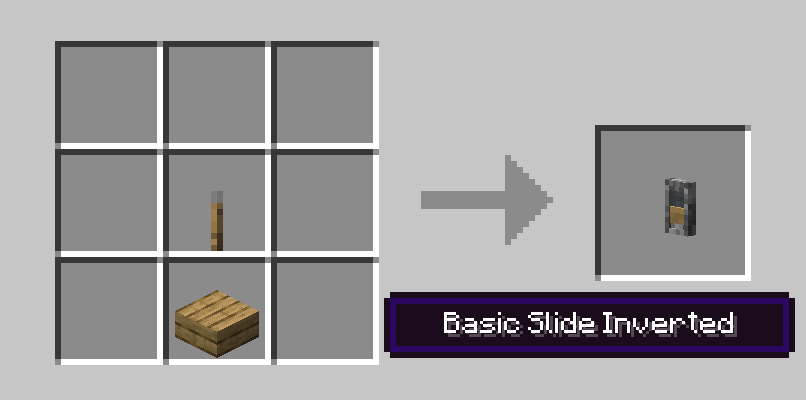
- Includes normal and inverted variants of each style
Switches Blocks
- Can be placed in any orientation on a block face (wall, ceiling, or floor) with a ghost preview showing placement before confirming
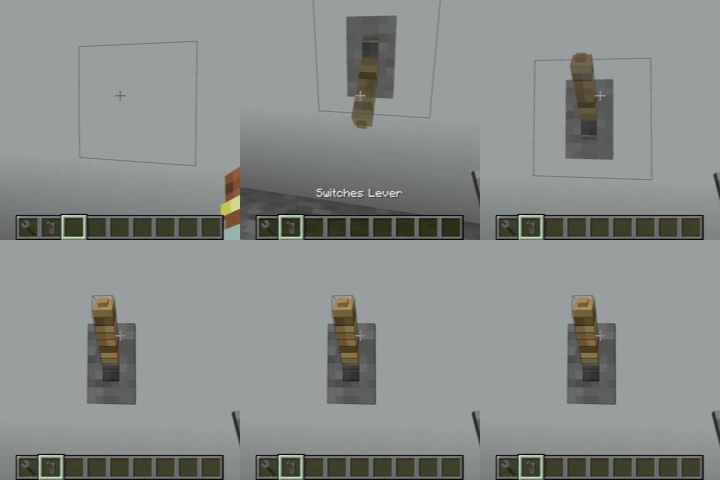
- All switch types support waterlogging
- Hold Shift and Right Click with the Switches Wrench on any Switch (does not work on Basic) to open the Texture Customization GUI
Texture Customization GUI
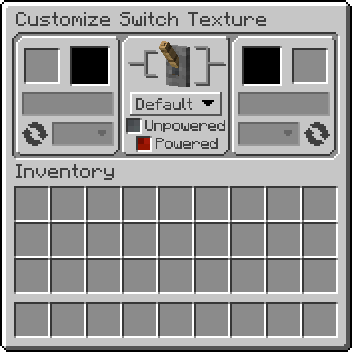
- Place almost any solid block into the Base(right) or Toggle(left) texture slot
- Dropdown menu under each texture slot allows the choice of which face of the inserted block to use
- Dropdown menu next to the round arrow graphic changes the rotation of the texture
- Power indicator dropdown menu under the 3d preview allows the choice of which texture shows when powered/unpowered (Default, Alt, or None)
- Real-time texture and 3D preview (Note: that textures with a tint/overlay may not render correctly in the previews)
- 95%+ vanilla block compatibility + compatibility with many modded solid blocks (including blocks with tinting and overlays)
Switches Wrench
| Action |
Keys |
Target |
| Open Texture GUI |
Shift + Right-Click |
On a Switches block |
| Copy settings |
Shift + Alt + C + Right-Click |
On a Switches block |
| Paste settings |
Shift + Alt + Right-Click |
On a Switches block |
| Clear settings |
Shift + Right-Click |
In the air |
| Instant-break |
Left-Click |
On any of the mod's blocks |
Crafting
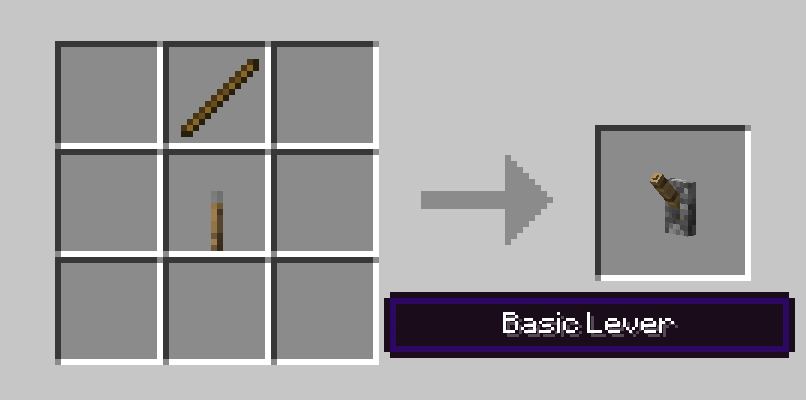
- Basic blocks are crafted from a vanilla lever + stick
- Switches blocks are crafted from a basic switch + dye + terracotta + stick + stone
- Normal and inverted variants convert freely via shapeless crafting
- All recipes are browsable in JEI
Block Filtering (for Modpack Creators)
The mod automatically accepts most solid, full-cube blocks as texture sources. For finer control, two block tags let you override this:
justsomeswitches:switches_allowed — Blocks in this tag bypass all checks and are always acceptedjustsomeswitches:switches_blocked — Blocks in this tag are always rejected (takes priority over allowed)
To customize, create a datapack with the tag file at: data/justsomeswitches/tags/blocks/switches_allowed.json or switches_blocked.json
Tag references from other mods must use "required": false to avoid errors if that mod isn't installed.
Config Options
Client (justsomeswitches-client.toml)
showSwitchesPreview - Show ghost preview during placement (default: true)
Common (justsomeswitches-common.toml)
tightHitboxesBasic - Use tight-fitting hitboxes for Basic switch blocks (default: false)tightHitboxesSwitches - Use tight-fitting hitboxes for Switches blocks (default: true)
Server (justsomeswitches-server.toml)
allowBlockEntities - Allow blocks with BlockEntities as texture sources (default: false) - may cause crashes with certain modded blocksdisableWrenchInstantBreak - Disable wrench instant breaking (default: false) - useful for multiplayer servers
FAQ
- What blocks work as texture sources?
- Almost any solid, full-cube block - including glazed terracotta, waxed copper, and animated textures.
- Can I use this mod in my modpack?
- Yes, this mod is MIT licensed. Feel free to include it.
License: MIT