```markdown
# JustProject FPS Display
Advanced FPS display mod for Minecraft 1.16.5 with comprehensive game statistics and customization options.
## ✨ Features
### 📊 Real-time Statistics Display
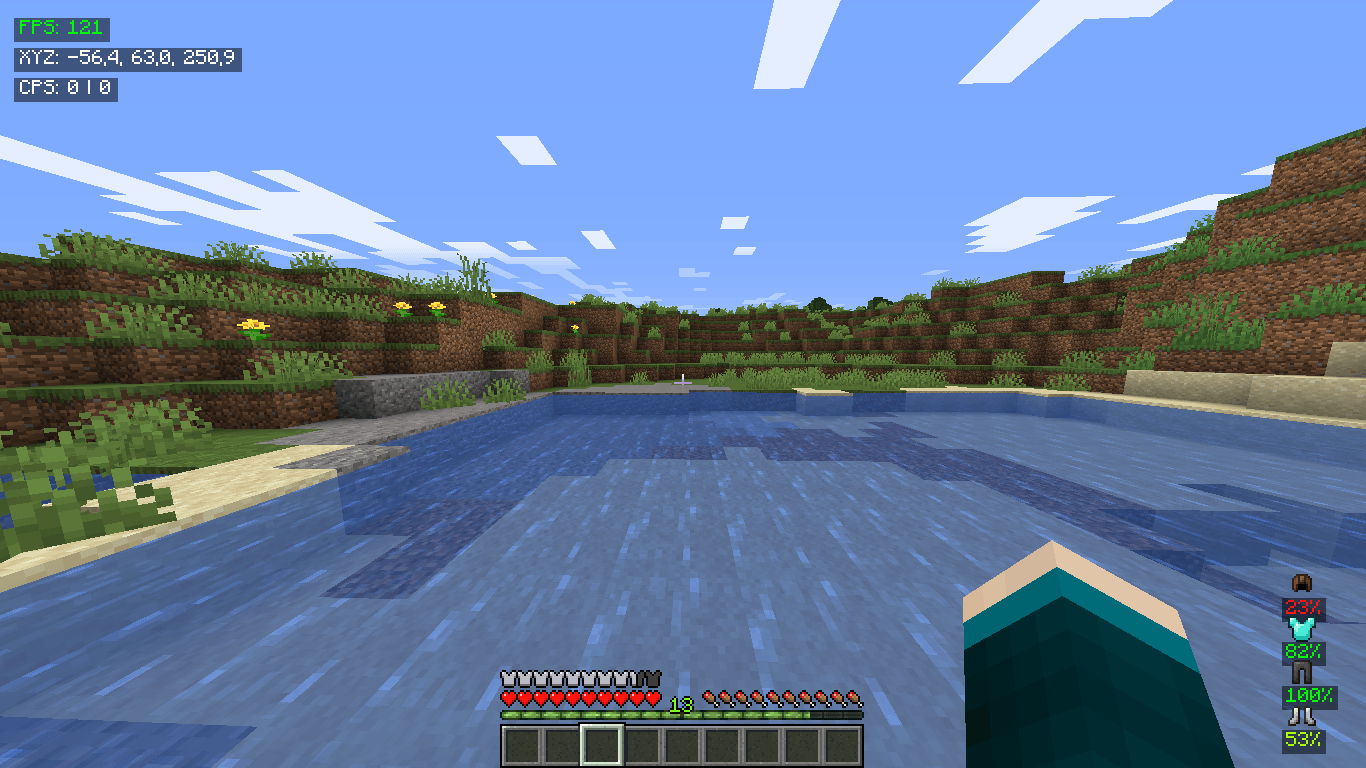
- **FPS Counter** with color-coded performance indicators
- **Player Coordinates** (X, Y, Z) in real-time
- **CPS Counter** (clicks per second) for both mouse buttons
- **Armor Information** with durability percentages
- **Entity Info** when looking at mobs (real HP values)
### 🎮 Advanced Controls
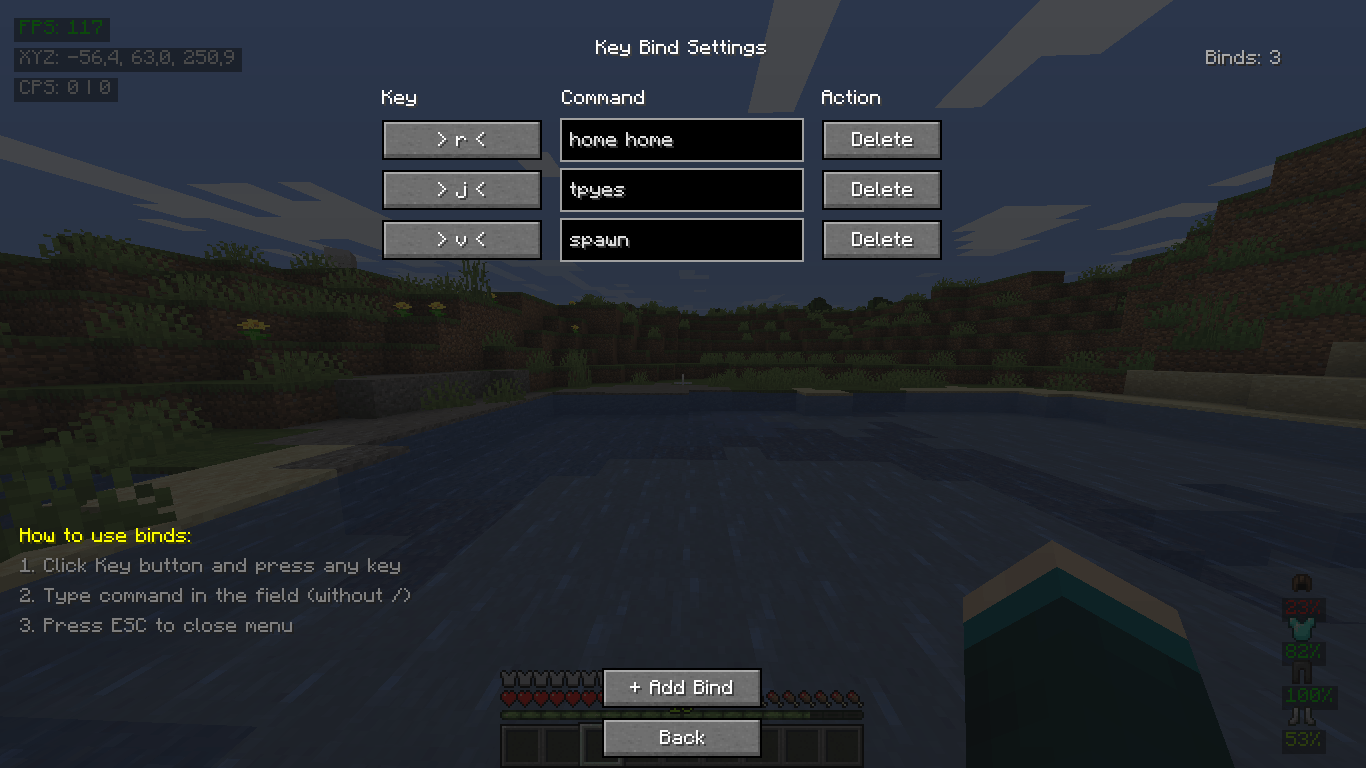
- **Key Binding System** with command support
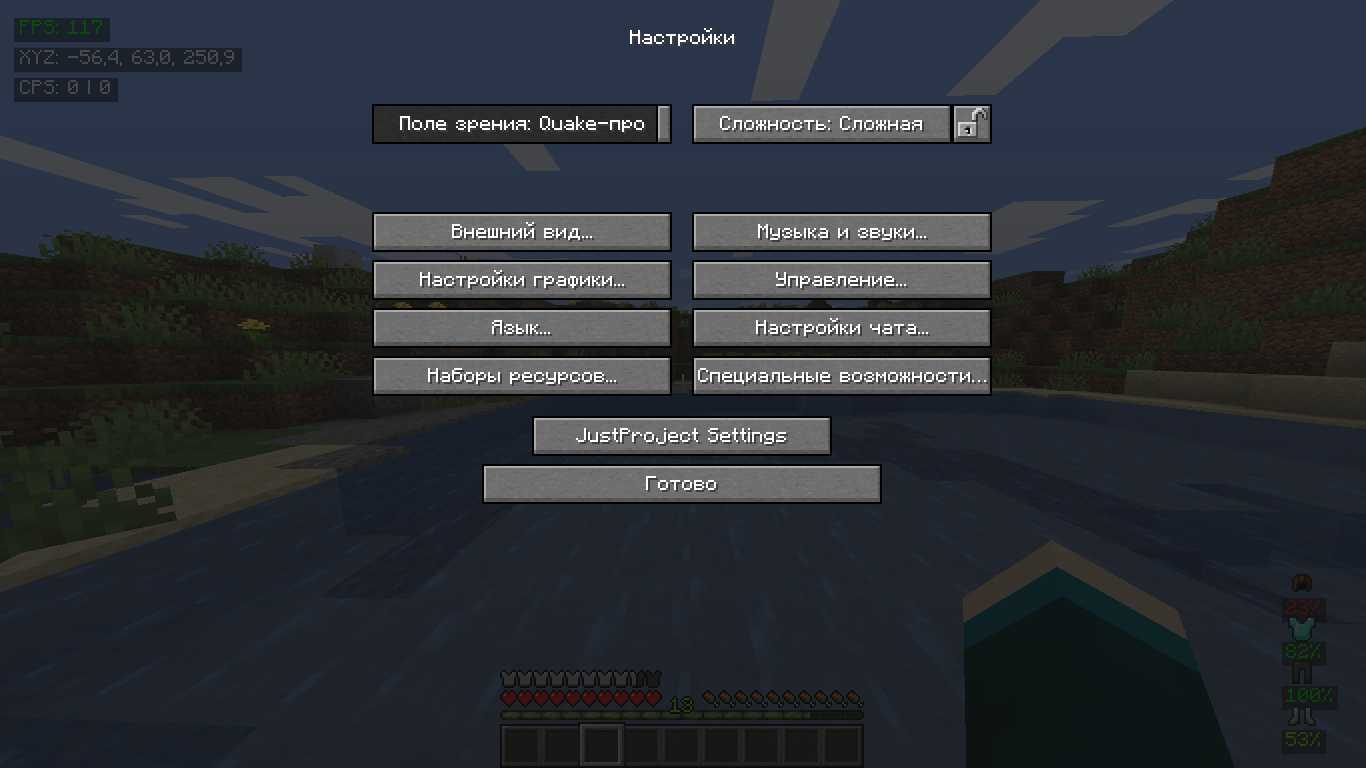
- **GUI Interface** for easy settings management
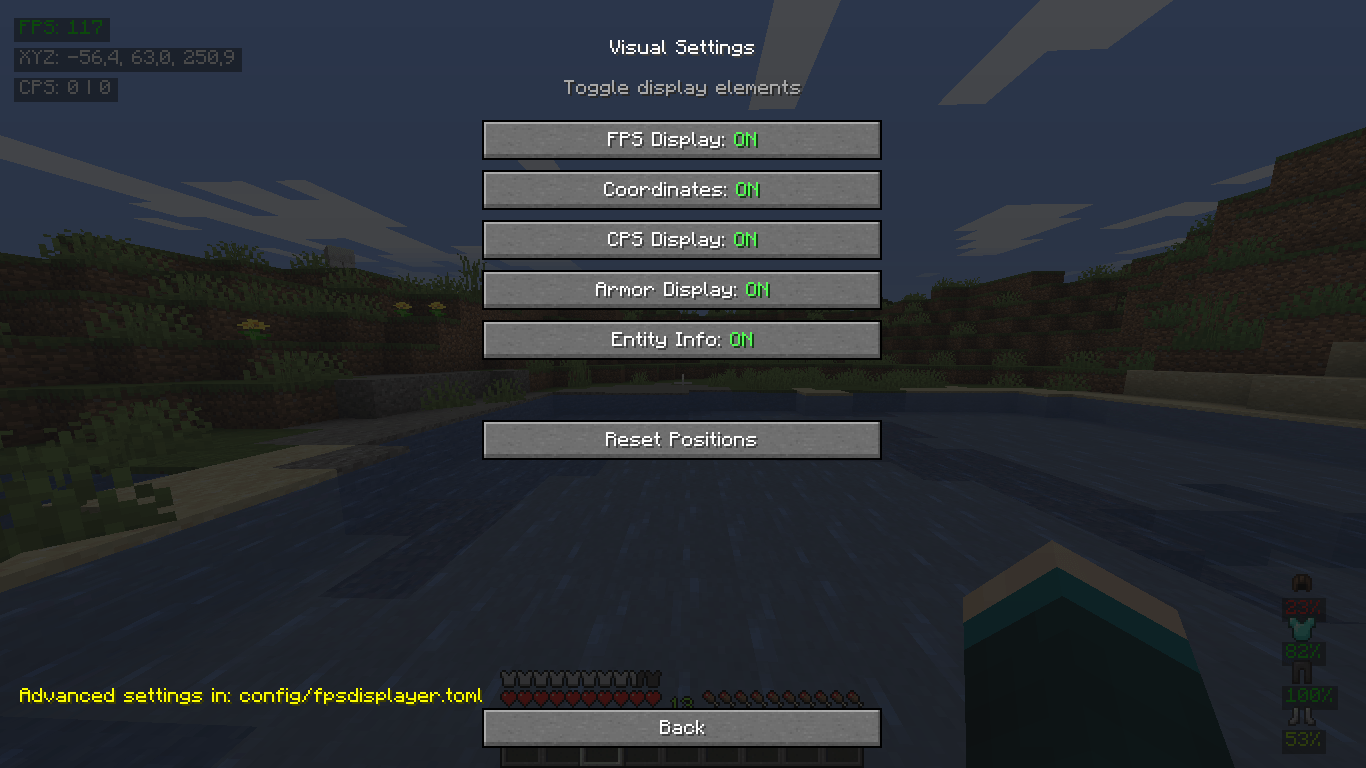
- **Customizable Positions** of all screen elements
- **Toggle On/Off** individual display elements
### ⚙️ Customization
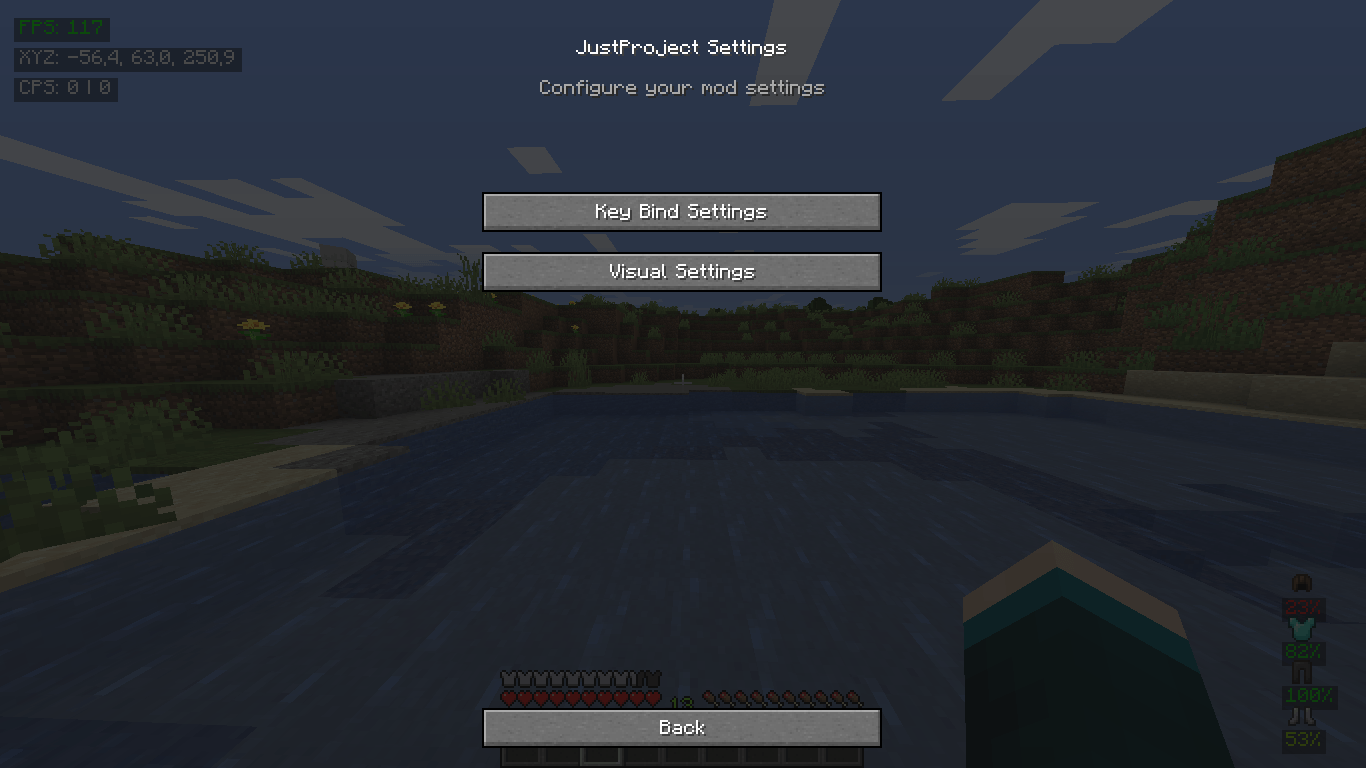
- **In-game configuration** via settings menu
- **Position editing** with pixel precision
- **Multi-language support** (English & Russian)
## 🚀 Installation
1. **Download** the mod file
2. **Place** the `.jar` file in your Minecraft `mods` folder
3. **Launch** the game with **Forge 36.2.42+** for **Minecraft 1.16.5**
4. **Enjoy!** The mod will automatically activate
## 🎮 Usage
### 🔧 Commands
- `.bind <key> <command>` - Create a key binding
- `.binds` - List all active bindings
- `.unbind <key>` - Remove a binding
- `/binds` - Open GUI bind settings
### 🎛️ Configuration
- **In-game**: `Options` → `JustProject Settings`
- **Manual**: Edit `config/fpsdisplayer.toml`
## 🛠️ Technical Details
- **Minecraft Version**: 1.16.5
- **Forge Version**: 36.2.42 or newer
- **Client Side**: Required
- **Server Side**: Unsupported
## 🔧 Building from Source
```bash
git clone https://github.com/JustProjectMods/FPS-displayer.git
cd FPS-displayer
./gradlew build
```
## 📜 License
This project is licensed under the MIT License.
## 🔗 Links
- **GitHub**: https://github.com/JustProjectMods/FPS-displayer
- **Issues**: https://github.com/JustProjectMods/FPS-displayer/issues
---
**Enjoy enhanced gaming with JustProject FPS Display!** 🎮