A collection of small improvements to various aspects of Minecraft's menus.
My aim with this mod was to improve the user experience of Minecraft's menus while preserving the Vanilla feel and look.
Most features added by this mod only slightly tweak Vanilla behavior to feel smoother and more responsive. There are also some bigger additions like indicators, but I tried to avoid big changes away from Vanilla. Finally, I also added the ability to customize some normally hard-coded key bindings.
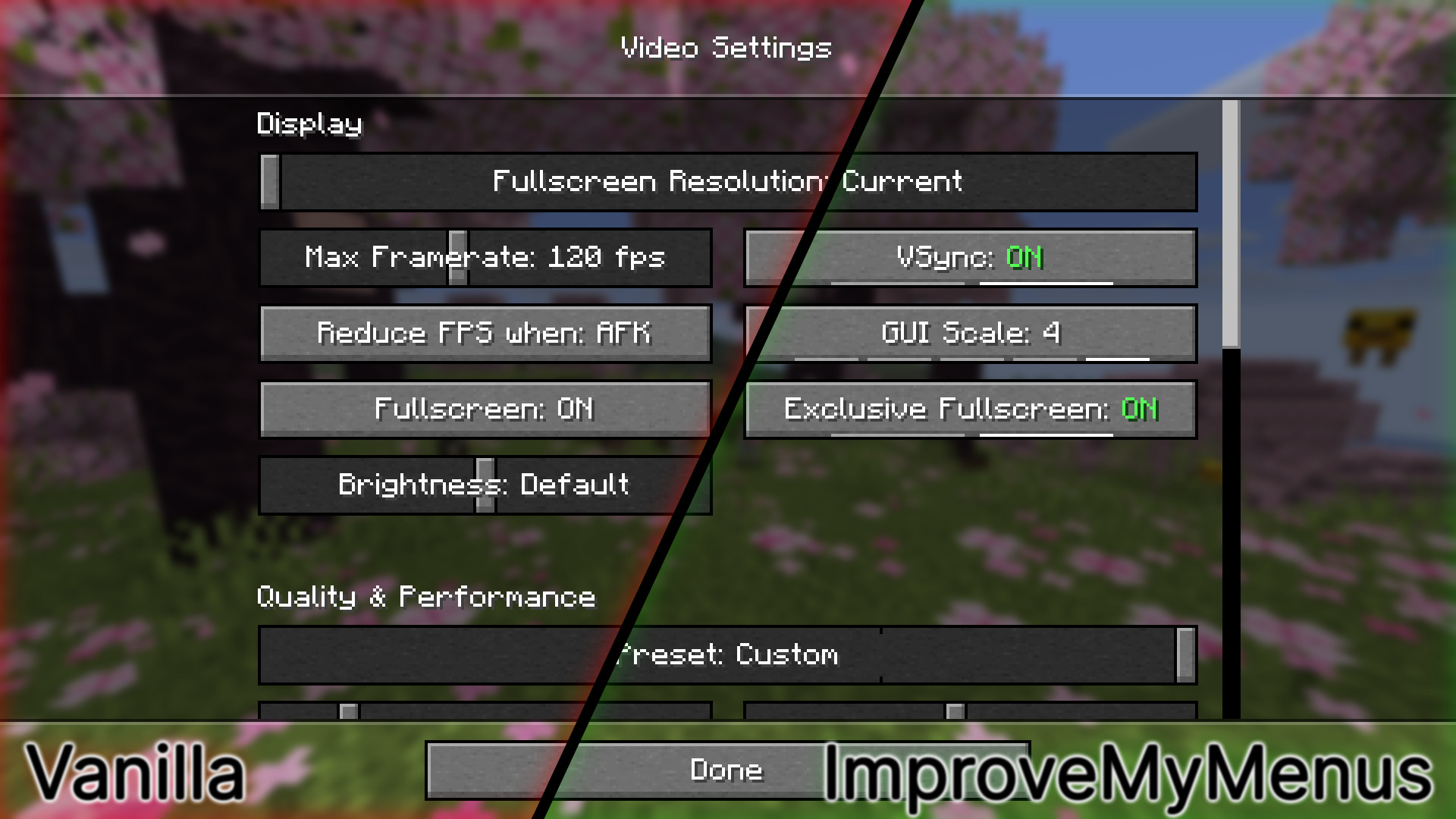
This mod contains a variety of features split into different categories.
Feel free to create a Feature Request if you want to request something new, or alternatively you can create a Bug Report if something's broken.
These allow you to instantly gauge the number of possible options and additionally provide a way to quickly navigate when pressed.

Helps you to immediately recognize the value of an On/Off button.

Transforms buttons that only contain the word ON or OFF into simpler, more recognizable switches.

Sliders with few values will have indicators, helping you use them.

Vanilla has a 600ms delay before snapping for some sliders. ImproveMyMenus removes that delay making sliders feel more responsive.
| Comparison | |
|---|---|
| Vanilla |  |
| ImproveMyMenus |  |
Vanilla leaves big gaps at the edges of sliders, which can act unintuitively.
| Comparison | |
|---|---|
| Vanilla |  |
| ImproveMyMenus |  |
The cursor doesn't lose its arrow shape when dragging a slider or scrollbar outside its area.
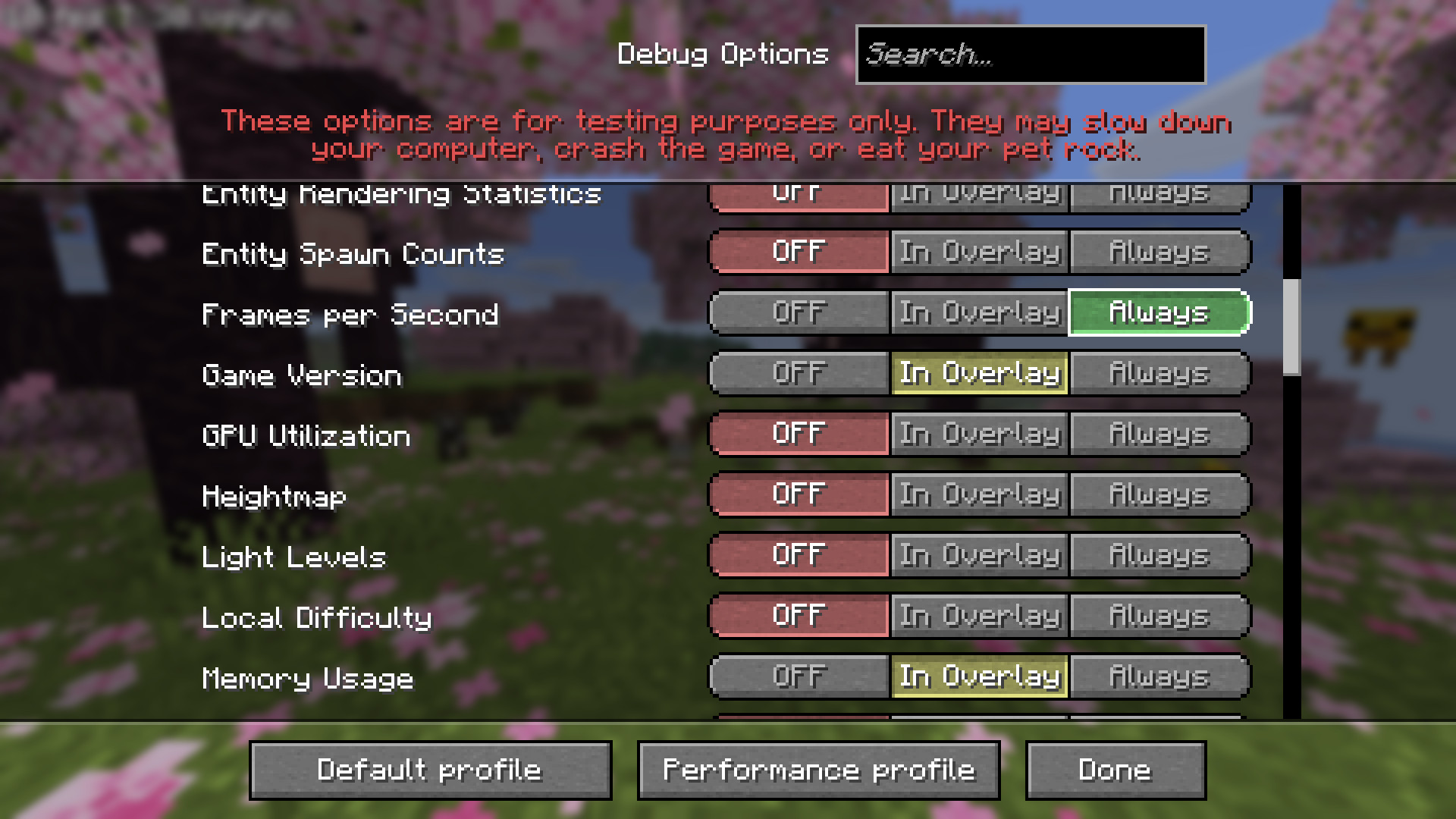
Added translations for debug options, redesigned the tri-state toggle and restores the previous screen upon closing the settings.
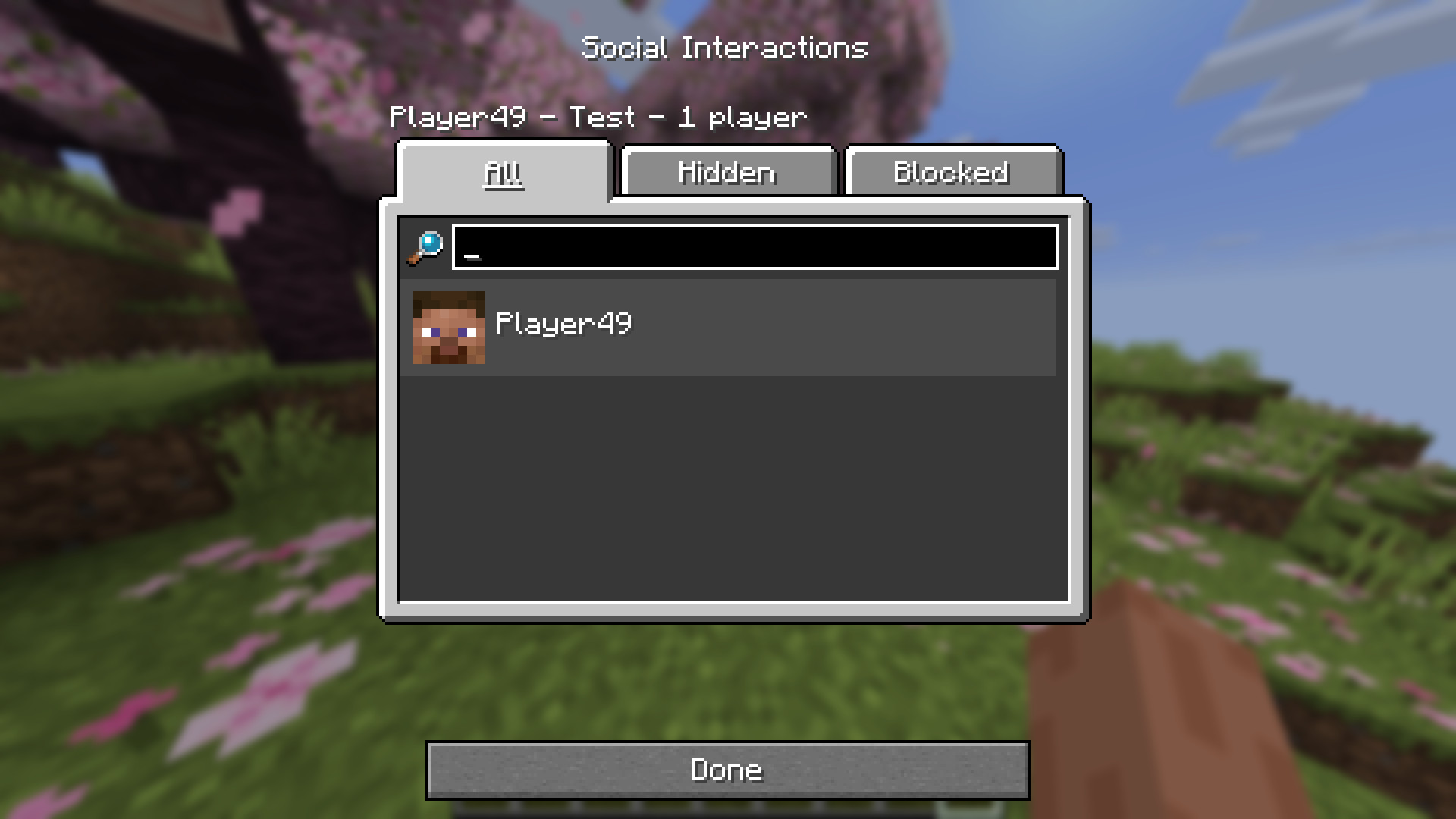
Replaced buttons emulating tabs with proper tabs.
Built-in support for the "High Contrast" Vanilla resource pack.
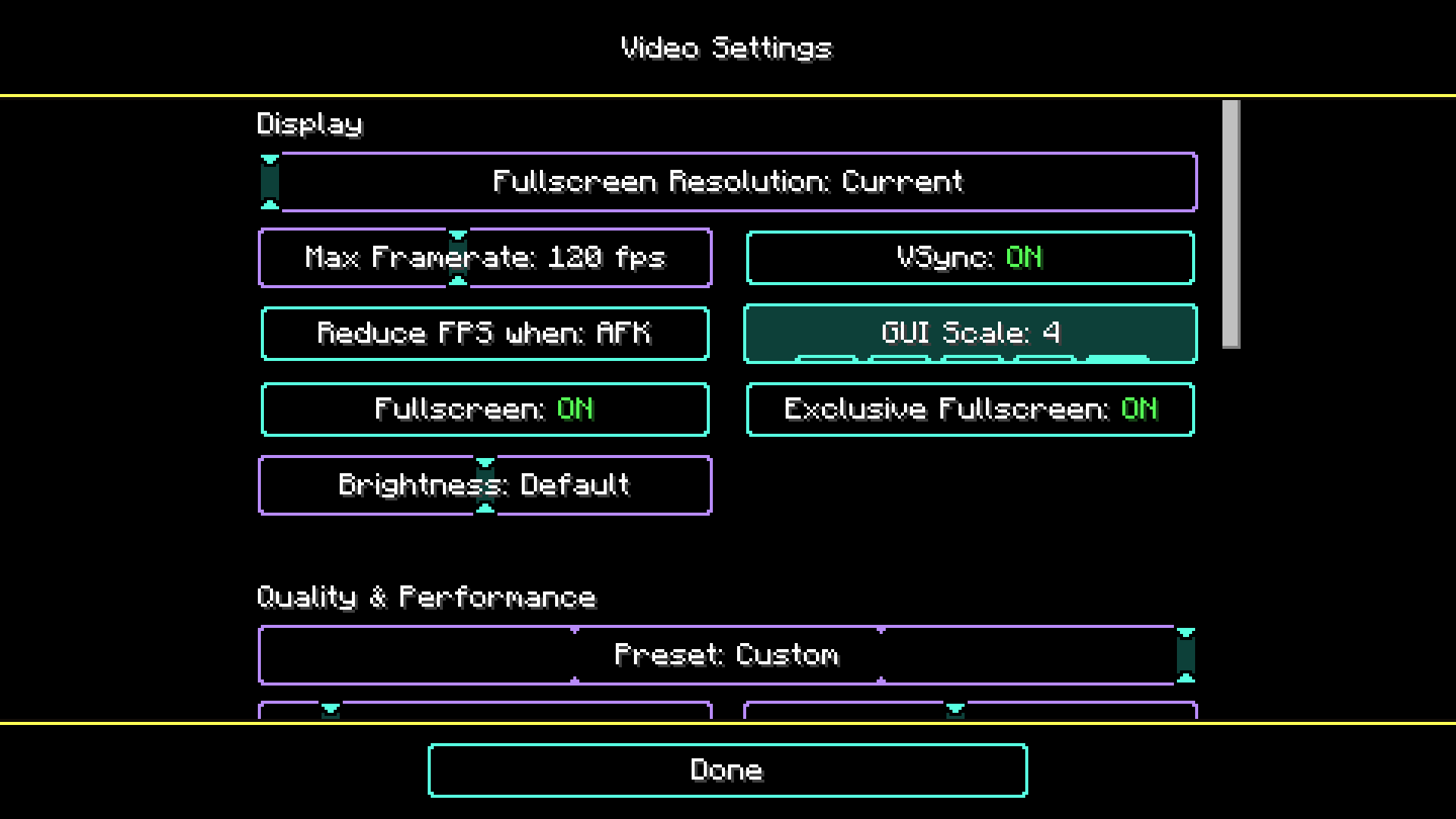
Every visual change can be modified using a resource pack. None of them are hard-coded. The "Debug Options" translations are extendable using a resource pack, which means, you can add additional translations specific to other mods. Furthermore, tooltips are supported.
Check out the Resource Packs for more information, on how to customize ImproveMyMenus.
It's recommended to install Mod Menu in order to access the mod's configuration screen.
Without Mod Menu you can also access the config by running the command /improvemymenus-config.
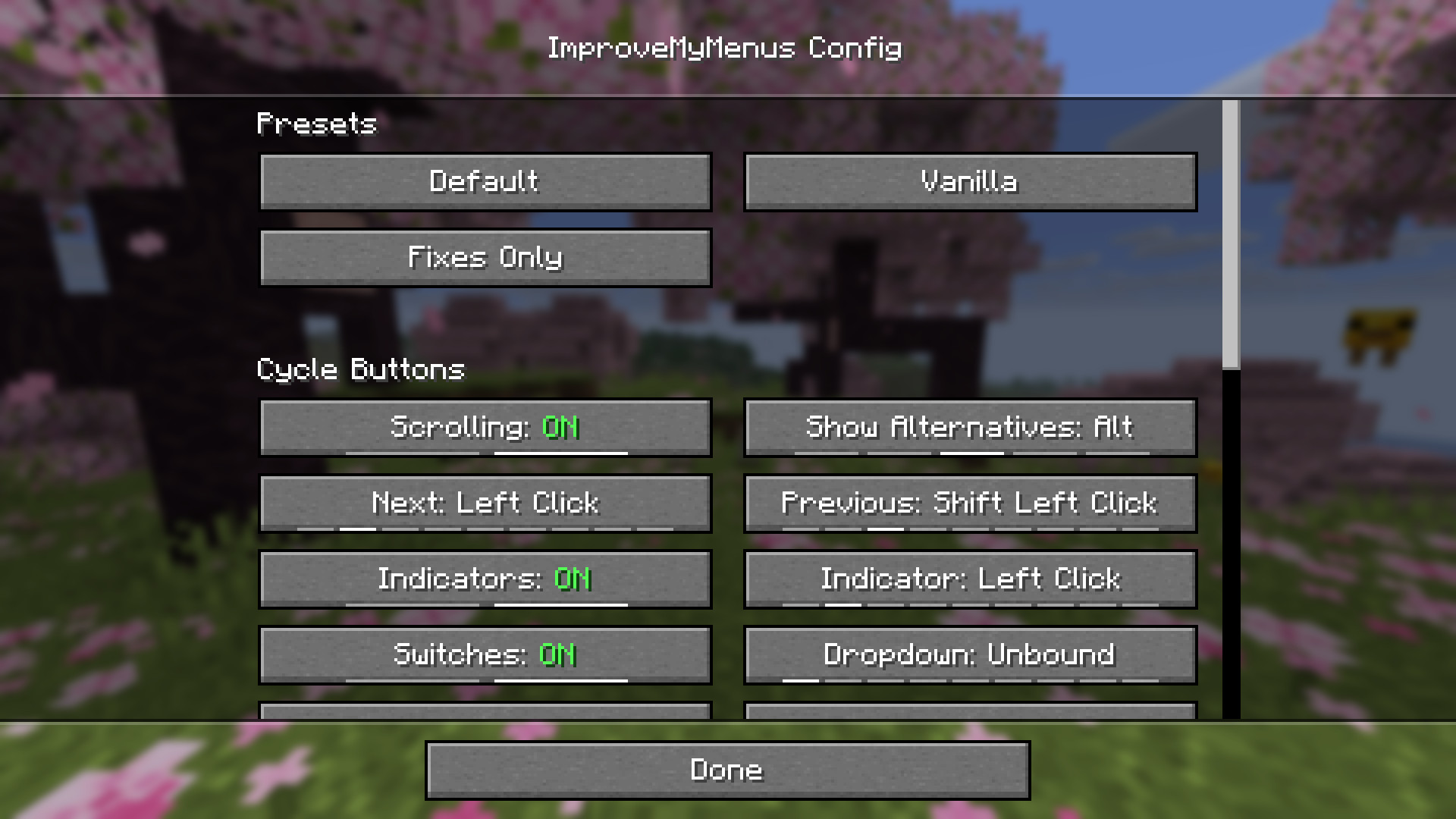
Check out Configuration, if you are interested in detailed explanations of every config option.
Since my goal is to improve user experience with Minecraft's menus, I would greatly appreciate feedback. Feel free to fill out this short form if you're interested in providing feedback.