📖 Full documentation, all config fields, examples, and the developer API are on the Wiki.
History Stages is a comprehensive progression and gatekeeping mod built for modpack creators. Lock items, recipes, dimensions, structures, mobs, and loot behind custom research-based eras — and let players work together or individually to unlock them through the Research Pedestal.
Stages can unlock server-wide (global) for the whole group, per player (individual), or use a dual-phase approach — giving you full control over how progression works in your pack.
Most progression mods track progress per player. History Stages lets you do it all — global stages unlock for the entire server at once, perfect for collaborative packs where no one sneaks ahead. Individual stages track progress per player, opening the door for personal quest lines, story-driven packs, or hybrid approaches. Dual-Phase stages automatically trigger when an item is in both a global and individual stage, locking it globally first and then per-player once the era is reached.
Advancing isn't just a command either. Players physically bring Research Scrolls to the Research Pedestal and spend time researching to unlock the next era. With the Dependency System, you can require players to reach specific XP levels, kill certain mobs, achieve statistics, or deposit items directly into the pedestal before a stage can be researched.
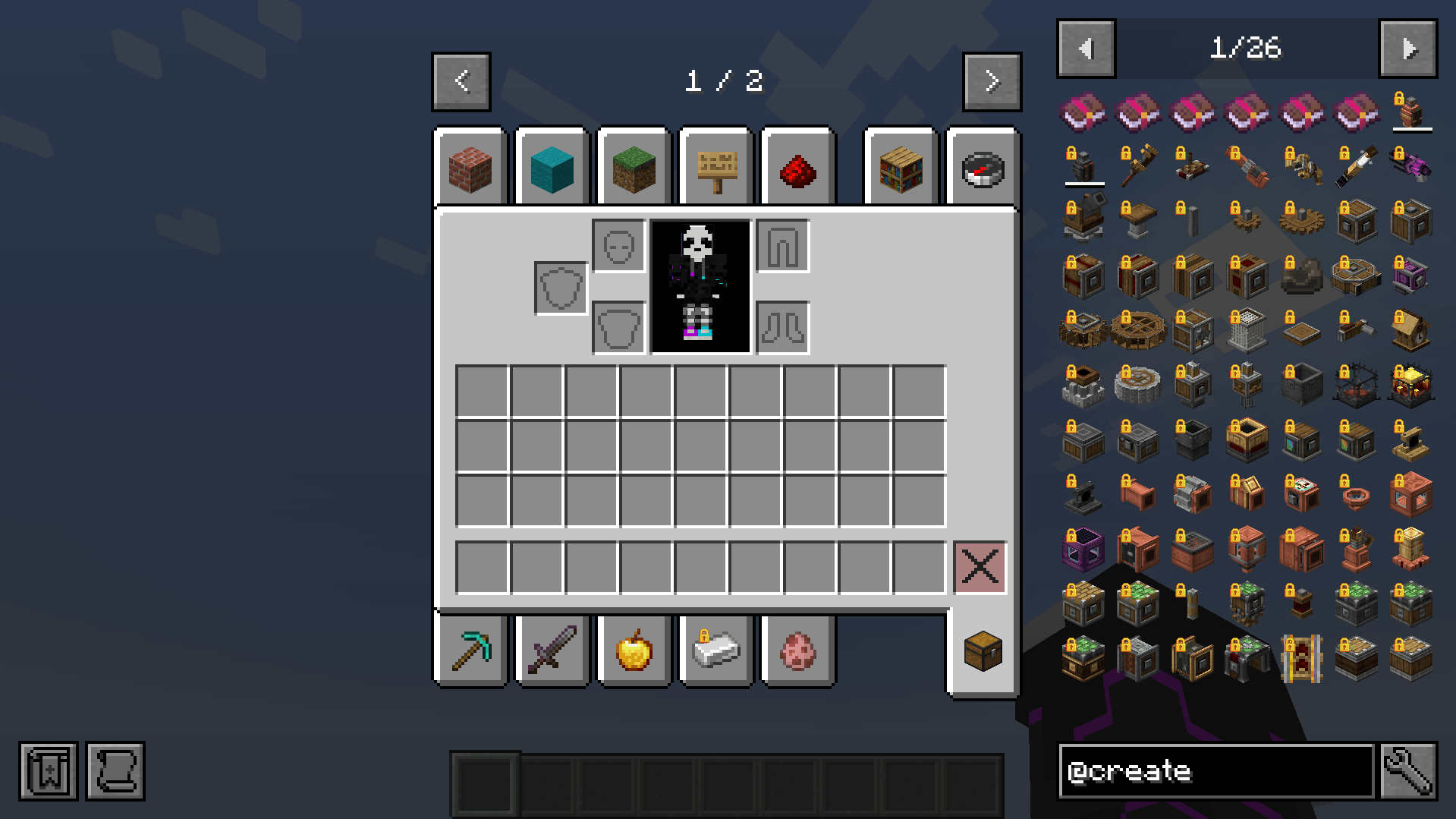
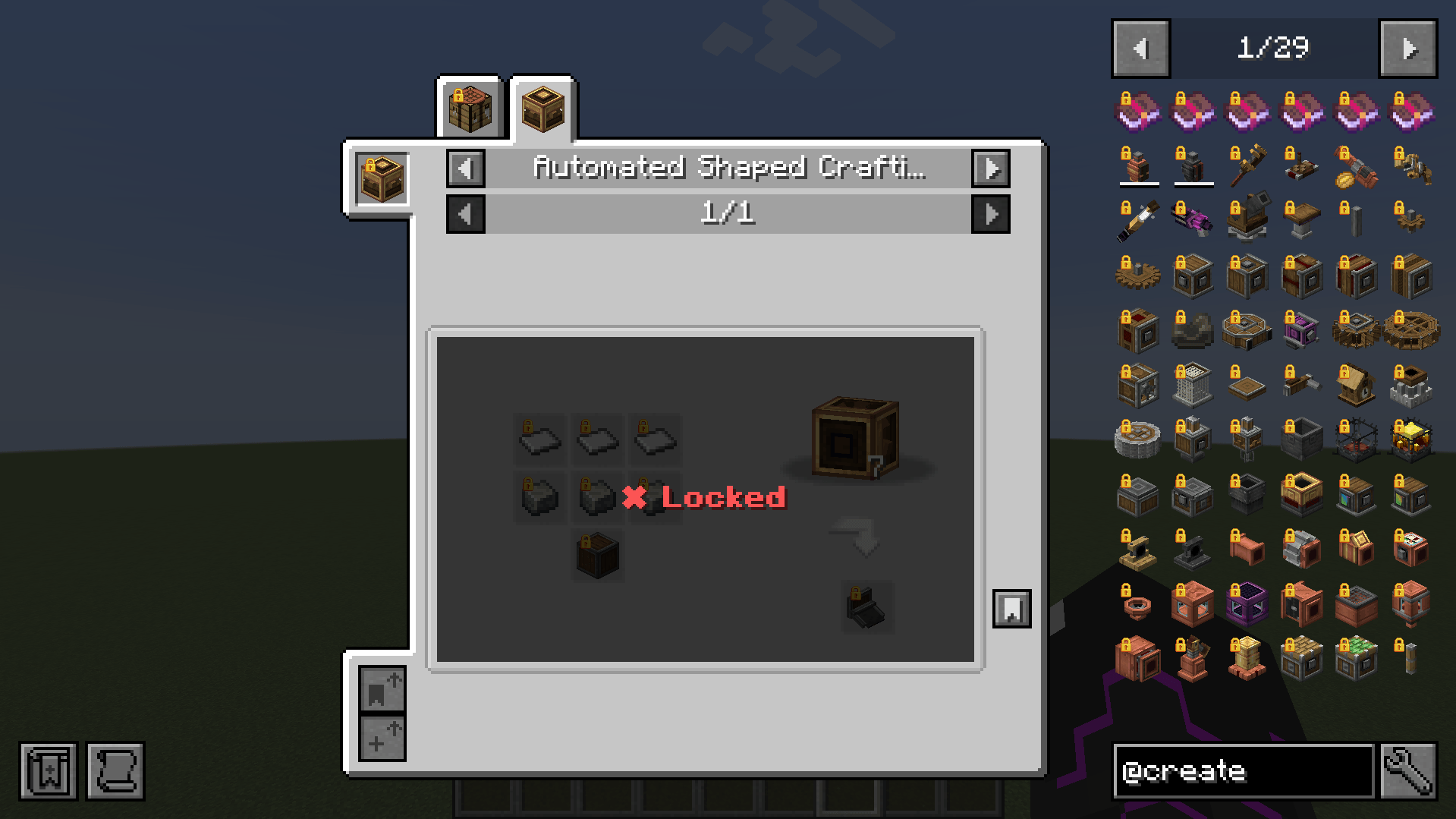
On top of that, almost everything can be locked — not just items, but recipes across every mod, dimensions, structures, mob spawning, loot tables, armor stand displays, block GUIs, enchantments, and more. And with the built-in in-game editor, you can build and tweak your entire stage setup without ever touching a config file.
If you're using FTB Quests, the integration goes even deeper — History Stages adds native stage task types and stage reward types for both global and individual stages directly into the FTB Quests editor.
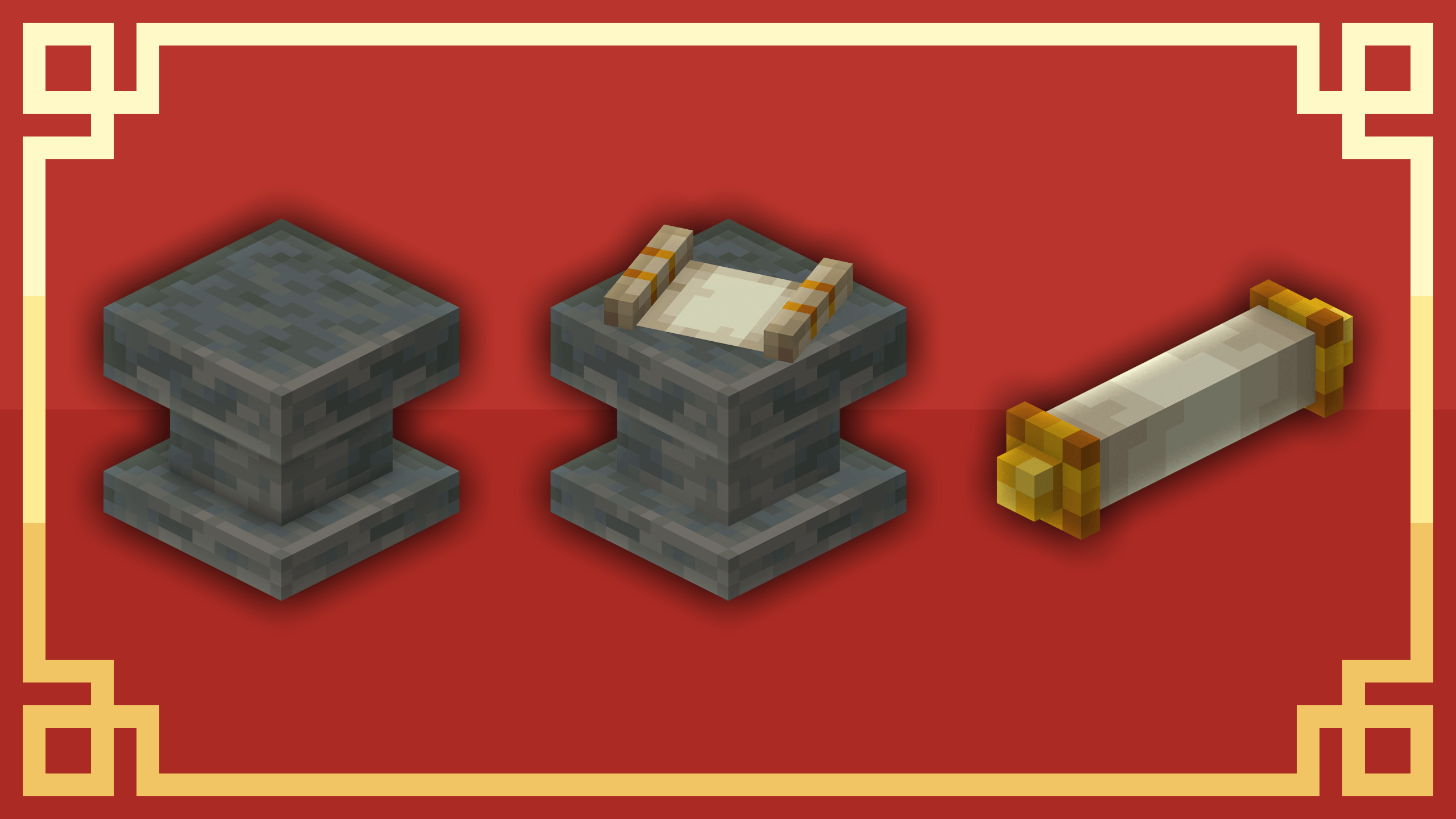
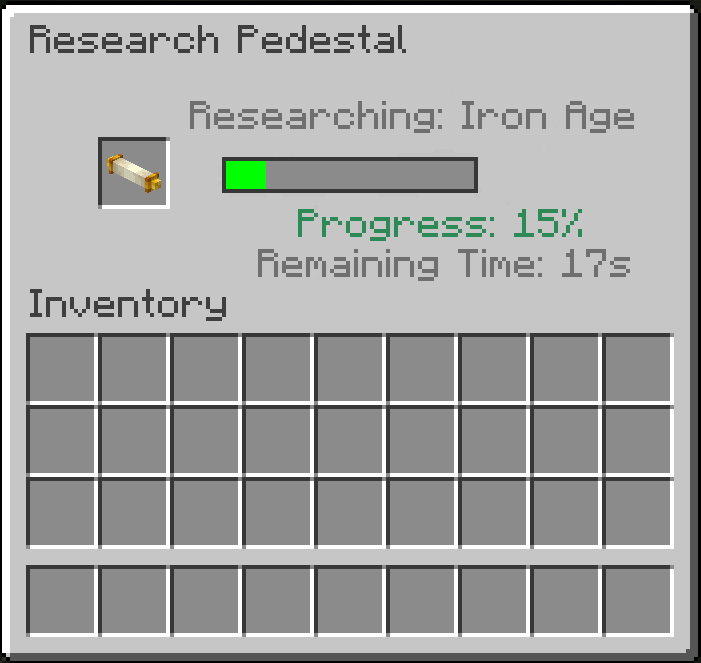
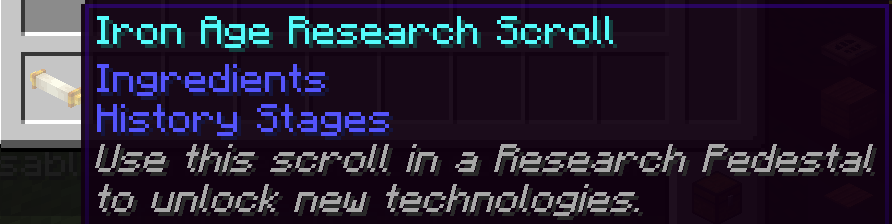
Players unlock stages by using Research Scrolls at the Research Pedestal. Each stage can have its own research time — or fall back to a global default in your config.
The Pedestal also comes in four tiers (I–IV) with placeable Research Boosters that speed up nearby pedestals. Both stages and boosters can be gated to require a minimum pedestal tier, letting you stage progression around the pedestal upgrades themselves.
If a stage has Dependencies, the Pedestal GUI dynamically expands to show a checklist of all required conditions. Players can deposit required items and XP directly into the pedestal to fulfill these requirements incrementally.
This mod intentionally ships without default recipes for the Pedestal, Boosters, and Scrolls, so you as a modpack creator can decide how players obtain them. To give a specific scroll via command:
/give @s historystages:research_scroll{StageResearch:"YOUR_STAGE_NAME"}The easiest way is the in-game stage editor (see below). If you prefer working with files, global stage configs are stored in config/historystages/global/ and individual stages in config/historystages/individual/.
{
  "display_name": "Bronze Age",
  "research_time": 60,
  "icon": "minecraft:iron_ingot",
  "items": [
    "minecraft:iron_ingot",
    {
      "id": "minecraft:iron_sword",
      "unlock_actions": ["pickup", "equip"]
    }
  ],
  "tags": ["forge:ores/iron"],
  "mods": ["mekanism"],
  "mod_exceptions": ["mekanism:osmium_ingot"],
  "recipes": ["minecraft:iron_pickaxe"],
  "dimensions": ["minecraft:the_nether"],
  "structures": ["minecraft:stronghold", "#minecraft:village"],
  "entities": {
    "attacklock": ["minecraft:zombie"],
    "spawnlock": ["minecraft:skeleton"]
  },
  "dependencies": [
    {"type": "xp_level", "level": 10},
    {"type": "entity_kills", "entity": "minecraft:zombie", "count": 20}
  ]
}
Files starting with _ are ignored and can be used as templates. The full field reference and more examples are on the Wiki.
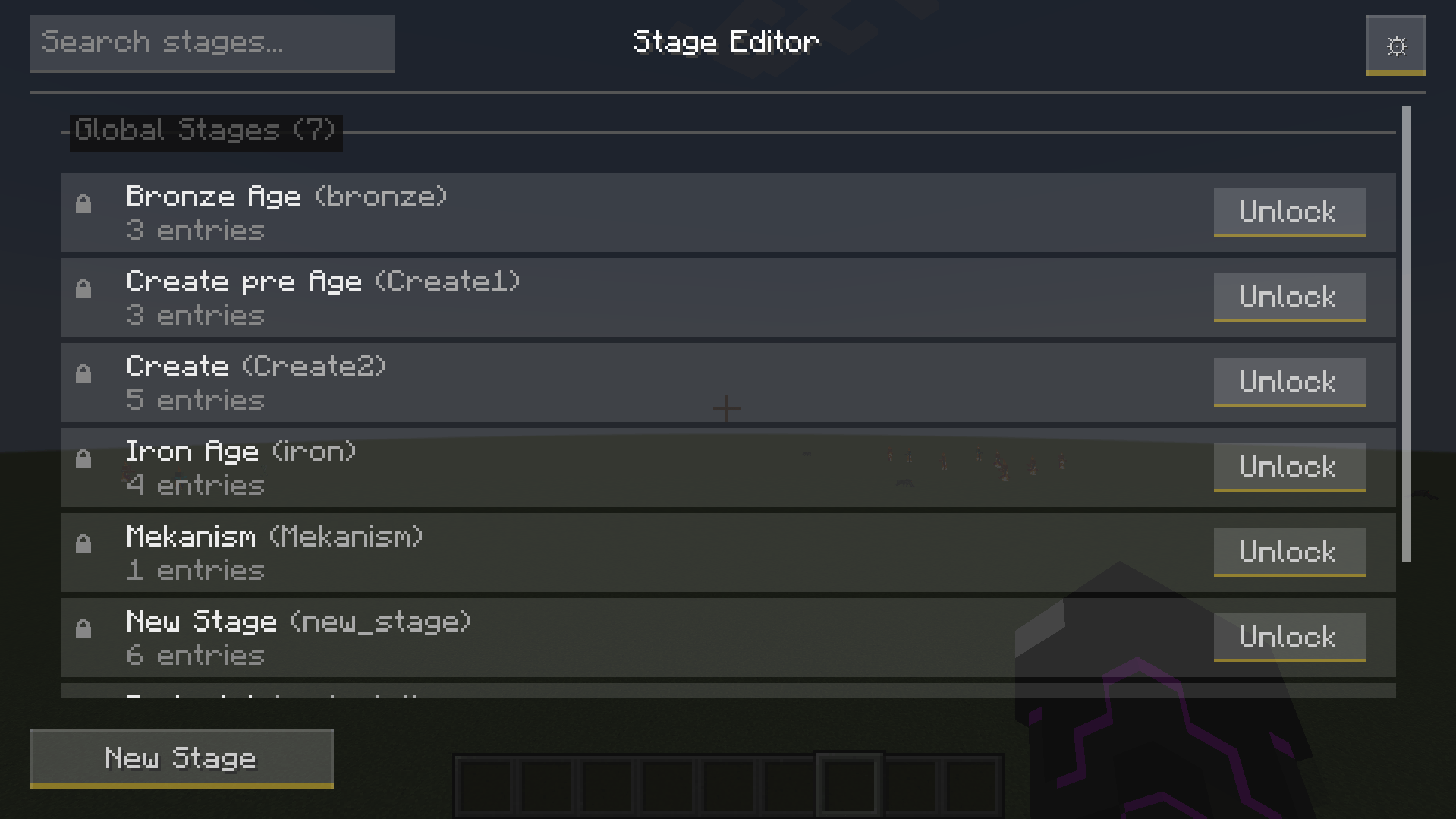
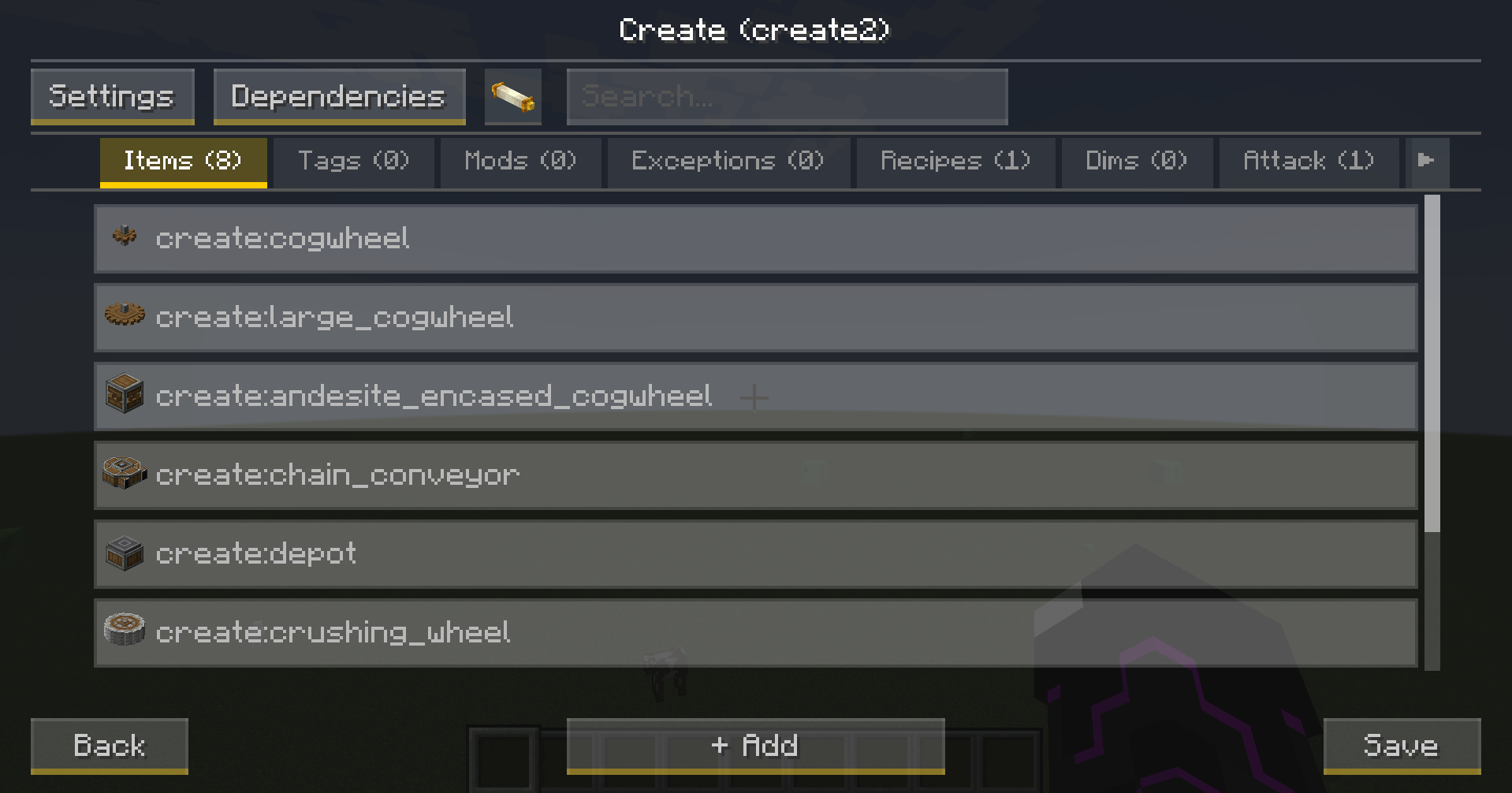
Create, edit, duplicate, and delete stages directly in-game — no file editing required. Features searchable lists with multi-select for items, recipes, entities, dimensions, structures, tags, and mods. Includes a Dependency Editor, NBT Editor, Lock Actions Editor, and a dedicated Stage Settings screen. Ctrl-click any inventory slot to import its full NBT/components directly into an entry. The editor also warns about overlaps between global and individual stages, marking dual-phase entries with a [Dual] badge. Accessible via a button in the pause menu (OP required).
Tweak all mod settings without leaving the game, organized by category with a reset-to-defaults option. Accessible through the stage editor.
Debug commands help you find the exact IDs and NBT data you need for your configs:
/history debug structure — lists structure IDs and tags at your current position/history debug nbt preset|custom — lists NBT data for your held itemAll commands use the /history prefix and require Permission Level 2 (OP). They cover unlocking and locking stages globally or per player, reloading configs, and debug utilities for structure IDs and item NBT data.
History Stages fires StageEvent.Unlocked and StageEvent.Locked on the Forge event bus, which KubeJS, CraftTweaker, and other mods can listen to.
Everything is configurable via historystages-common.toml and historystages-client.toml, or through the in-game config editor.
Can stages be unlocked per player instead of server-wide? Yes! History Stages supports both global stages (server-wide) and individual stages (per player, tracked via UUID). You can mix and match both types in the same pack, which automatically creates Dual-Phase locks for overlapping items.
Do I need to add crafting recipes for the Research Pedestal, Boosters, and Scrolls myself? Yes. The mod ships without default recipes on purpose so you have full control over how players obtain them. You can add recipes via KubeJS, CraftTweaker, or a datapack — or simply give scrolls to players as quest rewards using the /give command.
Is Lootr really required? Can I use the mod without it? Yes, Lootr is a hard dependency. Loot chest filtering is built entirely around Lootr's container system and can't be made optional. If you're not using loot locking, Lootr still needs to be present but won't get in the way.
Does it work with KubeJS or CraftTweaker? Yes — History Stages fires StageEvent.Unlocked and StageEvent.Locked on the Forge event bus, which both KubeJS and CraftTweaker can listen to.
Can I let players pick up or carry a locked item, but not use it? Yes — each item, tag, or mod entry supports an optional unlock_actions list. You can specify exactly which interactions stay available (e.g. pickup and equip) while everything else (attacking, crafting, using, …) remains locked. This works for items, tags, and mods, and can be configured directly in the in-game stage editor.
Which Minecraft versions are supported?
Do I need FTB Quests to use this mod? No, FTB Quests is completely optional. The integration only activates when FTB Quests is present — the mod works perfectly without it.
Found a bug or have a question? Feel free to open an issue on GitHub — we read everything! 🙂