Most Minecraft mods that promise "slow walk" do it with a hotkey toggle. HE-Keyboard does it the way a controller does — by reading the actual depth of your keypress. Hall Effect keyboards report continuous 0.0–1.0 pressure values per key; this mod feeds those values straight into Minecraft's movement system.
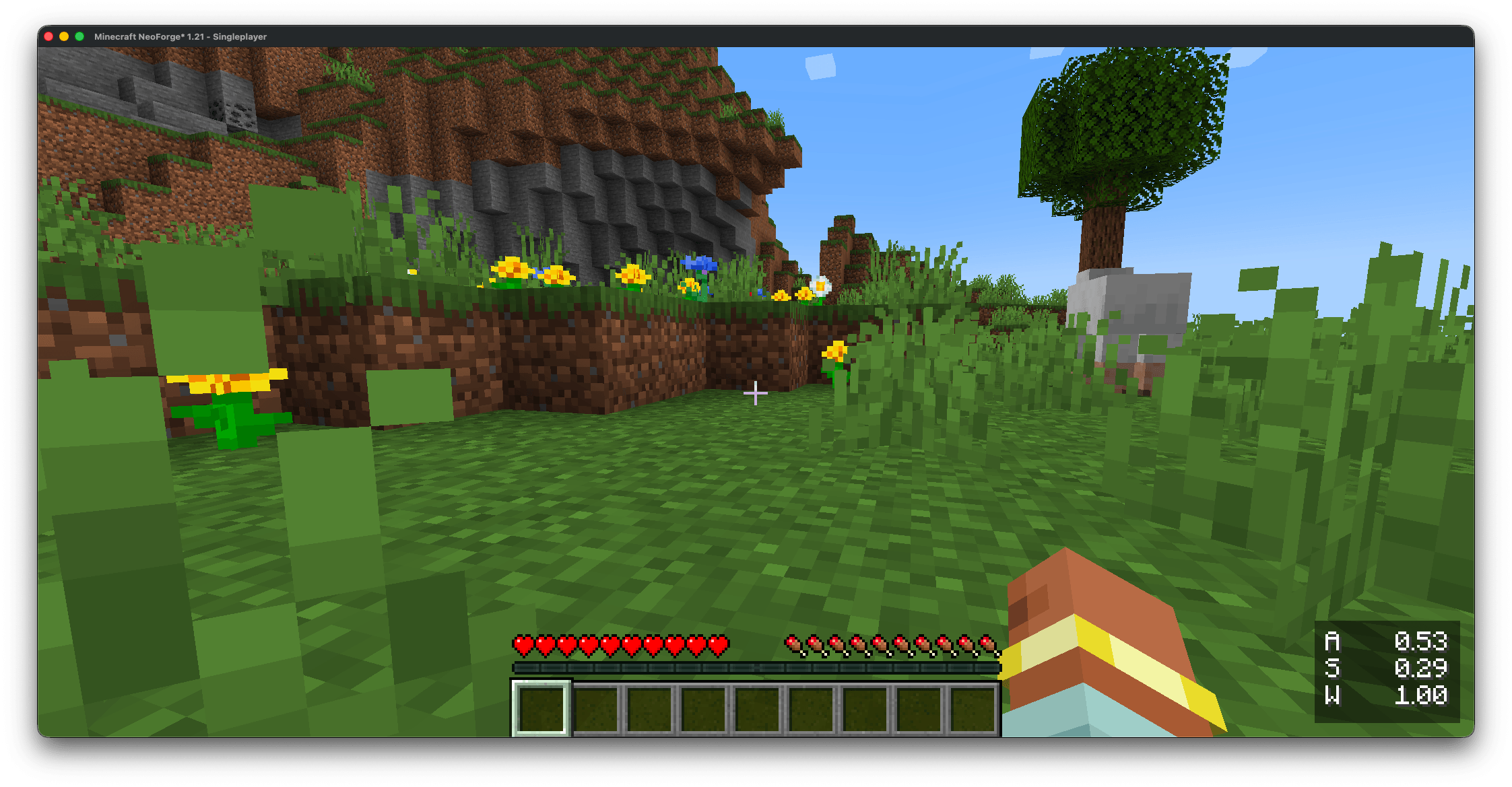
The result: walk forward slowly by barely touching W. Sprint by pressing it all the way. Strafe at a custom angle by varying A and D against each other. The transition is buttery smooth because the underlying signal is analog, not stepped.
logs/latest.log to debug an install.Anything the Wooting Analog SDK can read:
1. Install the Wooting Analog SDK runtime. The mod needs the Wooting Analog SDK's native library on your system — it loads the library automatically and does not bundle it. (On macOS the SDK ships as two dylibs, the SDK plus a thin C-API wrapper; on Windows and Linux a single all-in-one SDK library exposes the same API. The mod handles whichever your platform provides.)
Windows: install Wootility — it installs the Wooting Analog SDK library (wooting_analog_sdk.dll), which the mod loads directly. (There's no separate wooting_analog_wrapper.dll on Windows, and you don't need one.) Or download the standalone .msi from https://github.com/WootingKb/wooting-analog-sdk/releases.
macOS: download the latest .tar.gz from https://github.com/WootingKb/wooting-analog-sdk/releases, then copy both dylibs into /usr/local/lib/:
  sudo cp libwooting_analog_sdk.dylib /usr/local/lib/
  sudo cp libwooting_analog_wrapper.dylib /usr/local/lib/
  sudo xattr -d com.apple.quarantine /usr/local/lib/libwooting_analog_sdk.dylib
  sudo xattr -d com.apple.quarantine /usr/local/lib/libwooting_analog_wrapper.dylib
Both xattr commands are required — macOS Gatekeeper blocks unsigned dylibs downloaded from the internet until that attribute is cleared.
.deb from the releases page (it sets up the required udev rules for HID access). On non-Debian distros, extract the archive manually and follow the SDK docs for udev setup.2. (Optional) Install the Universal Analog Plugin if your HE keyboard is from Razer, NuPhy, DrunkDeer, Keychron, Madlions, or Lemokey. On Windows / Linux, grab it from https://github.com/AnalogSense/universal-analog-plugin and follow its install steps. On macOS, use our fixed build instead, from https://github.com/KrookedLilly/universal-analog-plugin (the upstream plugin's macOS support was broken; our fork fixes it, and the fixes are merged upstream). Either way it slots into the Wooting SDK as a vendor backend — no mod-side configuration. Wooting boards skip this step.
3. Drop the matching mod jar into your mods/ folder. Pick the jar that matches your Minecraft version from the compatibility table above.
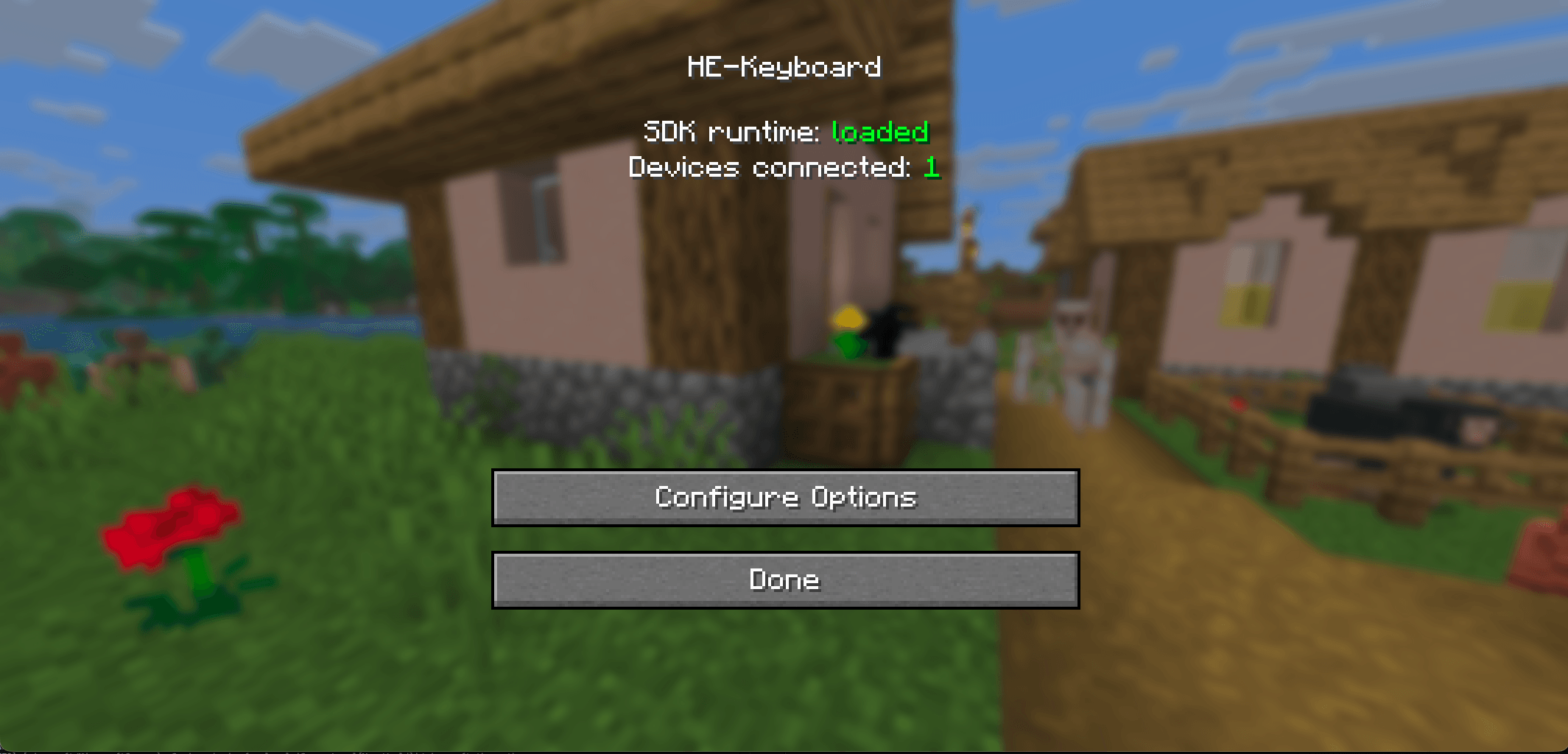
4. Launch Minecraft and verify. Open Mods → HE-Keyboard → Config. The status panel at the top should show:
If you see SDK runtime: not found, the SDK library probably isn't installed (or isn't xattr-cleared on macOS). The panel shows an OS-specific install hint when something's missing.
That's it. Try a partial W press in-world — you'll feel it immediately.
The Wooting Analog SDK is MPL 2.0 licensed. Bundling its native binaries directly would add platform-specific signing / packaging requirements (macOS notarisation, Linux udev rules, MPL source-availability paperwork) and turn every SDK patch release into a full mod re-release. Cleaner for everyone if the SDK lives outside the mod jar and you can update it independently.
If your keyboard already works with Wootility, the mod already works.
If you enjoy this mod, please check out our other games and apps at KrookedLilly.com