







This is my first adventure with modding - I didn't know the Minecraft environment or Forge before. I also didn't know Java before. Despite everything, I made every effort to write the mod as best as possible. If it has problems, please be understanding and report - I will make every effort to correct errors as soon as possible. No AI was used!
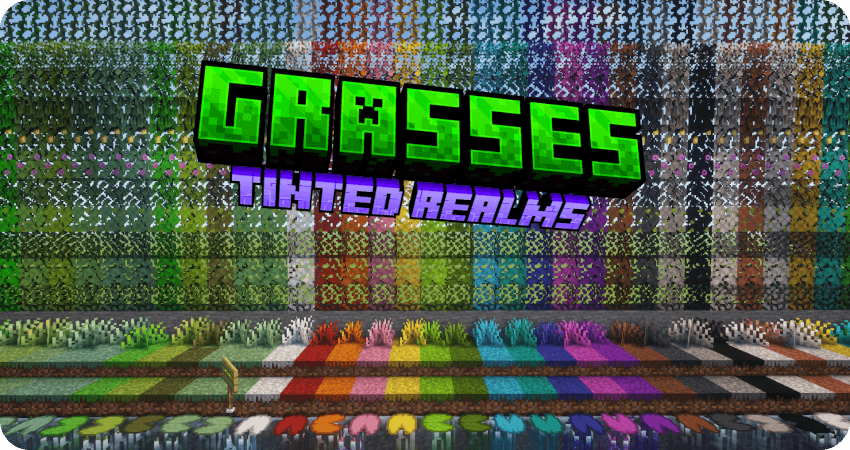
The mod was created as a response to a personal need that no previous mods had met, which only added similar blocks, or only decorative ones, without functionality. The idea was supposed to simply add functional grass blocks in vanilla colors, but it quickly grew as I learned about modding.
Latest Update Info:
The mod is still available in beta. To see the files, uncheck the "Show Alpha Files" box.
Version 0.3 has been released, but I haven't had much time for full testing. Unfortunately, it was released on the last day I could. Now, I won't be back online until October. If any bugs appear, it have to wait. This applies to both Forge and Neoforge.
Neoforge 1.20.6 is almost ready, but I haven't had time to polish it yet. It will be released in October. After that, I'll start preparing version 1.21.
The current version introduces a new additional drop system, which you can read more about on the wiki:
https://github.com/DanteTooMayCry/Grasses/wiki/Additional-Drop-System
In short, the system allows you to modify the original drops and add your own, without having to manipulate jar files.
Some mod is adding things that are too powerful? Disable the drops entirely and/or re-add them with modified conditions or drop chances.
Is there a drop that's too weak? Add an extra one.
Don't like something? Change it!

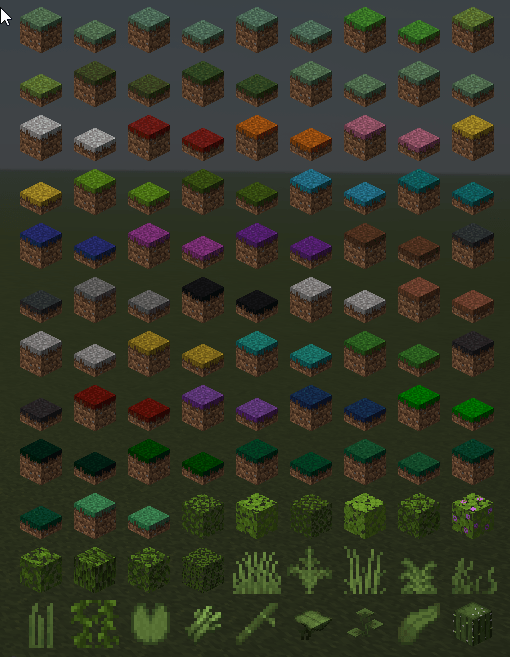
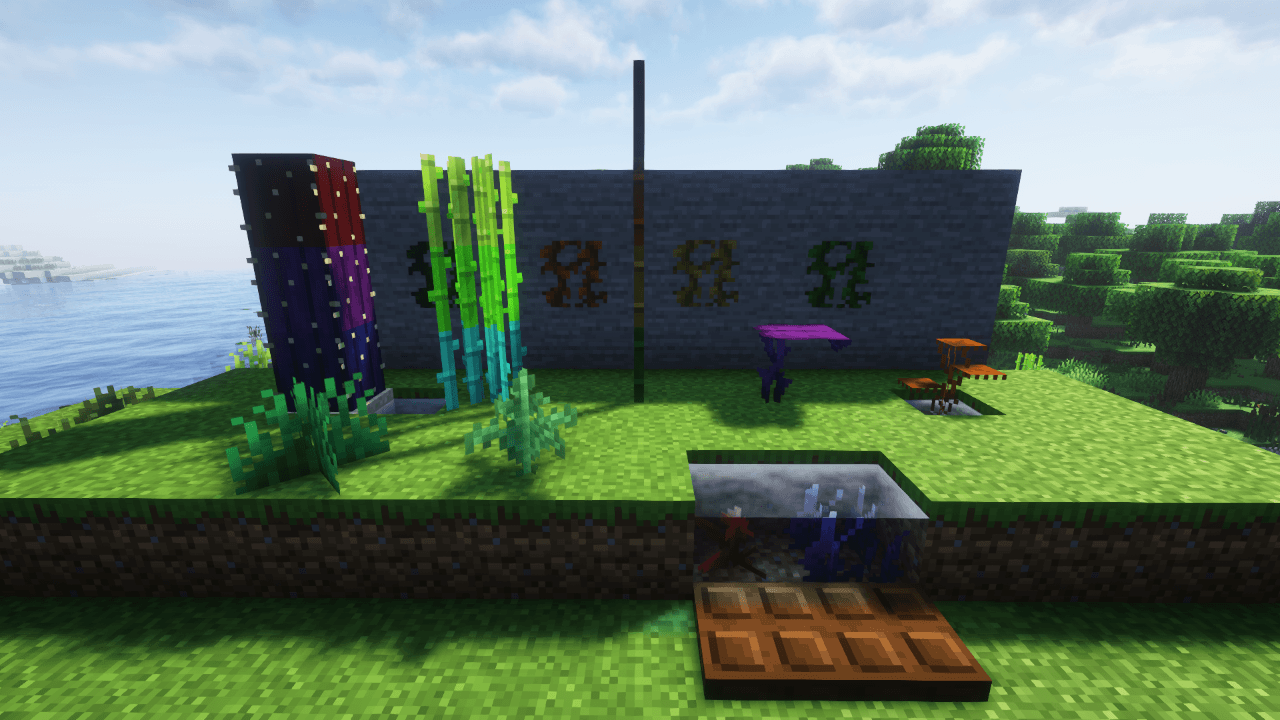
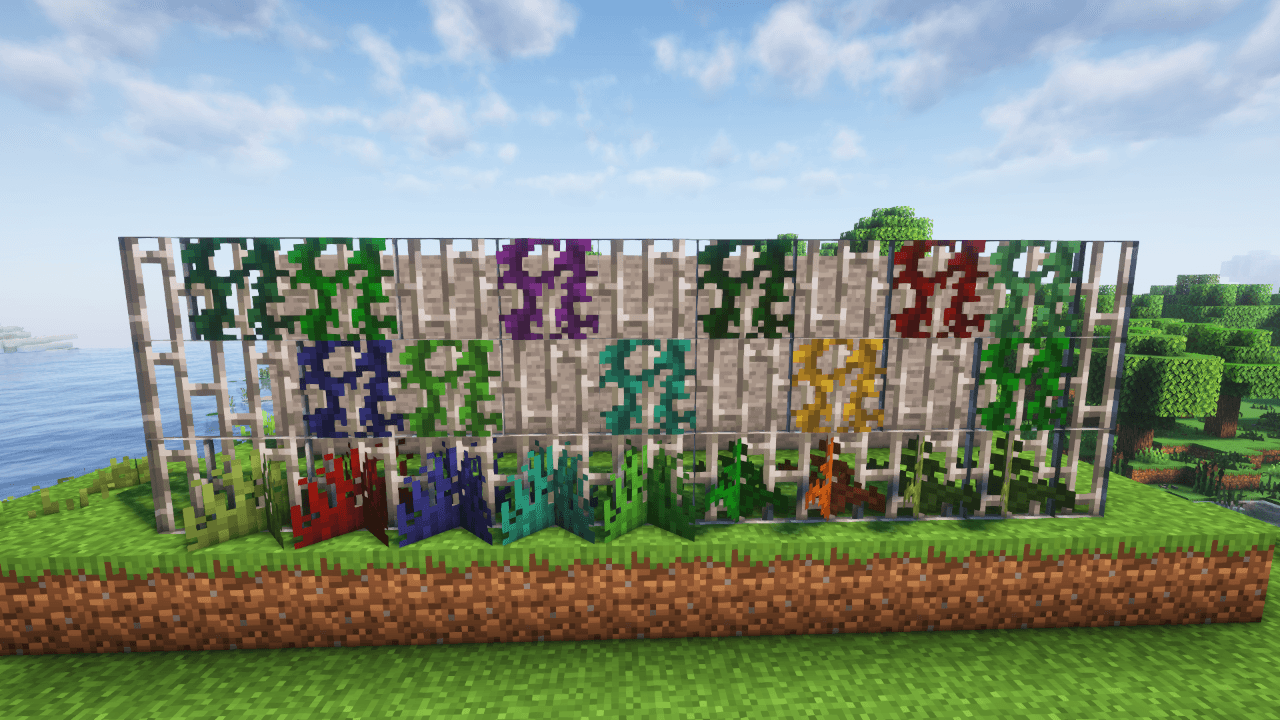
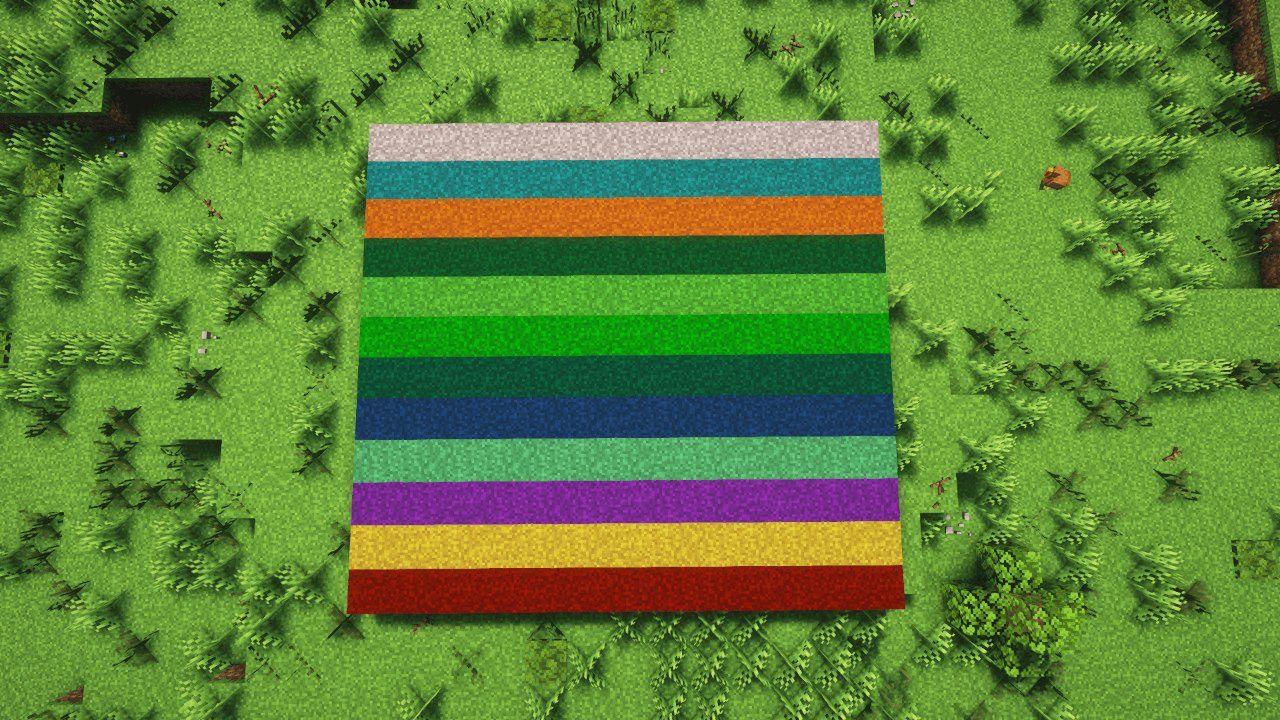
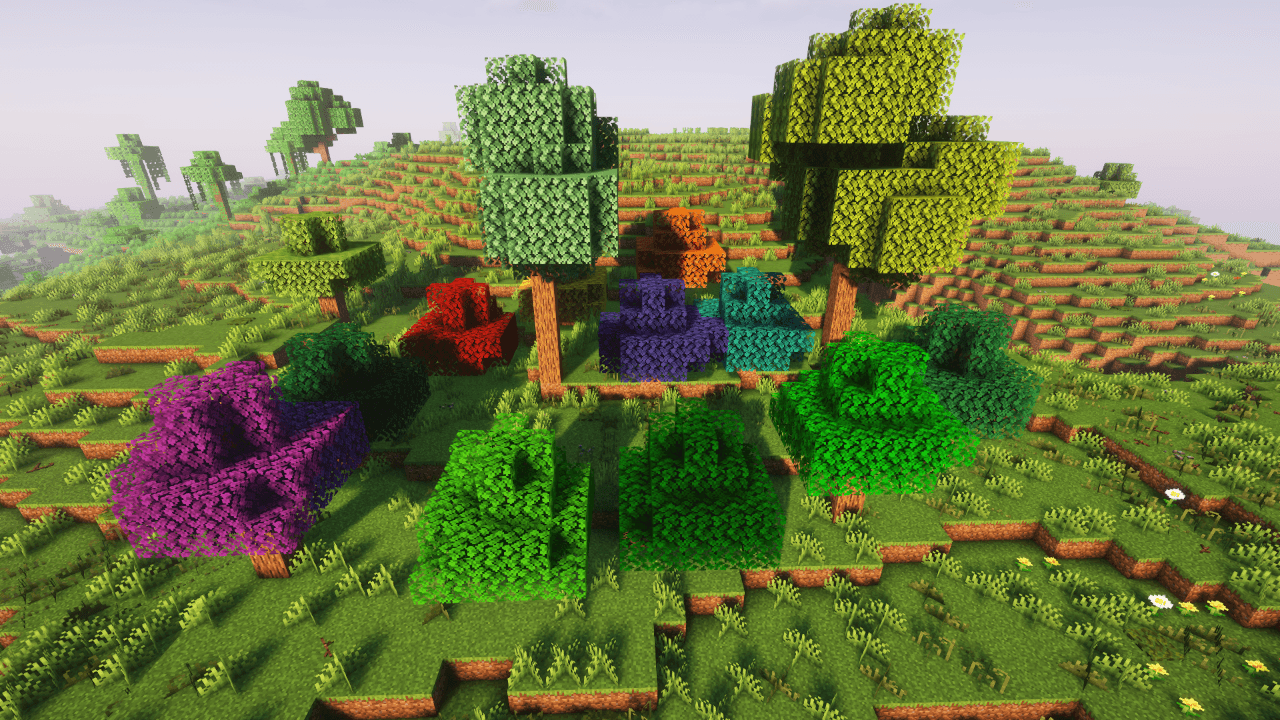
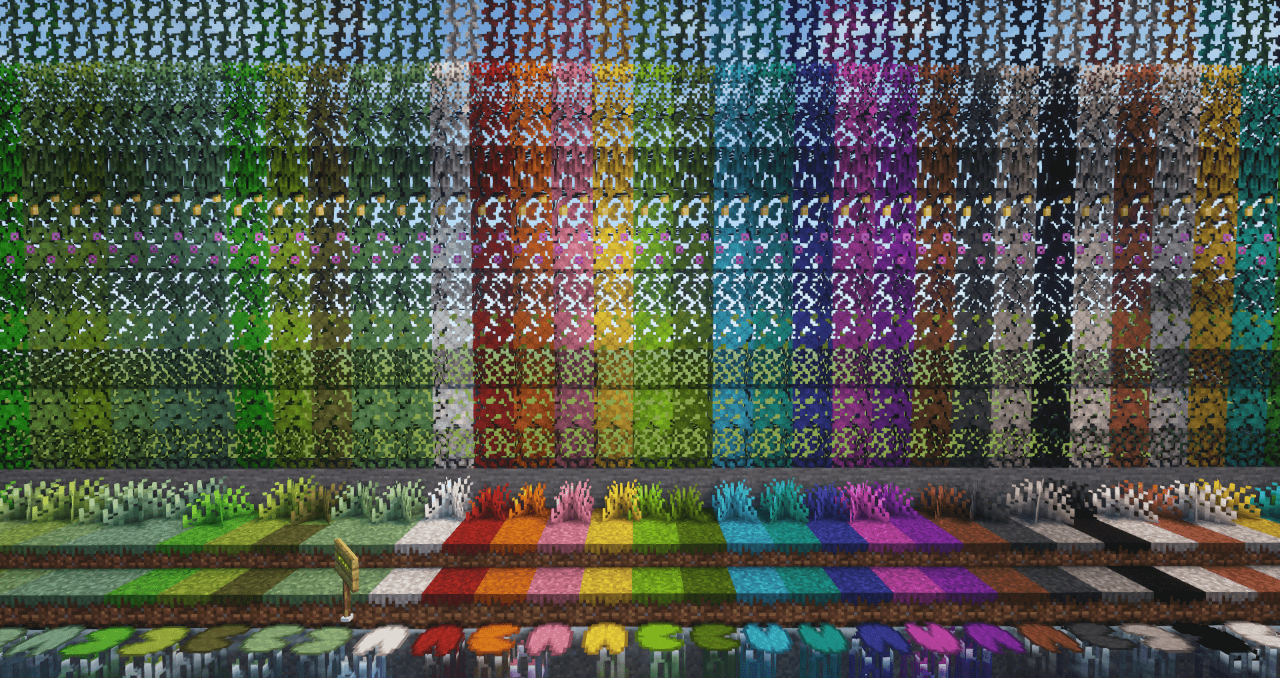
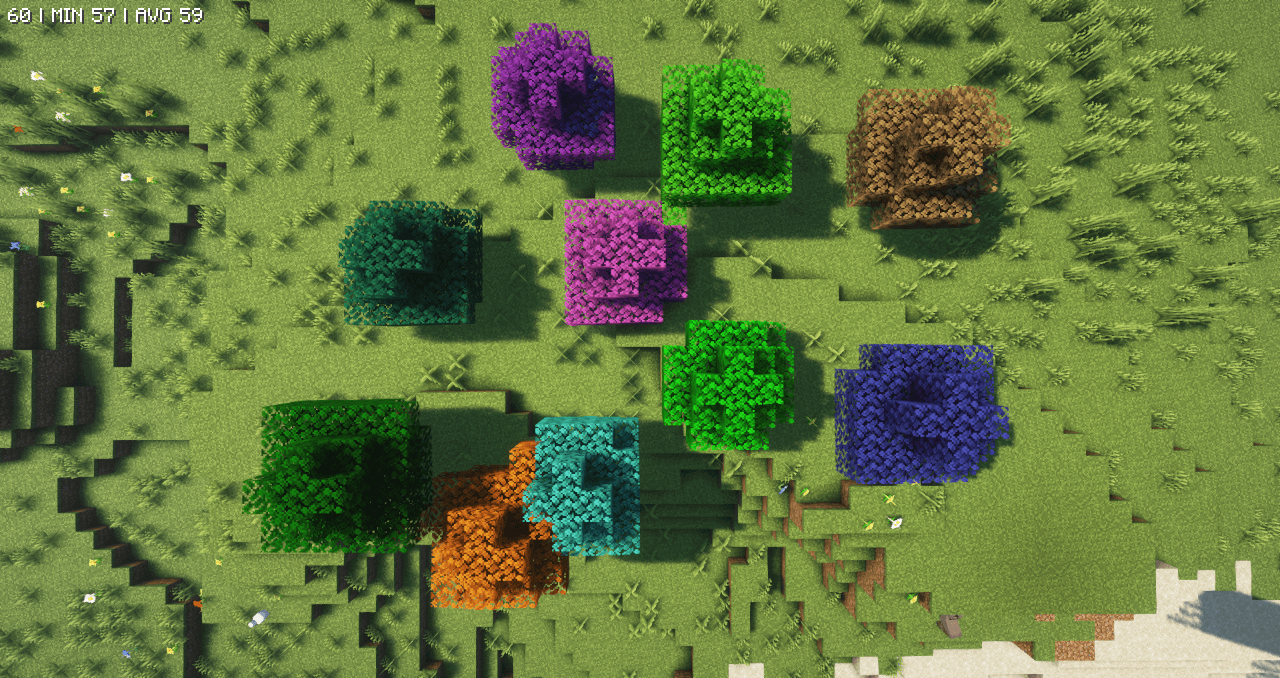
In Vanilla Minecraft, grasses blocks, leaves, and various plants have a color that changes automatically depending on the biome. The mod breaks this rule and adds blocks that do not take the biome color. So, for example, you can use a jungle grass block in any other biome. At the same time, the block retains all other properties - including, for example, the ability to spread (but does not affect other grass blocks, including the vanilla Grass Block).




Q: Is it safe to add this mod to an already existing world?
A: Yes. There should be no problems.
Q: How can I report bugs/issues/suggestions?
A: I invite you to head over to GitHub and create a topic there. The link can be found at the top of the page.
Q: I don't want some of the things the mod adds, how can I disable them?
A: Most of the things the mod adds or changes can be disabled in great detail in the config file.
Q: Does the mod work with OptiFine?
A: 'Grasses' does not directly support OptiFine and does not recommend using it - it is an outdated mod. It is better to use mods based on Sodium (Embeddium) and Iris (Oculus). Nevertheless, everything should work.
Q: Will 'Grasses' be available on other Mod Loaders?
A: Yes. Future versions of the mod will be available on NeoForge (Forge will only have the current version 1.20.1). If I have time, I will also try to port the mod to Fabric.
Q: When will the new version be available?
A: There's no way to say. It all depends on how much time I can devote to creating. Supporting me will definitely allow me to spend more time on modding and less time on work. The development is an unpaid free-time activity, so any support helps being able to spend more time on it.
Q: Do you have any plans on backporting?
A: Very unlikely. Mayby, 1.19.2 in future. But first I want migrate to neoforge and update for all +1.20.1.
Q: How can I support?
A: You can support me on Patreon, BuyCoffe (links are on the top of this page) or just spreading the word around. Any support is greatly appreciated
Q: Can I add a mod to a modpack?
A: Of course, just credit me and with a reference to this page.
Q: Can I make Videos/Screenshoots?
A: Again of course. In fact, I encourage you to do so. Create videos or take screenshots and post them anywhere you want. I just ask that you note what the mod is and let people know where to get it.
Q: I can translate the mod to my language. How can I do that?
A: Go to my github. Download the en-us.json file and edit it. Next just make topic on issue tracker with translation label.