Loading...
Beta Modpages Unclaimed

Flower Pots Plus

A simple mod that adds in more flower pot options!

0 Likes
13800 Downloads
Created by profit_orange

Description

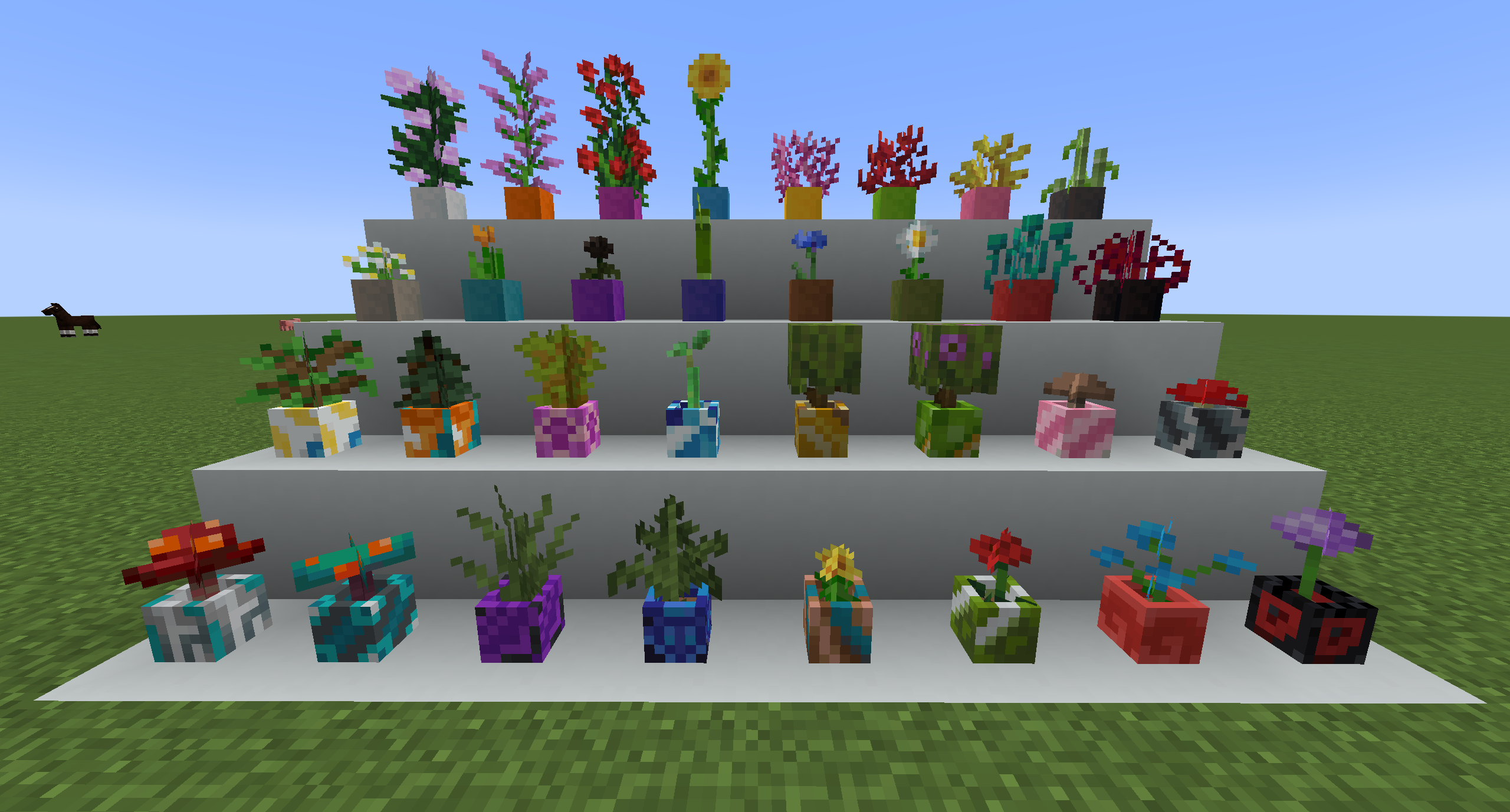
A mod that simply adds more flower pot options to your world!

v1.0.3 New Features:

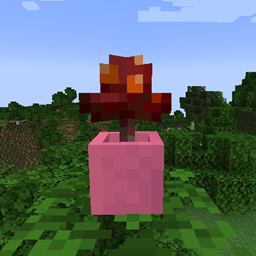
Added Glazed Flower Pots!
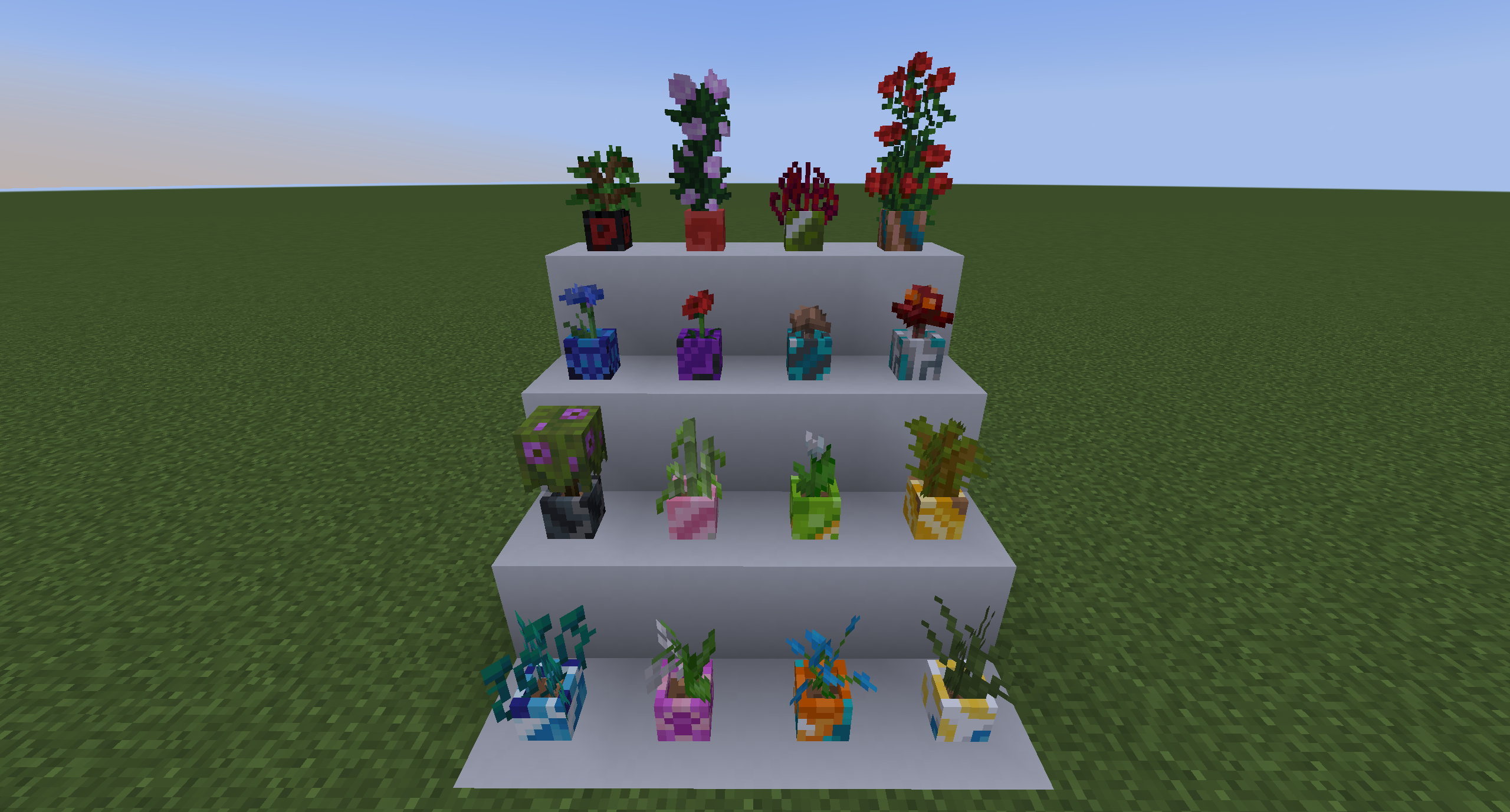
- Added support plant support to vanilla flower pots for missing plants.

v1.0.2 New Features:

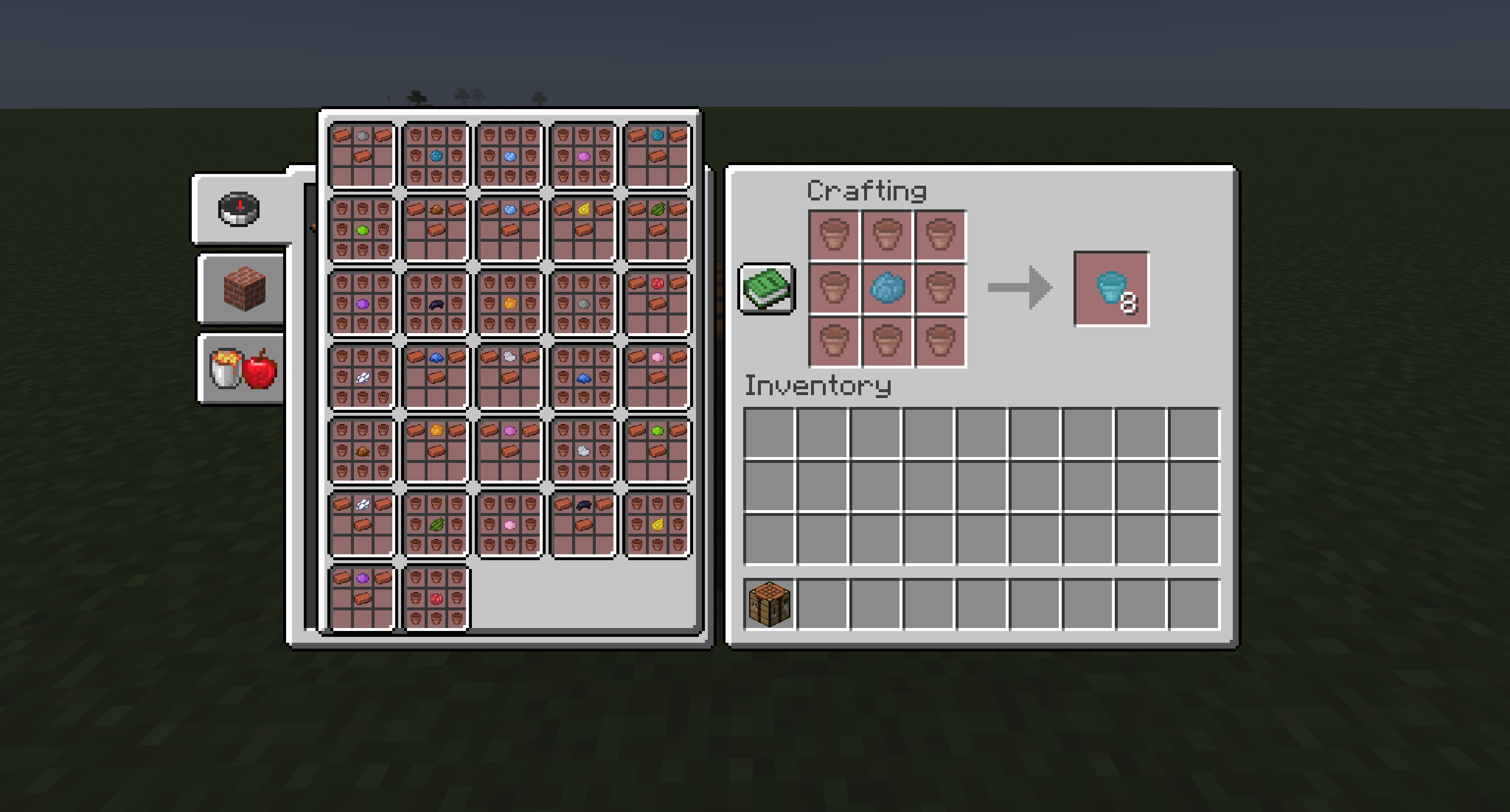
You can now dye flower pots!


Tall flowers can now be placed in flower pots:
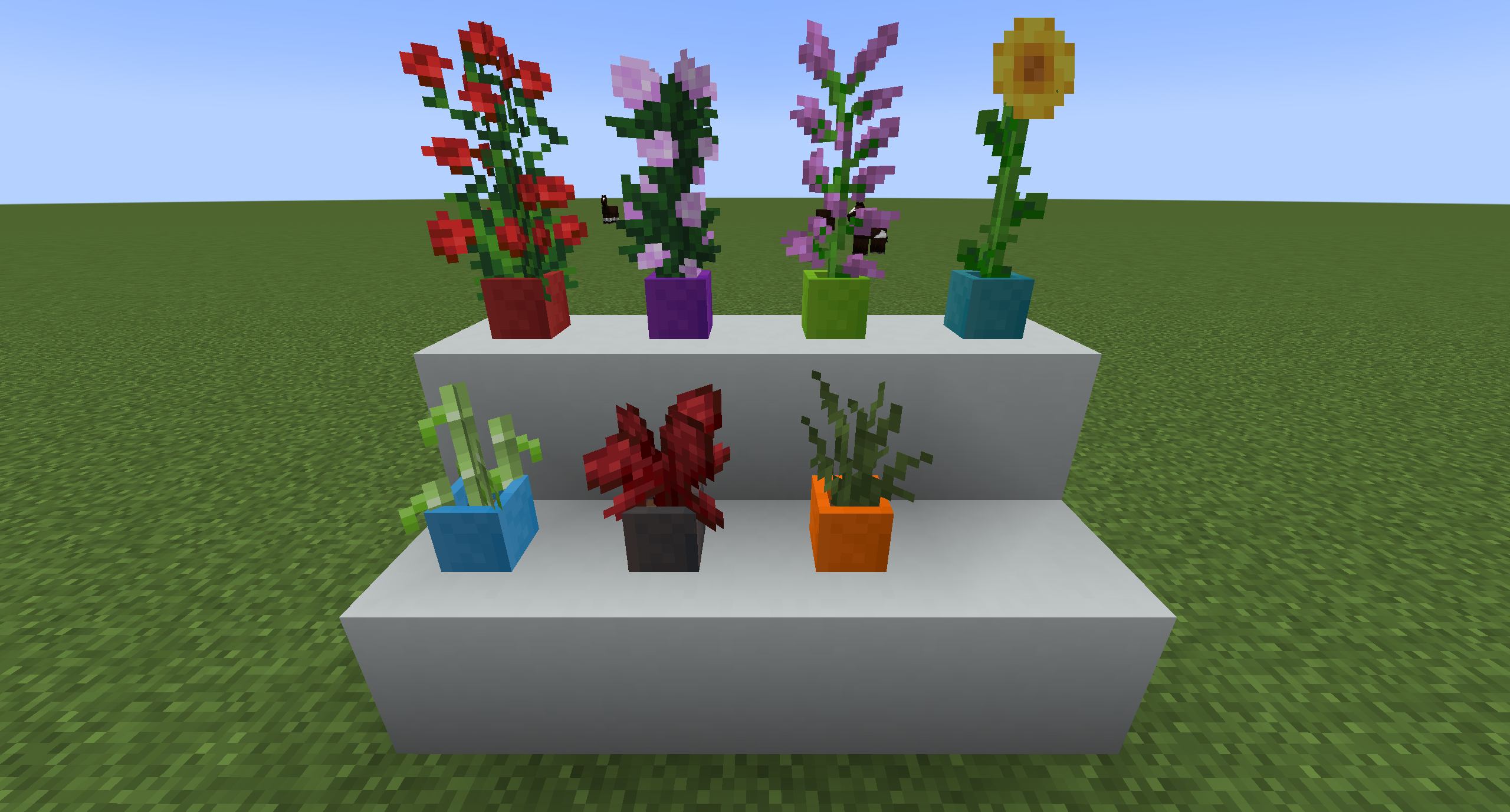

Both regular and dead variants of coral can now be placed in flower pots:

Mod Support Information:

As of v1.1.0 the mod now broadly supports blocks from other mods. In order to allow other modded blocks to work, they have to be added to the "plants.json" tag in the folder path "data/fpplus/tags/item/". An example of this can be seen by opening up the jar file and navigating to the "plants.json" file.


Note:

The Fabric version of this mod requires Fabric API!

At the time of writing this, the version of the mod for 1.19.3 appears to be working fine with 1.19.4. If you run into any issues with 1.19.4 send me a message and I'll fix it as soon as possible.

Future Plans:

  • Add glazed flower pots / maybe other different types beyond that. Glazed Pots added v1.0.3
  • Add in more variants of flower pots: large, hanging, wall mounted, etc.
  • Add in support for other Minecraft plants: tall flowers, sea plants, etc. Done
  • Add in support for other mod's plants Done v1.1.0


If you run into any issues, feel free to let me know!


AD Become Premium to remove Ads!

What means Verified?

  • Compatibility: The mod should be compatible with the latest version of Minecraft and be clearly labeled with its supported versions.
  • Functionality: The mod should work as advertised and not cause any game-breaking bugs or crashes.
  • Security: The mod should not contain any malicious code or attempts to steal personal information.
  • Performance: The mod should not cause a significant decrease in the game's performance, such as by causing lag or reducing frame rates.
  • Originality: The mod should be original and not a copy of someone else's work.
  • Up-to-date: The mod should be regularly updated to fix bugs, improve performance, and maintain compatibility with the latest version of Minecraft.
  • Support: The mod should have an active developer who provides support and troubleshooting assistance to users.
  • License: The mod should be released under a clear and open source license that allows others to use, modify, and redistribute the code.
  • Documentation: The mod should come with clear and detailed documentation on how to install and use it.

AD Become Premium to remove Ads!

How to Install

1

Download Forge & Java

Download Forge from the offical Site or here. If you dont have Java installed then install it now from here. After Downloading Forge you can run the file with Java.

2

Prepare

Lounch Minecraft and select your Forge istallation as Version this will create a Folder called Mods.

3

Add Mods

Type Win+R and type %appdata% and open the .minecraft Folder. There will you find your Folder called Mods. Place all Mods you want to play in this Folder

4

Enjoy

You are now Ready. Re-start your Game and start Playing.

More Mods like this

Quark

A Quark is a very small thing. This mod is a collection of small things that improve the vanilla minecraft experience.

Chisel

A builder's best friend.

Better Advancements

Successor to BetterAchievements for the new advancements system in minecraft 1.12+

Cosmetic Armor Reworked

This mod allows you to wear two sets of armor, one for display, one for function.

Macaw's Doors

Adds vanila doors with every wood color and new unique doors!

MalisisDoors

New animations for doors. You can build you own doors with millions of possibilities!

Macaw's Roofs

Build roofs with actual roofs instead of stairs!