Meet us on the FiguraMC Discord Server for more info and help :)




> Check if your avatar has a file called "avatar.json" (don't forget to check file extensions) > > This file can be completely empty, it just needs to be present for Figura to recognise it as an avatar
> At the top of your script, put: > > • To hide literally everything (player, armor, elytra, held items):
vanilla_model.ALL:setVisible(false)
> > • To hide only the player:
vanilla_model.PLAYER:setVisible(false)
> > • To hide only armor:
vanilla_model.ARMOR:setVisible(false)
> > • To hide other, or specific parts, you can check the in-game docs
> Simply put this code in your script:
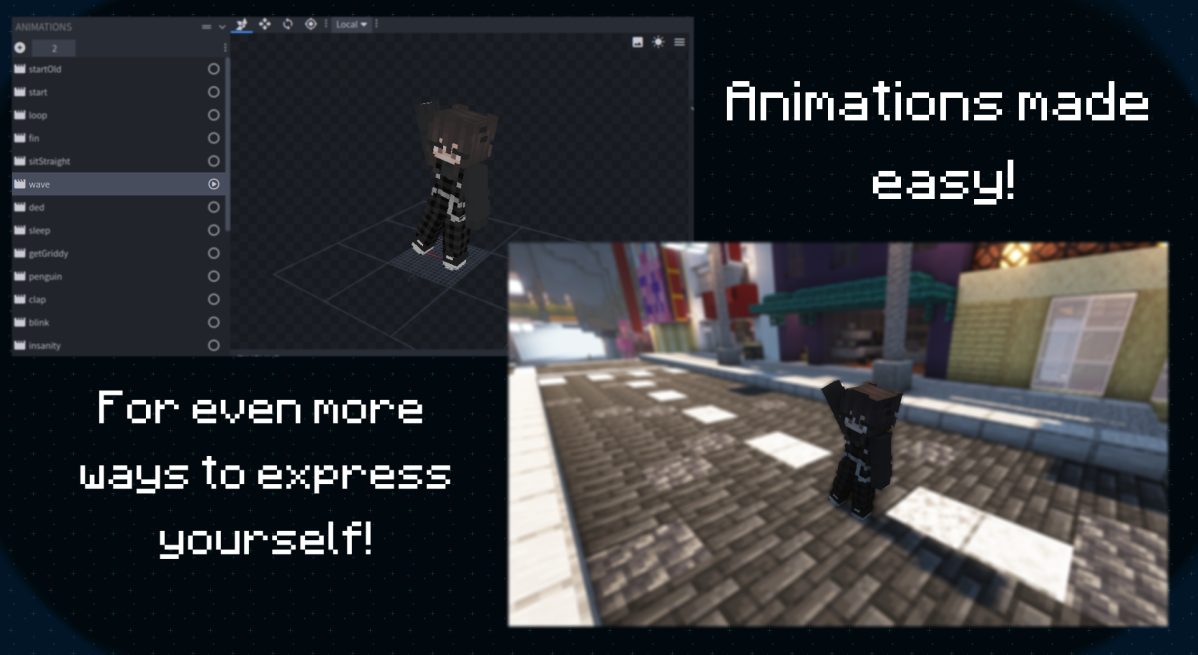
animations.modelName.animationName:play()
> Where:
>
> "animations" is the global table which contains all animations
>
> "modelName" is the name of the model you are accessing the animation from
>
> "animationName" is, as the name says, the animation name
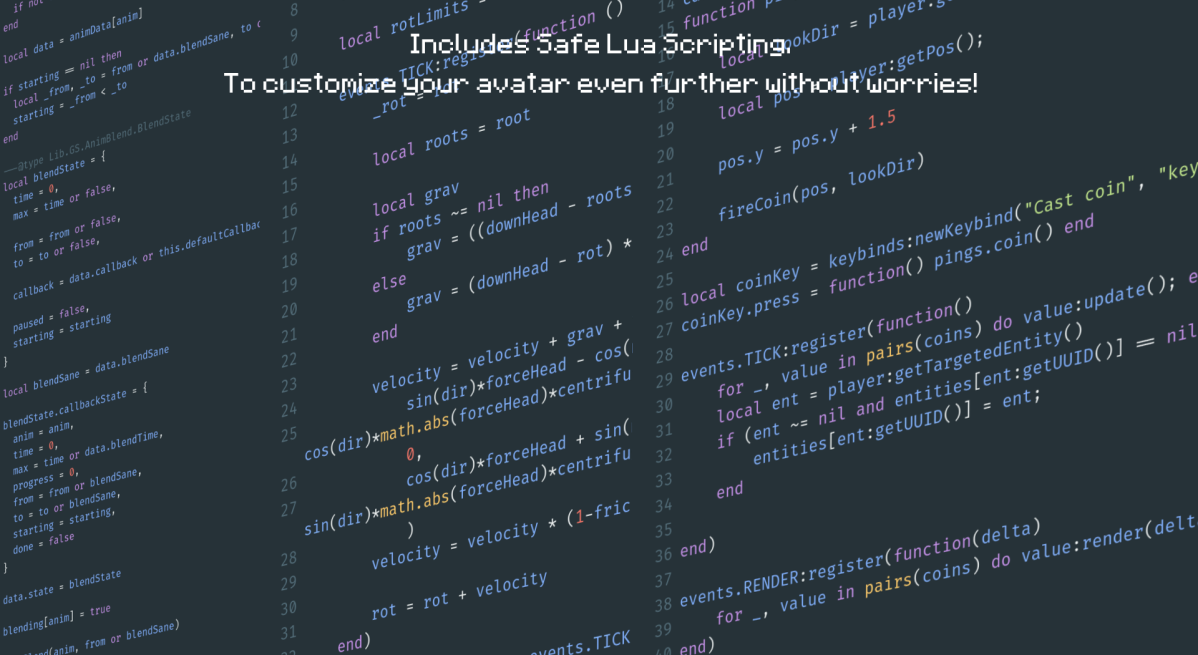
> Pings are Lua functions that are executed for everyone running your avatar's script > > Pings are sent from the host player, and can be used to sync things like keypresses or action wheel actions > > To create a ping:
function pings.myPing(arg1, arg2)
  -- code to run once the ping is called
end
> And to execute the ping, it's as shrimple as calling a lua function:
pings.myPing("Hello", "World")
> Note that pings are limited in their content and size, and are rate-limited
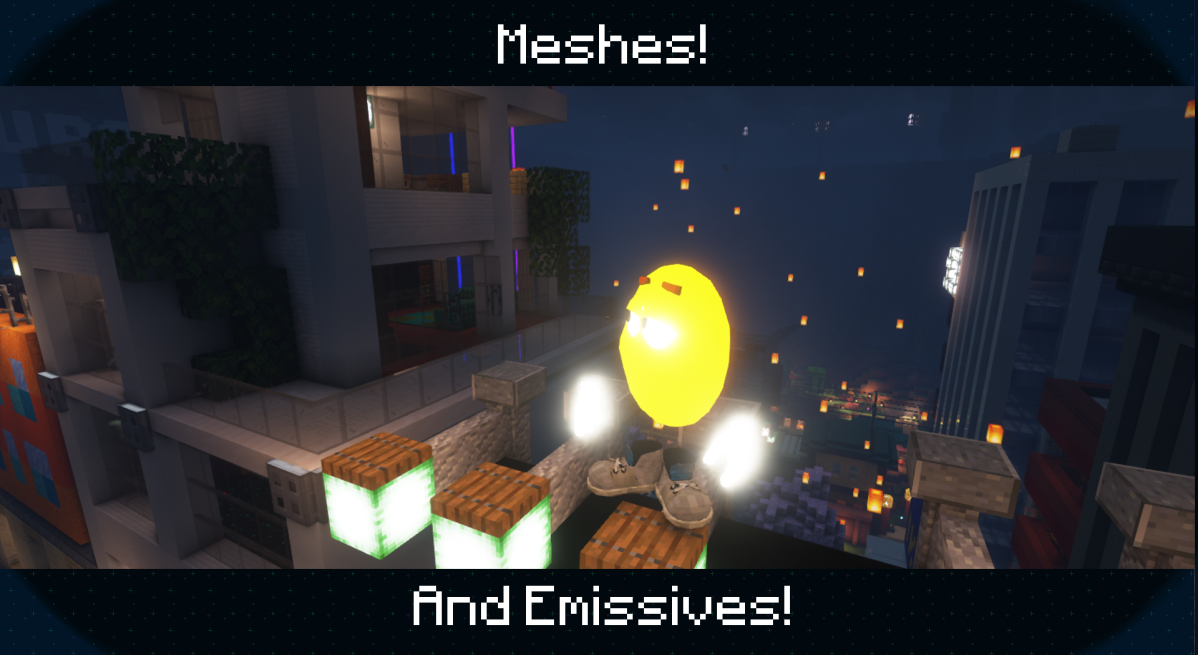
> Name the texture the same as the non-emissive counterpart, then add _e to the end
>
> And don't forget to set the places you don't want to glow to transparent black (#00000000), to also ensure compatibility with shader mods
> Since some shaders doesnt support emissives, a compatibility setting (default on) will change the render type of emissive textures to render them at it were fullbright, however that can lead to some unintended results
>
> You can force your avatar to use the correct emissive render type by using the render type EYES on your model
> Figura will work with Optifine but due it's closed source nature issues might arise, therefore we still recommend you try using Sodium+Iris (Fabric) or Rubidium+Oculus (Forge) instead > > Check out the full list of alternatives
> For now you can find Avatars in the showcase channel in the official Discord server (A Web Based and In-Game browser is in the works!)
> Figura uses your account's UUID and your Mojang authentication as a way to prove you own that account, avoiding unwanted / malicious uploads > > Non-premium Minecraft accounts don't authenticate with Mojang, and Offline mode servers don't report working UUID's, as such can neither upload nor download Figura avatars