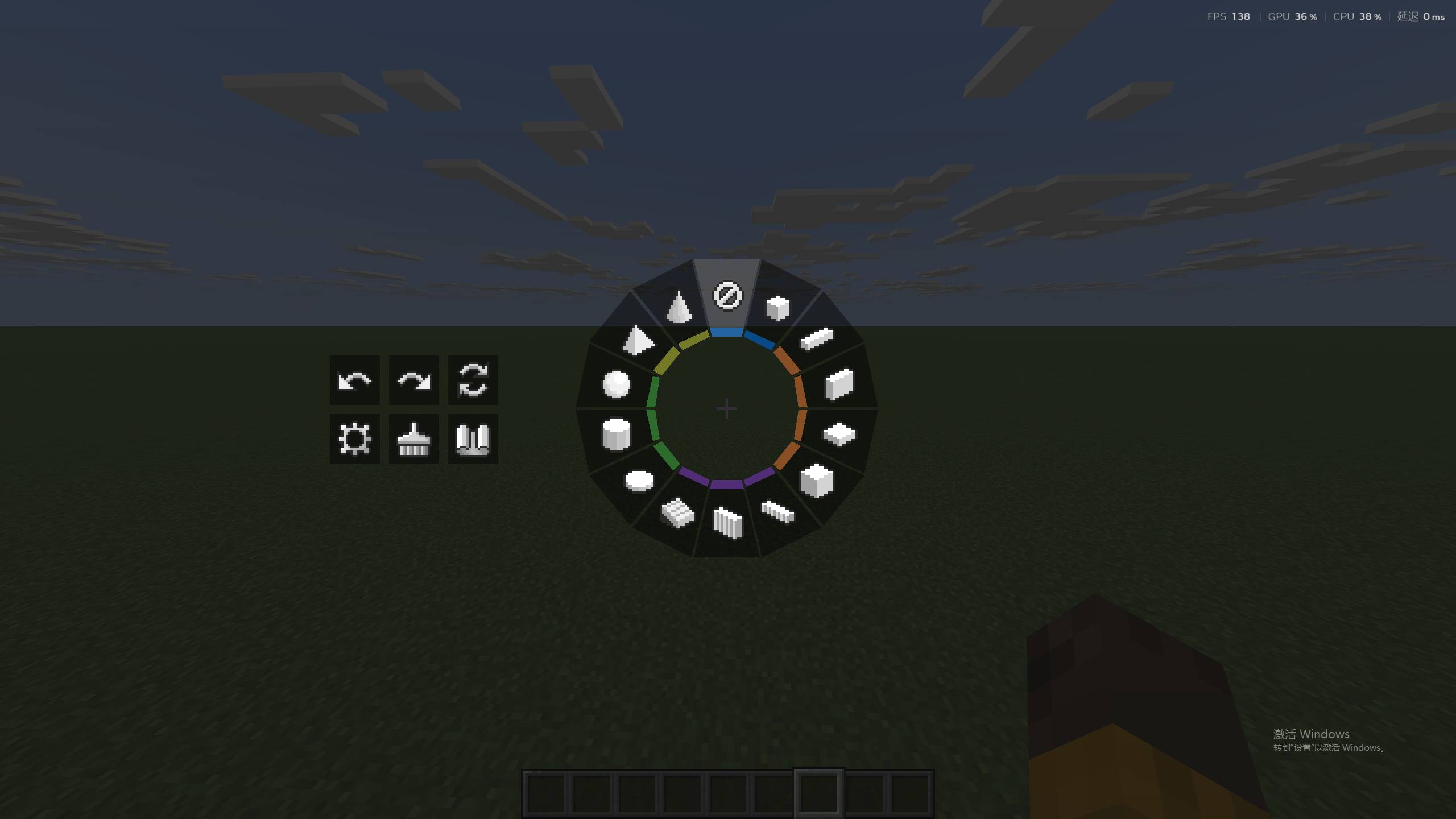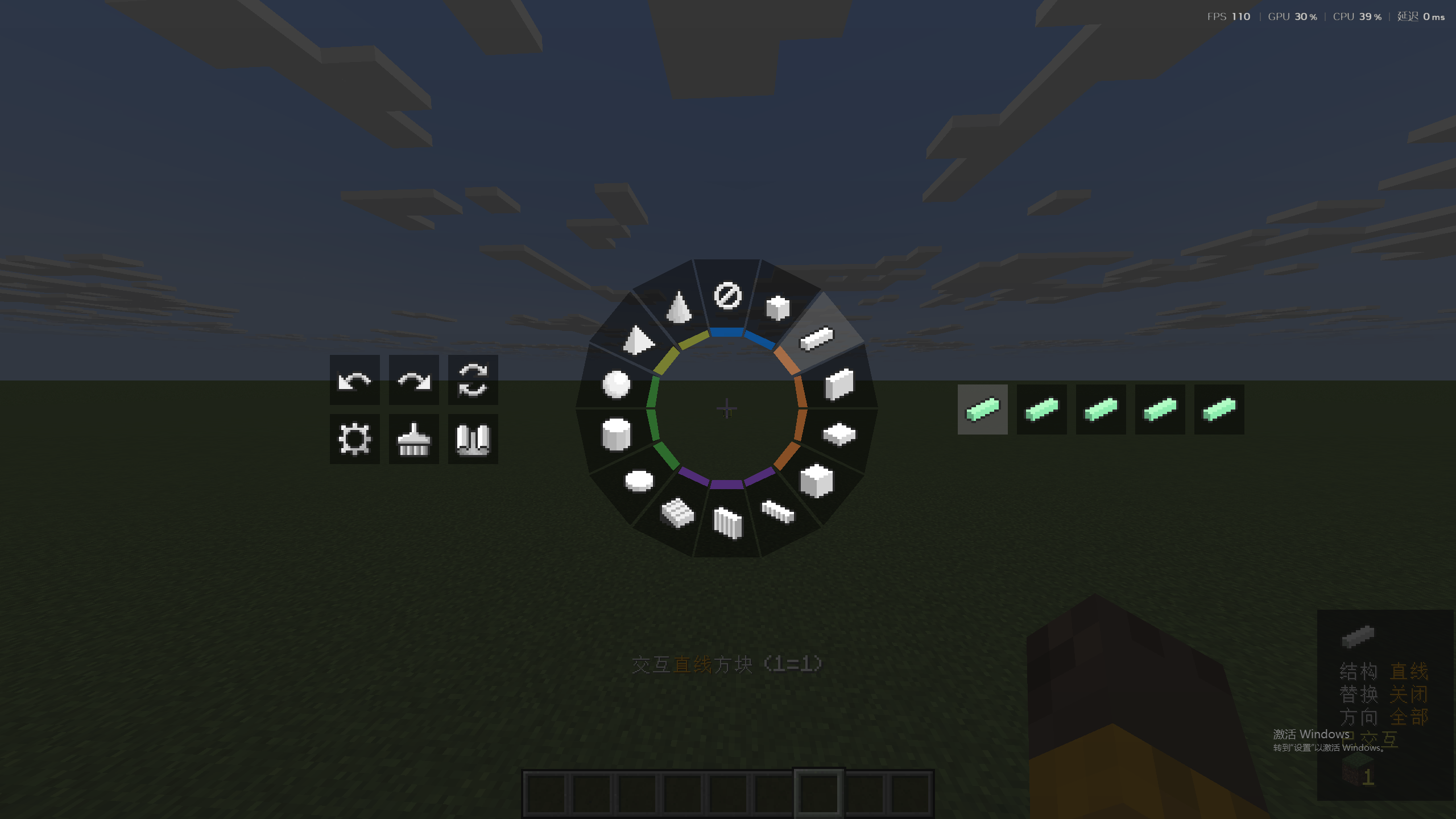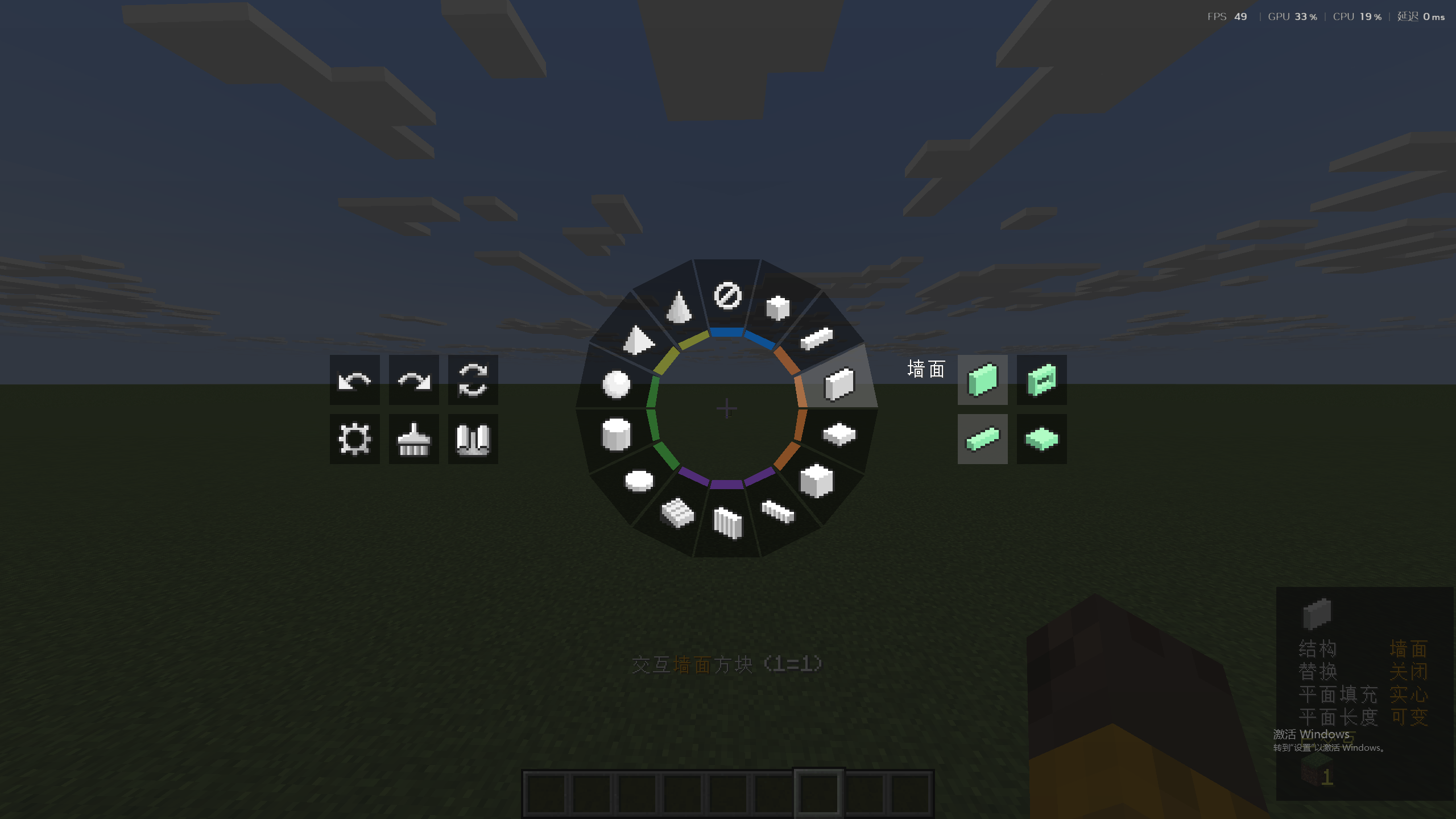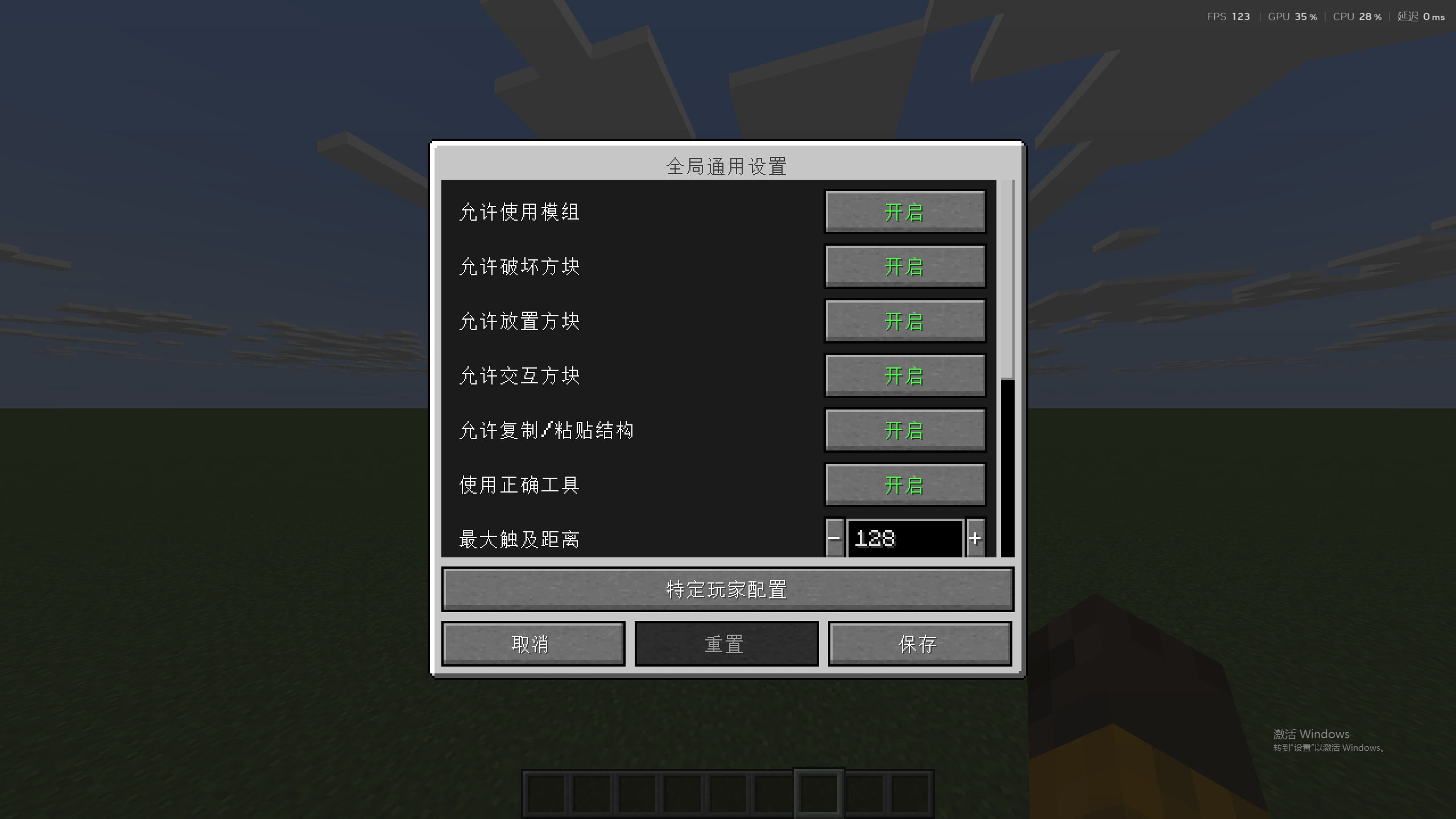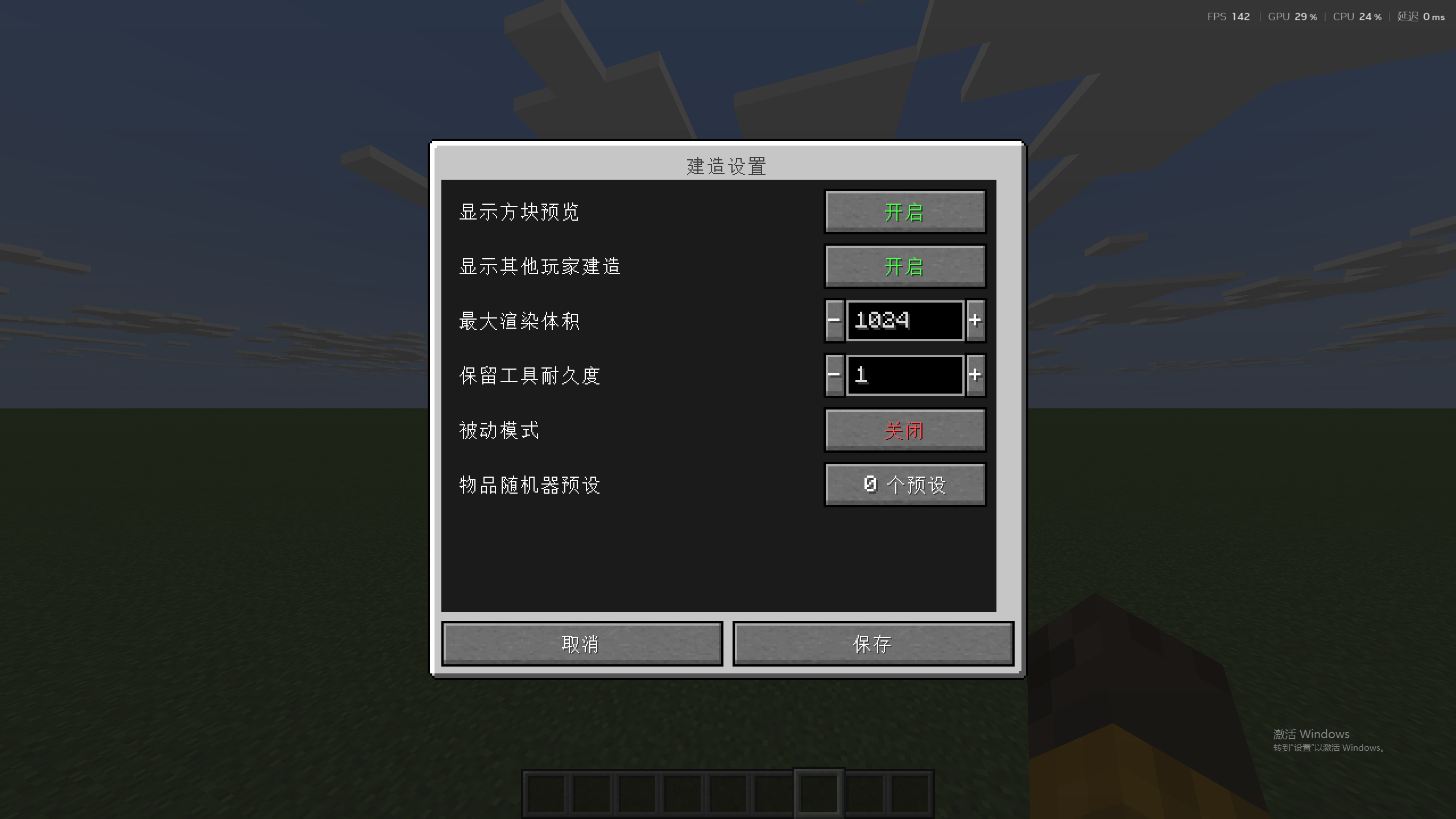
Effortless Structure is a multiplatform mod for placing and breaking blocks in Minecraft. It offers a set of modes that let players create structures and designs with ease. In addition, it includes a randomizer that randomly selects items from a predefined list for random placement.
This mod is a modified version of Effortless Structure, originally created by Huskcasaca. The original author is no longer maintaining it, so this fork fixes known issues and continues maintenance on top of their code.
Heartfelt thanks to the original author Huskcasaca — without their years of hard work, this mod would not exist.
This fork currently supports NeoForge only. Support for Fabric and Forge is planned to be restored gradually in the future.
| Filename | Versions | NeoForge |
|---|---|---|
effortless-1.21.1-3.4.0.jar |
1.21.1 |
✓ |
| Name | Supported | Note |
|---|---|---|
| Open Parties and Claims | ✓ | Allows you to claim chunks and set build permissions. |
| FTB Chunks | ✓ | Allows you to claim chunks and set build permissions. |
[) key to Undo your last build operation.]) key to Redo the last undone operation.Build modes are the basic shapes you choose when creating a structure. Each mode has its own features (such as hollow or filled).
Disabled: Place in the vanilla way.
Single: Place a single block with increased reach distance.
Line: Place a line along any one of the three axes.
Wall: Place a wall along the X or Z axis.
Floor: Place a floor along the Y axis.
Diagonal Line: Place a line at any angle.
Diagonal Wall: Place a wall at any angle.
Slope Floor: Place a sloped surface at any angle.
Square: Place a square plane.
Cuboid: Place a cuboid.
Circle: Place a circle along any one of the three axes.
Cylinder: Place a cylinder along any one of the three axes.
Sphere: Place a sphere made of blocks.
Dome: Place a dome made of blocks.
Pyramid: Place a pyramid made of blocks.
Cone: Place a cone made of blocks.
You can choose how existing blocks are replaced when placing new blocks.
Disable: Replace only air and replaceable blocks (such as grass).
Blocks and Air: Replace air as well as any blocks that can be destroyed by tools.
Blocks Only: Replace only blocks that can be destroyed by tools.
Offhand Only: Replace only blocks matching the item held in your offhand.
You can create complex shapes by combining different transformers. For example, use "Mirror" to create a symmetric copy of a wall, or use the "Item Randomizer" to build a wall of random blocks. There are currently 4 types of transformers.
Mirror: Generates a symmetric mirror of blocks and entities, for both even and uneven builds.
Array: Copies blocks and entities in a specified direction a specified number of times.
Radial: Places blocks and entities in a circular pattern around a center point. The circle can be divided into sectors, and each sector contains a copy of the placement.
Item Randomizer: Randomizes the placement of blocks.
| Dependency | Download |
|---|---|
| NeoForge Loader | https://neoforged.net/categories/releases/ |
Effortless Structure is released under the LGPLv3 license.