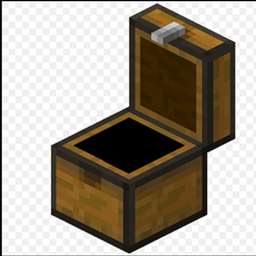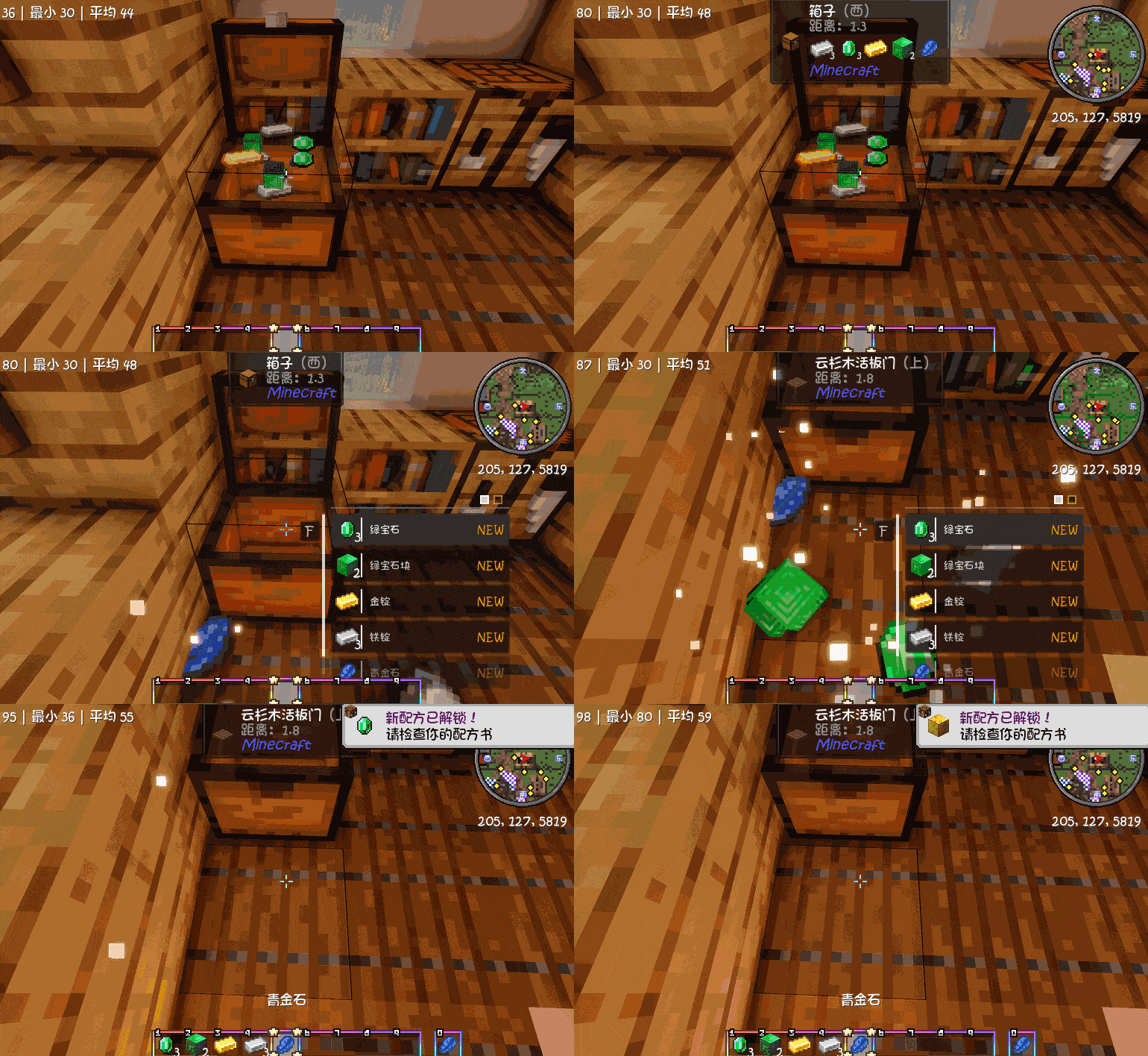
G key: Take all items from the container you are looking at. Items will appear as drops at your player position.
H key: Add/remove the targeted container to/from the whitelist. Only whitelisted containers can be emptied with the G key, preventing accidents.
The mod uses multiple detection mechanisms for excellent compatibility:
✅ All vanilla containers: chests, trapped chests, barrels, shulker boxes, ender chests, furnaces, blast furnaces, smokers, hoppers, dispensers, droppers, brewing stands
✅ Chiseled bookshelf: take all books at once
✅ Chest boat: empty the boat's inventory
✅ Pack animals: donkeys, mules, llamas (when equipped with a chest). Saddles are automatically kept (never taken by mistake).
✅ Containers from other mods: as long as the mod properly implements NeoForge's IItemHandler capability (e.g., Create, Applied Energistics 2, Thermal Expansion, etc.), they work automatically without extra configuration.
The default whitelist includes almost all vanilla containers – works out of the box.
You can press H at any time to add or remove any container block.
Whitelist persists across game sessions (stored in the config file) and can be edited in-game.
The mod provides a detailed configuration file (.minecraft/config/dropper-common.toml):
Freely edit the block whitelist and entity whitelist
Enable/disable debug logging (DEBUG level)
Enable/disable info logging (INFO level – records key actions like item extraction and whitelist changes)
Quickly empty a chest: stand in front of it, press G – all items drop instantly, no GUI needed.
Automation friendly: works with hoppers or other automation setups.
Adventure mode safe: whitelist prevents accidentally emptying important containers.
Multiplayer ready: fully compatible with multiplayer – each player uses their own keybinds.
Minecraft 1.21.1
NeoForge version 21.1.0 or higher
Must be installed on both client and server (logic runs server-side; client needs keybind sync).
| Feature | This Mod | Other similar mods |
|---|---|---|
| One‑key extraction without opening GUI | ✅ | Partial |
| Supports ender chests & chiseled bookshelves | ✅ | ❌ Usually not |
| Supports chest boats & pack animals | ✅ | ❌ |
| Automatically excludes saddles from donkeys/mules | ✅ | ❌ |
| Whitelist control | ✅ | Rarely |
| Compatible with other mods' containers | ✅ (via IItemHandler) | Mostly vanilla only |
| Logging control | ✅ | Rarely |