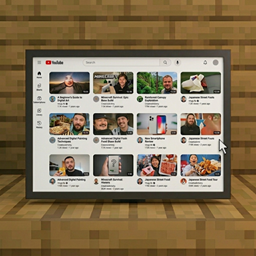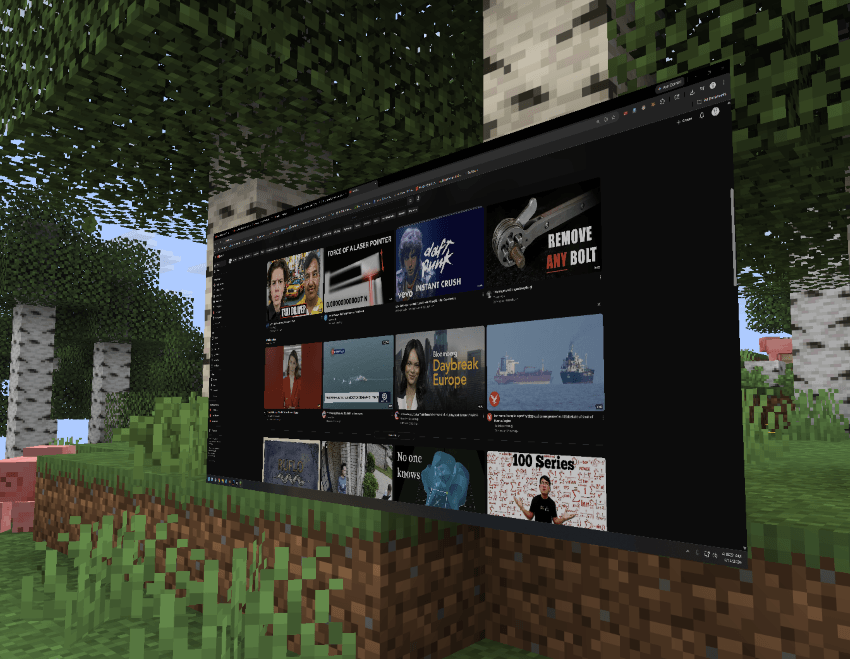
Access your desktop directly inside your Minecraft world.
Tired of having to alt-tab out of Minecraft to watch a tutorial or catch your favorite streamer? Vanilla Minecraft has no way to view external content. DesktopBlock introduces functional "flat-screen TV" blocks that allow you to access your desktop. You can watch YouTube videos directly in-game. Keep working on your build while you watch — no external browser required. DesktopBlock gives you full access to your pc. It's literally YOUR computer inside the game.
⚠ Must be installed on both client and server for multiplayer syncing to function correctly.
| Mod / Loader / Setting | Status |
|---|---|
| NeoForge | ✅ Fully supported |
| Fabric | ✅ Fully supported |
| Shaders (OptiFine/Iris) | ⚠ Supported, but performance may vary; toggle the 'Shader Compatibility Mode' in the MineTube config if screen flickering occurs. |
| Performance Mods (Sodium/Rubidium) | ✅ Supported |
Will there be Fabric or Quilt support? We only support Fabric and NeoForge at this time.
Can I watch Twitch or other streaming sites? DesktopBlock gives you full access to your pc. Its literally YOUR computer inside the game.
Does this mod cause lag? Video decoding occurs externally, but rendering the screen in-game uses resources. It may impact performance on lower-end systems. Use performance mods (Sodium/Rubidium) for best results.
Can I add this to my modpack? Yes — freely, without needing special permission. Attribution is appreciated.
Report issues on the GitHub issue tracker. Please include your Minecraft version, Forge/NeoForge version, a list of other mods installed, and a full latest.log.
MIT — source available on GitHub. Made by CreepyOoze