CFSC (Creative Fly Speed Control) gives you fast, precise control over movement speed in Creative and Spectator mode. Hold LEFT ALT and use the mouse wheel to adjust fly speed while flying or spectating, and walk speed while on the ground. Press LEFT ALT + middle click to reset back to the default speed.
Fly/walk speed adjustment only works while the player is in Creative mode.
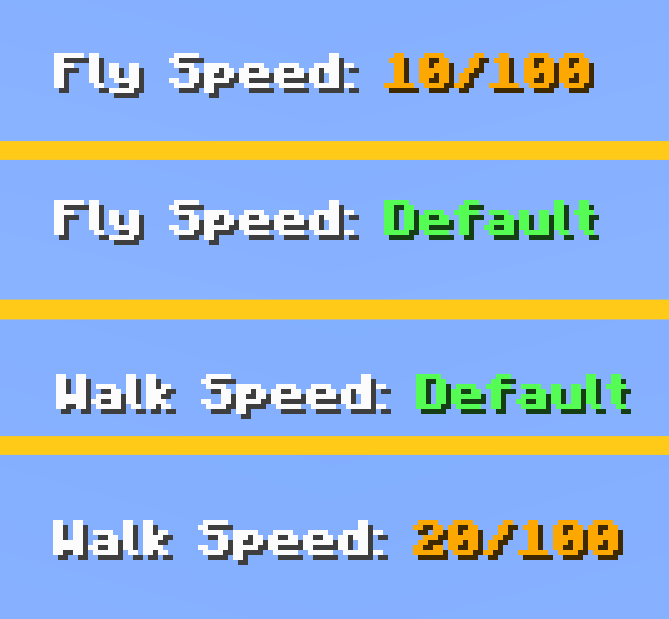
An action‑bar readout shows your current speed, including fine 0.1 steps at very low speeds and a clear “Default” indicator.