Control Flex is a client-side controller mod for Minecraft Java Edition, built for players who want full gamepad support — especially in modded packs where vanilla-style bindings are not enough.
Control Flex maps your controller to Minecraft and mod actions through a flexible binding system:
Bundled templates (Basic, Bedrock, Recommend) help you get started quickly. Custom templates can be added as JSON files.
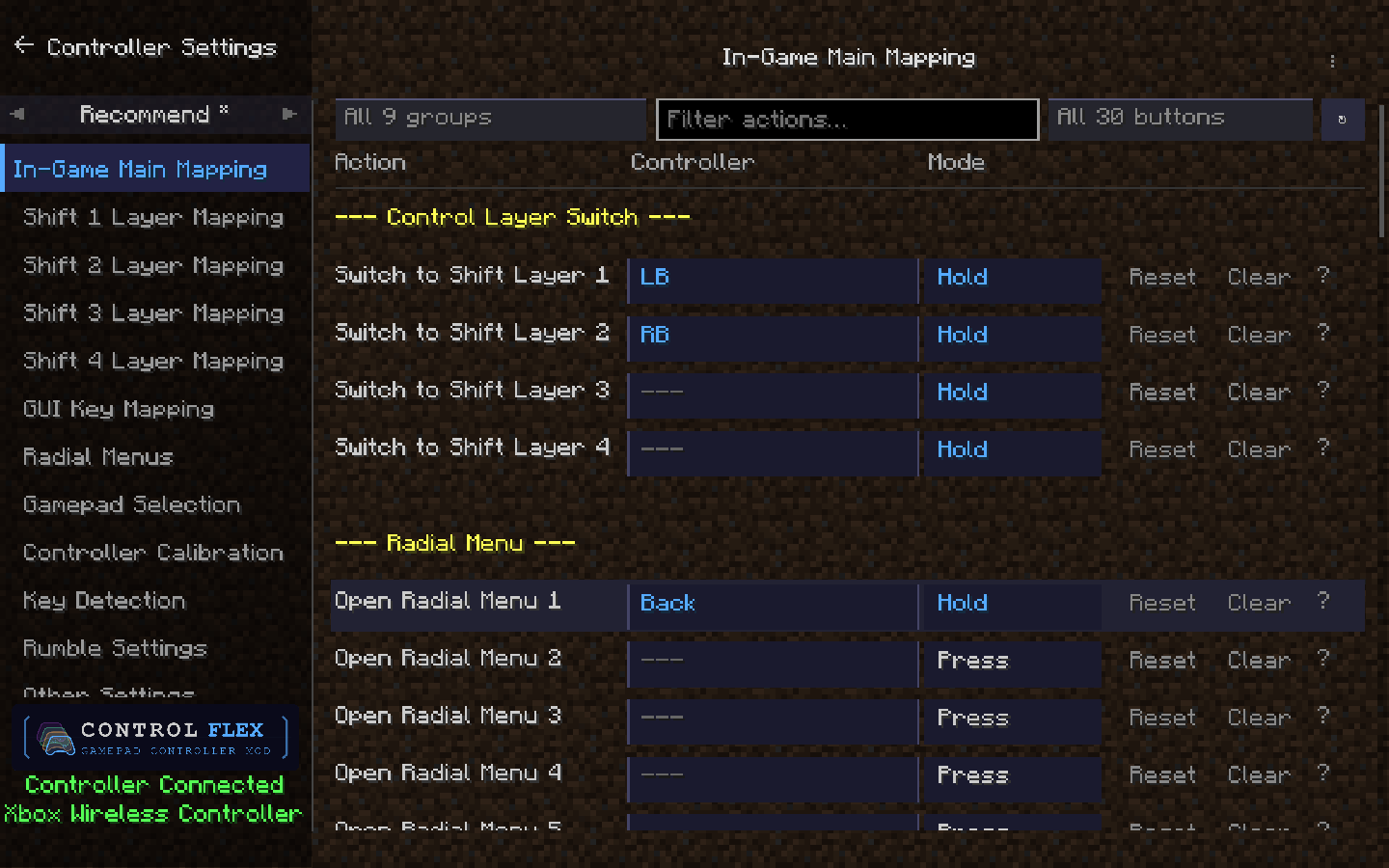
Every binding pairs which button with how it fires. ControlFlex supports six trigger modes, so the same face button can tap, hold, toggle, or release differently per action.
| Mode | When it fires | Typical use |
|---|---|---|
| Press | On button down | One-shot actions, toggles, opening menus |
| Release | On button up | Layer return, “on let go” actions |
| Hold | While held | Movement modifiers, sustained use, Shift layer switches |
| Tap | Short press under threshold | Quick actions without accidental holds |
| Long Press | Held past threshold | Secondary functions on the same button |
| Toggle | First press on, second press off | Persistent state toggles (sneak, sprint, POV) |
Tap and Long Press thresholds are configurable globally (100–2000 ms) in Other Settings. Toggle mode works like a light switch — first press activates, second press deactivates — ideal for persistent states like sprint, walk mode, or POV switching. Layer switches on Main are designed around Hold; return-to-Main rows on Shift layers use Release. Radial menu open bindings support Press and Hold (tap to open vs. hold to keep open).
Mix modes across layers: Hold LB for Shift 1, Tap X to ping, Long Press Y for a mount/dismount mod key — all on the same controller layout.
A standard controller has roughly a dozen face and shoulder inputs; a modpack can expose hundreds of actions. ControlFlex solves that with a six-layer binding model, so one physical button can mean different things depending on context.
Main Layer is your default gameplay map — movement, combat, inventory, hotbar, and mod actions you use every day.
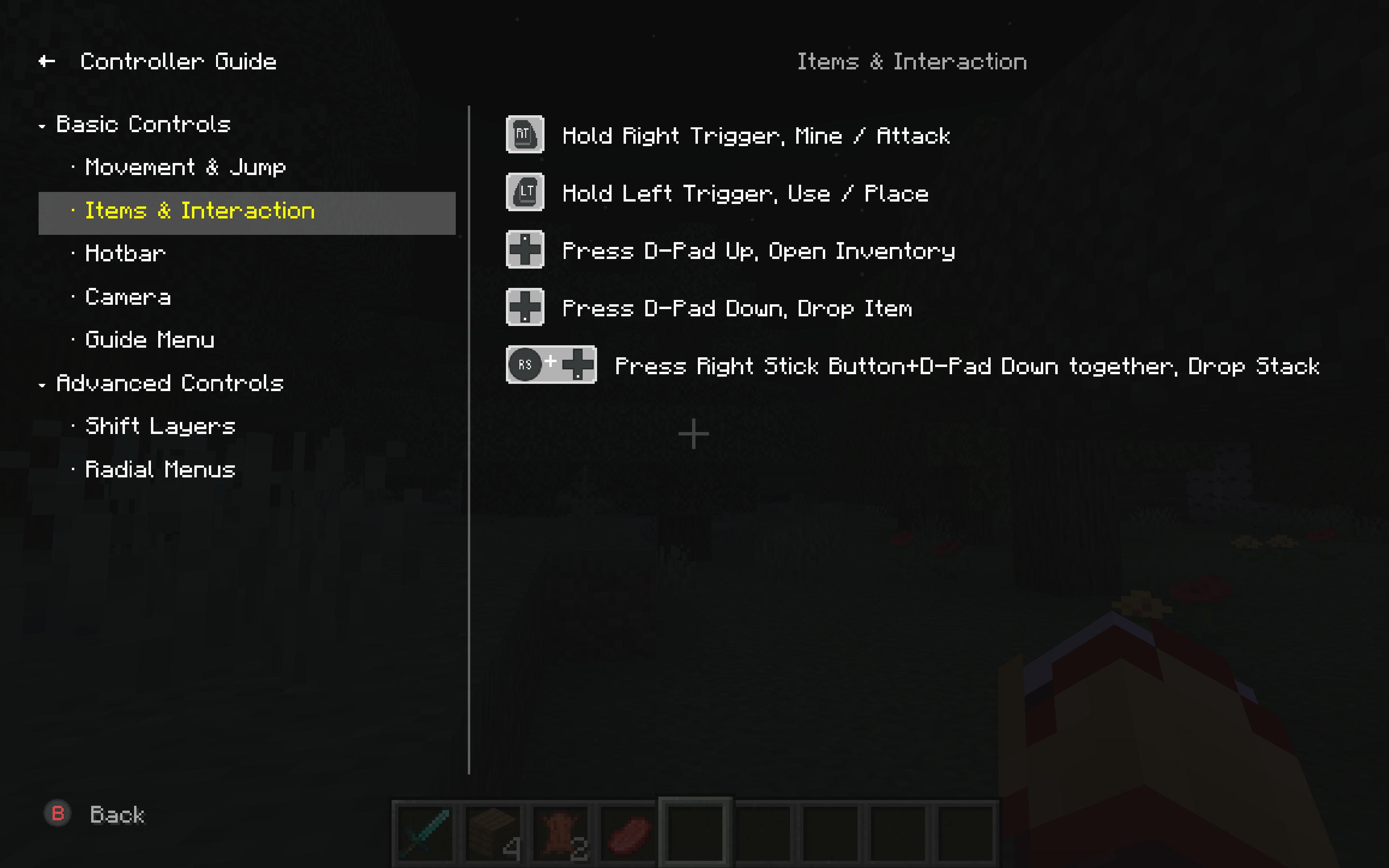
Shift Layers 1–4 are modifier planes. Hold a layer-switch binding on Main (for example LB, RB, or Back) to temporarily activate Shift 1–4, each with its own full binding table. Unassigned slots on a Shift layer inherit the matching Main binding, so you only override what you need. Releasing the switch returns you to Main automatically.
GUI Layer activates whenever a screen is open — chests, crafting, mod UIs, and ControlFlex Settings. Confirm, back, tab switch, scroll, and container helpers (quick-move, take half, etc.) live here, separate from in-world controls, so opening a menu does not fight your gameplay bindings.
Together, six layers turn a limited pad into a deep control surface: walk around on Main, hold LB for combat extras, hold RB for utility binds, and get a clean GUI map the moment you open inventory — without re-plugging or swapping profiles.
When one button is not enough, bind multiple buttons together as a single action — for example LB + Back or LT + A.
Binding combos
During capture, press the first button, then add more within 500 ms. The UI shows the full chord; all buttons must match for the action to fire.
Works with every trigger mode
Combos support Press, Release, Hold, Tap, Long Press, and Toggle — same rules as single-key binds.
Smart combo engine
Combo keys are how you fit “modpack density” onto a gamepad: rare actions stay off the main face buttons until you deliberately chord them.
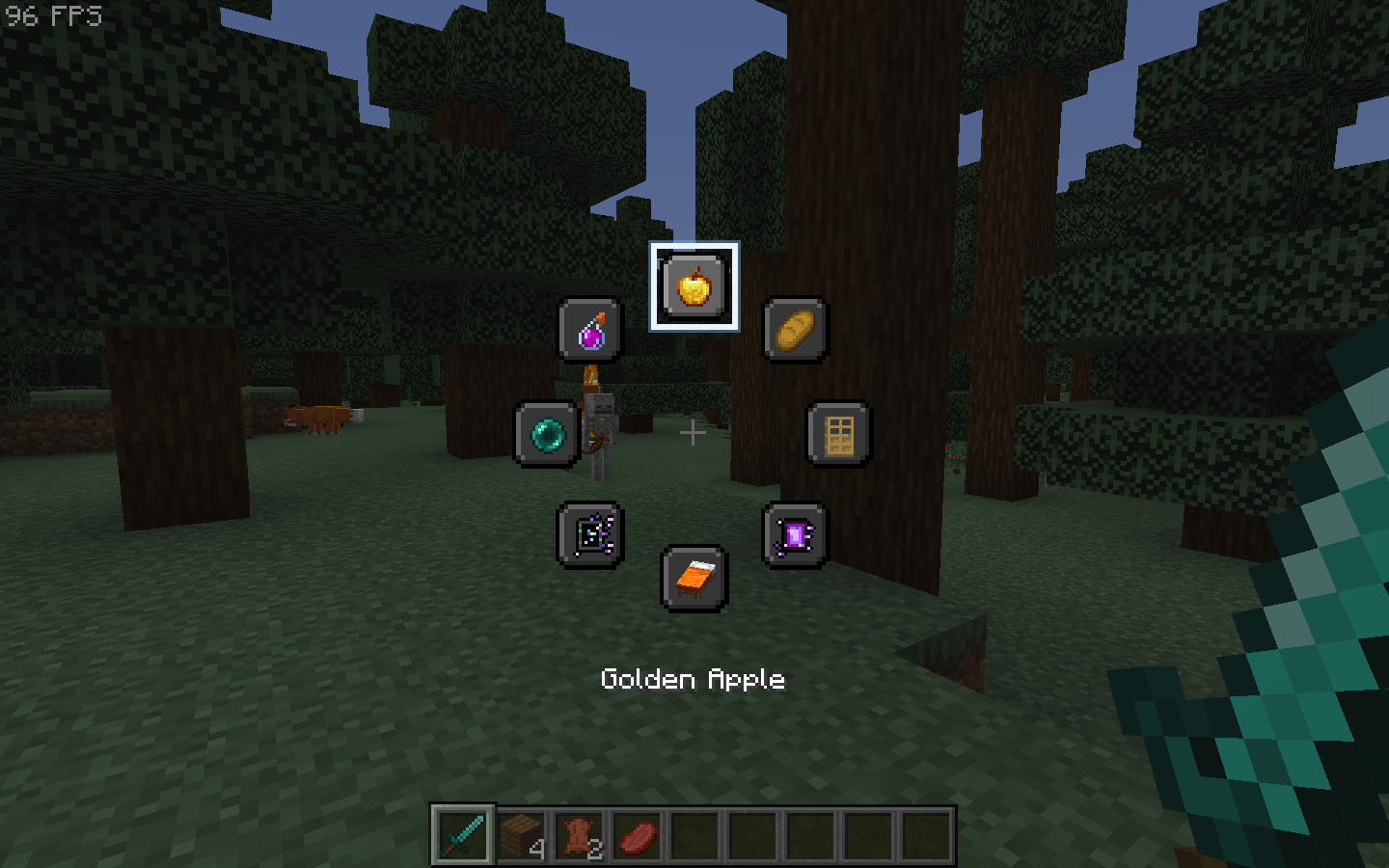
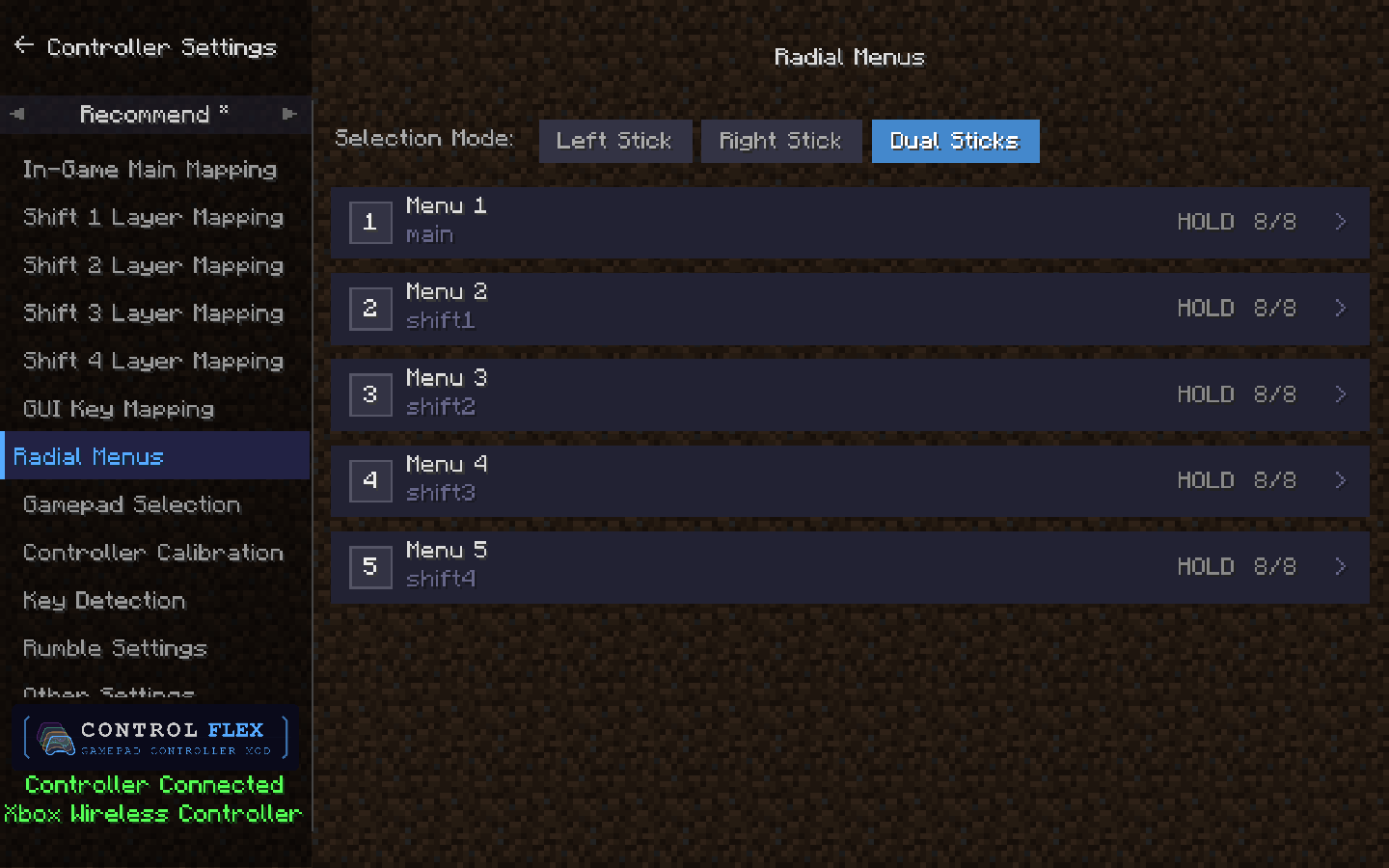
Radial menus give you up to five independent wheels, each with up to eight slots around the stick — open a wheel, aim with the stick, confirm with A (defaults vary by template).
What a slot can do
/… (macros, home, warp, etc.)How you open them
Each menu has its own open binding. Press = tap to open (release does not close). Hold = keep the open button held; release closes. Menus 2–5 can sit on Shift layers so Main stays uncluttered.
Customization
config/controlflex/radial_menu/radial_menus.jsonRadial menus are the fast lane for items and commands you use often but do not want on permanent face buttons — eat, place torches, run /home, trigger JEI or Minemenü-style shortcuts, all without opening full inventory or chat every time.
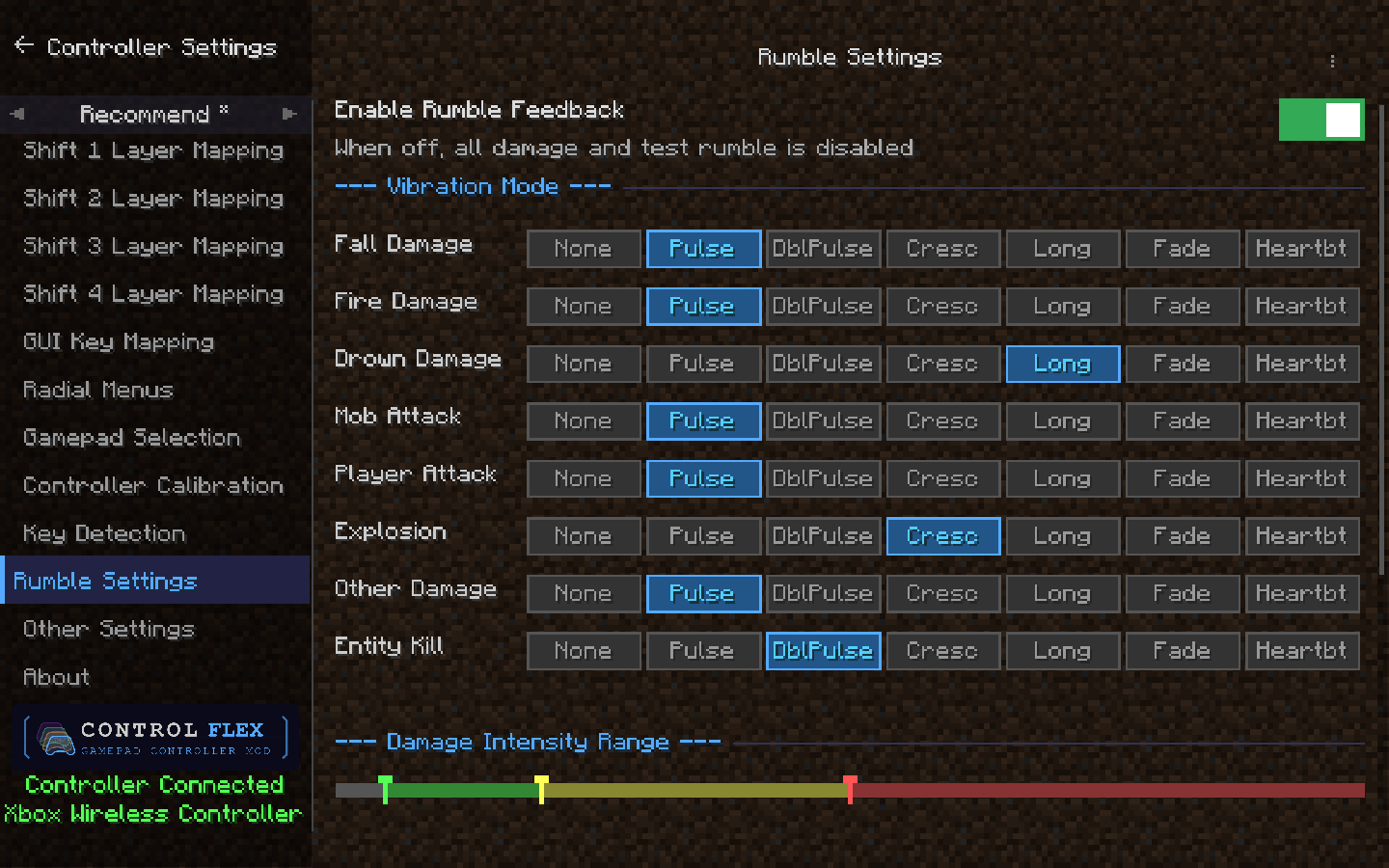
Configurable vibration feedback by damage type — multiple waveform modes, per-type settings, and intensity bands for light / medium / heavy hits.
Auto-discovers mod KeyMappings at startup and exposes them as bindable actions — the vast majority of mods should work without any extra configuration. JSON configs support per-mod layer rules and special flags (e.g. GLFW-compat polling, phase-persistent keys while GUI is open).
If a mod's keybindings do not appear or behave unexpectedly, there are two ways to address it:
IControlFlexPlugin SPI. Bridge mods can export compat JSONs, push player states, and react to controller lifecycle events. See the API repository at ControlFlexMC/control-flex-api and the example bridge mod at ControlFlexMC/cfx-compat-epicfight.Bundled layouts: Basic, Bedrock, and Recommend. Switch templates from in-game settings; drop custom JSON files into config/controlflex/templates/ to add your own. Per-template user data is stored under config/controlflex/profiles/.
SDL3 is included for Windows and macOS — no separate install required.
Supported loaders by Minecraft version:
Report issues: https://github.com/ControlFlexMC/control-flex/issues