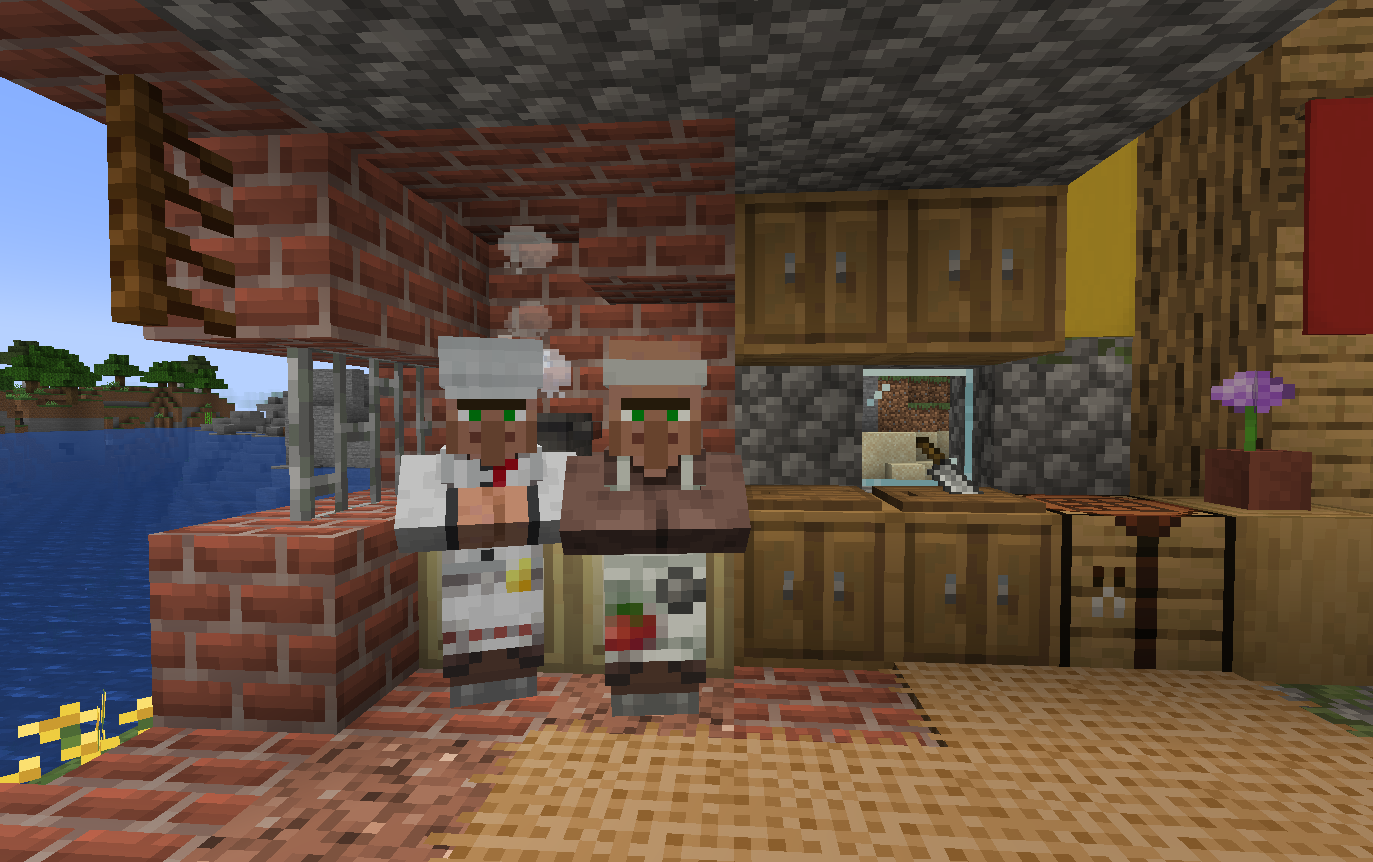
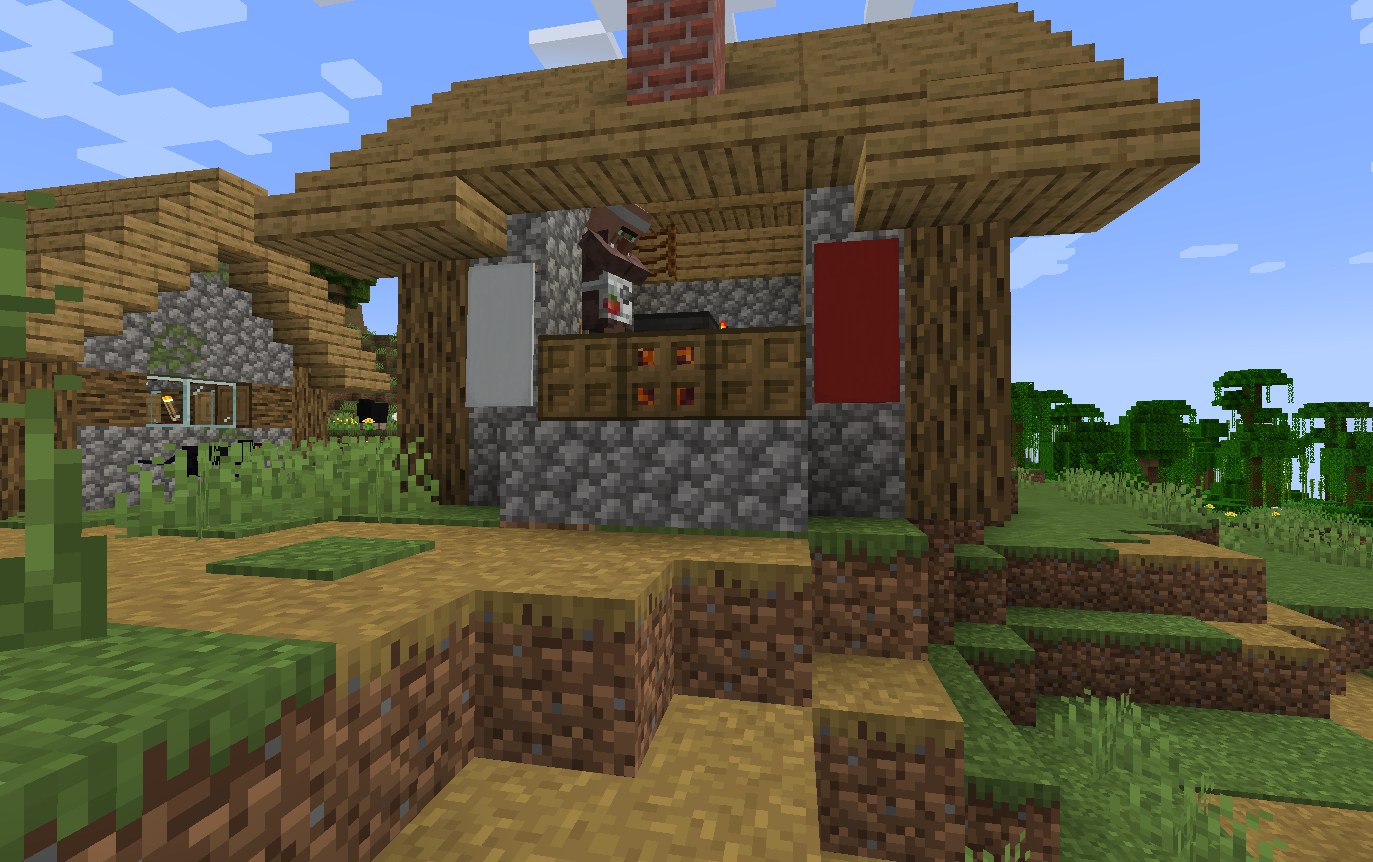
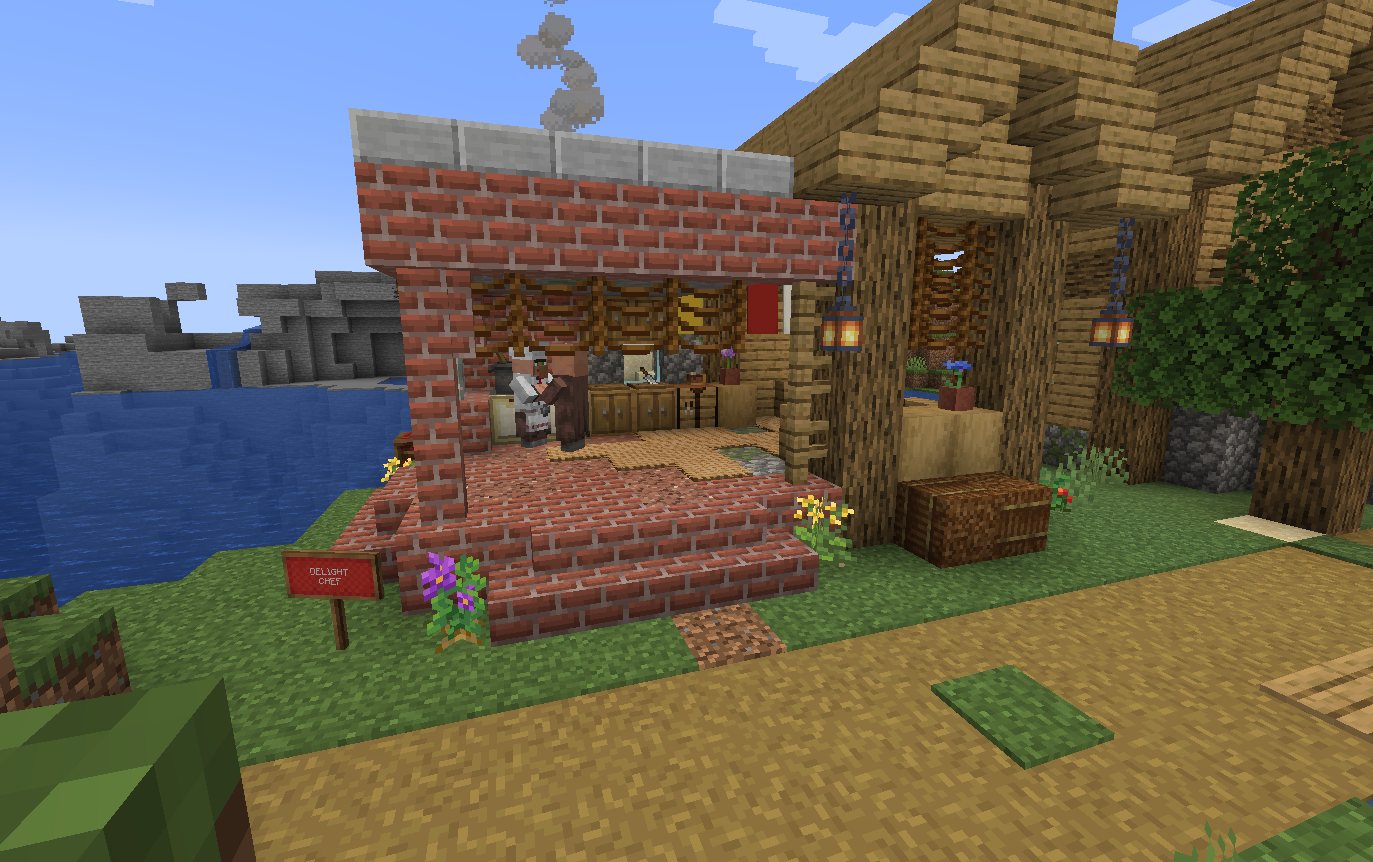
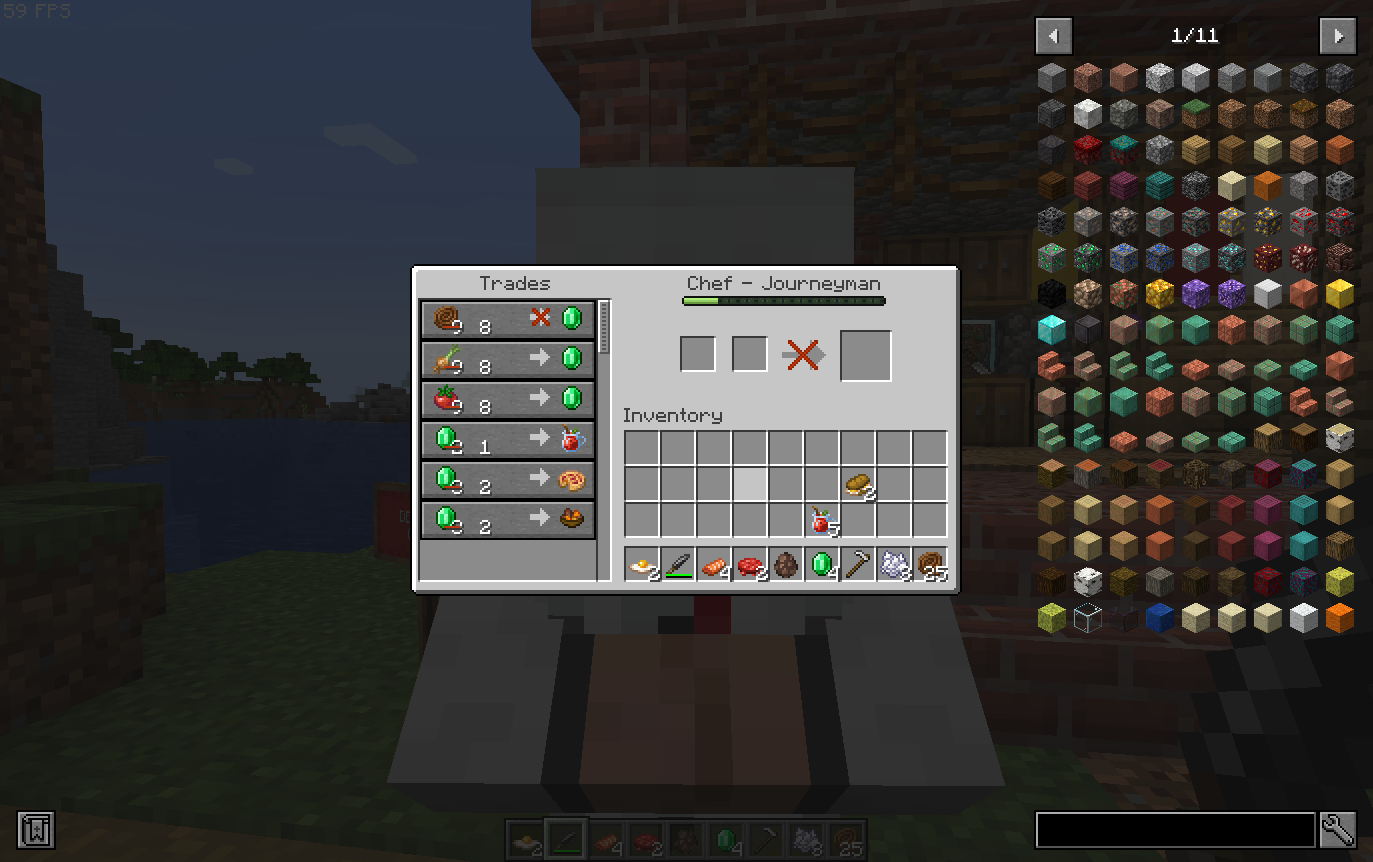
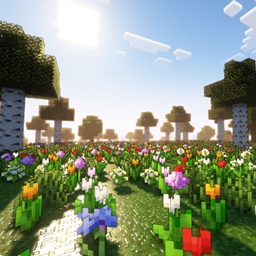
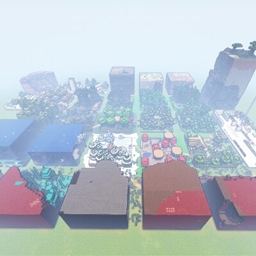
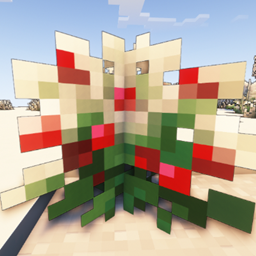
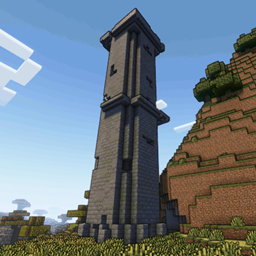
Add-on for the Farmer's Delight mod. Adds 2 new professions to villagers. Cook and Chef.
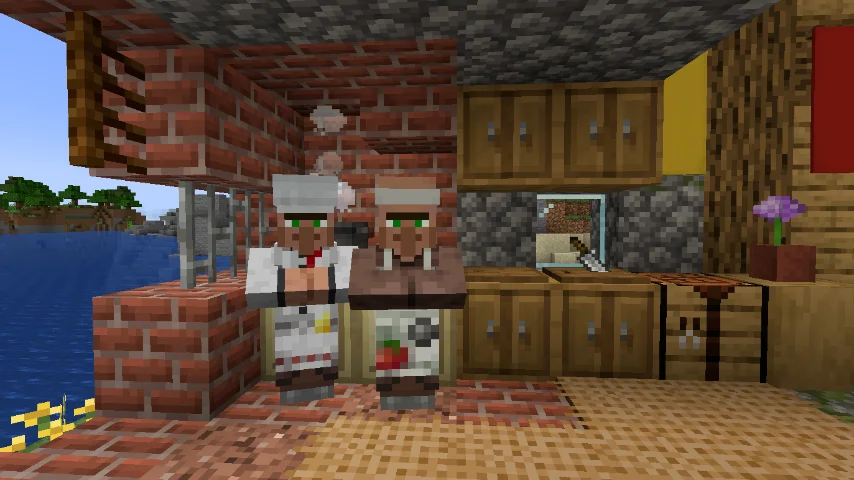
Transform your villages into culinary paradises!
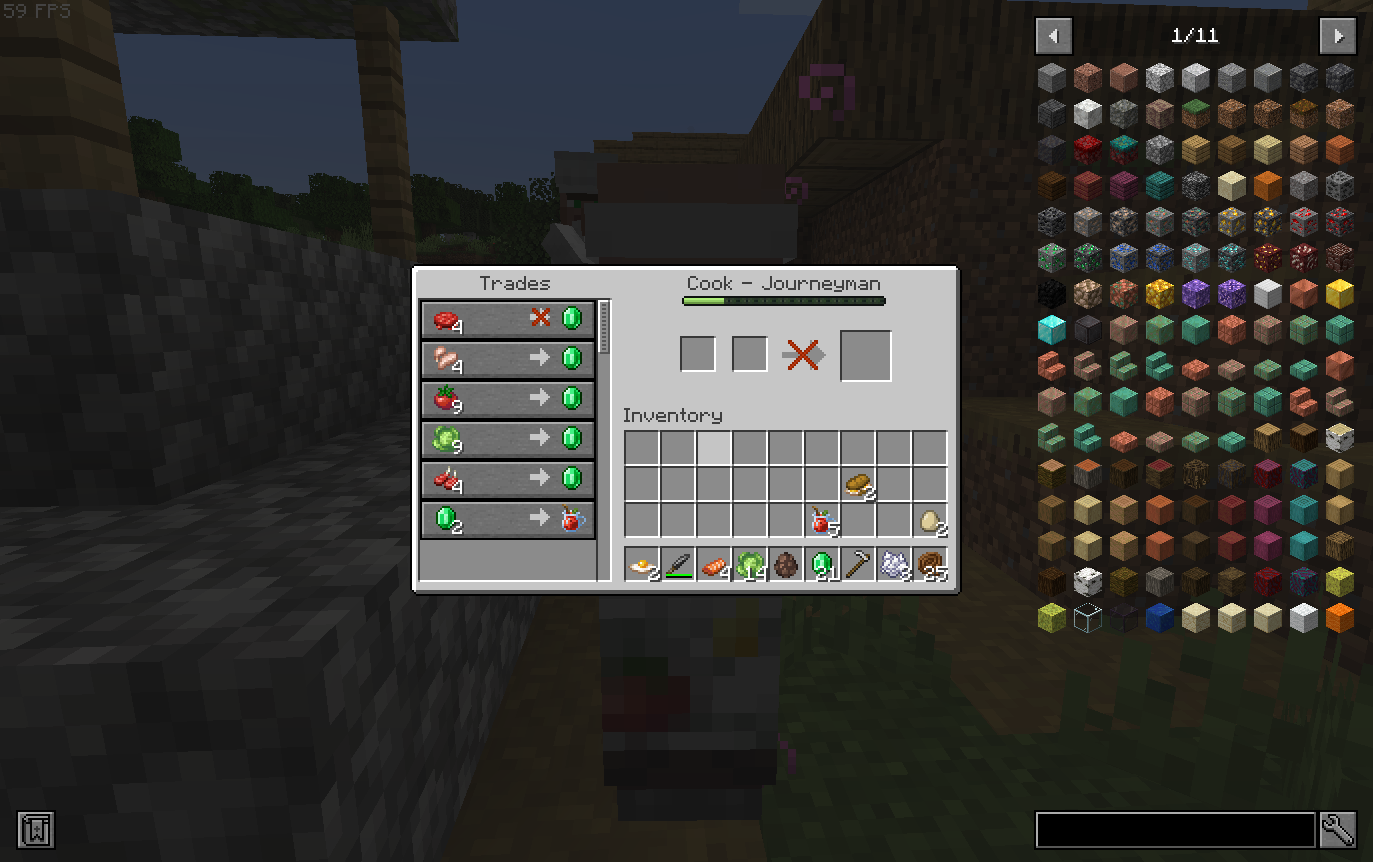
Addon for Farmer’s Delight: Adds Cook (Skillet trades: simple foods) & Chef (Cooking Pot: advanced meals). Custom structures spawn naturally – now with Savanna & Snowy biomes!
Key Features
✅ Cook: Basic ingredients & meals
✅ Chef: Epic feasts (Roast Chicken, Honey Glazed Ham)
🏜️ NEW: Savanna structures (Chef and cook houses)
❄️ NEW: Snowy structures (Chef and cook houses)
⚙️ Configurable generation (chefsdelightconfig.properties)
⚠️ Dependencies
Depends on Farmer's Delight for Fabric.
⚠ Notice: Versions 1.21 and 1.21.1 of this mod require the Farmer's Delight Refabricated mod to work properly. Make sure you're using version 1.21.1-3.0.1 or newer.
👉 Download Farmer's Delight Refabricated here.
⚠ Notice: Versions prior to 1.21 of this mod use [Deprecated] Farmer's Delight [Fabric] as a dependency.
👉 Download [Deprecated] Farmer's Delight here.
Changelog – Dec 2025
✨ Full updates: 1.18.2 → 1.21.1 (Fabric/Forge/NeoForge)
🏗️ Savanna & Snowy village structures added (promised feature!)
✅ Fabric/Forge ports refreshed
🔧 Config tweaks for modpack compatibility
🐛 Bug fixes (trades, generation)
Numismatic Overhaul
Not working with Minecraft version 1.18.2. (I tried to configure the file to replace the trades as explained in the mod's wiki, but still without success.)
Working with Minecraft version 1.19.2.
It is still necessary to test with other mods to generate houses in the villages. Like More Villagers and VillagersPlus
Villages feel DEAD after 10 minutes?

Install Visiting Villagers NOW – dynamic visitors, biome merchants & LIFE!
(Just 1 Golem + 6 Villagers)
👉 https://www.curseforge.com/minecraft/mc-mods/visiting-villagers
Perfect with Chef’s Delight chefs! 🏘️✨