Chairs - Sit down on stairs
The Chairs plugin makes it possible to use stair-blocks as seats so that you are able to sit down on them. It is similar to the ChairCraft plugin. This one works properly, though.
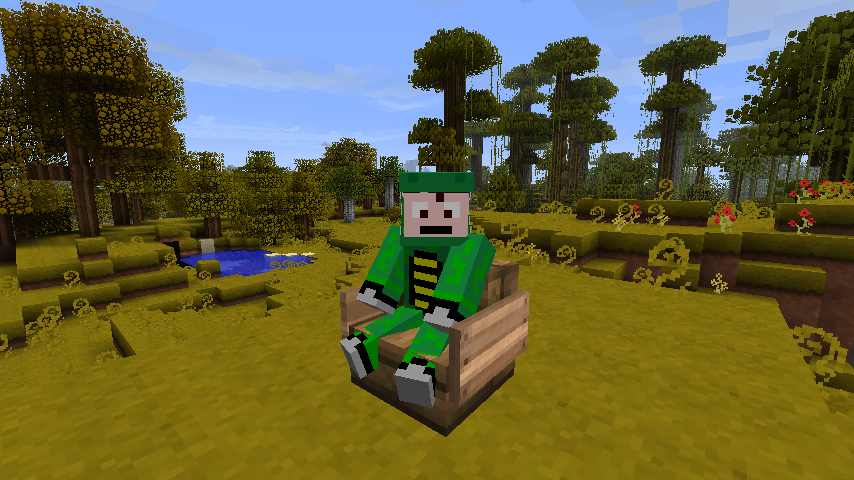
Note: It appears that you will see yourself as sitting a bit higher than you are supposed to, other players will see you sitting normal, though (screenshot).

How To:
Thanks to the guys from WoopaGaming who did a showcase of this plugin: https://www.youtube.com/watch?v=PbUxIiBYJ6k
To sit down on a chair, you simply have to rightclick on the stairs-block.
To stand up from a chair, you have to rightclick on it. You can also destroy the chair to stand up.
The config.yml contains an explanation to all the options you can set, please read it before asking questions.
Note: The "item"-option in the config.yml if the type of item you are sitting on. Players can only "sit" on entities (like minecarts or mobs. Item drops are entities, too). This plugin uses item drops on which the player sits down. You can configure the type of item drop, because it is possible that you will sometimes see it floating through the player's body. A lever is quite small, that's why it is the default value
Commands & Permissions:
chairs.reload
chairs.sit