English | 中文
A Fabric mod that imports builds in bulk from specially formatted JSON files.
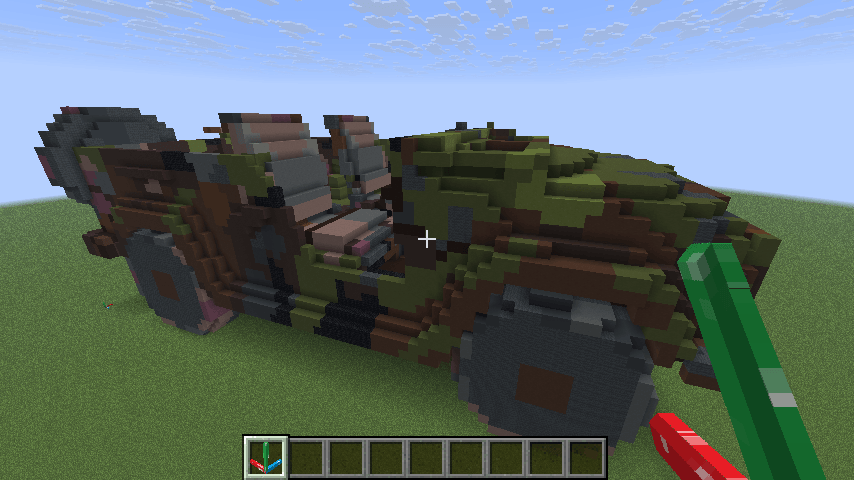
It was originally developed as a data importer for the 3D model to Minecraft tool — Minecraftify2.0, and is often used together with it.
Of course, this mod can also be used independently. As long as you can generate JSON files in the required format, you can import builds with this mod.
config/mybuilds/ directory.builder:anchor_block to set the origin and orientation of the relative coordinate system, allowing precise control over the placement and facing of imported blocks.Create a specially formatted JSON file under the config/mybuilds/ directory, e.g. example.json
/builder save command to export JSON files from the current world. See the following content for specific usage.{
"minecraft:stone": [[1, 0, 0],[2, 0, 0],[3, 0, 0]],
"minecraft:oak_planks": [[0, 1, 1],[0, 1, 2]],
"minecraft:spruce_stairs":[[2, 0, 1, 3]],
"minecraft:oak_log":[[3, 0, 1, -3],[4, 0, 1, -1]]
}[x, y, z, w].x represents the offset in the x-axis relative to the origin.y represents the offset in the y-axis relative to the origin.z represents the offset in the z-axis relative to the origin.w is an optional parameter, used to specify the direction of blocks with direction attributes.

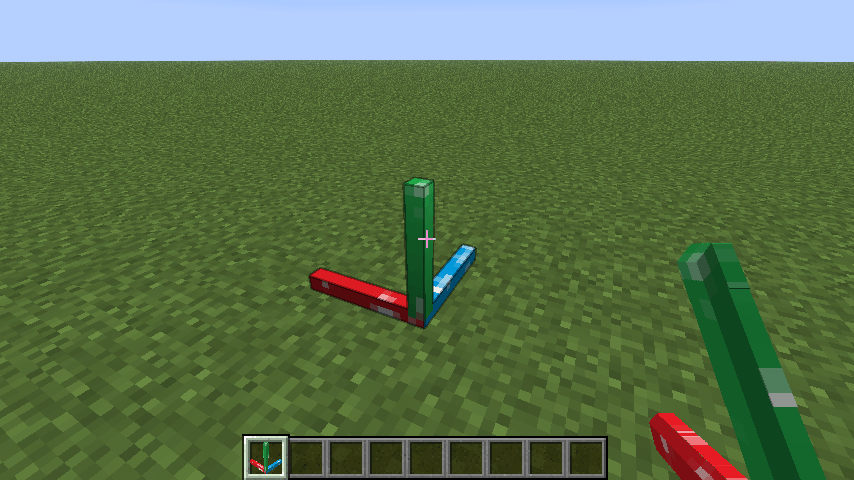
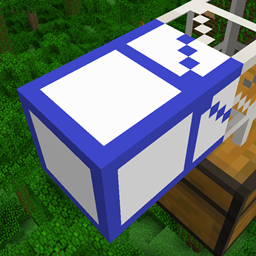
Place a builder:anchor_block in the game world to define the reference origin and orientation.

Run the command:
/builder place exampleThe structure will be generated at the nearest anchor block to the player.

To undo the last operation, run:
/builder undoThis will revert the most recent build (up to 3 steps).
If you need to export a build from the current world, enter:
/builder save <x> <y> <z> <name>Where <x> <y> <z> represents the selected area range.
The mod will use the nearest anchor block to the player as the starting point (0,0,0) and export the block data in the range from (0,0,0) to (x,y,z) to the config/mybuilds/<name>.json file.
Note that the x-axis corresponds to the red axis, the y-axis corresponds to the green axis, and the z-axis corresponds to the blue axis. The format of the exported JSON file is the same as that of the imported one.
/builder place <name> Import a build from config/mybuilds/<name>.json/builder list List all JSON files under the config/mybuilds/ directory/builder anchors List the coordinates of all anchor blocks/builder undo Undo the most recent build operation/builder clear Clear all anchor blocks/builder save <x> <y> <z> <name> Export the block data within the specified area to the config/mybuilds/<name>.json file./builder help Show help informationYou must place an anchor block before generating a build. The mod will automatically find the anchor block closest to the player when placing structures.
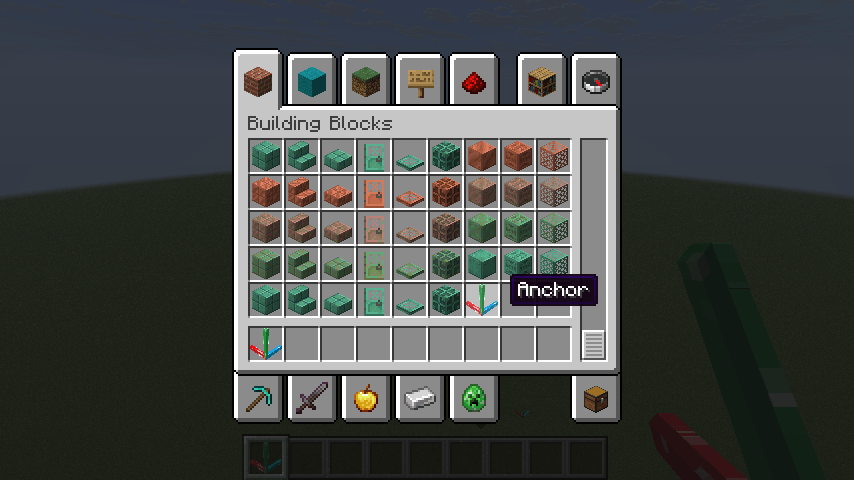
Anchor blocks can be found in the building blocks inventory tab.

Undo only applies to blocks placed using the /builder place command, and does not affect manually placed blocks.
Since JSON files only record the relative coordinates of blocks, it is not possible to import some special blocks (such as buttons, doors, etc., which contain more information) accurately.
This project is based on FabricMC/fabric-example-mod.