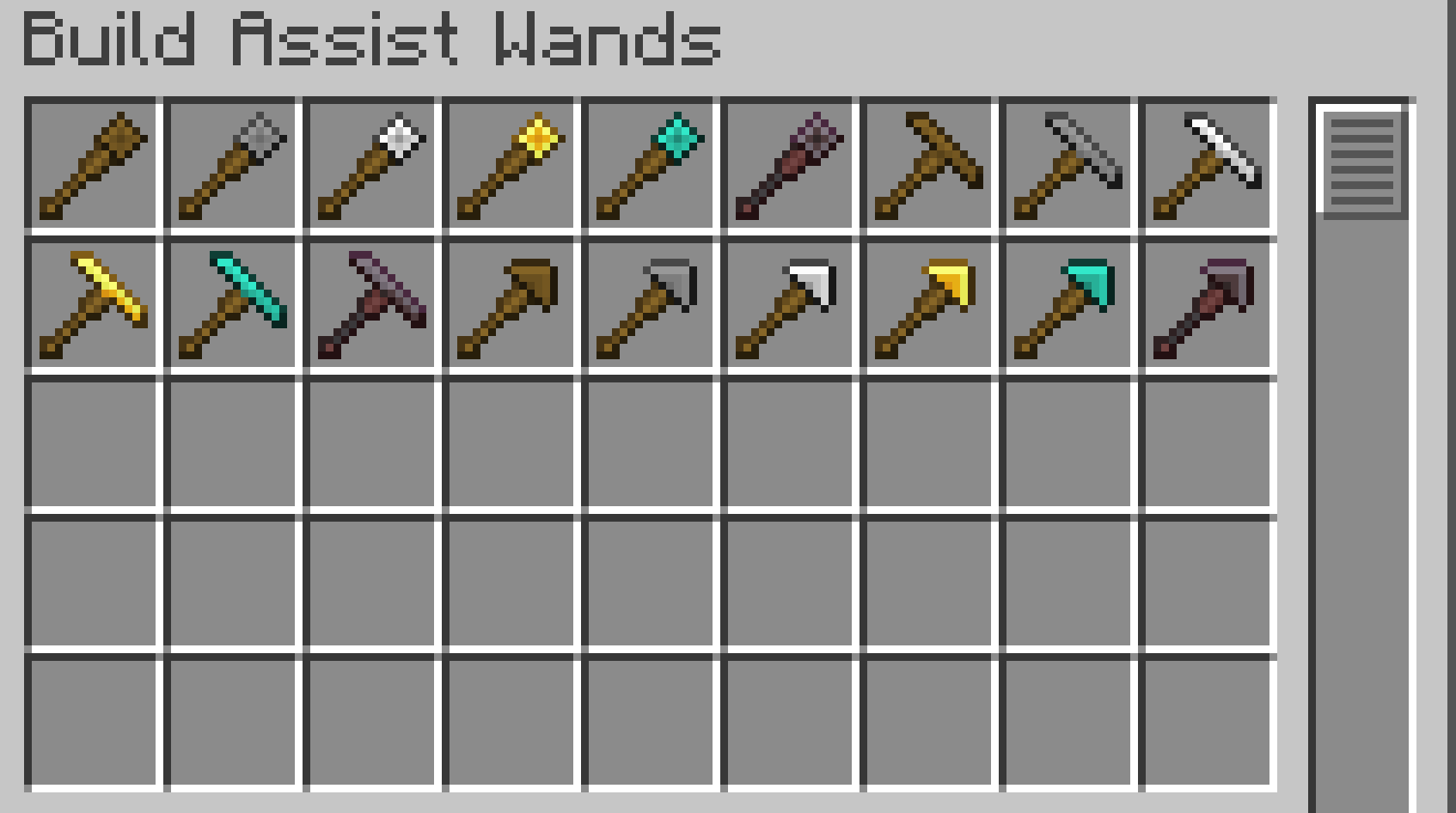
Build Assist Wands is a small Minecraft mod that adds three types of building-assist wands.
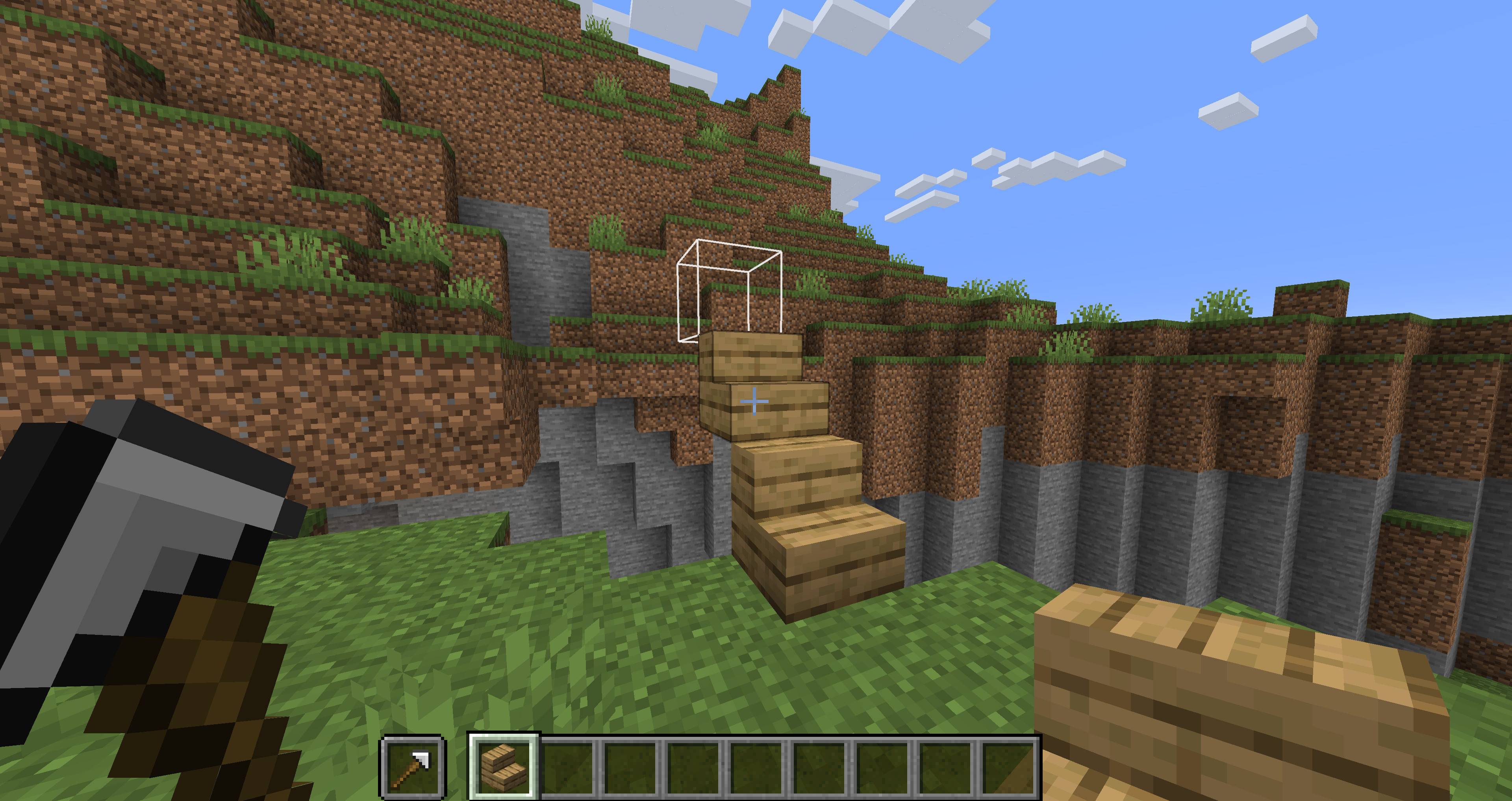
When you place a block while holding a wand in your offhand, the wand automatically searches for a placement position based on its type.
A placement preview outline shows where the next block will be placed, making it easier to build accurately.
This makes it easy to build pillars, walls, floors, bridges, and stairs, making building and exploration more convenient.
Each wand has material tiers similar to vanilla Minecraft tools.
| Material Tier | Durability | Search Range |
|---|---|---|
| Wooden | 89 | 3 blocks |
| Stone | 196 | 5 blocks |
| Iron | 375 | 8 blocks |
| Golden | 89 | 32 blocks |
| Diamond | 2341 | 16 blocks |
| Netherite | 3046 | 24 blocks |
Each material tier has different durability and maximum search range.
Golden Wands have low durability, but they can search a very large area.
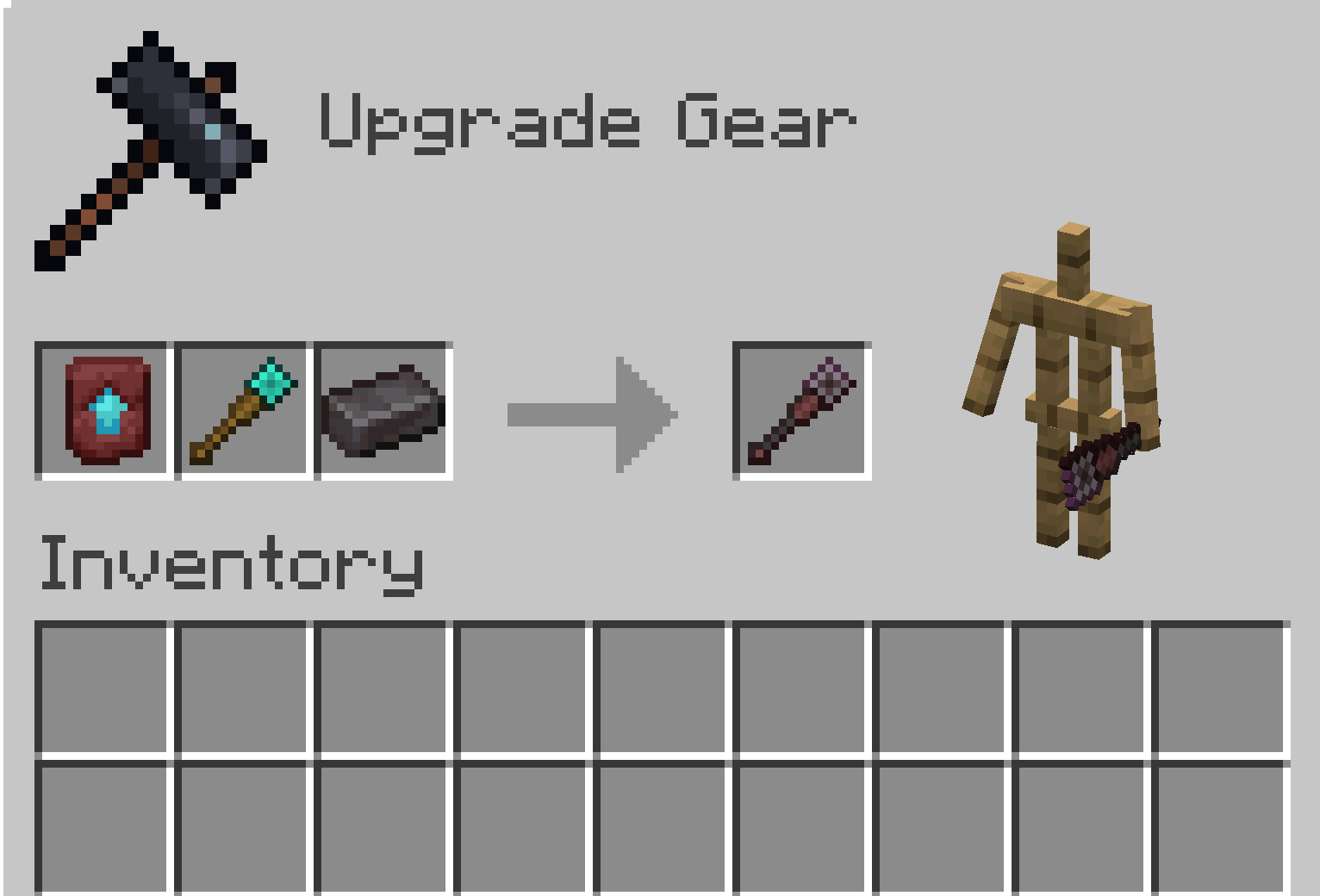
Netherite Wands cannot be crafted directly in a Crafting Table.
To obtain a Netherite Wand, upgrade the corresponding Diamond Wand using a Smithing Table.
Useful for building walls, pillars, and vertical structures.

Normal Mode
Searches upward and places a block at the first available space.

Alternate Mode
Searches downward and places a block at the first available space.
Useful for extending bridges, floors, platforms, and straight or diagonal paths.

Normal Mode
Searches horizontally and places a block at the first available space.

Alternate Mode
Searches diagonally and places a block at the first available space.

Useful for building stair-like paths and diagonal upward or downward structures.

Normal Mode
Searches diagonally upward and places a block at the first available space.

Alternate Mode
Searches diagonally downward and places a block at the first available space.
Wands have two placement modes, Normal Mode and Alternate Mode.
To switch modes, hold the wand in your main hand and left-click.
Left-click again to switch back to the original mode.
A sound will play when the mode is changed.
The selected mode is saved on each wand individually.
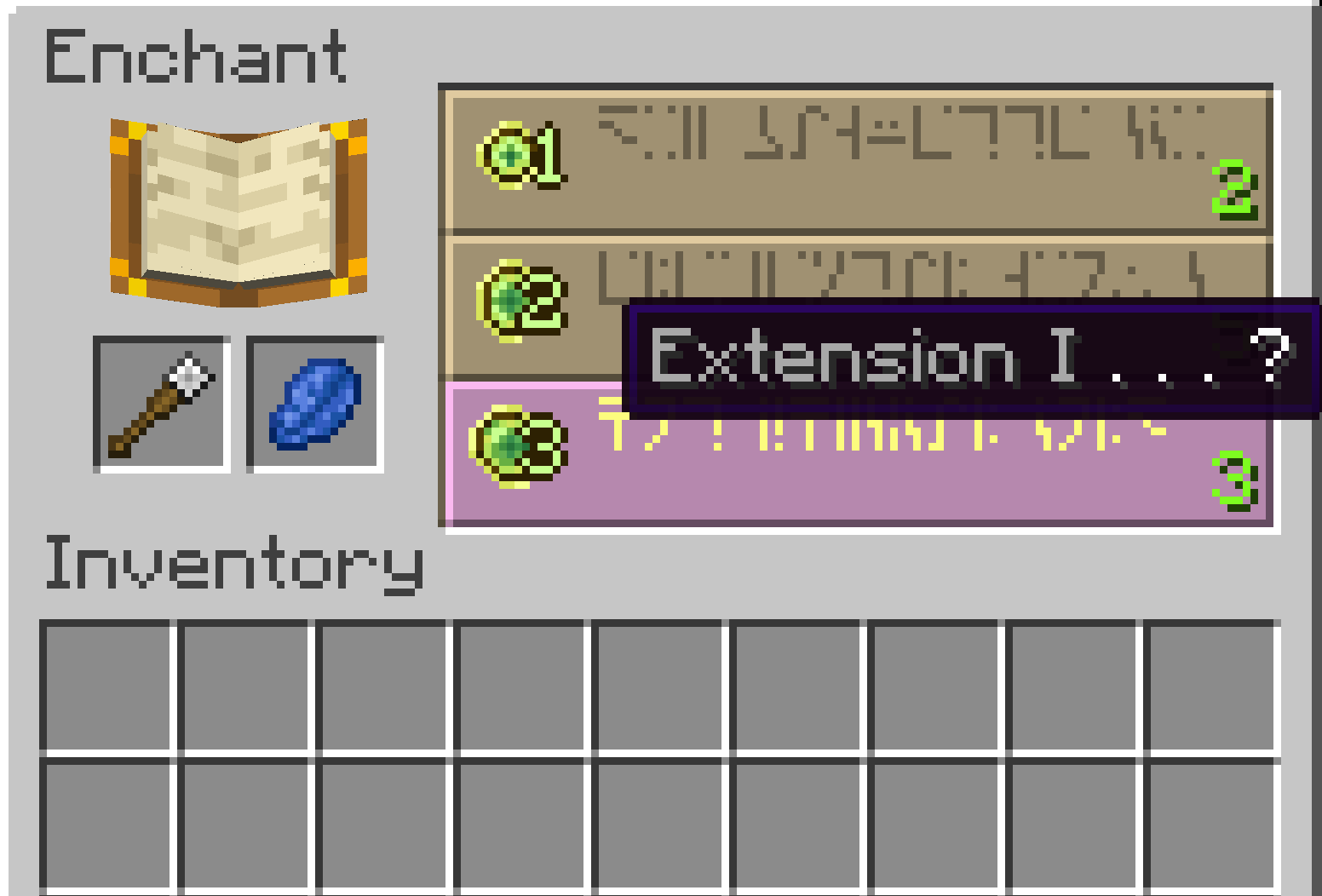
A wand-specific enchantment that increases the maximum search range.
When using a wand, an outline preview shows where the next block will be placed.
Sneaking disables the wand effect and allows normal block placement.
To change a wand’s mode, hold it in your main hand and left-click.
You can configure the maximum search range for each material tier and the bonus range of the Extension enchantment.
Generated config file:
config/buildassistwands-common.toml
Some special blocks may not behave exactly the same as normal manual placement.
If you encounter an issue, please report the block type and the situation where it happened.