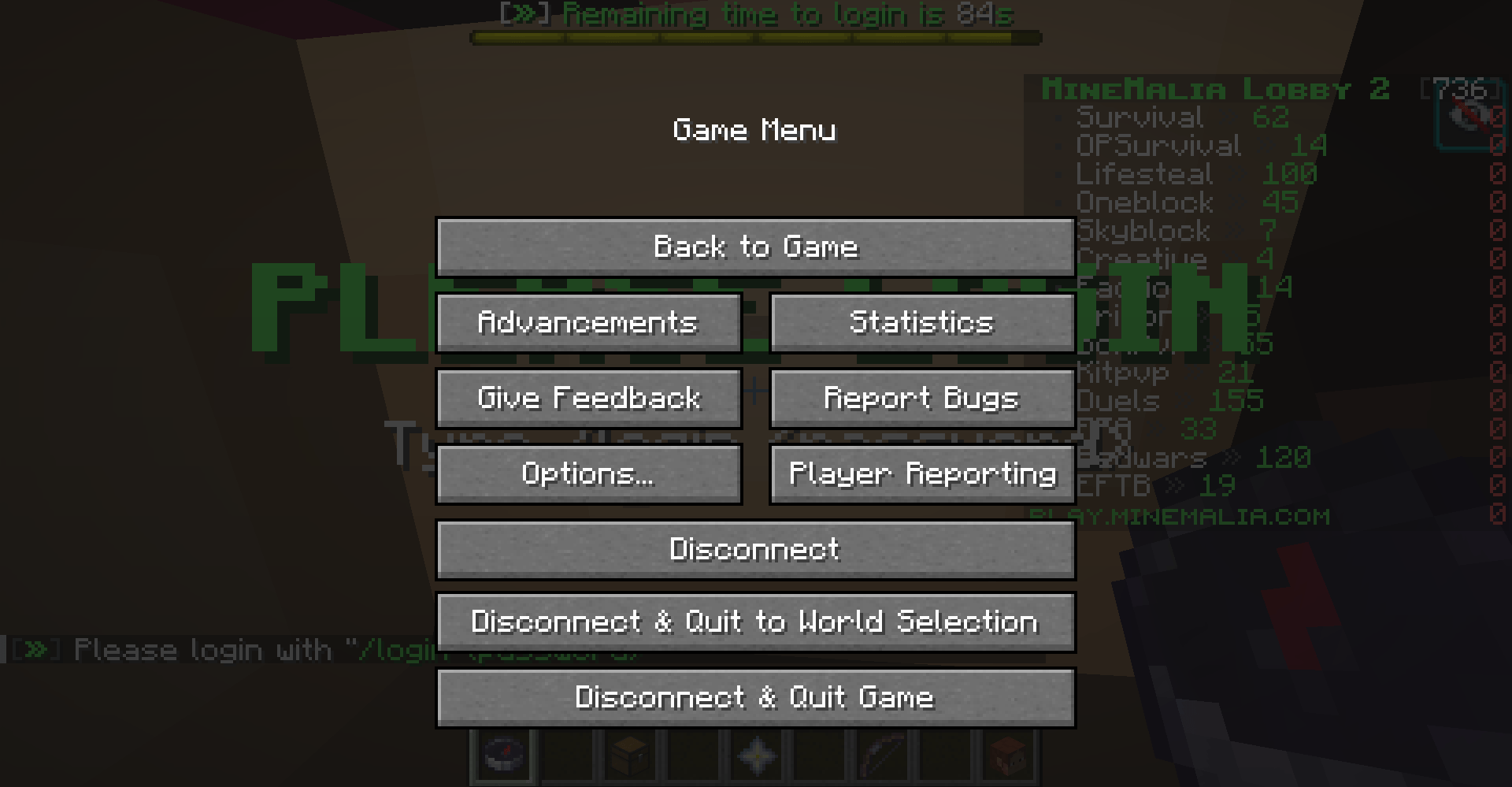
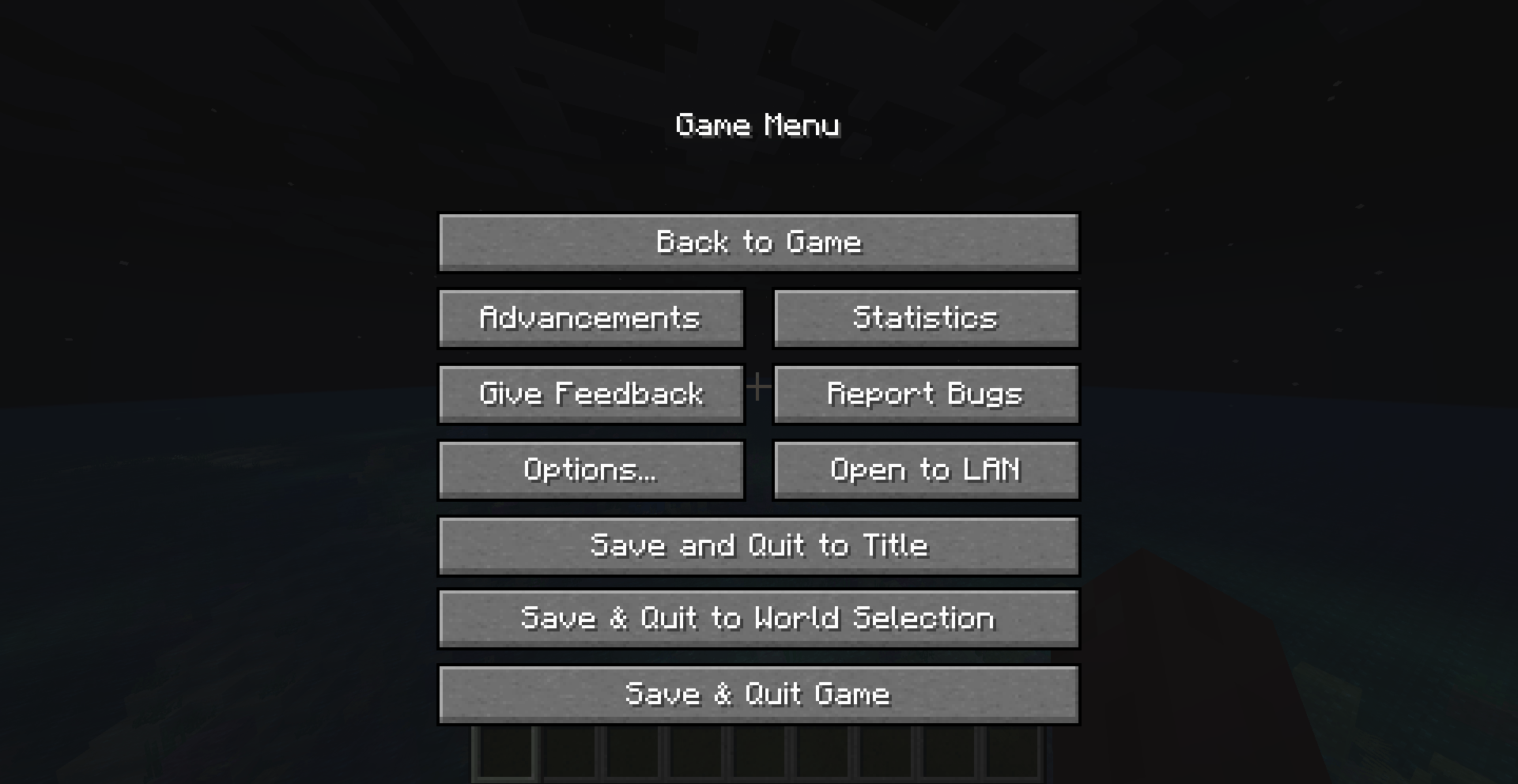
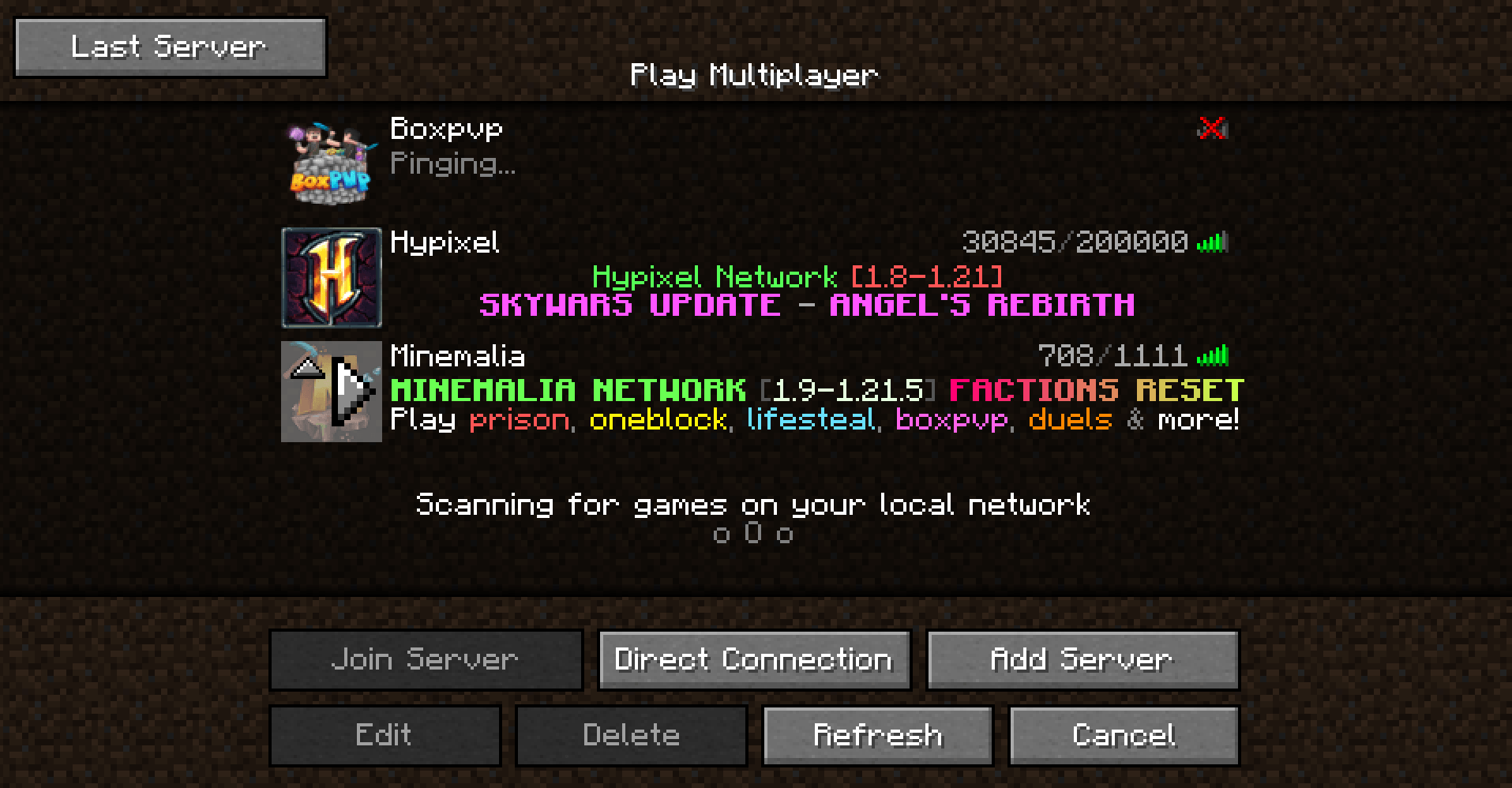
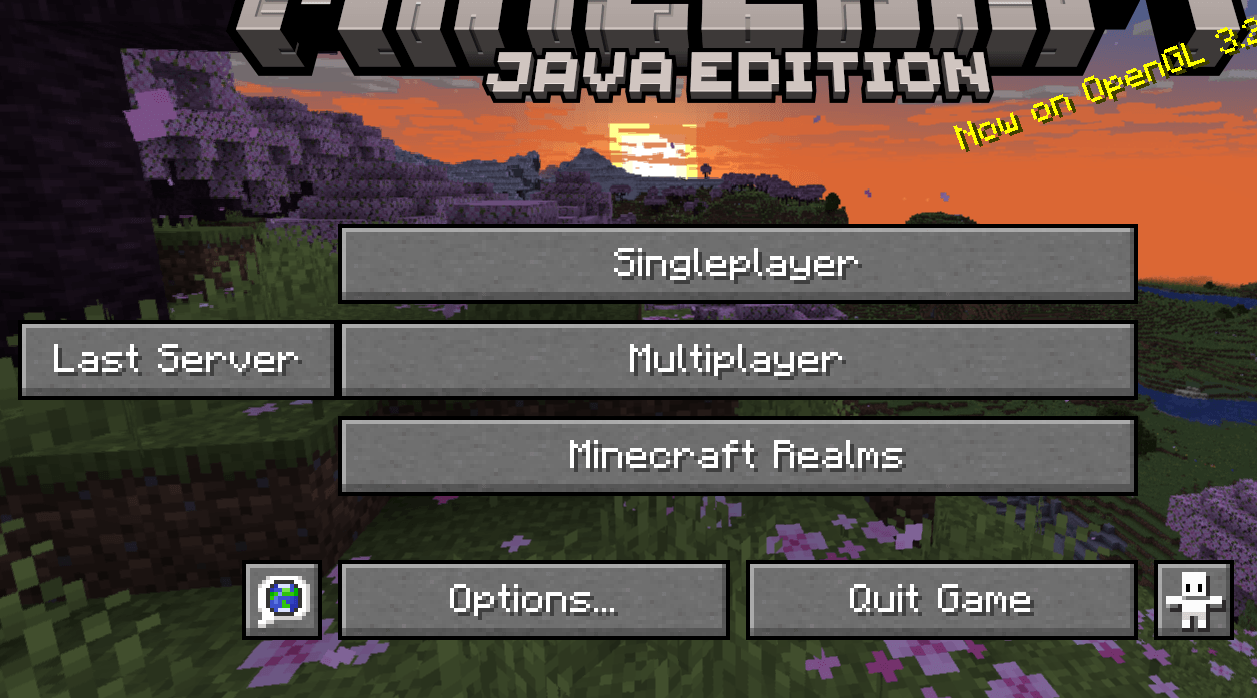
Booster is a sleek, smart, and slightly over-caffeinated Minecraft mod that supercharges your user interface without cluttering your screen or your soul.
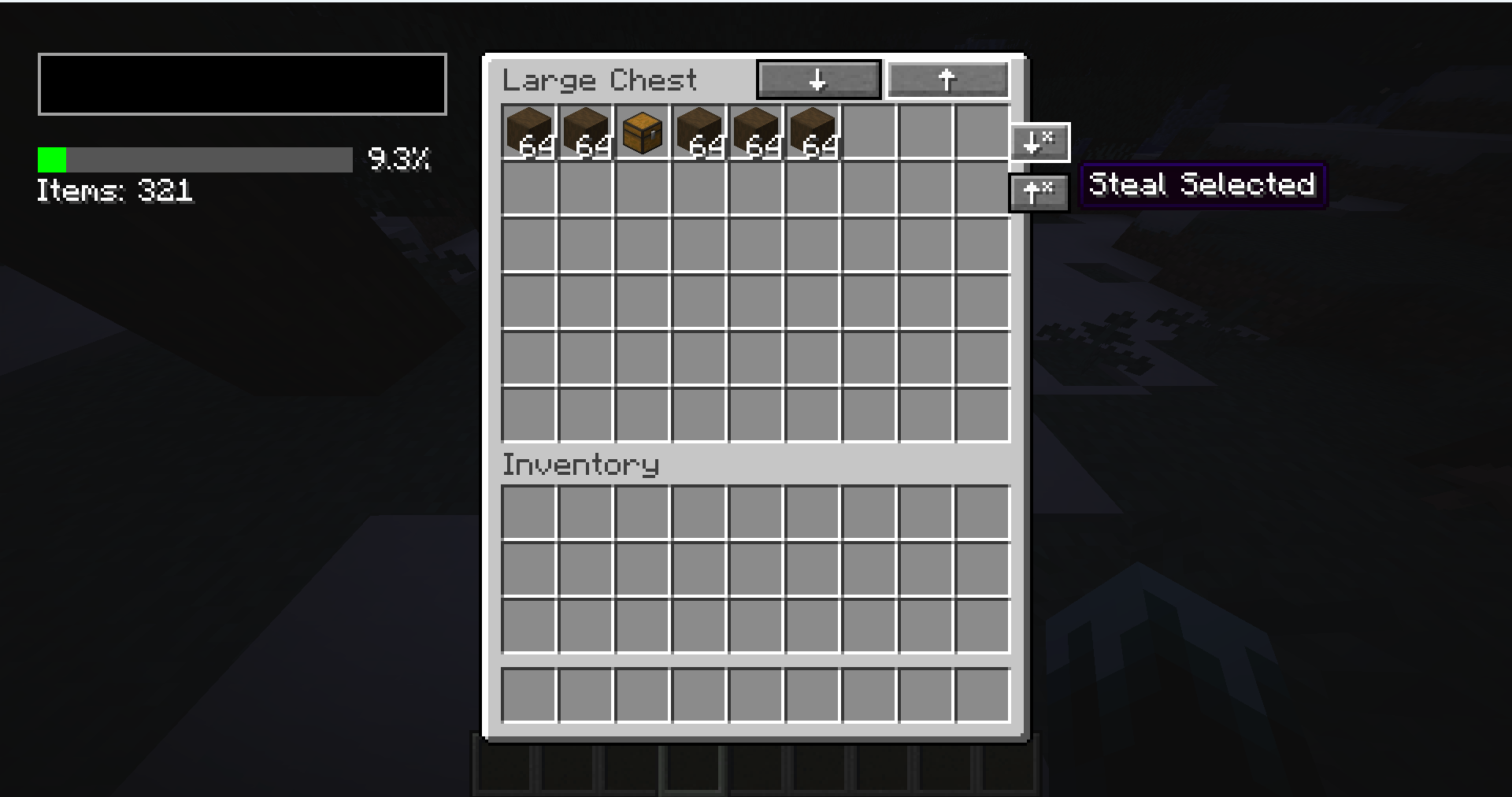
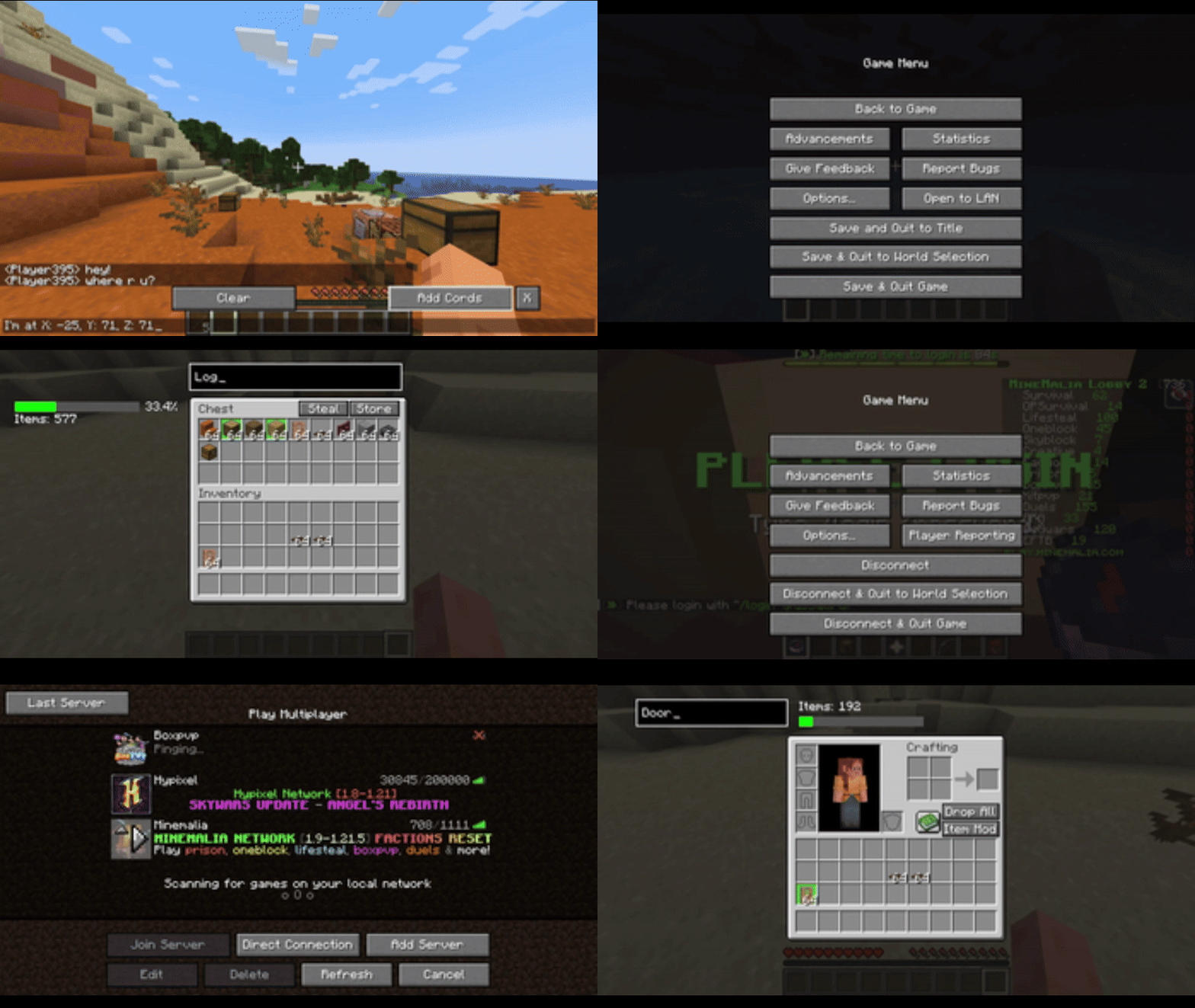
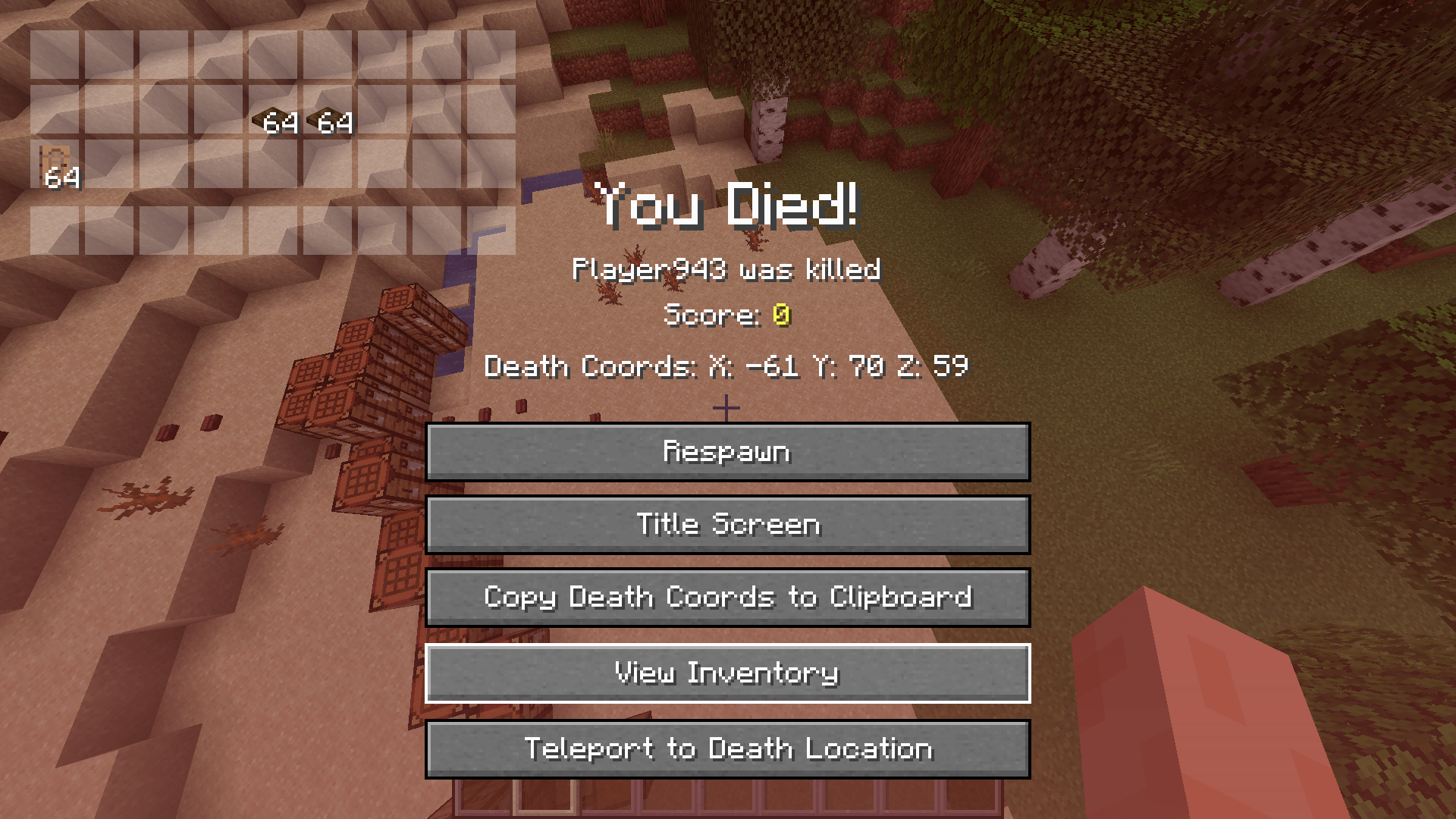
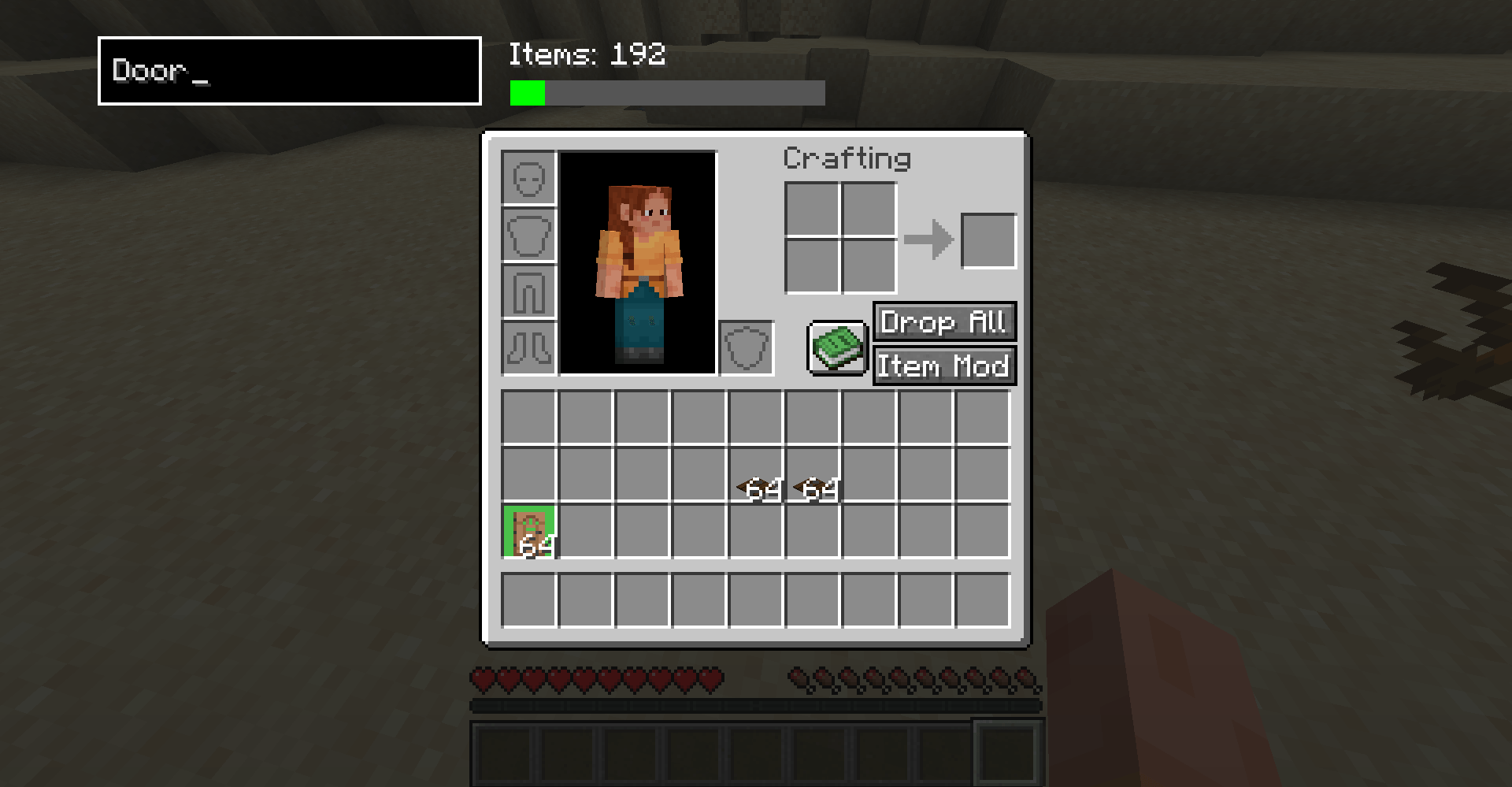
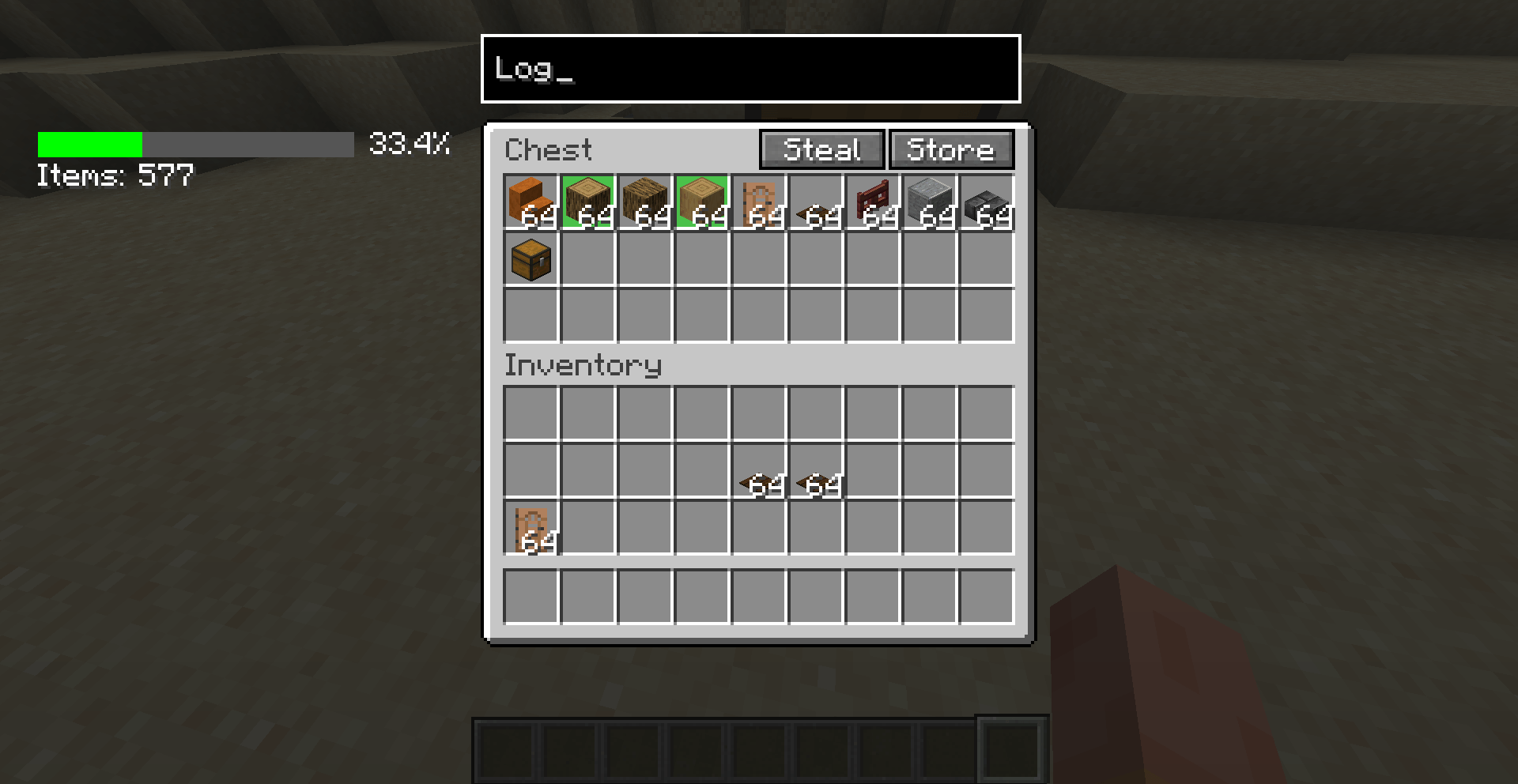
Carefully crafted with usability in mind, Booster adds a whole bunch of quality-of-life improvements that feel like they should’ve been there all along. From quick inventory tweaks to smart buttons in all the right places, this mod was built to just work — and to look good doing it.
Perfect for casual players, hardcore adventurers, redstone engineers, or that one friend who opens ten chests a second looking for a pickaxe.
It’s lightweight, lightning-fast, and integrates smoothly with the game’s existing GUI systems. Oh, and it’s 100% client-side — so no server drama.
If you like your Minecraft clean, responsive, and just a little bit smarter... Booster’s got your back.
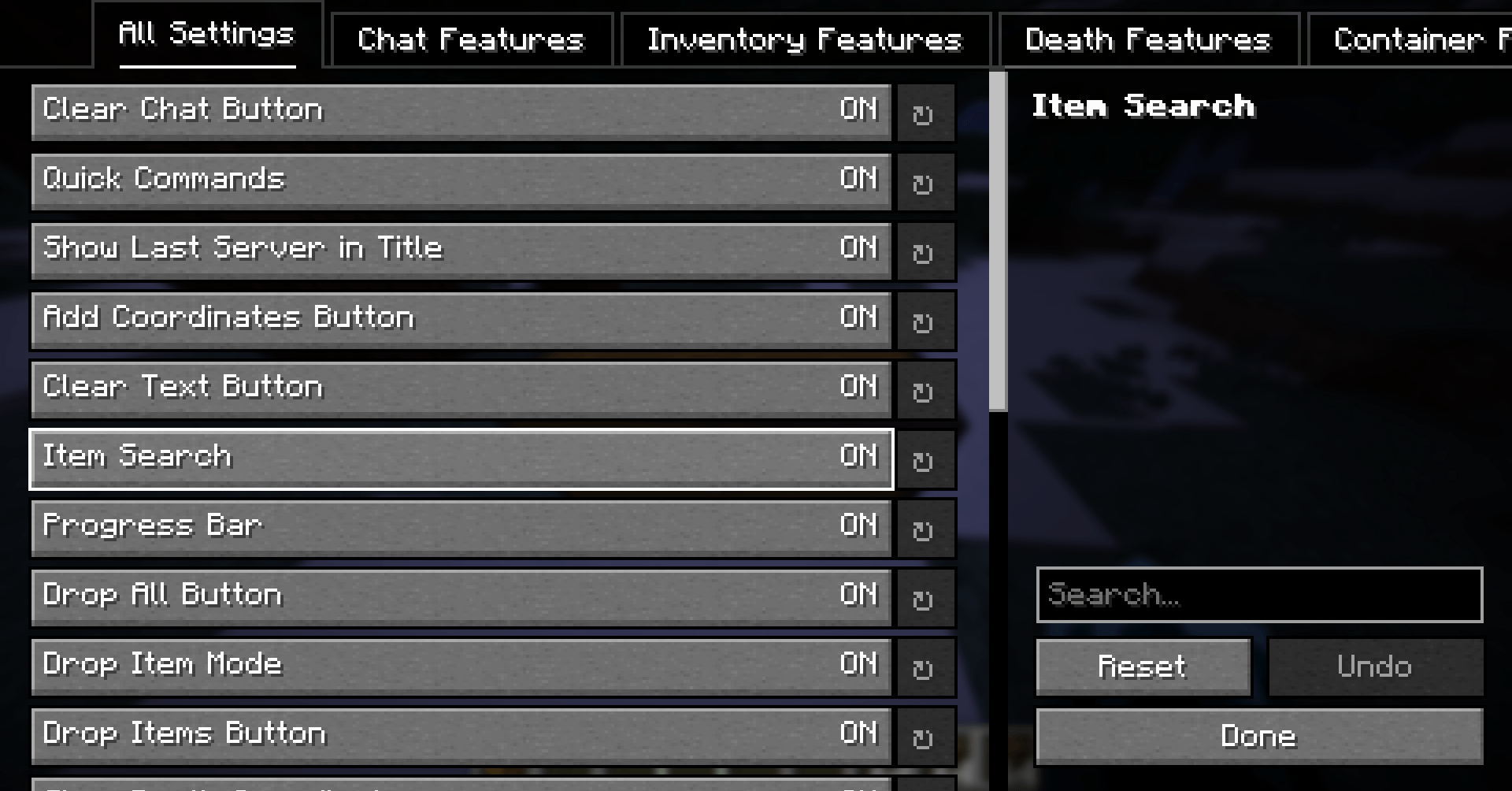
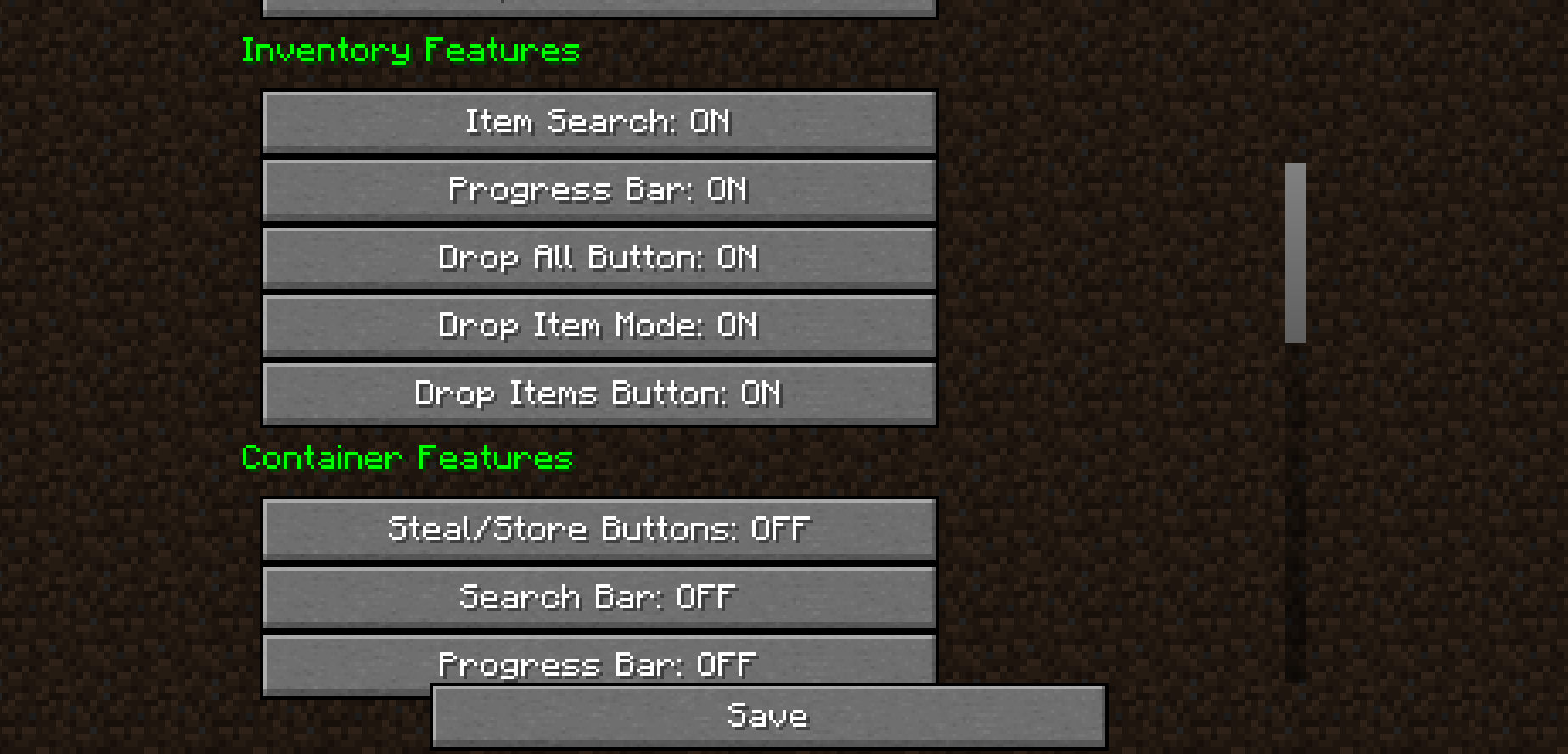
You can access Booster’s configuration screen via:
In-Game Menu: ESC → Options → Booster Config.
Mod Menu (if installed): Select Booster → Configure.
Catalogue (if installed): Same as above.
Available screens:
Note: If a button doesn’t work, the required mod may not be installed.
Booster is available in:
Translations are about 95–100% complete.
Q: Why isn't Booster open source?
A: I’m just lazy — but source files are usually included in downloads.
Q: Can I include this in my modpack?
A: Yes!
Q: What versions are supported?
A: 1.20.1 (legacy), 1.21.x (current)
Q: Can I port it to a new version or loader?
A: Yes, if credit is given and the version isn’t already released.
Q: How do I use it?
A: Most buttons are self-explanatory. Try the "How to Use" screen or ask in the comments.
Q: Found a bug?
A: Report it in the comments section on CurseForge.
If you made it this far — have an amazing day. And thanks for checking out Booster!
PS: QoLabs won't keep updating this mod on CF. You can view the recommended and supported version here, or the Organization itself here.