



Loading...
Beta Modpages Unclaimed

Automated Crafting

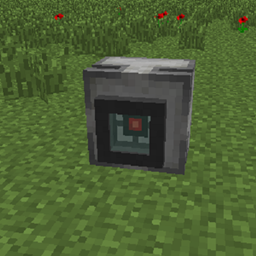
Adds a single block that crafts automatically. Has configs to make it more/less complex.

0 Likes
173512 Downloads
Created by supersaiyansubtlety

Description

Automated Crafting

environment: both

loader: Fabric available for: Quilt Loader

Requires: Fabric API supports: Cloth Config supports: Mod Menu

license: MIT source on: GitLab issues: GitLab localized: Percentage

Modrinth: Downloads CurseForge: Downloads

chat: Discord coindrop.to me Buy me a coffee


Adds a simple autocrafter block. Has a simple mode and a... not simple mode.


Must be installed on both client and server.

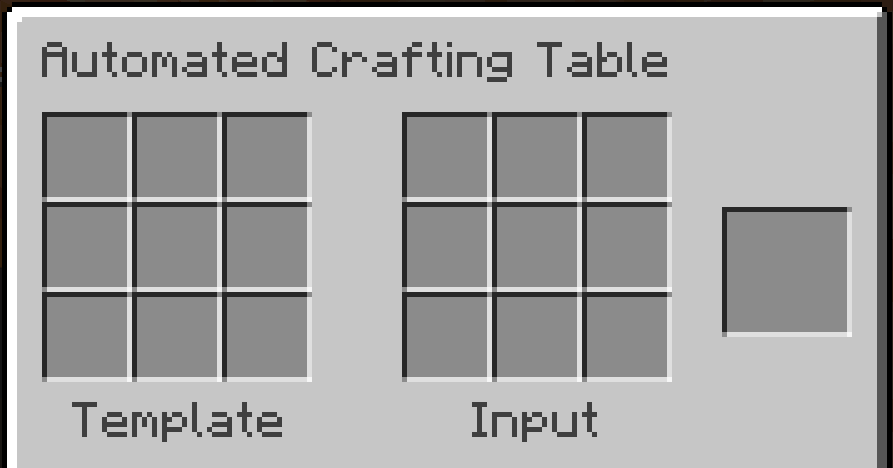
Adds a single block: the Automated Crafting Table.


Automated Crafting is discontinued on Minecraft 1.21+ because of the vanilla Crafter


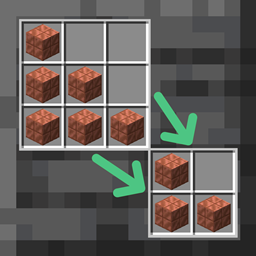
There's a converter that can be used to turn Automated Crafting Tables into Crafters when updating a world to 1.21.

Converter details

Use the converter when updating a pre-1.21 world with Automated Crafting Tables to 1.21.
Contraptions that used the Automated Crafting Table are unlikely to work with the Crafter, but this will at least minimize the loss of blocks and items.
Automated Crafting Tables' input will be copied to its Crafter replacement, but its output will be lost because Crafters' output slots don't hold items.


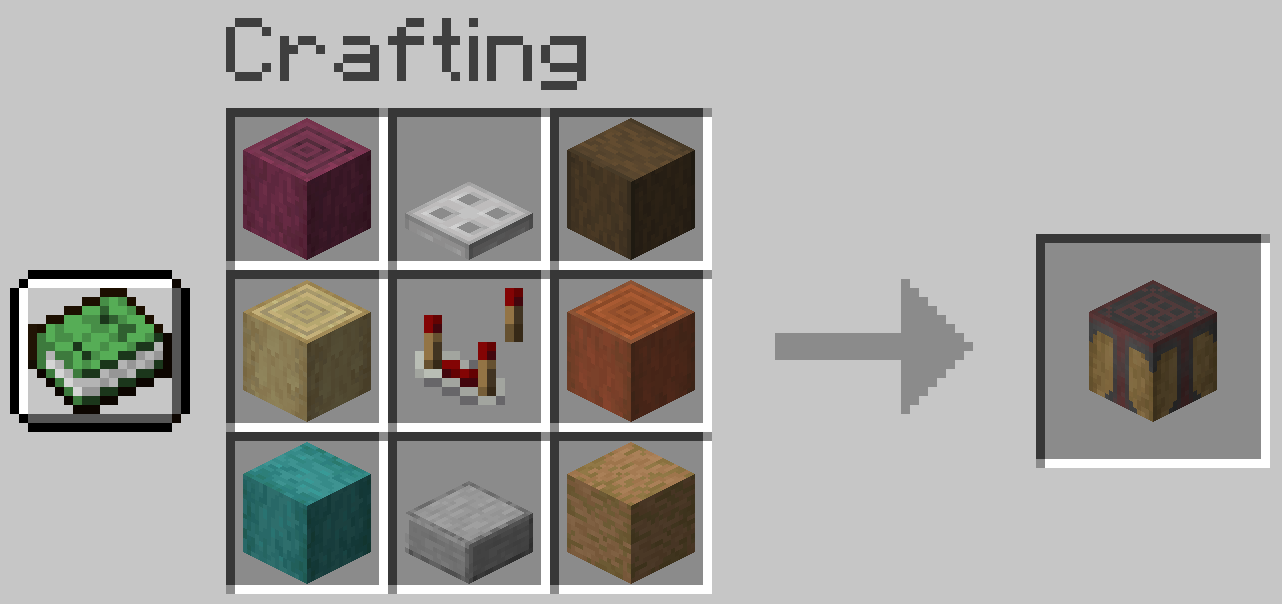
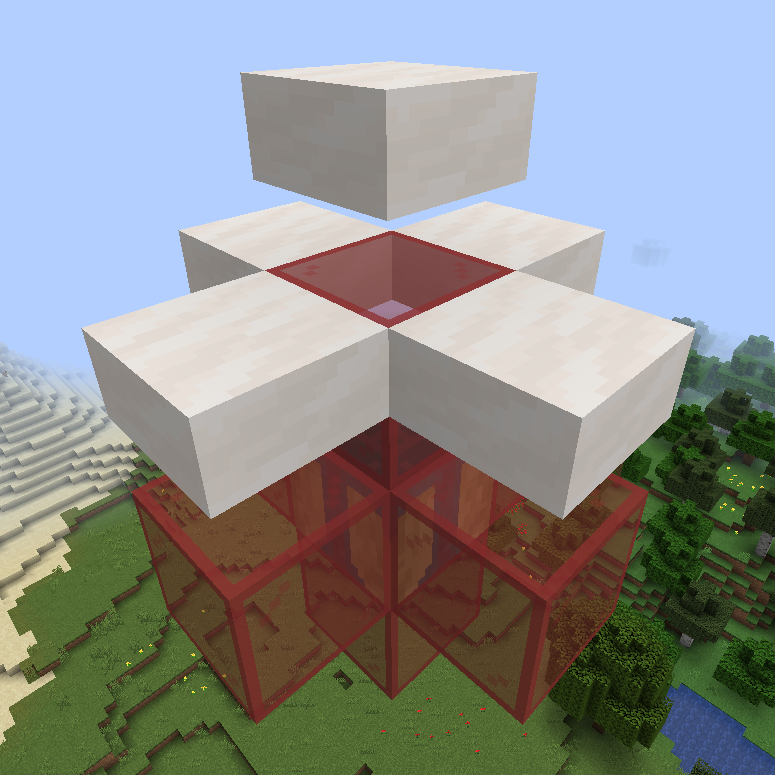
Automated Crafting Table Automated Crafting Table recipe

Any stripped wood or logs may be substituted for those shown in the recipe above.

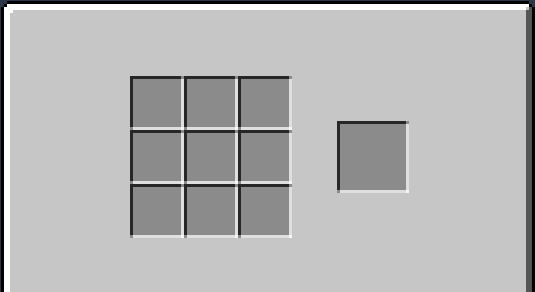
Basically, you insert items (with hoppers and droppers) so that a recipe pattern is in its inventory, then give it a redstone signal and it crafts the recipe.


Configuration

Supports Cloth Config and Mod Menu for configuration, but neither is required.

Options will use their default values if Cloth Config is absent.

If Cloth Config is present, options can be configured either through Mod Menu or by editing config/automated_crafting.json in your instance folder (.minecraft/ by default for the vanilla launcher).

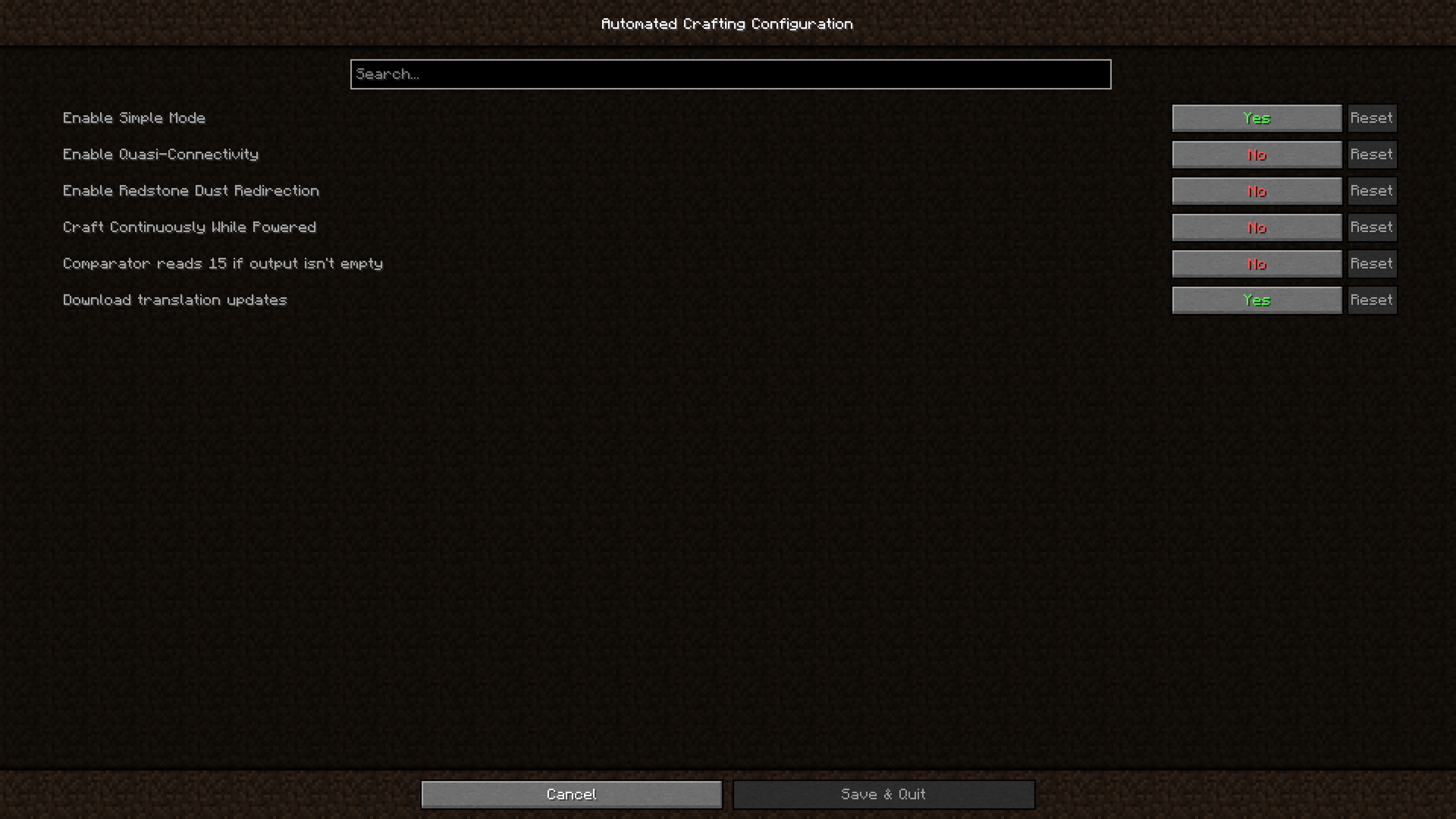
• Enable Simple Mode; default: true

  In simple mode you can set a recipe template

• Enable Quasi-Connectivity; default: false

  If the block above an auto crafter would be powered, the auto crafter is powered (but not updated)

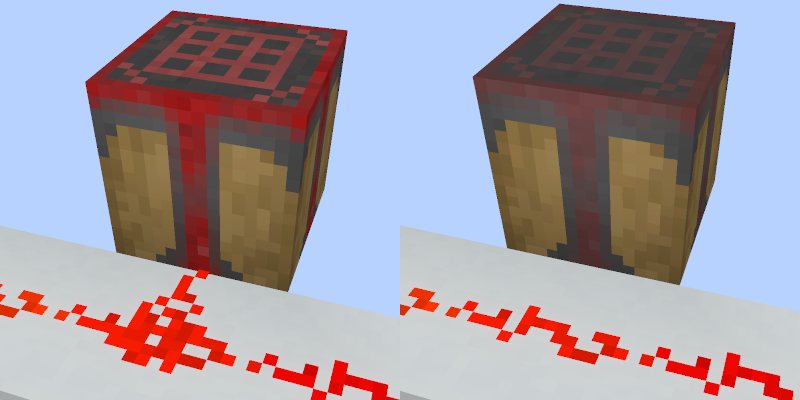
• Enable Redstone Dust Redirection; default: false

  Redstone dust next to auto an auto crafter will point into the auto crafter

• Craft Continuously While Powered; default: false

  When an auto crafter is powered and contains a valid recipe, that recipe will be crafted immediately

• Comparator reads 15 if output isn't empty; default: false

  A comparator reading an auto crafter with anything in its output slot will read 15

• Download translation updates; default: true

  Download translations from Crowdin when the game launches


Translating

localized: Percentage

If you'd like to help translate Automated Crafting, you can do so on Crowdin.
New translations will be added once approved without the mod needing an update thanks to CrowdinTranslate.


This mod is only for Fabric (works on Quilt, too!) and I won't be porting it to Forge. The license is MIT, however, so anyone else is free to port it.

I'd appreciate links back to this page if you port or otherwise modify this project, but links aren't required.



AD Become Premium to remove Ads!

What means Verified?

  • Compatibility: The mod should be compatible with the latest version of Minecraft and be clearly labeled with its supported versions.
  • Functionality: The mod should work as advertised and not cause any game-breaking bugs or crashes.
  • Security: The mod should not contain any malicious code or attempts to steal personal information.
  • Performance: The mod should not cause a significant decrease in the game's performance, such as by causing lag or reducing frame rates.
  • Originality: The mod should be original and not a copy of someone else's work.
  • Up-to-date: The mod should be regularly updated to fix bugs, improve performance, and maintain compatibility with the latest version of Minecraft.
  • Support: The mod should have an active developer who provides support and troubleshooting assistance to users.
  • License: The mod should be released under a clear and open source license that allows others to use, modify, and redistribute the code.
  • Documentation: The mod should come with clear and detailed documentation on how to install and use it.

AD Become Premium to remove Ads!

How to Install

1

Download Forge & Java

Download Forge from the offical Site or here. If you dont have Java installed then install it now from here. After Downloading Forge you can run the file with Java.

2

Prepare

Lounch Minecraft and select your Forge istallation as Version this will create a Folder called Mods.

3

Add Mods

Type Win+R and type %appdata% and open the .minecraft Folder. There will you find your Folder called Mods. Place all Mods you want to play in this Folder

4

Enjoy

You are now Ready. Re-start your Game and start Playing.

More Mods like this

Gauges and Switches

Adds buttons, levers, plates, timers, detectors, sensors, gauges and lamps. Configurable and wirelessly linkable.

Alternate Current

An efficient and non-locational redstone dust implementation

Super Circuit Maker

Ever wanted to build custom logic gates and complex circuits? Now you can!