AutoAim - Smooth and accurate targeting!
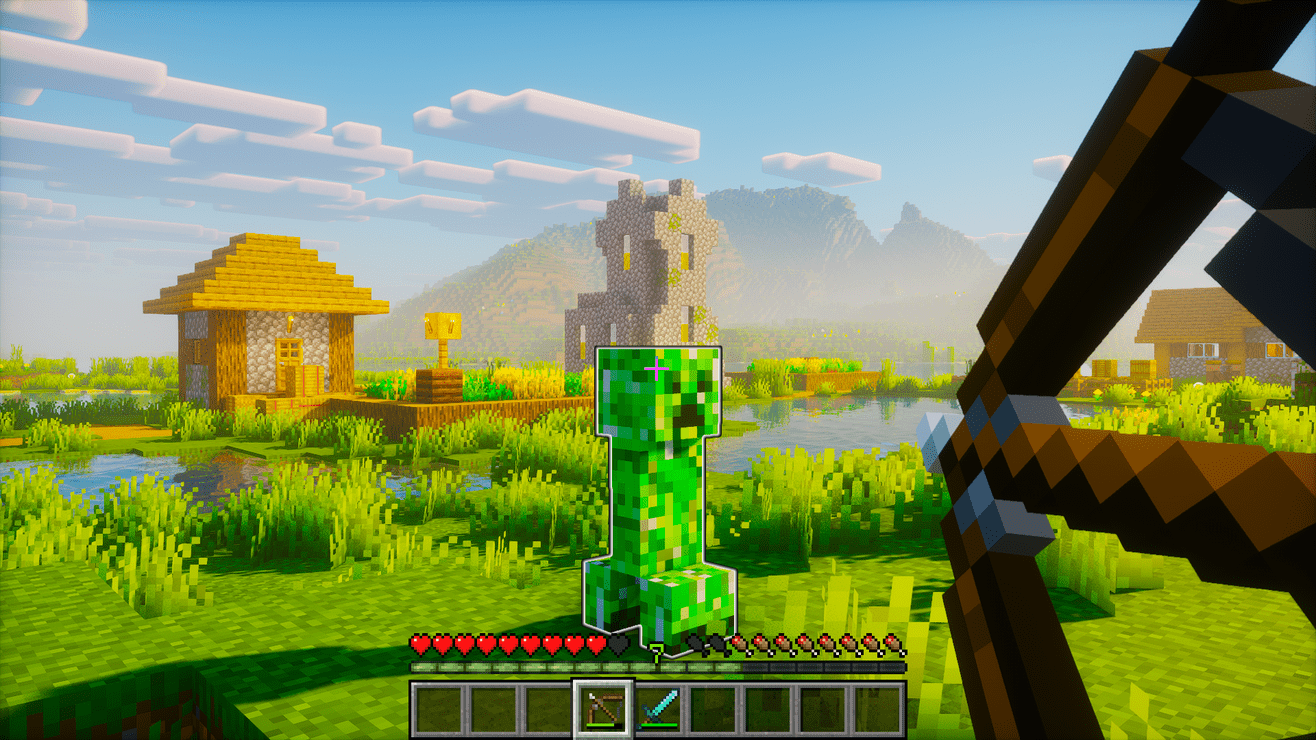
AutoAim adds smooth, customizable aim assistance for easier and more accurate targeting. It works client-side in singleplayer, and multiplayer use requires server-side opt-in.
✨ Features
- Smooth aim assist that stays locked while remaining easy to redirect
- Bow and charged crossbow support
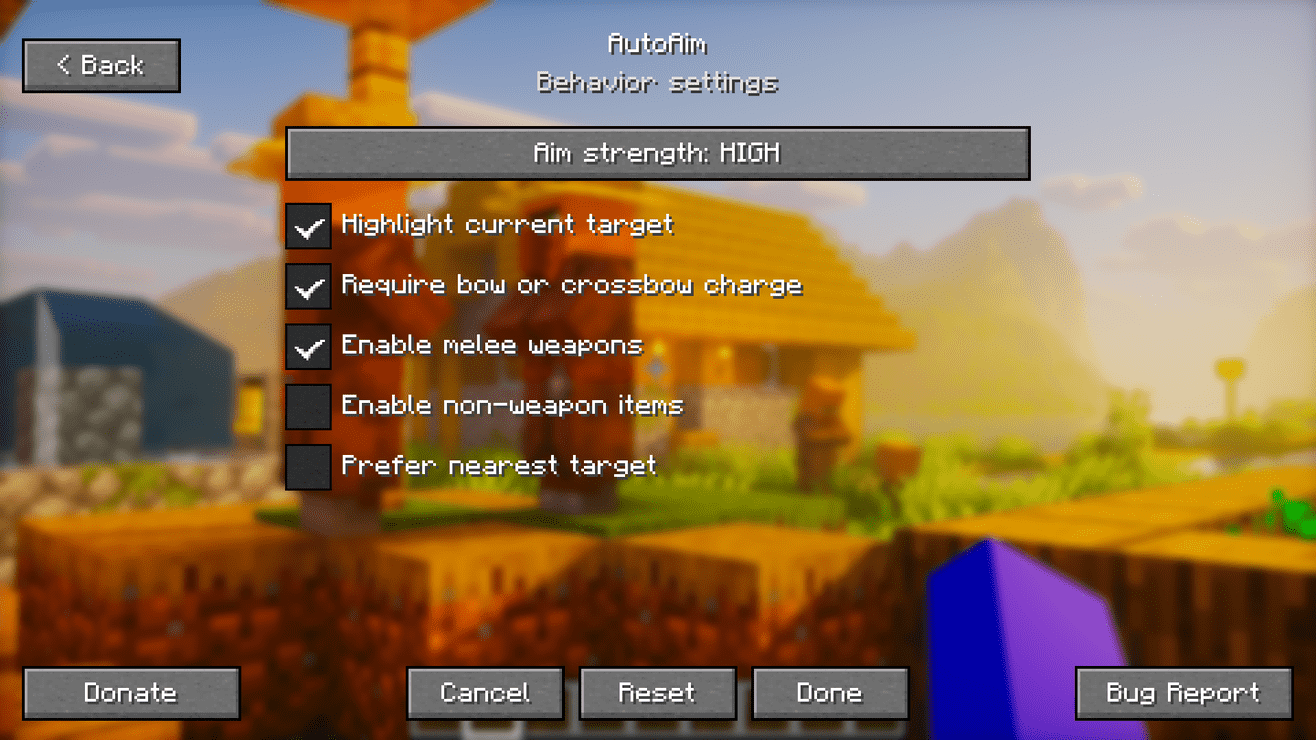
- Optional melee support for swords, axes, spears, and tridents
- Optional support for other held items
- Four aim strength levels:
- Super High
- High (default)
- Medium
- Low
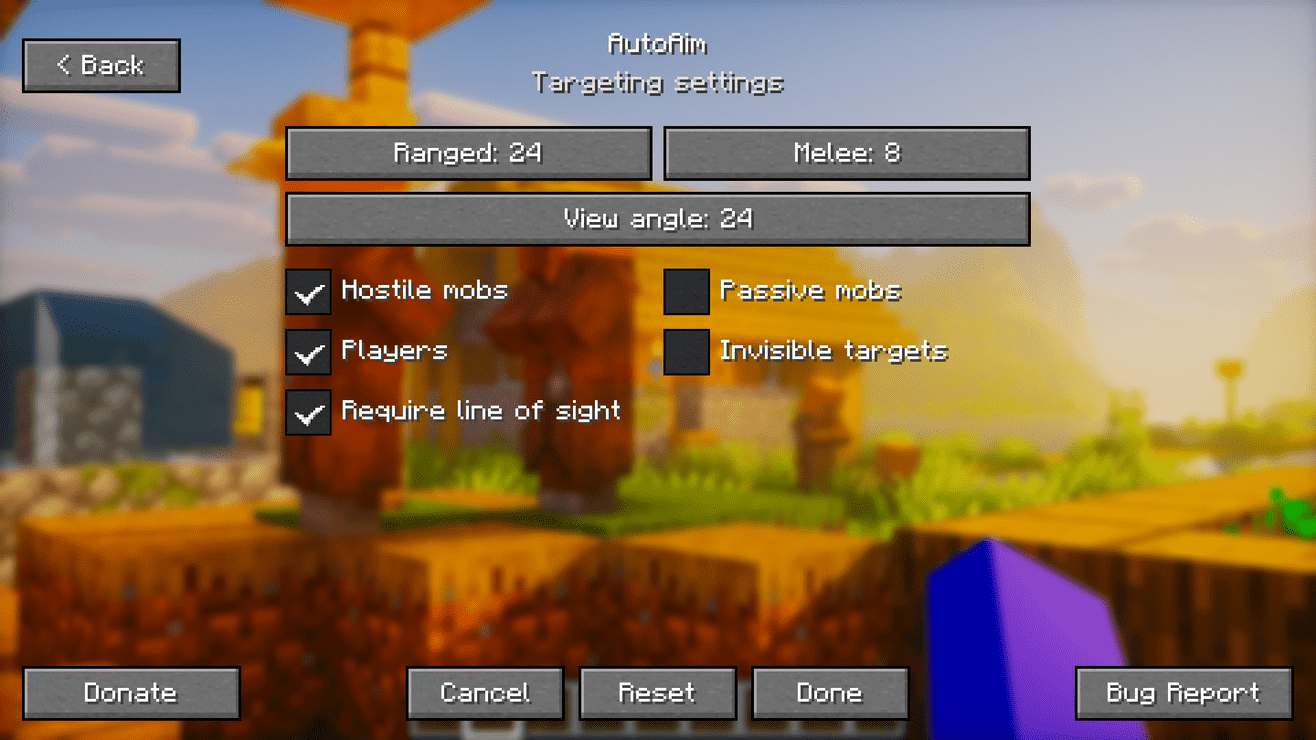
- Adjustable targeting range:
- Ranged: 24 blocks by default
- Melee: 8 blocks by default
- Adjustable target view angle
- Target filters:
- Hostile mobs
- Passive mobs
- Players
- Invisible targets
- Optional line-of-sight requirement
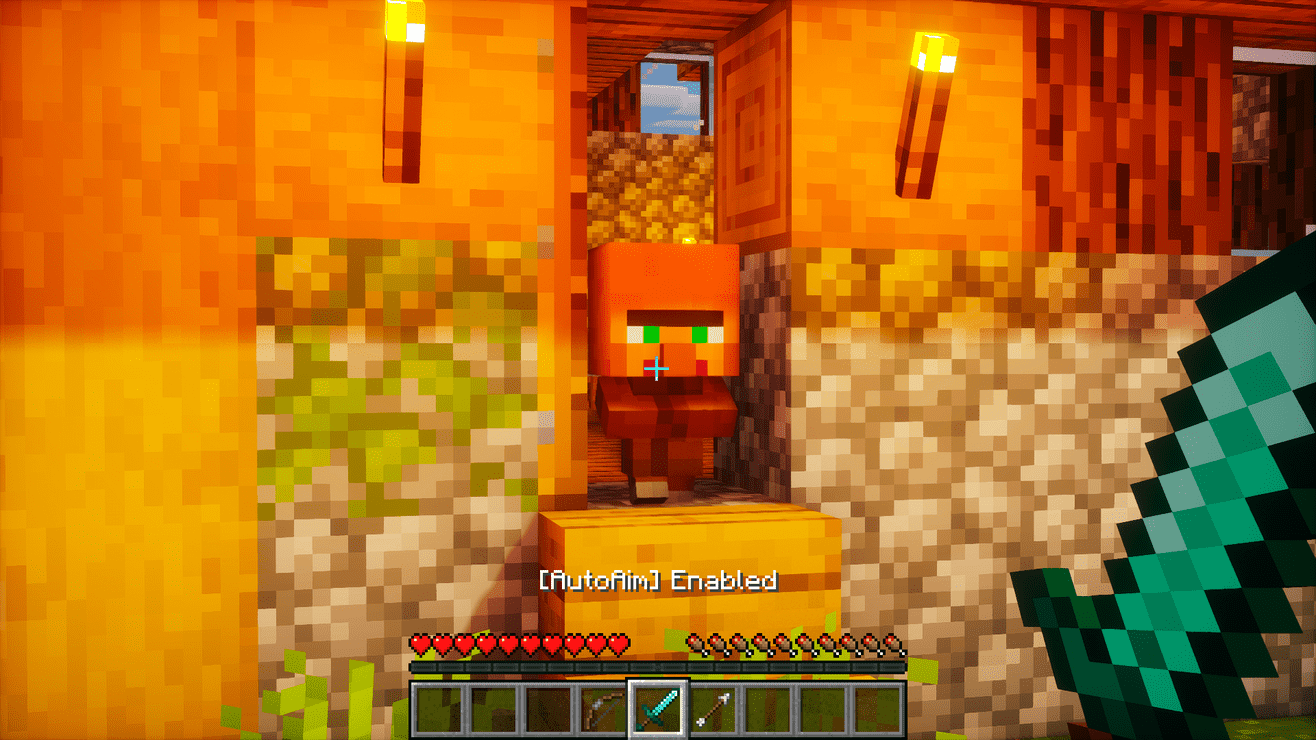
- Selected-target outline
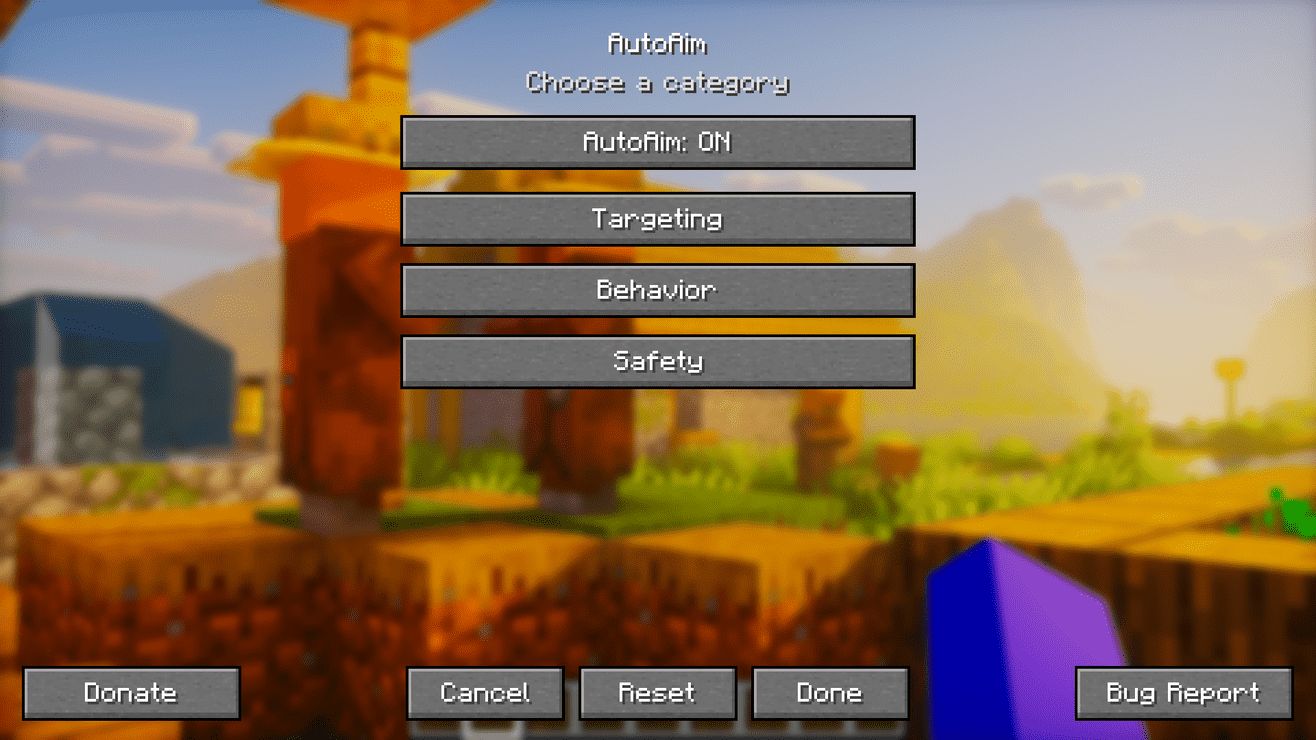
- Clean in-game settings menu
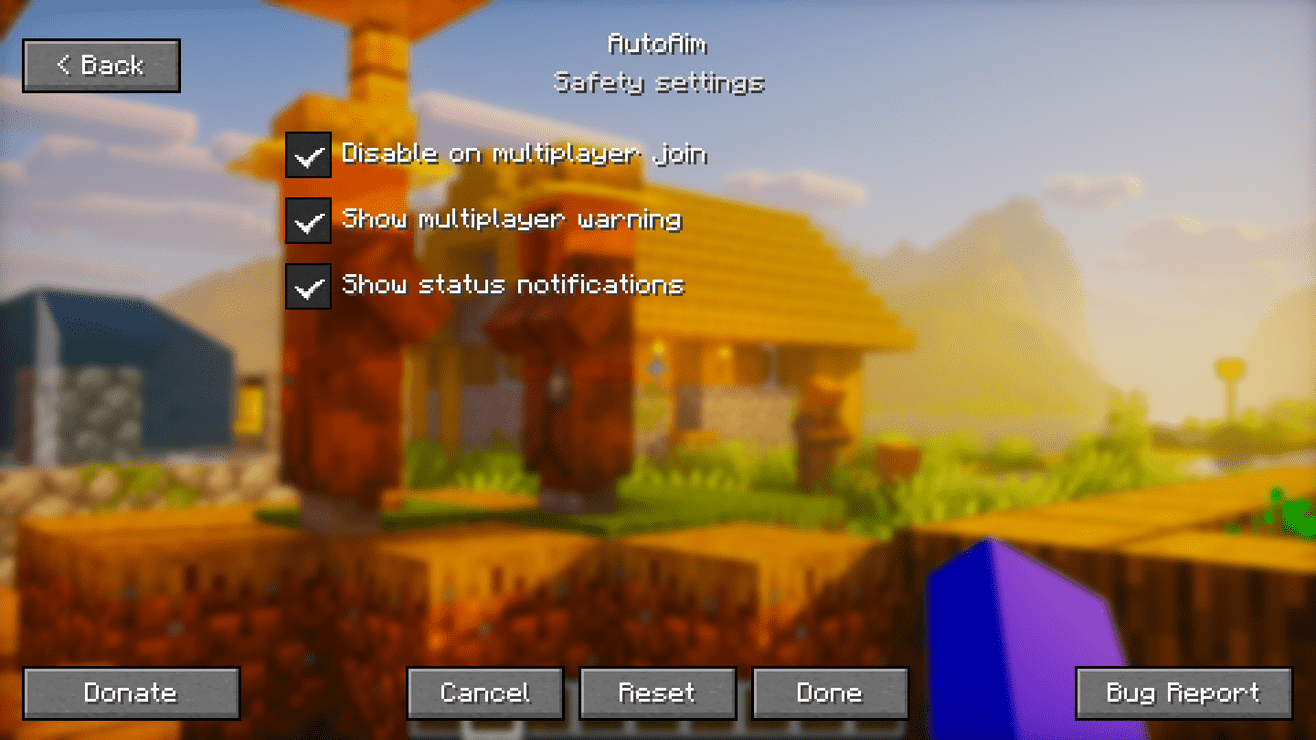
- Multiplayer safety warning
- Server-side opt-in for multiplayer: AutoAim cannot be enabled on multiplayer servers unless the server explicitly allows it
⌨️ Default keybinds
- K: Open settings
- J: Enable or disable AutoAim
Category: AutoAim. All keybinds are remappable.
🔧 Requirements
- Current loader:
- Fabric Loader and Fabric API
- Planned loaders:
- Quilt (planned)
- Forge (planned)
- NeoForge (planned)
- Java: 25+
- Singleplayer environment: Client required
- Multiplayer environment: Client required, server required for opt-in
⚙️ Default settings
- AutoAim: enabled
- Aim strength: High
- Ranged distance: 24 blocks
- Melee distance: 8 blocks
- Target view angle: 24 degrees
- Hostile mobs: enabled
- Players: enabled
- Passive mobs: disabled
- Invisible targets: disabled
- Line of sight required: enabled
- Selected-target outline: enabled
- Melee weapons: enabled
- Other held items: disabled
- Multiplayer auto-disable: enabled
📖 Usage
- Press
K to open the settings menu.
- Choose your targeting, behavior, and safety preferences.
- Hold a bow, load a crossbow, or equip an enabled melee weapon.
- Press
J whenever you want to enable or disable AutoAim.
⚠️ Multiplayer notice
AutoAim is disabled on multiplayer servers unless the server explicitly opts in.
For Fabric servers, install the same mod on the dedicated server. The server registers the autoaim:server_opt_in networking channel, and clients only allow AutoAim while connected if that channel is advertised by the server.
Without this server-side opt-in, the client refuses to enable AutoAim in multiplayer and will not apply aim rotation.
⬇️ Download



Planned loader support:



📜 License and permissions
- License: All Rights Reserved (ARR)
- Standalone redistribution and re-uploads are not allowed without permission
- Modpacks are allowed when the original mod is unmodified, credited as AutoAim by Zynwro, and linked back to the official project page
🤝 Credits